What is Adobe Analytics?
Adobe Analytics is an enterprise analytics platform that collects data from websites, apps and other digital touchpoints and turns it into reports, segments and attribution models. It is built for large brands, retailers, media companies, financial firms and B2B organizations with dedicated analytics teams and complex data needs.
Adobe now presents Adobe Analytics as a family of products. Web and Mobile Analytics covers classic digital measurement, Customer Journey Analytics connects identities and interactions across channels on Adobe Experience Platform, and further editions cover B2B journeys, content performance and marketing campaigns. Analysts work in tools such as Analysis Workspace, Dashboards, Report Builder and Activity Map. Pricing is quoted through Adobe sales.
Adobe Analytics at a glance
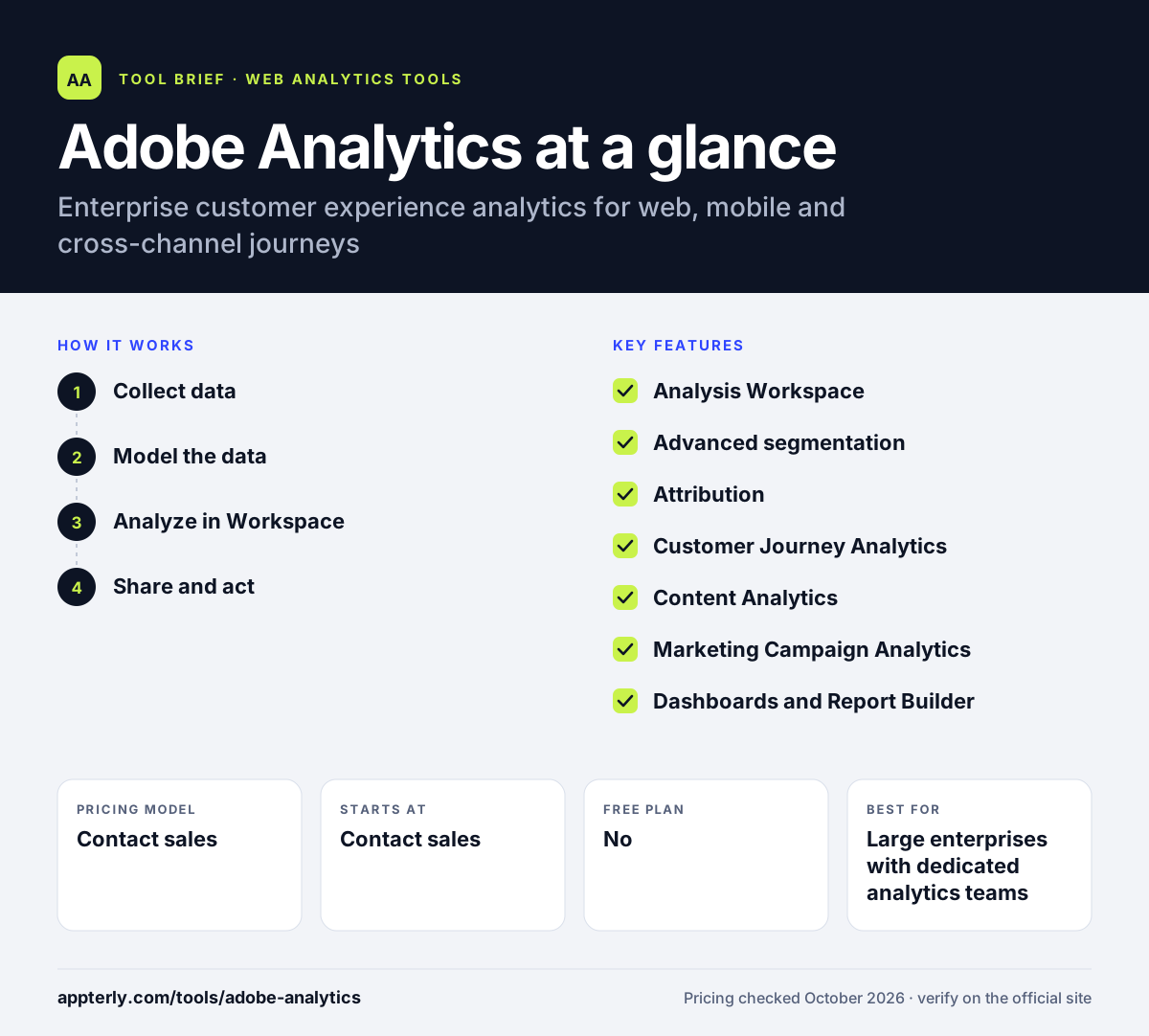
How does Adobe Analytics work?
- Collect data
Implement tracking on websites and apps so interactions are captured and sent to Adobe Analytics or Adobe Experience Platform.
- Model the data
Configure dimensions, metrics and identities so visits, customers and campaigns are defined the way your business measures them.
- Analyze in Workspace
Build freeform tables, visualizations, segments and attribution views in Analysis Workspace.
- Share and act
Publish dashboards, build scheduled data reports with Report Builder, and send audience insights to other Adobe Experience Cloud tools.
Adobe Analytics key features
Analysis Workspace
A drag-and-drop canvas for building tables, charts and segments to explore behavior in depth.
Advanced segmentation
Create detailed audience segments, with unlimited segmentation available in Customer Journey Analytics.
Attribution
Person-level and multitouch attribution show which channels and touchpoints drive conversions, including B2B journeys.
Customer Journey Analytics
Joins data across channels, devices and time on Adobe Experience Platform, without the variable limits of classic Analytics.
Content Analytics
Measures how content and assets perform, with AI-powered content attribution.
Marketing Campaign Analytics
Focuses on measuring campaign performance across channels.
Dashboards and Report Builder
Share mobile-friendly dashboards and build data-rich reports with Report Builder.
Activity Map
Shows how users interact with links and areas on live web pages.
Why use Adobe Analytics?
- It handles very large data volumes and complex enterprise reporting needs.
- Customer Journey Analytics connects online and offline touchpoints in one view of the customer.
- Deep segmentation and attribution help large marketing teams understand which efforts drive results.
- It fits naturally with other Adobe Experience Cloud and Experience Platform products.
- Multiple editions let companies focus on web, B2B, content or campaign analytics.
Who is Adobe Analytics best for?
A good fit for
- Large enterprises with dedicated analytics teams
- Organizations already invested in Adobe Experience Cloud
- Retail, media and financial brands with complex cross-channel journeys
- B2B companies needing account-level journey analysis
Less suited to
- Small businesses and startups that need free or low-cost analytics
- Teams without analysts or developers to implement and maintain tracking
- Buyers who want public, self-serve pricing
Adobe Analytics pricing
| Pricing model | Contact sales |
|---|---|
| Free plan | No |
| Free trial | Not confirmed |
| Starting price | Contact sales |
Adobe does not publish prices on its product page. Buyers request a consultation or demo, and cost depends on the products, editions and data volumes chosen.
Prices checked October 2026. Vendors change plans often, so confirm on the official website before you buy.
Adobe Analytics pros and cons
Pros
- Powerful segmentation, attribution and analysis tools
- Cross-channel journey analysis through Customer Journey Analytics
- Deep integration with the Adobe Experience Cloud
- Scales to very large enterprise data sets
Cons
- No public pricing and typically a large investment
- Implementation and governance need specialist skills
- Product lineup can be confusing to navigate
Adobe Analytics integrations and platforms
Works with
Available on
Adobe Analytics alternatives
See the full shortlist in Best Google Analytics Alternatives.
Adobe Analytics FAQ
How much does Adobe Analytics cost?
Adobe does not list Adobe Analytics prices publicly. Companies request a consultation or demo, and Adobe quotes based on the products and editions chosen, such as Web and Mobile Analytics or Customer Journey Analytics, along with data volume and needs. It is generally purchased by mid-size and large enterprises on contract. Contract length and the number of products bundled also affect the final cost.
What is Adobe Analytics used for?
Adobe Analytics is used to measure how people interact with websites, apps and other digital channels. Analysts use it to build segments, track conversions, compare marketing channels with attribution and study customer journeys. Large companies use the insights to improve content, campaigns and personalization across the Adobe Experience Cloud. Insights can be shared with other Adobe Experience Cloud products for personalization and targeting.
Adobe Analytics vs Google Analytics: what's the difference?
Google Analytics offers a free tier and is common with businesses of all sizes. Adobe Analytics is an enterprise product sold through sales, with deeper segmentation, flexible attribution, cross-channel analysis through Customer Journey Analytics and tight links to Adobe Experience Cloud. It usually needs a larger budget and specialist staff. The right choice depends on budget, team skills and existing investment in Adobe products.
What is Customer Journey Analytics?
Customer Journey Analytics is part of the Adobe Analytics family. It uses Analysis Workspace on data from Adobe Experience Platform to connect customer identities and interactions across channels, devices and time. Compared with classic Adobe Analytics, it removes variable limits, lets you correct historical data and combines data from multiple sources. It is designed for organizations that need a single view of the customer across touchpoints.
Is Adobe Analytics good for beginners?
Adobe Analytics is not aimed at beginners. Implementation requires planning, tagging and data governance, and getting value from Analysis Workspace takes training. Adobe provides role-based learning paths for administrators, analysts, end users and developers, but small teams usually find simpler tools faster to adopt. Adobe partners and consultants often help with initial setup and training.
Sources
This overview is based on Adobe Analytics's official website and documentation, checked October 2026.