What is Lusha?
Lusha is a B2B contact data platform that helps sales and marketing teams find verified email addresses, phone numbers and company details for their prospects. It is popular for its browser extension, which reveals contact information while you browse professional networks and company websites. Lusha reports more than 515 million verified contacts and 29 million companies in its database.
Beyond quick lookups, Lusha offers a prospecting workspace for searching and managing lists, enrichment of CRMs and CSV files, and 26 types of buying signals such as job changes, funding and hiring. It can also be used inside AI assistants like Claude and ChatGPT through MCP. A free plan gives 40 credits per month, and self-serve paid plans scale by credits.
Lusha at a glance
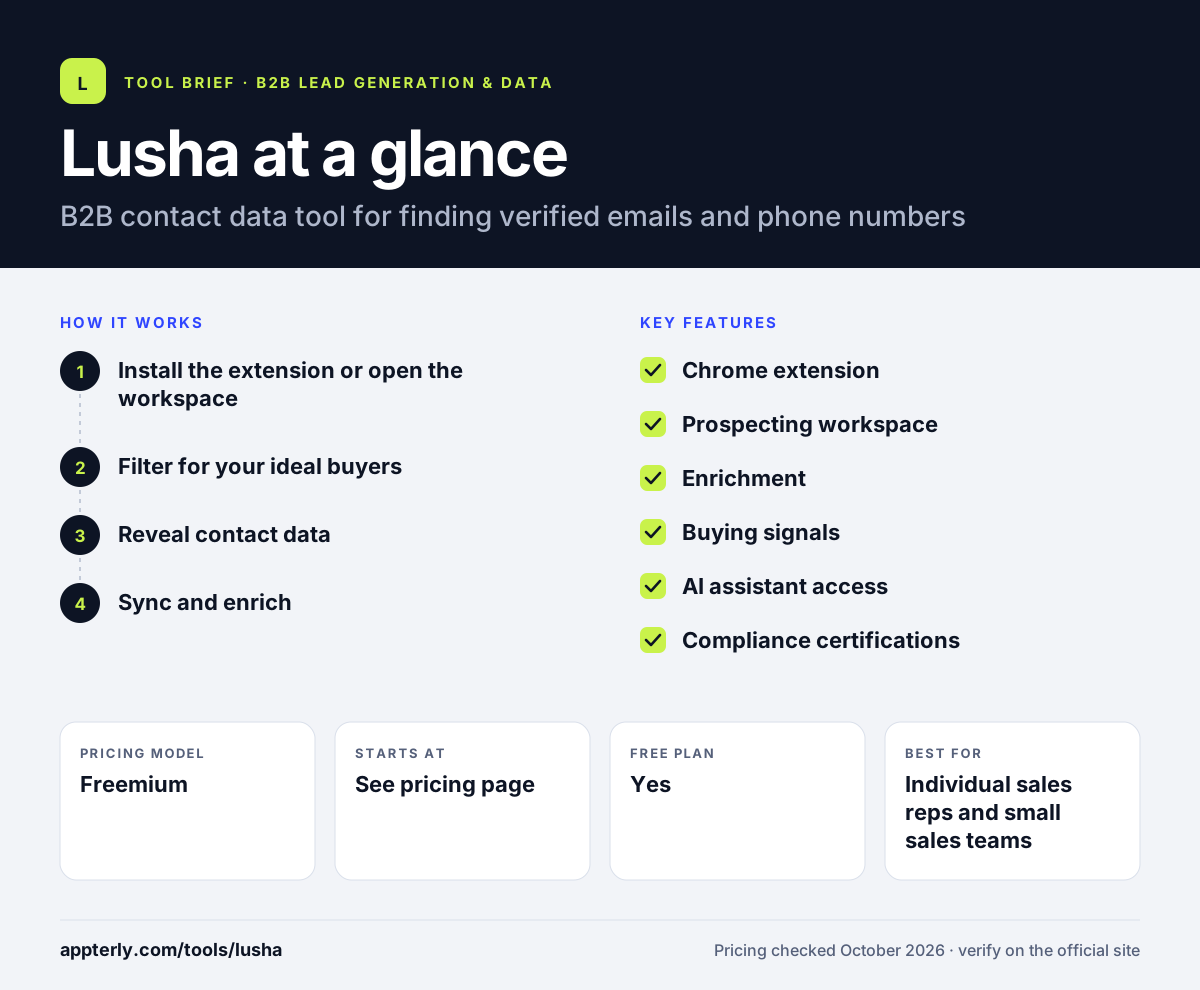
How does Lusha work?
- Install the extension or open the workspace
Add the Chrome extension to see contact details on profiles and websites, or search the Lusha workspace directly.
- Filter for your ideal buyers
Search by company, role, location and buying signals to build a prospect list.
- Reveal contact data
Spend credits to reveal details: a verified email costs 1 credit and a phone number costs 5.
- Sync and enrich
Export contacts to Salesforce, HubSpot or other CRMs, or enrich existing records in bulk, by API or through automation tools.
Lusha key features
Chrome extension
Reveals emails and phone numbers while you browse professional networks and company sites.
Prospecting workspace
Search, filter and manage contacts and companies in one web app.
Enrichment
Fill in missing emails, phones and firmographics in CRMs, CSV files or through the API.
Buying signals
Tracks 26 signal types such as job changes, funding rounds, hiring and leadership moves.
AI assistant access
Use Lusha data inside Claude, ChatGPT and other MCP-compatible clients.
Compliance certifications
Lists GDPR certification, CCPA validation, SOC 2 Type II and several ISO standards.
Why use Lusha?
- The extension makes one-off lookups fast and simple.
- A free plan lets individuals start without paying.
- Signals help time outreach when a prospect changes jobs or a company raises money.
- Monthly plans roll unused credits over, up to twice the plan limit.
- It integrates with common CRMs and automation tools like Zapier and Clay.
Who is Lusha best for?
A good fit for
- Individual sales reps and small sales teams
- Recruiters looking for candidate contact details
- Founders doing their own prospecting
- Marketing teams enriching inbound leads
Less suited to
- Teams that need large-scale list building with deep research, where tools like Clay go further
- Heavy phone prospecting on a tight budget, since each phone number costs 5 credits
- Teams over 5 users that want self-serve pricing
Lusha pricing
| Pricing model | Freemium |
|---|---|
| Free plan | Yes |
| Free trial | Not confirmed |
| Starting price | See the official pricing page |
The Free plan includes up to 40 credits per month. Starter, Pro and Premium are self-serve plans priced by a credit slider, and Scale is custom for larger teams; teams over 5 users must contact sales.
Prices checked October 2026. Vendors change plans often, so confirm on the official Lusha pricing page before you buy.
Lusha pros and cons
Pros
- Very easy to start with the browser extension
- Free plan and self-serve upgrades
- Strong compliance credentials
- Buying signals and AI assistant access included in the platform
Cons
- Phone numbers use credits quickly at 5 credits each
- Annual plan credits reset at the end of the year
- Plan prices are set with a slider rather than clear fixed tiers
Lusha integrations and platforms
Works with
Available on
Lusha alternatives
See the full shortlist in Best B2B Lead Generation Tools.
Lusha FAQ
Is Lusha free?
Yes, Lusha has a free forever plan with up to 40 credits per month, the browser extension, basic prospecting and CRM integrations. A verified email costs 1 credit and a phone number costs 5, so the free plan covers a small number of lookups. Paid plans add more credits and features.
How does Lusha pricing work?
Lusha uses credits. Self-serve plans named Starter, Pro and Premium are priced with a slider based on how many credits you need, while Scale is custom for larger teams. Monthly plans roll unused credits over up to twice the limit, while annual plans give all credits upfront and reset yearly.
What is Lusha used for?
Lusha is used to find contact details for B2B prospects. Sales reps reveal emails and phone numbers through the Chrome extension, build lists in the workspace, enrich CRM records and track buying signals like job changes and funding to decide who to contact and when.
Lusha vs Apollo: what's the difference?
Lusha focuses on fast contact lookups, enrichment and signals, with a simple extension and strong compliance credentials. Apollo combines a large contact database with built-in email sequences and a dialer, making it more of an all-in-one outbound platform for teams that want prospecting and outreach together.
Does Lusha integrate with Salesforce?
Yes. Lusha integrates with Salesforce and HubSpot, as well as Pipedrive, Zoho, monday.com and Bullhorn. You can export contacts directly to your CRM or enrich existing records. Automation tools like Zapier, Make, n8n and Clay can connect Lusha to other apps.
Sources
This overview is based on Lusha's official website and documentation, checked October 2026.