What is Hunter?
Hunter is an email outreach platform that finds and verifies professional email addresses and then helps you contact those people with automated cold email. It started in 2015 as Email Hunter, founded by Antoine Finkelstein and François Grante, and has worked as a remote team from the start. Marketers, salespeople, recruiters and SEO teams use it to reach decision makers at specific companies.
The core tools are Domain Search, which lists email addresses found at a company, and Email Finder, which guesses and checks a specific person's address. Hunter Email Verifier tests whether an address can receive mail. Hunter Campaigns, now shown as Sequences in the app, sends personalized cold emails with follow-ups from your own Gmail or Outlook account. Discover and Signals help find new companies and prospects showing intent.
Hunter at a glance
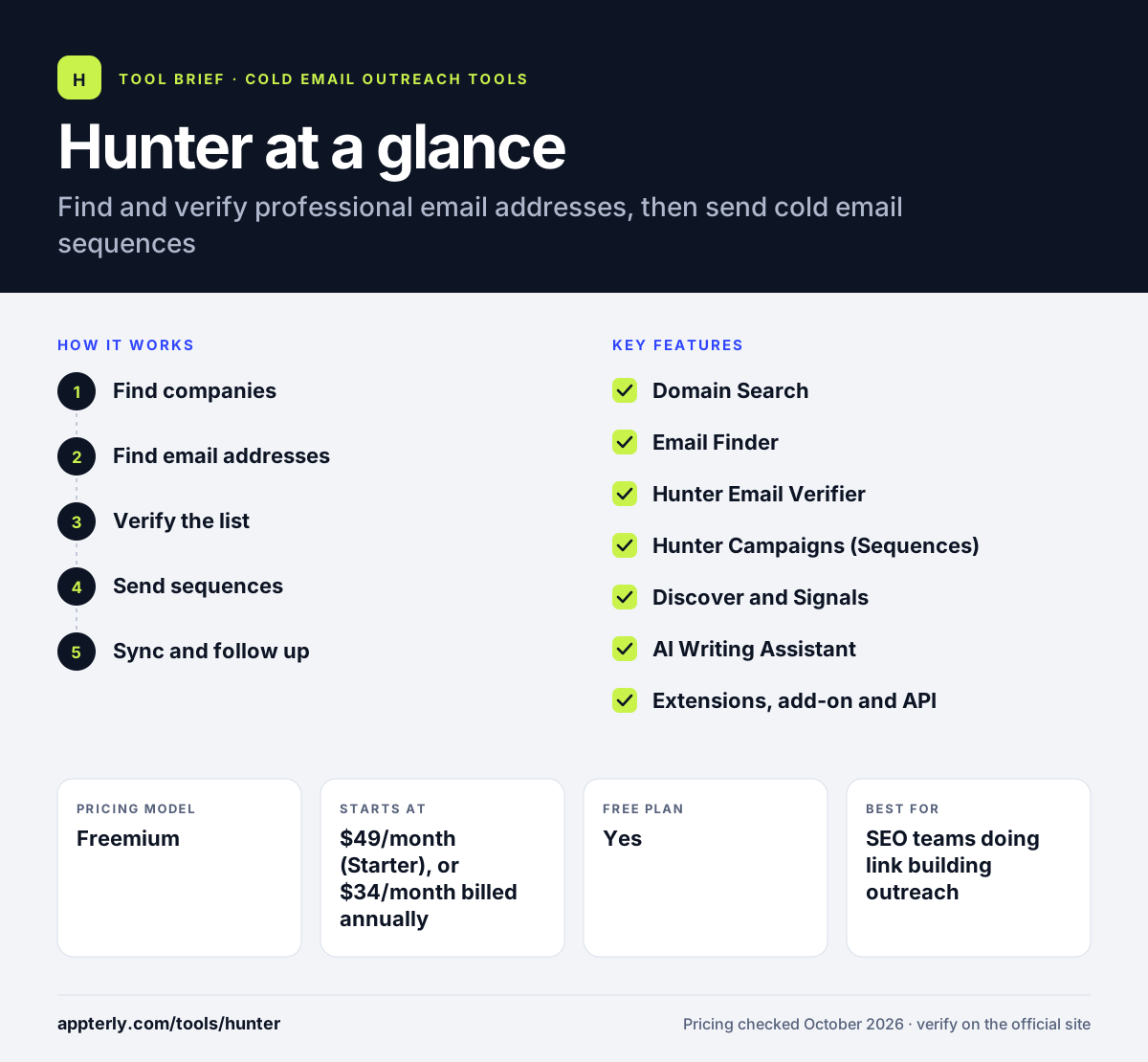
How does Hunter work?
- Find companies
Use Discover to filter B2B companies by industry, size, location and other criteria, or start from a known domain.
- Find email addresses
Run Domain Search on a website or Email Finder on a name and company to get likely addresses.
- Verify the list
Check each address with Hunter Email Verifier, or let auto-verification run on paid plans.
- Send sequences
Connect Gmail or Outlook and send personalized cold emails with automatic follow-ups.
- Sync and follow up
Track replies and push leads to a CRM such as HubSpot, Salesforce or Pipedrive.
Hunter key features
Domain Search
See the professional email addresses Hunter has found for a company domain.
Email Finder
Get the most likely email address for a person from their name and company.
Hunter Email Verifier
Check deliverability of single addresses or whole lists in bulk.
Hunter Campaigns (Sequences)
Send personalized cold emails and follow-ups from your own mailbox.
Discover and Signals
Find target companies and spot prospects showing intent.
AI Writing Assistant
Draft cold emails with AI on paid plans.
Extensions, add-on and API
Browser extensions for Chrome, Firefox and Edge, a Google Sheets add-on, an API and an MCP server.
Why use Hunter?
- Finding, verifying and emailing leads happens in one tool.
- Unlimited team members share one credit pool on every plan.
- Verification costs half a credit, which keeps list cleaning affordable.
- It is popular for link building outreach because Domain Search works on any website.
- A free plan gives 50 credits a month to try the core tools.
Who is Hunter best for?
A good fit for
- SEO teams doing link building outreach
- B2B sales teams and founders prospecting by company
- Recruiters looking for candidate emails
- Marketers cleaning email lists before a campaign
Less suited to
- Teams that need phone numbers and multichannel steps
- Very high-volume cold email senders who need many mailboxes
- B2C marketers looking for personal email addresses
Hunter pricing
| Pricing model | Freemium |
|---|---|
| Free plan | Yes |
| Free trial | Not confirmed |
| Starting price | $49/month (Starter), or $34/month billed annually |
Growth at $149/month and Scale at $299/month raise credits, connected email accounts and recipients per sequence. Annual billing cuts prices by about 30%, and nonprofits can request 30% off monthly plans.
Prices checked October 2026. Vendors change plans often, so confirm on the official Hunter pricing page before you buy.
Hunter pros and cons
Pros
- Simple, fast email finding by domain or name
- Built-in verification and sequences
- Unlimited team members on all plans
- Wide range of CRM and automation integrations
Cons
- Free plan's 50 credits run out quickly
- Sequences are email-only
- Data depends on publicly found addresses, so coverage varies
Hunter integrations and platforms
Works with
Available on
Hunter alternatives
See the full shortlist in Best Cold Email Software.
Hunter FAQ
Is Hunter free?
Yes. Hunter has a free plan with 50 credits a month, one connected email account and up to 500 recipients per sequence. One credit finds one email, and verifying an address costs half a credit. Paid plans start at $49 a month, or $34 a month when billed annually.
What is Hunter used for?
Hunter is used to find and verify professional email addresses and send cold email. Sales teams use it to reach prospects, SEO teams use it to contact site owners for link building and recruiters use it to reach candidates. Its sequences let you send follow-ups from your own mailbox. The Google Sheets add-on and API let teams bring Hunter data into their own workflows.
Is Hunter good for beginners?
Yes. Hunter is easy to start with. You type a company domain or a person's name and get results in seconds, and the browser extension works on any site. Sequences use a simple editor with templates, so new users can run a basic outreach campaign without training.
Hunter vs Apollo.io: what's the difference?
Hunter focuses on finding and verifying emails by domain or name, with simple email sequences, which makes it popular for link building. Apollo.io is a larger sales platform with a contact database of over 240 million people, phone numbers, a dialer and AI agents. Hunter is lighter, while Apollo covers more of the sales process.
Is Hunter Email Verifier accurate?
Hunter Email Verifier is built to tell you whether an address can receive mail before you send to it. No verifier can be perfect, especially for domains that accept all incoming mail. Checking lists before a campaign still lowers bounces and helps protect your sender reputation, and paid plans can verify addresses automatically.
Sources
This overview is based on Hunter's official website and documentation, checked October 2026.