What is YouTube?
YouTube is a free video platform where anyone can upload, share and live stream videos to a global audience. Creators and businesses publish long-form videos, Shorts and livestreams, and viewers find them through search, recommendations and subscriptions. For marketers, YouTube works as both a hosting tool and a discovery engine, because videos can rank in search results and reach people who have never heard of a brand.
Channels are managed in YouTube Studio, which handles uploads, analytics, comments and monetization settings on desktop and in a mobile app. Eligible creators can join the YouTube Partner Program to earn a share of ad revenue and use features like channel memberships, Supers and YouTube Shopping. YouTube is part of Google and connects with Google Ads for video advertising.
YouTube at a glance
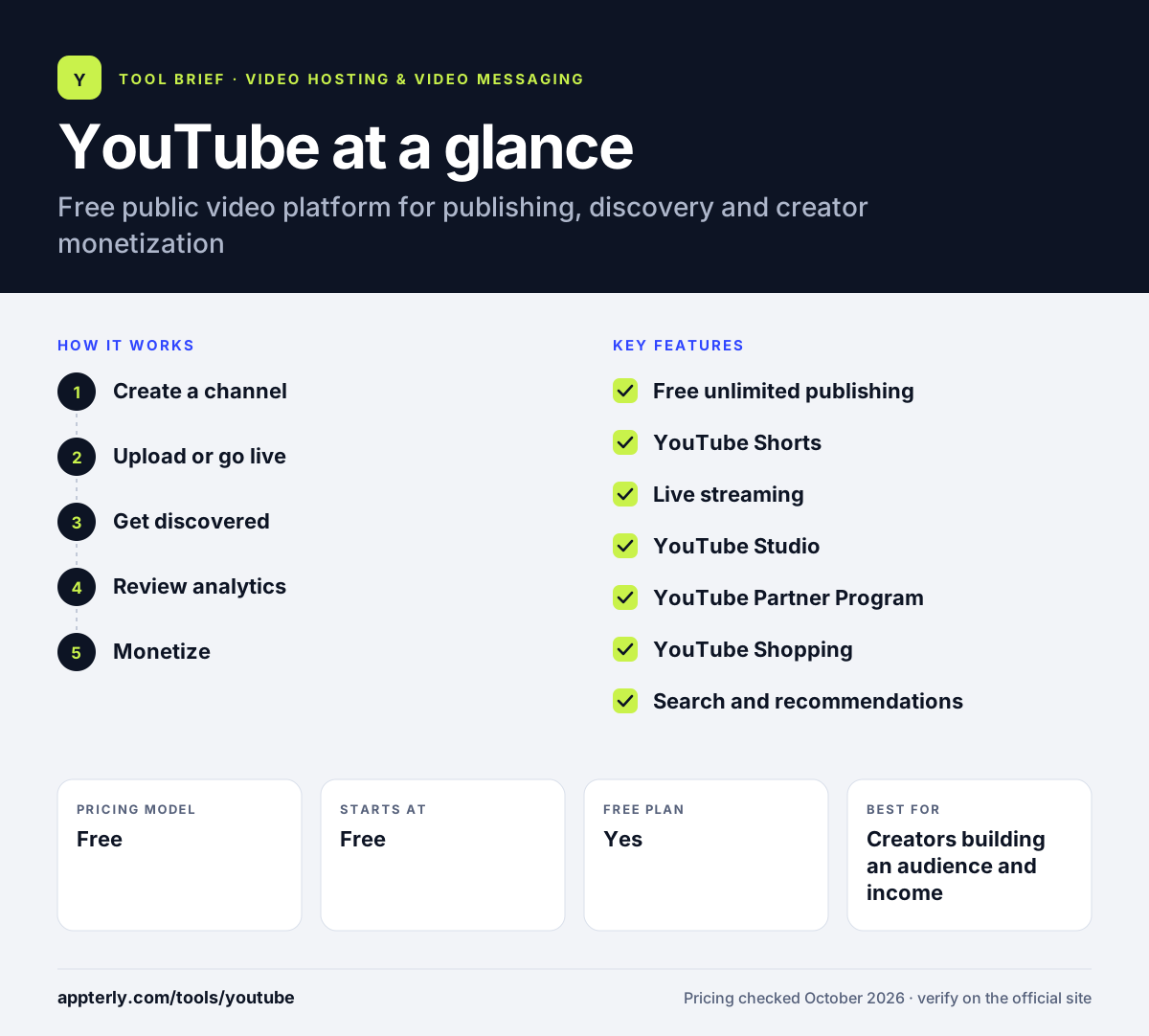
How does YouTube work?
- Create a channel
Sign in with a Google account and set up a channel through YouTube Studio with your name, branding and description.
- Upload or go live
Publish long-form videos, vertical Shorts or live streams, and add titles, descriptions, thumbnails and captions.
- Get discovered
Videos surface through YouTube search, recommendations, the Shorts feed and subscriber feeds.
- Review analytics
YouTube Studio shows views, watch time and audience data so you can see what to make next.
- Monetize
Once eligible, join the Partner Program to earn from ads, memberships, Supers and shopping features.
YouTube key features
Free unlimited publishing
Upload and share videos at no cost, with public, unlisted and private visibility options.
YouTube Shorts
A short-form vertical video format with its own feed for reaching new viewers.
Live streaming
Broadcast live to subscribers and viewers, with chat and paid Supers for eligible channels.
YouTube Studio
The creator dashboard and mobile app for managing uploads, comments, analytics and monetization.
YouTube Partner Program
Revenue sharing from ads plus memberships, Supers and shopping for channels that meet eligibility rules.
YouTube Shopping
Lets eligible creators and brands feature products alongside their videos.
Search and recommendations
Videos can be found through YouTube search and suggested content, giving organic reach beyond a brand's own audience.
Why use YouTube?
- Publishing and hosting are free, with no storage plans to manage.
- Its search and recommendation systems can bring new viewers to a brand.
- Shorts, long-form and live formats let one channel cover many content types.
- Creators can earn revenue through the Partner Program and fan funding.
- Studio analytics show what audiences watch and where they drop off.
Who is YouTube best for?
A good fit for
- Creators building an audience and income
- Brands using video for organic reach and SEO
- Educators and course creators sharing free lessons
- Small businesses that want free video hosting
Less suited to
- Companies that need ad-free embeds without competitor recommendations
- Teams that need lead capture forms and CRM-linked viewer data
- Private training or paid content that requires strict access control
YouTube pricing
| Pricing model | Free |
|---|---|
| Free plan | Yes |
| Free trial | Not confirmed |
| Starting price | Free |
Uploading, hosting and streaming on YouTube cost nothing. Creators earn rather than pay through the Partner Program, and businesses pay only if they choose to run ads through Google Ads.
Prices checked October 2026. Vendors change plans often, so confirm on the official website before you buy.
YouTube pros and cons
Pros
- Free hosting with huge potential reach
- Multiple formats, including Shorts and live
- Built-in monetization for eligible creators
Cons
- Ads and recommendations can appear around your videos
- Limited branding, lead capture and privacy controls compared with business hosts
YouTube integrations and platforms
Works with
Available on
YouTube alternatives
See the full shortlist in Best Video Hosting for Business.
YouTube FAQ
Is YouTube free to use for businesses?
Yes. Creating a channel, uploading videos, publishing Shorts and live streaming on YouTube are free. Businesses do not pay for hosting or storage. Costs only come in if a brand chooses to promote videos through Google Ads. Viewers can pay for YouTube Premium, but that is a separate consumer subscription. Creators can also earn once they meet Partner Program requirements.
What are the YouTube Partner Program requirements?
To join, a channel needs 1,000 subscribers plus either 4,000 valid public watch hours in the last 12 months or 10 million valid public Shorts views in the last 90 days. You must also follow monetization policies, live in an eligible region, have no active Community Guidelines strikes, turn on 2-Step Verification and link an AdSense account.
What is YouTube Studio?
YouTube Studio is the free dashboard creators use to manage their channel. It handles uploads, video details, comments, analytics and monetization settings. Studio is available in a web browser and as a mobile app for iOS and Android, so creators can check performance and reply to comments from anywhere. Studio also lets creators schedule uploads and manage Shorts and live streams.
Is YouTube good for marketing a small business?
Yes, for many businesses. YouTube offers free hosting and a large search-driven audience, so helpful videos like tutorials, reviews and how-tos can bring steady traffic over time. The tradeoff is less control, since ads and related videos can appear around your content, and lead capture tools are limited. Consistent publishing and clear titles and thumbnails help videos get found in search.
YouTube vs Vimeo: what's the difference?
YouTube is free and built for reach, discovery and creator revenue, but it surrounds videos with ads and recommendations. Vimeo is a paid platform focused on ad-free playback, branding, privacy and team review tools. Many brands use YouTube to be found and Vimeo or another business host to embed clean video on their sites.
Sources
This overview is based on YouTube's official website and documentation, checked October 2026.