What is BombBomb?
BombBomb is a video engagement platform that lets teams record and send short, personal video messages through email, text, LinkedIn and other channels. Its main product, BombBomb Engage, replaces some plain-text emails with a face-to-face video, which can make outreach and follow-ups feel more human. Videos play on branded landing pages with calls to action, and senders can see who watched and for how long.
BombBomb is used by sales, marketing, recruiting, customer success and support teams, with strong adoption in real estate, mortgage, home building, automotive and software. It works through Chrome and Edge extensions, Gmail and Outlook plugins and iOS and Android apps. The Copilot add-on brings AI help, suggested scripts and automated workflows, while Enterprise adds SSO, role-based access and API access. Videos are hosted on SOC 2 Type II infrastructure.
BombBomb at a glance
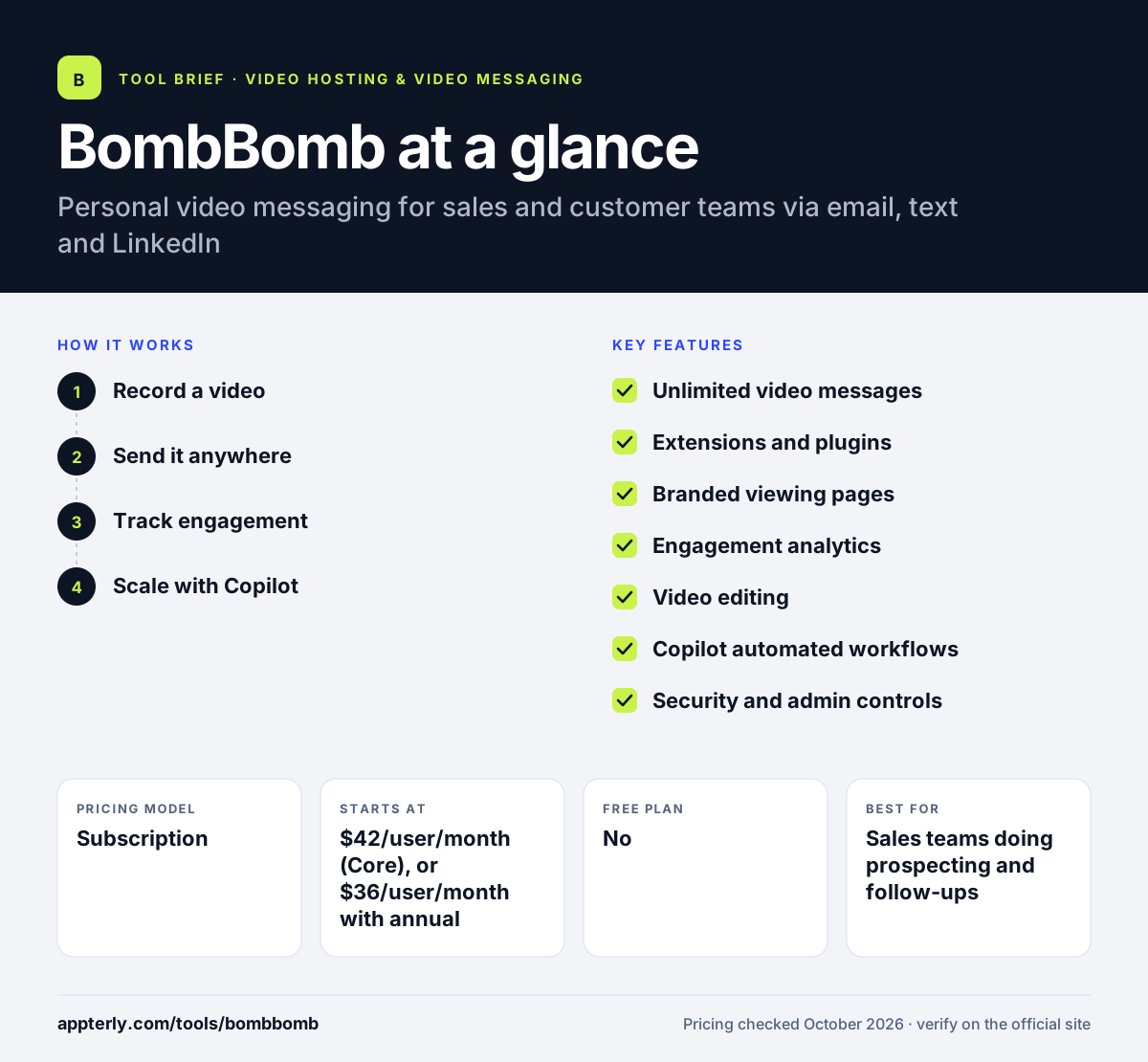
How does BombBomb work?
- Record a video
Use the browser extension, the Gmail or Outlook plugin, or the mobile app to record a quick webcam or screen video, then trim it. You can reuse saved videos for common situations.
- Send it anywhere
Drop the video into an email, text message or LinkedIn message, where it appears as a thumbnail that opens a branded viewing page.
- Track engagement
See when people open and watch your videos, and respond while the contact is still engaged.
- Scale with Copilot
On Copilot plans, use AI scripts, automated workflows and CRM sending through tools such as Outreach and Total Expert.
BombBomb key features
Unlimited video messages
Record and send as many personal videos as you need on every paid plan.
Extensions and plugins
Chrome and Edge extensions plus Gmail and Outlook plugins let you record without leaving your inbox.
Branded viewing pages
Custom company and team branding with calls to action on the page where videos play.
Engagement analytics
Track views and engagement for each video, plus team performance on higher plans.
Video editing
Quick trimming and polishing tools so videos look tidy before sending.
Copilot automated workflows
AI creation tools, suggested scripts and automated outreach workflows for teams that want consistent adoption.
Security and admin controls
SOC 2 Type II hosting, privacy controls, and on Enterprise, SSO and role-based access.
Content management
Labels, permissions and admin controls keep a growing video library organized across a team.
Why use BombBomb?
- Personal video can help messages stand out in crowded inboxes.
- Recording works inside Gmail, Outlook and the browser, so there is little friction.
- View tracking shows the best moment to follow up.
- Branded pages and CTAs turn each video into a small landing page.
- Admin controls and SOC 2 Type II hosting suit companies with security reviews.
Who is BombBomb best for?
A good fit for
- Sales teams doing prospecting and follow-ups
- Real estate agents and mortgage loan officers
- Customer success and support teams
- Recruiters and HR teams engaging candidates
Less suited to
- Teams looking for a free plan
- Creators who need long-form video hosting or a public video library
- Marketers who need advanced video editing
BombBomb pricing
| Pricing model | Subscription |
|---|---|
| Free plan | No |
| Free trial | Free trial available (length not stated) |
| Starting price | $42/user/month (Core), or $36/user/month with annual billing |
Core + Copilot costs $70/user/month, or $56 with annual billing, and adds AI tools, CRM sending and automated workflows. Enterprise is custom and adds API access, SSO and dedicated success management.
Prices checked October 2026. Vendors change plans often, so confirm on the official BombBomb pricing page before you buy.
BombBomb pros and cons
Pros
- Records directly inside Gmail and Outlook
- Unlimited videos on paid plans
- Clear engagement tracking
- Mobile apps for iOS and Android
Cons
- No free plan
- Per-user pricing adds up for large teams
- CRM sending and automation require the Copilot tier
BombBomb integrations and platforms
Works with
Available on
BombBomb alternatives
See the full shortlist in Best Video Hosting for Business.
BombBomb FAQ
How much does BombBomb cost?
BombBomb's Core plan costs $42 per user per month, or $36 per user per month with annual billing. Core + Copilot costs $70 per user per month, or $56 with annual billing, and adds AI tools and automation. Enterprise pricing is custom for larger teams. Every paid plan includes unlimited video messages, the mobile apps and the browser extensions.
Is BombBomb free?
No. BombBomb does not offer a free plan. It does offer a free trial so you can record and send videos before buying, although the pricing page does not say how long the trial lasts. After the trial, you choose Core, Core + Copilot or Enterprise. Ask sales about trial terms if you plan to test with a team.
What is BombBomb used for?
BombBomb is used to send personal video messages instead of plain text. Sales reps use it for prospecting and follow-ups, real estate and mortgage professionals use it to stay in touch with clients, and support and recruiting teams use it to explain things or welcome people with a human touch. Many teams use it for onboarding and thank-you messages as well.
BombBomb vs Bonjoro: what's the difference?
Both tools send personal videos to customers. BombBomb focuses on sales teams, with Gmail and Outlook plugins, per-user pricing and CRM sending through tools like Outreach. Bonjoro is aimed at customer welcome and thank-you videos, offers a free plan, and adds a testimonial collection product. Both offer iOS and Android apps.
Does BombBomb work with Gmail?
Yes. BombBomb has a Gmail plugin and an Outlook plugin, so you can record and insert videos while writing an email. It also offers Chrome and Edge extensions for recording from the browser, and iOS and Android apps for sending video from your phone. Recording from the inbox keeps the habit simple for busy reps.
Sources
This overview is based on BombBomb's official website and documentation, checked October 2026.