What is Loom?
Loom is a screen and camera recording tool that lets people record short video messages and share them with a link. Instead of booking a meeting or writing a long email, you record your screen while you talk, and viewers watch when it suits them. Teams use Loom for project updates, design feedback, bug reports, sales outreach, onboarding and customer support walkthroughs.
Loom is owned by Atlassian and connects with tools like Jira, Slack and GitHub. It runs as a Chrome extension, a desktop app for Mac and Windows, and mobile apps for iOS and Android. Paid plans add unlimited recording, editing and branding, while the Business + AI plan adds Loom AI for automatic titles, summaries, chapters and meeting notes.
Loom at a glance
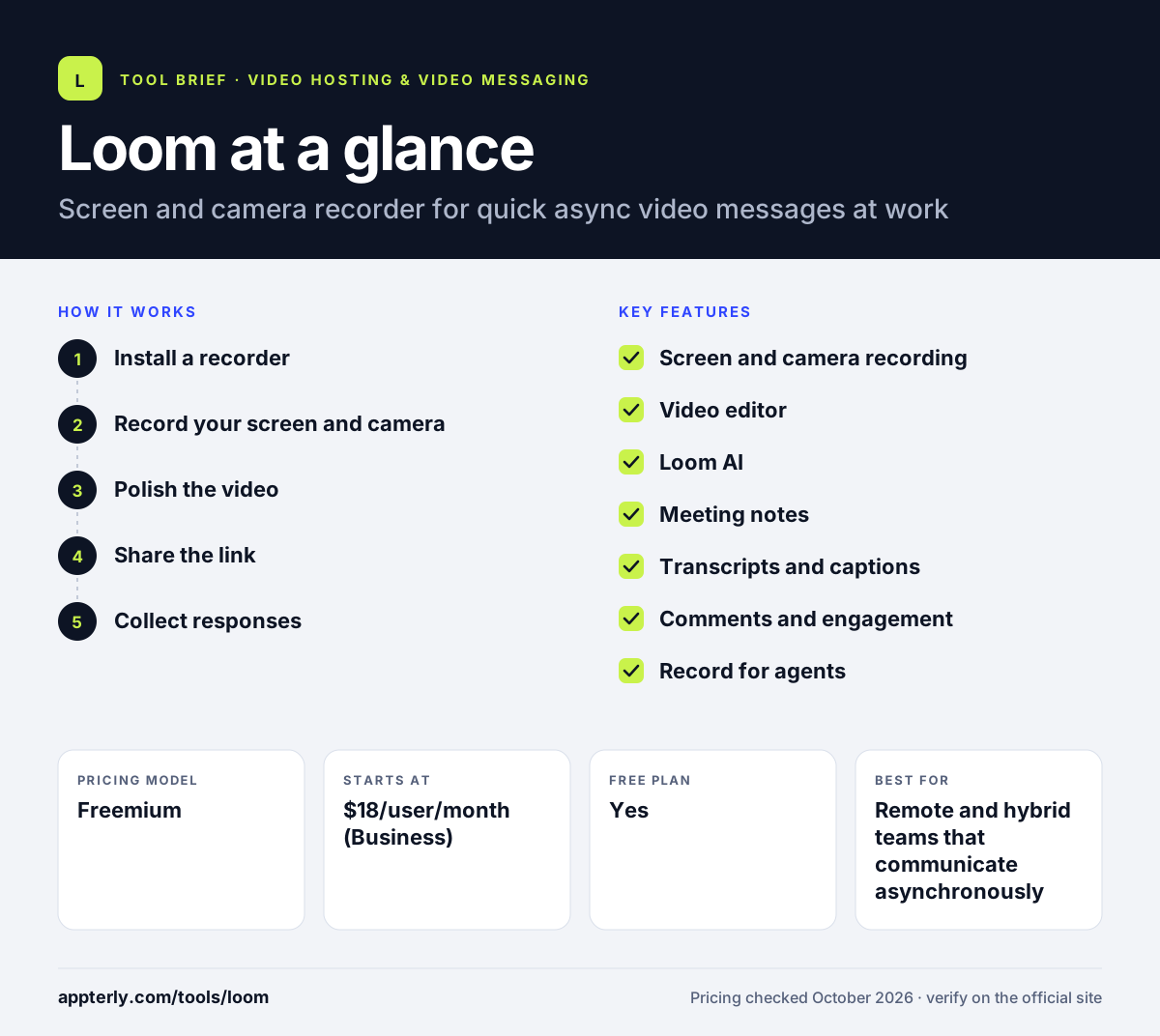
How does Loom work?
- Install a recorder
Add the Chrome extension or download the desktop or mobile app, then sign in with your work account.
- Record your screen and camera
Choose screen, camera or both, then talk through what you are showing.
- Polish the video
Trim or stitch clips, add text or arrows, and on AI plans remove filler words and silences automatically.
- Share the link
Copy the link or embed the video in Slack, Gmail, Jira or other tools.
- Collect responses
Viewers leave time-stamped comments and emoji reactions, and you can see who watched through viewer insights.
Loom key features
Screen and camera recording
Record your screen, your camera or both, then share the finished video with a single link.
Video editor
Trim, stitch clips, change backgrounds and add text, arrows and boxes; advanced editing is on AI plans.
Loom AI
Generates titles, summaries, chapters, tasks and CTAs, removes filler words and can turn videos into documents or messages.
Meeting notes
The Business + AI plan creates automatic meeting notes and recap emails.
Transcripts and captions
Automatic transcripts and captions in more than 50 languages, included on every plan.
Comments and engagement
Time-stamped comments, emoji reactions, tasks and calls to action keep conversations attached to the video.
Record for agents
Captures your screen, clicks and URLs as context for AI agents, with MCP tools to pass that context along.
Enterprise controls
SSO, SCIM, custom data retention and a 99.95% uptime SLA on the Enterprise plan.
Why use Loom?
- It replaces many short meetings with videos that people can watch on their own schedule.
- Recording and sharing take seconds, so the habit is easy for a whole team to adopt.
- Showing your screen explains bugs, designs and processes faster than text alone.
- AI summaries and chapters help viewers skim long recordings.
- Integrations with Jira, Slack and GitHub fit Loom into existing team workflows.
Who is Loom best for?
A good fit for
- Remote and hybrid teams that communicate asynchronously
- Product, design and engineering teams sharing feedback and bug reports
- Customer support teams sending visual walkthroughs
- Freelancers and agencies updating clients
Less suited to
- Marketers who need a full video hosting platform with SEO and lead capture
- Users who want a free plan for long recordings, since free videos are capped at 5 minutes
- Teams that need advanced, timeline-based video editing
Loom pricing
| Pricing model | Freemium |
|---|---|
| Free plan | Yes |
| Free trial | 14 days (Business + AI) |
| Starting price | $18/user/month (Business) |
The free Starter plan allows 25 videos per person, 5-minute recordings and 720p quality. Business removes limits and adds 4K and branding, Business + AI costs $24 per user per month, and Enterprise is quoted by sales. Annual billing saves up to 17%.
Prices checked October 2026. Vendors change plans often, so confirm on the official Loom pricing page before you buy.
Loom pros and cons
Pros
- Very fast to record and share, with little learning curve
- Useful free plan for occasional short videos
- Strong AI features for summaries, chapters and cleanup
Cons
- Free plan limits recording length and video count
- AI features require the higher Business + AI tier
Loom integrations and platforms
Works with
Available on
Loom alternatives
See the full shortlist in Best Video Hosting for Business.
Loom FAQ
Is Loom free?
Yes. Loom has a free Starter plan for individuals and small teams. It allows up to 25 videos per person, recordings up to 5 minutes, 720p quality and up to 50 members, with transcripts, comments and basic integrations. Paid plans remove the limits and start at $18 per user per month. Teams that record often usually move to Business for unlimited videos and longer recordings.
What is Loom used for?
Loom is used to record quick screen and camera videos and share them with a link. Common uses include project updates, code reviews, design feedback, bug reports, onboarding, customer support walkthroughs and sales outreach. It helps teams cut down on meetings by letting people watch updates when it suits them.
Who owns Loom?
Loom is owned by Atlassian, the company behind Jira. Since the acquisition, Loom has been integrating with Atlassian's platform. The pricing page notes that purchases made through Atlassian.com may have slightly different feature access and billing than purchases made directly through Loom.com during that integration. Loom is also sold through Atlassian.com alongside other Atlassian products.
Is Loom good for beginners?
Yes. Loom is one of the easiest video tools to start with. You install the Chrome extension or desktop app, click record, and share the video with a link when you finish. Basic editing such as trimming is simple to learn.
Loom vs Vidyard: what's the difference?
Loom focuses on internal and async communication, with fast recording, comments, AI summaries and integrations with Jira and Slack. Vidyard focuses on sales and marketing, adding video hosting, branded hubs, AI avatars, a Video Agent and CRM-linked analytics. Sales-heavy teams often lean to Vidyard, while general teams prefer Loom. Both offer a free plan, so teams can try each before deciding.
Sources
This overview is based on Loom's official website and documentation, checked October 2026.