What is Wistia?
Wistia is a video marketing platform that helps businesses host videos on their own websites, run webinars and turn viewer engagement into leads. It offers an ad-free customizable player, collections and channels, recording and editing tools, lead capture forms and detailed analytics such as heatmaps. Marketing teams choose it when they want video to drive pipeline instead of sending traffic to a public video site.
Wistia also includes AI tools, such as Mochine for prompt-based editing, plus automatic transcription, translation, chapters and dubbing into more than 50 languages. Its Signals feature pushes video and webinar engagement data into contact records in marketing platforms like HubSpot and Marketo, so sales can see what each lead watched. Plans run from Free to Business, Business + Signals and Enterprise.
Wistia at a glance
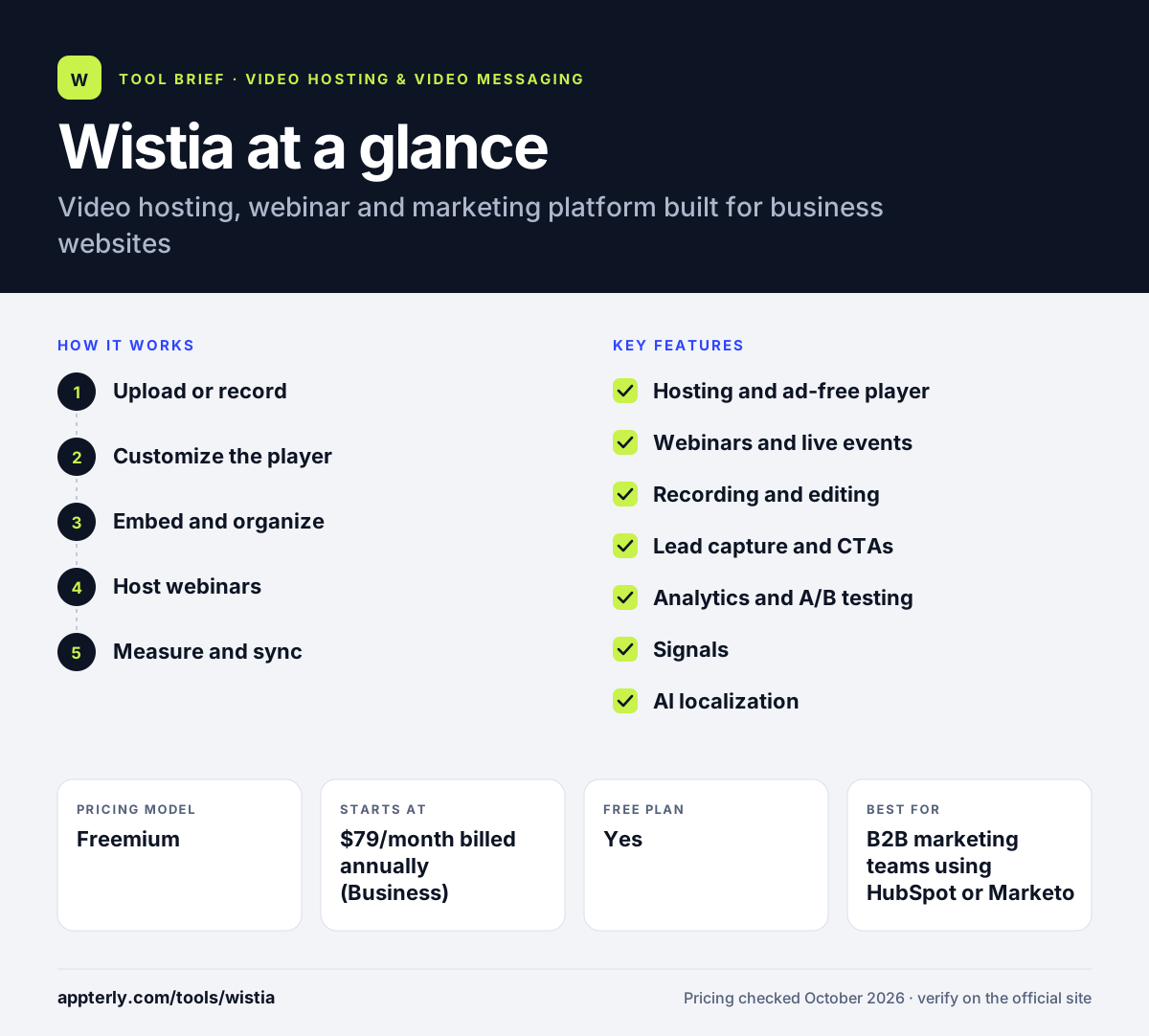
How does Wistia work?
- Upload or record
Upload existing videos or record your camera and screen in Wistia, then trim and edit with the built-in tools or AI.
- Customize the player
Set the player's colors and controls, add chapters, and attach CTAs or Wistia Forms to capture leads.
- Embed and organize
Embed videos on your website and group them into collections, channels or playlists.
- Host webinars
Run live or on-demand webinars on branded pages that can live on your own site.
- Measure and sync
Review heatmaps and engagement graphs, run A/B tests, and send viewer data to your marketing automation platform.
Wistia key features
Hosting and ad-free player
Upload, store and embed videos with a customizable player that never shows ads.
Webinars and live events
Live and on-demand webinars with branded registration and viewing pages.
Recording and editing
Record camera, screen or both, then trim and edit; Mochine edits video from text prompts.
Lead capture and CTAs
Wistia Forms and calls to action collect contact details and guide viewers to the next step.
Analytics and A/B testing
Heatmaps, engagement graphs, A/B testing and CSV export on Business plans.
Signals
Adds engagement data to contact records, with lead scoring, segmentation, triggered nurtures and sales alerts.
AI localization
Automatic transcripts, translation, chapters, clipping, dubbing and AI audio descriptions.
Developer API and MCP Server
An API for custom builds and an MCP Server for running video workflows from AI tools.
Why use Wistia?
- Videos stay on your own website, so viewers do not drift to competitor content.
- Lead capture and engagement data connect video directly to marketing and sales results.
- Heatmaps and A/B tests show exactly which parts of a video hold attention.
- Webinars, hosting and editing in one tool reduce the size of a marketing stack.
- A free plan with 25GB of storage lets small teams start at no cost.
Who is Wistia best for?
A good fit for
- B2B marketing teams using HubSpot or Marketo
- SaaS companies embedding product and demo videos
- Teams running webinars as a lead source
- Small businesses wanting ad-free embeds
Less suited to
- Creators who want public reach and ad revenue
- Teams on a tight budget, since paid plans start at $79 per month
- Buyers who need monthly billing, since Business plans are listed with annual pricing
Wistia pricing
| Pricing model | Freemium |
|---|---|
| Free plan | Yes |
| Free trial | Free trial available (length not stated) |
| Starting price | $79/month billed annually (Business) |
Free includes 25GB storage and one user. Business adds branding removal, CTAs, heatmaps and A/B testing, Business + Signals costs $329 per month billed annually, and Enterprise is custom.
Prices checked October 2026. Vendors change plans often, so confirm on the official Wistia pricing page before you buy.
Wistia pros and cons
Pros
- Strong marketing analytics like heatmaps and A/B tests
- Built-in webinars and lead capture
- Useful free plan with no credit card
Cons
- Paid plans are pricier than basic hosting tools
- Signals and advanced automation sit on a much higher tier
Wistia integrations and platforms
Works with
Available on
Wistia alternatives
See the full shortlist in Best Video Hosting for Business.
Wistia FAQ
Is Wistia free?
Yes. Wistia has a free plan with no credit card required. It includes 25GB of storage, one user, 200GB of bandwidth, an ad-free player, basic analytics and password protection. Videos carry Wistia branding on the free plan, and features like heatmaps, A/B testing, playlists and live chat support require a paid plan.
What is Wistia used for?
Wistia is used by businesses to host videos on their own websites and use them for marketing. Teams embed product videos, demos and tutorials, run webinars, capture leads with forms inside videos, and measure engagement with heatmaps. Wistia can also send viewing data to marketing automation tools to score and nurture leads. Developers can also build custom experiences with the Wistia API.
How much does Wistia cost?
Wistia offers a free plan. The Business plan costs $79 per month billed annually and includes more storage, three users, CTAs, heatmaps and A/B testing. Business + Signals costs $329 per month billed annually and adds lead scoring and CRM engagement data. Enterprise pricing is custom. Extra users on Business cost $25 each, and annual billing saves about 20 percent.
Does Wistia integrate with HubSpot?
Yes. Wistia connects with HubSpot, Adobe Marketo Engage, Pardot, ActiveCampaign, Eloqua and Klaviyo. With Signals, video and webinar engagement data appears on contact records in those platforms, so marketers can segment audiences and trigger nurtures, and sales reps can see what each contact watched.
Wistia vs Vimeo: what's the difference?
Both offer ad-free hosting and customizable players. Wistia is built mainly for marketers, with lead capture, heatmaps, A/B testing, webinars and deep marketing automation data. Vimeo is broader, with review tools for video teams, editing, live events and options to sell video, at lower entry prices. Teams focused on lead generation tend to prefer Wistia.
Sources
This overview is based on Wistia's official website and documentation, checked October 2026.