What is Vidyard?
Vidyard is a video platform built for revenue teams that want to use video across sales, marketing and customer success. It lets reps record personal video messages and see who watches, gives marketers a place to host and brand business videos, and adds AI avatars that create personalized videos in volume. Viewing data links back to leads and pipeline through CRM and marketing automation integrations.
Beyond recording and hosting, Vidyard offers Vidyard Hubs, which are branded pages that collect videos in one place, and Video Agent, an AI add-on that sends personalized videos to buyers automatically based on signals like intent data. A free plan covers basic recording and AI avatars, while Starter, Teams and Enterprise plans add analytics, branding, integrations and security.
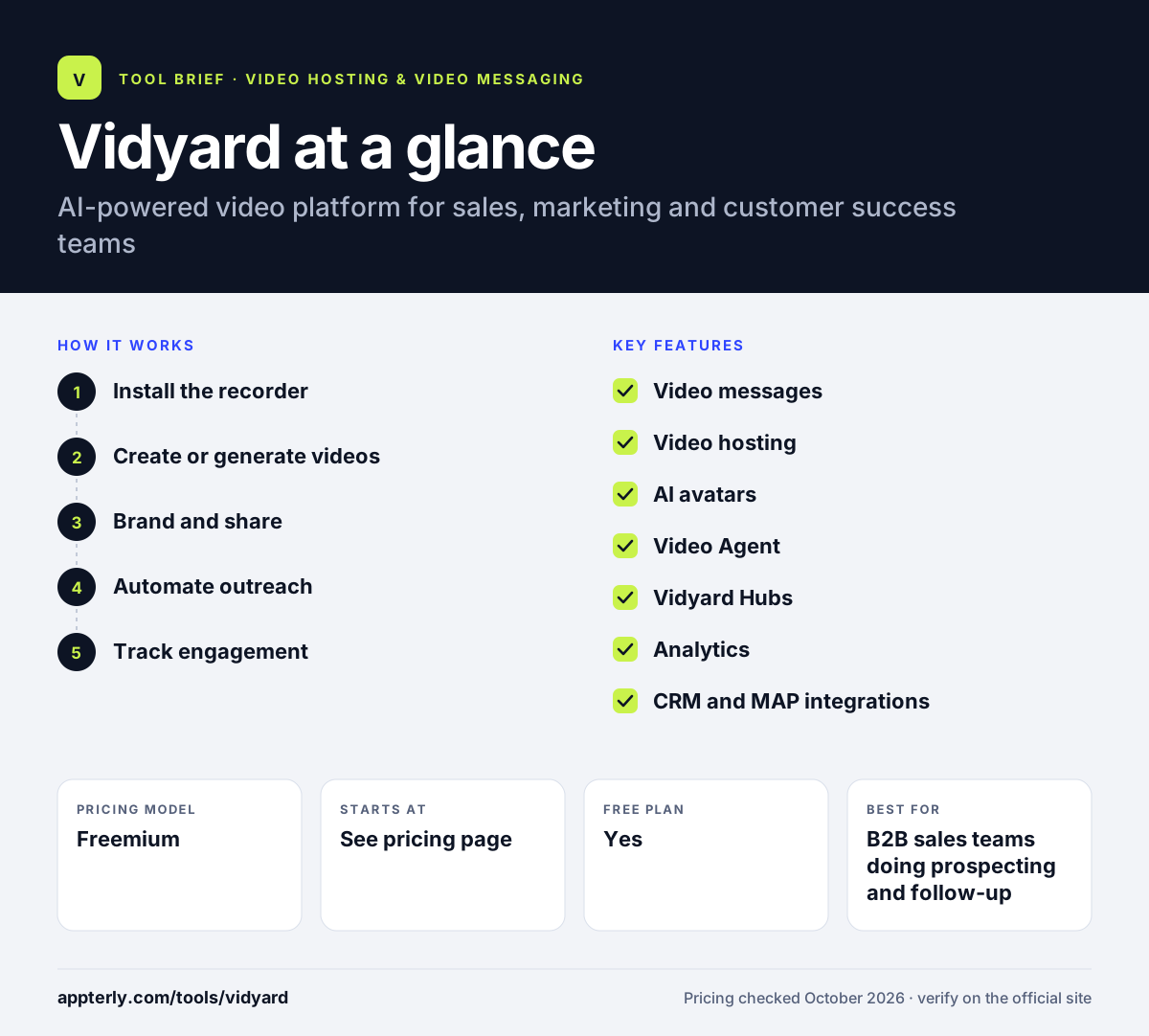
Vidyard at a glance
How does Vidyard work?
- Install the recorder
Add the free Chrome extension or use the web app to record your screen, camera or both.
- Create or generate videos
Record personal messages, or use AI avatars and scripts to produce personalized videos at scale.
- Brand and share
Send videos through a branded sharing page with calls to action, embed them on your site, or collect them in a Vidyard Hub.
- Automate outreach
Video Agent and automation can trigger video sequences, reminders and follow-ups from buyer signals.
- Track engagement
See who watched and for how long, and sync viewing activity to your CRM or marketing automation platform.
Vidyard key features
Video messages
Record personal videos for prospecting and follow-up and get notified when someone watches.
Video hosting
Store, brand and share business videos with folders, team permissions and analytics tied to leads.
AI avatars
Create personalized AI-generated videos in volume using stock or custom avatars.
Video Agent
An add-on that uses agentic AI to send personalized videos to buyers automatically.
Vidyard Hubs
Ad-free, branded pages that gather videos for prospects, customers or internal audiences, public or private.
Analytics
Video and team performance analytics show engagement by viewer and by rep.
CRM and MAP integrations
Connects with Salesforce, HubSpot, Marketo, Salesloft and Gong to bring video data into existing workflows.
Why use Vidyard?
- Personal video messages help reps stand out in crowded inboxes and build trust earlier.
- Viewer tracking tells sales teams who is engaged and when to follow up.
- AI avatars and Video Agent let small teams send personalized video at a scale manual recording cannot match.
- Hosting, hubs and messaging in one place reduce the number of video tools a revenue team needs.
- Integrations with major CRMs and marketing platforms connect video views to pipeline.
Who is Vidyard best for?
A good fit for
- B2B sales teams doing prospecting and follow-up
- SaaS companies using Salesforce or HubSpot
- Marketing teams hosting product and demo videos
- Customer success teams onboarding accounts
Less suited to
- Creators who want public audience growth
- Small buyers who want transparent prices for team plans, since Teams and Enterprise are custom quotes
- Teams that need native desktop and mobile apps rather than browser-based tools
Vidyard pricing
| Pricing model | Freemium |
|---|---|
| Free plan | Yes |
| Free trial | 14 days (Starter) |
| Starting price | See the official pricing page |
The free plan includes limited AI videos, avatars and recordings. Starter is self-serve, but its price was not shown on the pricing page when checked; Teams and Enterprise are custom-priced, and Video Agent is a paid add-on. Annual billing is advertised as cheaper.
Prices checked October 2026. Vendors change plans often, so confirm on the official Vidyard pricing page before you buy.
Vidyard pros and cons
Pros
- Combines video messaging, hosting and AI avatars
- Strong integrations with sales and marketing systems
- Free plan and free Chrome extension
Cons
- Team and enterprise pricing requires a sales conversation
- Free plan has tight limits and no video hosting
Vidyard integrations and platforms
Works with
Available on
Vidyard alternatives
See the full shortlist in Best Video Hosting for Business.
Vidyard FAQ
Is Vidyard free?
Yes. Vidyard has a free plan with no credit card required. It includes 15 AI videos, 3 custom AI avatars, 5 recordings per month up to 30 minutes each, basic analytics and editing tools. Video hosting, the AI script generator and Vidyard Hubs are not included on the free plan.
What is Vidyard used for?
Vidyard is used by sales, marketing and customer success teams to communicate with buyers through video. Reps send personal video messages and track views, marketers host and brand product videos, and teams create personalized AI avatar videos at scale. Viewing data syncs to CRMs so teams can tie video engagement to deals. Customer success teams also use it for onboarding and account check-ins.
Does Vidyard integrate with Salesforce and HubSpot?
Yes. Vidyard lists integrations with Salesforce, HubSpot, Marketo, Salesloft and Gong, along with Zapier through Video Agent. CRM and marketing automation integrations are part of the Teams plan, and Enterprise unlocks unlimited integrations. The free plan only allows a small number of data integrations. Teams can also add the free Chrome extension to record directly from the browser.
What is Vidyard Video Agent?
Video Agent is a Vidyard add-on that uses AI to create and send personalized videos to buyers automatically. It can be triggered by signals such as intent data and can handle reminders and follow-ups. It is available as an add-on for the Starter, Teams and Enterprise plans, and its price is not listed publicly.
Vidyard vs Loom: what's the difference?
Loom is designed mostly for internal async communication, with quick recording, comments and AI summaries. Vidyard is designed for revenue teams, adding video hosting, branded hubs, AI avatars, automated video outreach and CRM-linked analytics. Sales and marketing teams usually get more from Vidyard, while general teams often prefer Loom. Both offer free plans, so it is easy to compare them side by side.
Sources
This overview is based on Vidyard's official website and documentation, checked October 2026.