What is Quso?
Quso is an AI video clipping and social media tool that turns long videos, podcasts and streams into short captioned clips for TikTok, Reels and Shorts, then schedules and posts them. Formerly known as vidyo.ai, quso.ai reports more than 4 million users. It is used by creators, podcasters, marketers and small businesses, including churches and real estate agents, that want regular short-form content.
Quso scores clips by virality, reframes them vertically and adds word-level animated captions. Subtitles cover 99 languages with SRT export and filler-word removal. A text-based editor lets you cut video by deleting words and add B-roll. Paid plans add a content calendar, an AI content planner, a Brand Kit, social analytics and AI-written captions and hashtags for posts across seven networks.
Quso at a glance
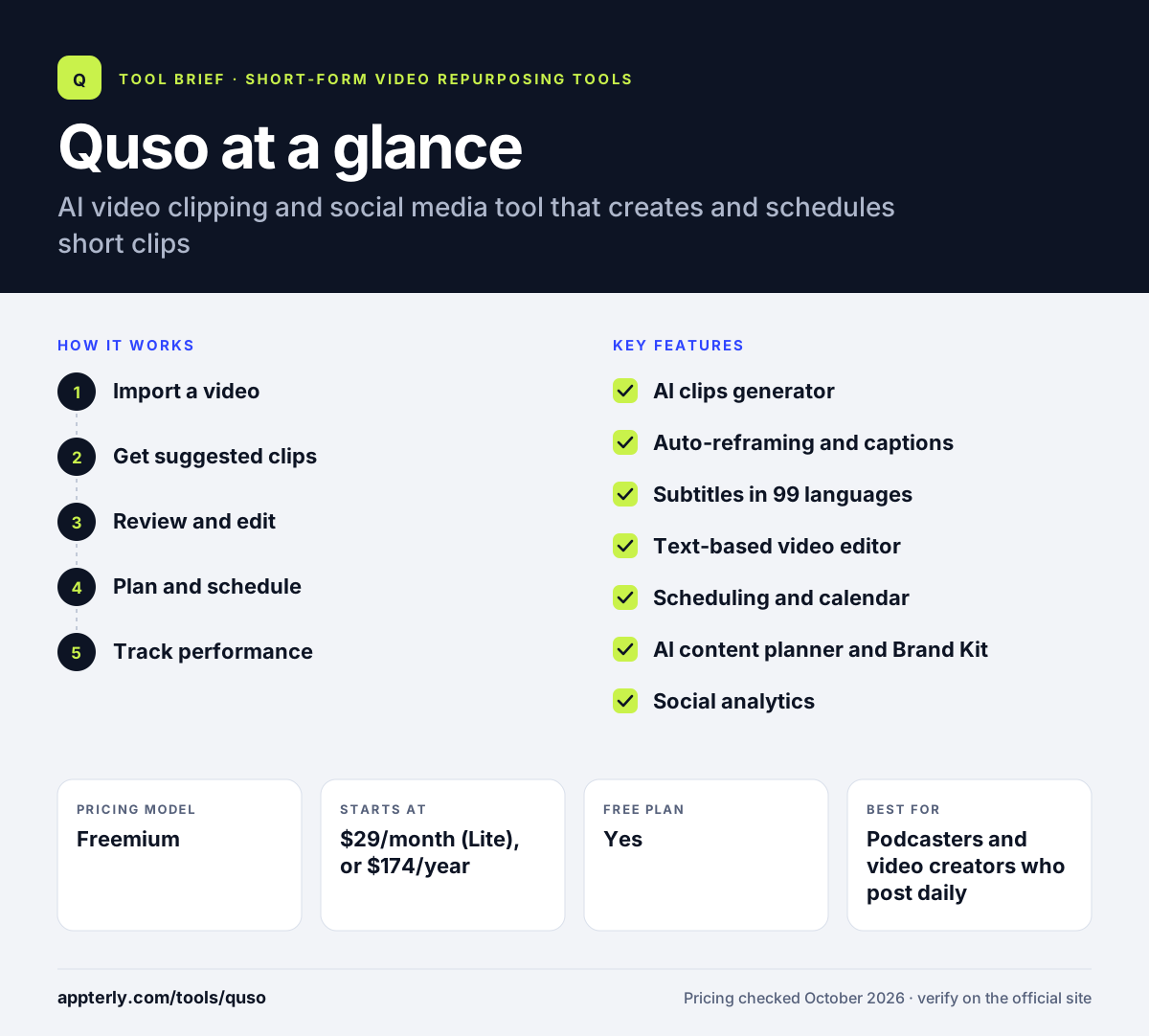
How does Quso work?
- Import a video
Paste a link from YouTube, Zoom, Vimeo, Twitch, Loom, Google Drive or Dropbox, or upload a file.
- Get suggested clips
Quso proposes clips, reframes them vertically and adds captions automatically.
- Review and edit
Adjust start and end points, choose a caption style, and trim by editing the transcript. CutMagic is available on the first three videos on the free plan.
- Plan and schedule
Place approved clips on the calendar and schedule them to connected social accounts.
- Track performance
Use social analytics to see which clips perform best and plan the next batch.
Quso key features
AI clips generator
Finds high-potential moments and gives each clip a virality score. Scores help you choose which clips to post first.
Auto-reframing and captions
Creates vertical clips with word-level animated captions. Captions are timed word by word for a more engaging look.
Subtitles in 99 languages
Generates subtitles with SRT export and filler-word removal. SRT files can be reused on other platforms or editors.
Text-based video editor
Edit by deleting words, removing silences and adding B-roll. This feels more like editing a document than a timeline.
Scheduling and calendar
Publishes to TikTok, Instagram, YouTube, LinkedIn, Facebook, X and Pinterest. The free plan connects TikTok, and paid plans connect the rest.
AI content planner and Brand Kit
Plans a posting schedule and applies logos, fonts and colors. The Brand Kit is included on the Growth plan.
Social analytics
Tracks performance and suggests captions and hashtags. Analytics and brand templates come with the Growth plan.
Why use Quso?
- Clipping, editing, scheduling and analytics live in one tool.
- It can turn one long video into a week of social posts.
- Broad language support helps multilingual creators.
- Annual billing cuts the price roughly in half.
- A free plan lets you try it before committing.
Who is Quso best for?
A good fit for
- Podcasters and video creators who post daily
- Small businesses managing their own social media
- Churches and community organizations sharing sermons or talks
- Real estate agents creating video content
Less suited to
- Users needing high-quality free exports, since free output is 720p with a watermark
- Large agencies needing more volume than the Growth plan
- Teams that only need scheduling without video clipping
Quso pricing
| Pricing model | Freemium |
|---|---|
| Free plan | Yes |
| Free trial | Not confirmed |
| Starting price | $29/month (Lite), or $174/year |
Lite includes 100 credits per month, Essential ($39/month) adds 300 credits and scheduling, and Growth ($49/month) adds 600 credits, brand kit and analytics. One credit is about one minute of video, and plans and free credits vary by country.
Prices checked October 2026. Vendors change plans often, so confirm on the official Quso pricing page before you buy.
Quso pros and cons
Pros
- All-in-one clipping, editing and scheduling
- Publishes to seven social networks
- Large subtitle language range
- Big savings on annual plans
Cons
- Free plan is limited to 720p with a watermark
- Free data is kept only 7 days
- Pricing varies by country, which can confuse comparisons
Quso integrations and platforms
Works with
Available on
Quso alternatives
See the full shortlist in Best AI Video Clipping Tools.
Quso FAQ
Is Quso free?
Quso has a free plan in many countries with 75 credits per month, where one credit is about one minute of processed video. Free exports are 720p with a watermark, and data is kept for 7 days. In some countries, Quso sells one-time credit packs instead. Paid plans start at $29 per month for Lite.
Is Quso the same as vidyo.ai?
Yes. quso.ai is the new name for vidyo.ai. The product still focuses on turning long videos into short clips, and it has expanded into social media scheduling, content planning and analytics. Existing vidyo.ai users continue on quso.ai, which reports more than 4 million users.
What is Quso used for?
Quso is used to turn long videos, podcasts and livestreams into short captioned clips and then schedule them to social media. Creators use Quso to post consistently on TikTok, Reels and Shorts. Businesses use its content calendar, AI planner and analytics to manage their social presence from one place.
Quso vs Opus Clip: what's the difference?
Both create AI clips from long videos. Quso puts more weight on social media management, with a calendar, AI content planner, analytics and publishing to seven networks. Opus Clip focuses on clipping and editing depth, with ClipAnything, AI B-roll, dubbing and Premiere Pro export. Choose Quso if scheduling matters most.
Which platforms can Quso post to?
Quso can publish and schedule to TikTok, Instagram, YouTube, LinkedIn, Facebook, X and Pinterest. The free plan connects TikTok only, while paid plans with scheduling connect the rest. It can import video from YouTube, Vimeo, Zoom, Twitch, Loom, Google Drive, Dropbox and local uploads.
Sources
This overview is based on Quso's official website and documentation, checked October 2026.