What is Opus Clip?
Opus Clip is an AI video clipping and editing tool that turns long videos into short, shareable clips and can schedule them to social platforms. It is aimed at creators, marketers and teams who record podcasts, webinars, vlogs, streams or interviews and want a steady flow of short-form content. You import a video, and the AI suggests clips with captions and reframing already applied.
Its clipping model, ClipAnything, works across genres such as gaming, sports and explainers, and accepts natural-language prompts to find specific moments. ReframeAnything resizes video and tracks moving subjects. Other tools include animated captions, AI B-roll, voice-over and dubbing, a thumbnail generator, brand templates, team workspaces and a social scheduler. Opus Clip also provides an API, MCP access and XML export to Premiere Pro and DaVinci Resolve.
Opus Clip at a glance
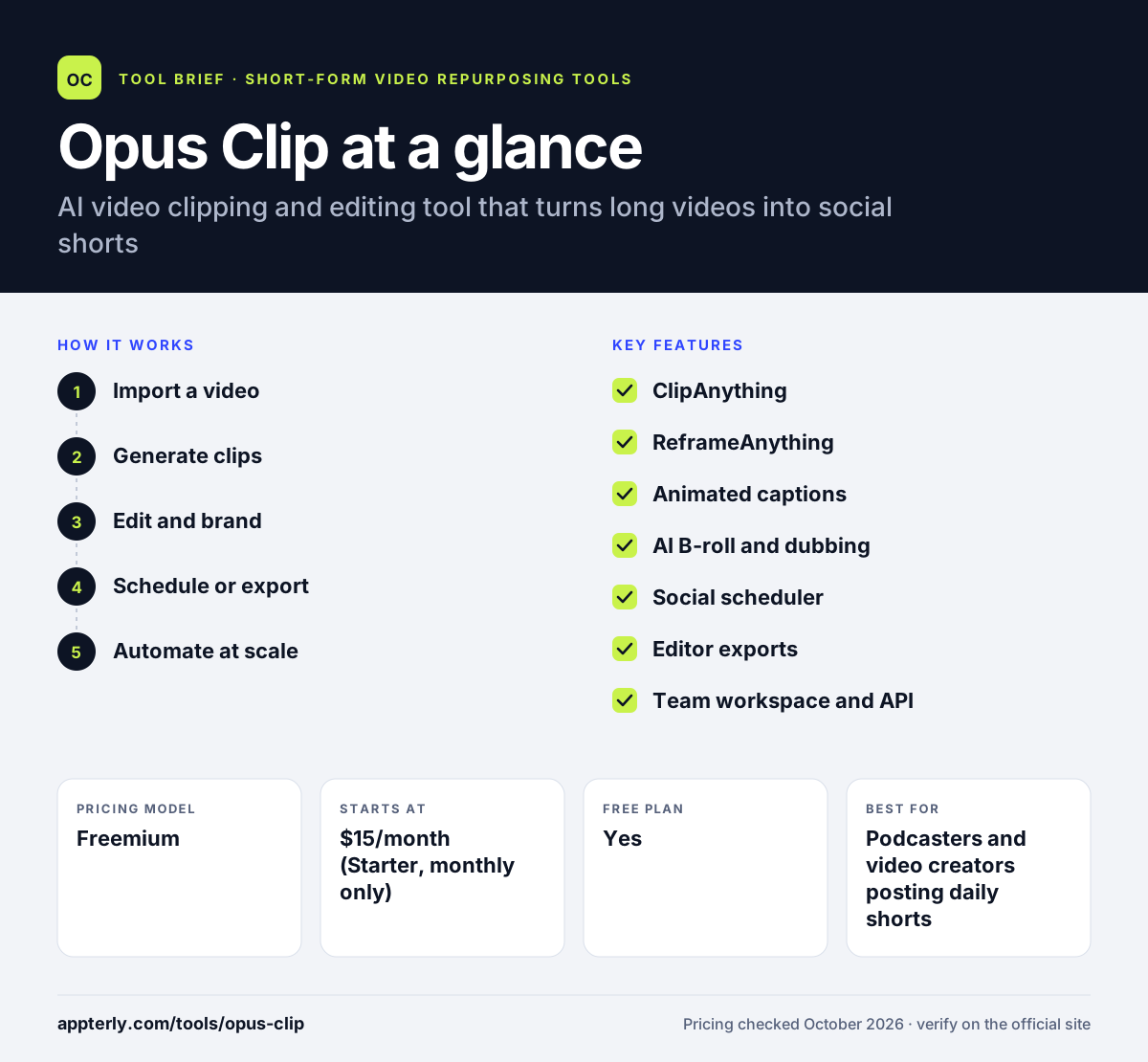
How does Opus Clip work?
- Import a video
Upload a file or paste a link from YouTube, Google Drive, Zoom, Vimeo, Twitch, Riverside and other sources.
- Generate clips
ClipAnything finds strong moments, or you describe the moment you want in plain language.
- Edit and brand
Adjust captions, reframing, B-roll and brand templates in the editor.
- Schedule or export
Post with the built-in scheduler, download clips, or export XML to Premiere Pro or DaVinci Resolve.
- Automate at scale
Business users can call the API to connect Opus Clip to a CMS or other tools.
Opus Clip key features
ClipAnything
An AI clipping model that works on any genre and supports prompt-based moment search. It goes beyond talking-head content to vlogs and sports.
ReframeAnything
Resizes video for each platform and tracks moving subjects, with manual tracking as backup. This keeps fast-moving subjects visible in vertical clips.
Animated captions
Adds editable, styled captions automatically. Several caption styles are available.
AI B-roll and dubbing
Inserts supporting footage and translates voice on Pro plans.
Social scheduler
Plans and publishes clips to connected social accounts. Pro connects up to six social accounts.
Editor exports
Sends projects to Premiere Pro or DaVinci Resolve via XML for further editing.
Team workspace and API
Shared seats, brand templates and an API for automated pipelines. Pro includes two team seats, and Business adds custom seats.
Why use Opus Clip?
- It works on many video types, not just talking-head podcasts.
- Prompt-based clipping helps you find a specific moment quickly.
- Scheduling and editing in one place reduce tool switching.
- Editor exports let professional editors finish clips in their usual software.
- A free plan and a 7-day Pro trial lower the cost of testing.
Who is Opus Clip best for?
A good fit for
- Podcasters and video creators posting daily shorts
- Marketing teams repurposing webinars and events
- Social media managers who schedule clips
- Editors who want a fast first cut before Premiere Pro
Less suited to
- Users who need free clips kept long term, since free exports expire after 3 days
- Large teams needing many seats without a custom plan
- Creators who want full manual control over every edit
Opus Clip pricing
| Pricing model | Freemium |
|---|---|
| Free plan | Yes |
| Free trial | 7 days (Pro) |
| Starting price | $15/month (Starter, monthly only) |
Starter includes 150 credits per month, Pro costs $29/month or $14.50/month billed annually with 300 credits, 2 seats and the scheduler, and Business is custom with API access. The free plan gives 60 credits with a watermark.
Prices checked October 2026. Vendors change plans often, so confirm on the official Opus Clip pricing page before you buy.
Opus Clip pros and cons
Pros
- Clipping works across many content genres
- Rich editing extras like B-roll and dubbing
- Built-in social scheduling
- Exports to professional editing software
Cons
- Free plan adds a watermark and exports expire after 3 days
- Key features like the scheduler require Pro
- Credits can run out quickly with long videos
Opus Clip integrations and platforms
Works with
Available on
Opus Clip alternatives
See the full shortlist in Best AI Video Clipping Tools.
Opus Clip FAQ
Is Opus Clip free?
Yes. Opus Clip has a free plan with 60 credits per month, up to 1080p renders and a watermark. Clips on the free plan can only be exported for 3 days. New users also get a 7-day Pro trial. Paid plans start at $15 per month for Starter, and Pro costs $14.50 per month billed annually.
What is Opus Clip used for?
Opus Clip is used to turn long videos into short clips for TikTok, Reels, YouTube Shorts and other platforms. Creators and marketers use Opus Clip to repurpose podcasts, webinars, streams and vlogs. It finds strong moments, reframes the subject, adds captions and can schedule the finished clips to social accounts.
Does Opus Clip work with Premiere Pro?
Yes. On Pro and higher plans, Opus Clip can export projects as XML for Adobe Premiere Pro and DaVinci Resolve. This lets an editor use Opus Clip for a fast first cut and then finish color, sound and graphics in professional software without rebuilding the timeline.
Opus Clip vs Klap: what's the difference?
Both create short clips from long videos with AI. Opus Clip covers more genres with ClipAnything and adds B-roll, dubbing, a scheduler and editor exports, plus a free monthly plan. Klap focuses on speech-driven clipping, layout-aware reframing and automation through Zapier, Make and n8n, with yearly plans from $14 per month.
Is Opus Clip good for beginners?
Yes. The basic workflow is to paste a link and review the clips the AI suggests, which suits beginners. Captions and reframing are applied automatically. More advanced tools such as B-roll, dubbing, brand templates and prompt-based clipping are there when you need them, but you do not have to use them to get started.
Sources
This overview is based on Opus Clip's official website and documentation, checked October 2026.