What is Munch?
Munch is an AI video repurposing tool that takes long-form videos, such as YouTube uploads, and turns them into short, auto-cropped clips for social platforms. Its AI looks for the most engaging moments and converts landscape footage to portrait for phone screens. The goal is to create content once and spread it across many channels as dozens of smaller posts.
Alongside clipping, Munch includes post analytics, follower engagement tools and monetization controls in one dashboard. It supports more than 50 languages. You connect social accounts so Munch can import videos from your YouTube channel and share clips to your networks with the permissions you set. A free tier is available, and Munch Pro removes watermarks and unlocks more clips and premium features.
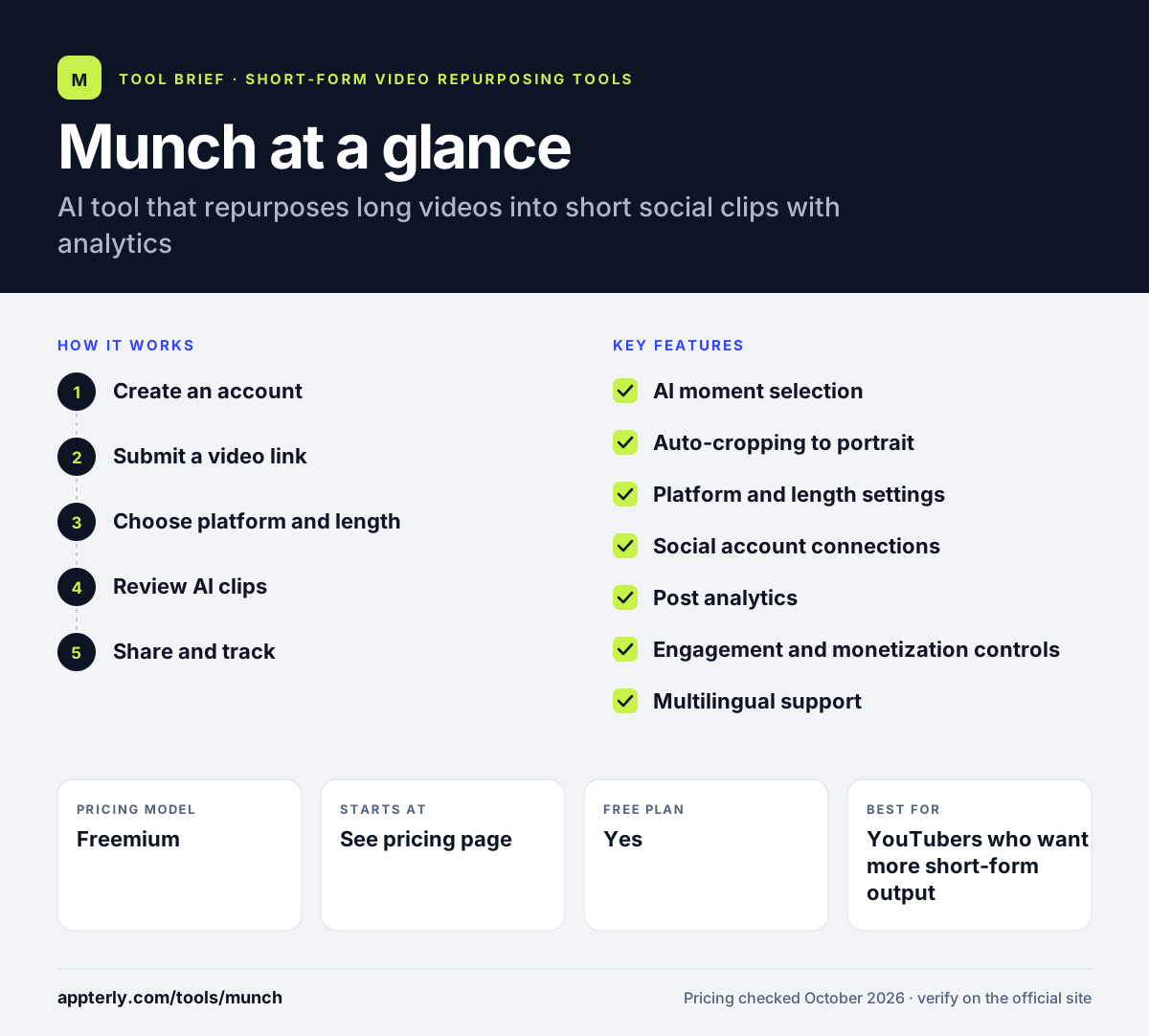
Munch at a glance
How does Munch work?
- Create an account
Sign up, which the company says takes about two minutes.
- Submit a video link
Paste a link to a long-form video, such as a YouTube upload.
- Choose platform and length
Pick the social platform you are targeting and the clip length you want.
- Review AI clips
Munch selects engaging moments and auto-crops them to portrait format.
- Share and track
Post clips to connected social accounts and monitor results in the analytics view.
Munch key features
AI moment selection
Finds the most engaging segments in a long video and turns them into clips. This saves you from scrubbing through hours of footage yourself.
Auto-cropping to portrait
Converts landscape footage into vertical video suited to phones. Portrait clips fit TikTok, Reels and Shorts without black bars.
Platform and length settings
Lets you shape clips for a specific network and duration. Short clips and longer clips can be created from the same source.
Social account connections
Imports videos from your YouTube channel and shares clips to your networks. You control which permissions Munch receives for each account.
Post analytics
Shows how clips perform so you can see what resonates. These insights help you decide what kind of clip to make next.
Engagement and monetization controls
Brings follower engagement tools and monetization settings into one place. This keeps growth and earnings data next to your content.
Multilingual support
Handles videos in more than 50 languages. That makes it useful for creators who publish in more than one language.
Why use Munch?
- It turns one long video into many social posts with little editing.
- Clipping, posting and analytics live in a single dashboard.
- Language support helps creators who publish outside English.
- A free tier lets you test results before upgrading.
- Connected accounts reduce manual downloading and uploading.
Who is Munch best for?
A good fit for
- YouTubers who want more short-form output
- Creators publishing in languages other than English
- Small brands repurposing video for social media
- Solo marketers who want clipping and analytics together
Less suited to
- Buyers who need clear published pricing before signing up
- Teams that need advanced editing, B-roll or dubbing
- Users who want clear long-term product direction, given the related Munch Studio service
Munch pricing
| Pricing model | Freemium |
|---|---|
| Free plan | Yes |
| Free trial | Munch Pro free trial (card required) |
| Starting price | See the official pricing page |
Munch offers a free tier with watermarked output and a Munch Pro plan that removes watermarks and adds more clips. Current Pro prices were not shown on the public site when checked, and the trial converts to a monthly charge unless canceled.
Prices checked October 2026. Vendors change plans often, so confirm on the official website before you buy.
Munch pros and cons
Pros
- Simple link-based workflow
- Analytics and engagement tools alongside clipping
- Supports more than 50 languages
Cons
- Pricing is not clearly published
- Free trial for Pro requires a payment card
- Fewer editing extras than leading rivals
Munch integrations and platforms
Works with
Available on
Munch alternatives
See the full shortlist in Best AI Video Clipping Tools.
Munch FAQ
Is Munch free?
Munch offers a free tier, so you can start clipping videos without paying. Free output carries a watermark. Munch Pro removes the watermark, allows more clips and unlocks premium features. The Pro free trial requires a credit or debit card and turns into a monthly charge if you do not cancel before it ends.
What is Munch used for?
Munch is used to repurpose long-form videos into short clips for social media. Creators submit a video link, choose a platform and clip length, and Munch picks engaging moments and crops them to portrait format. It also tracks how posts perform, which helps creators decide what kind of clips to make next.
Is Munch the same as Munch Studio?
Munch Studio, at munchstudio.com, is an AI service that plans, writes and schedules social media posts for businesses and agencies. It shares social media handles with Munch, which suggests the same team, but its website does not describe itself as a rename. The original Munch video clipping site at getmunch.com is still online.
Munch vs Opus Clip: what's the difference?
Both turn long videos into short clips with AI. Munch pairs clipping with analytics and engagement tools in one dashboard. Opus Clip offers a broader editing set, including ClipAnything, AI B-roll, dubbing, a scheduler and exports to Premiere Pro, with clear published pricing from $15 per month. Opus Clip suits teams needing deeper editing.
What languages does Munch support?
Munch says it supports more than 50 languages. That means it can process and clip videos recorded in many languages, not only English, which helps international creators and brands repurpose their content. Check the results on a sample video, since accuracy can vary by language and audio quality.
Sources
This overview is based on Munch's official website and documentation, checked October 2026.