What is PixVerse?
PixVerse is an AI video generation platform that turns text prompts and still images into short videos. Creators use it for social clips, product shots and cinematic scenes, with motion controls that shape how the camera and subject move.
The free Basic plan gives 60 initial credits plus 30 daily credits refilled at 0:00 UTC, with 540p exports and a watermark. Paid plans lift the resolution to 720p, remove the watermark and add more credits, with Standard at $10 a month, or $8 billed annually.
The current V6 engine is known for stylized character work and a strong anime and cel-shaded look, and it supports output up to 1080p before upscaling. PixVerse runs in a browser studio and on iOS and Android, with a Discord interface as well, and it ships video templates and effect styles to speed up short-form creation.
PixVerse at a glance
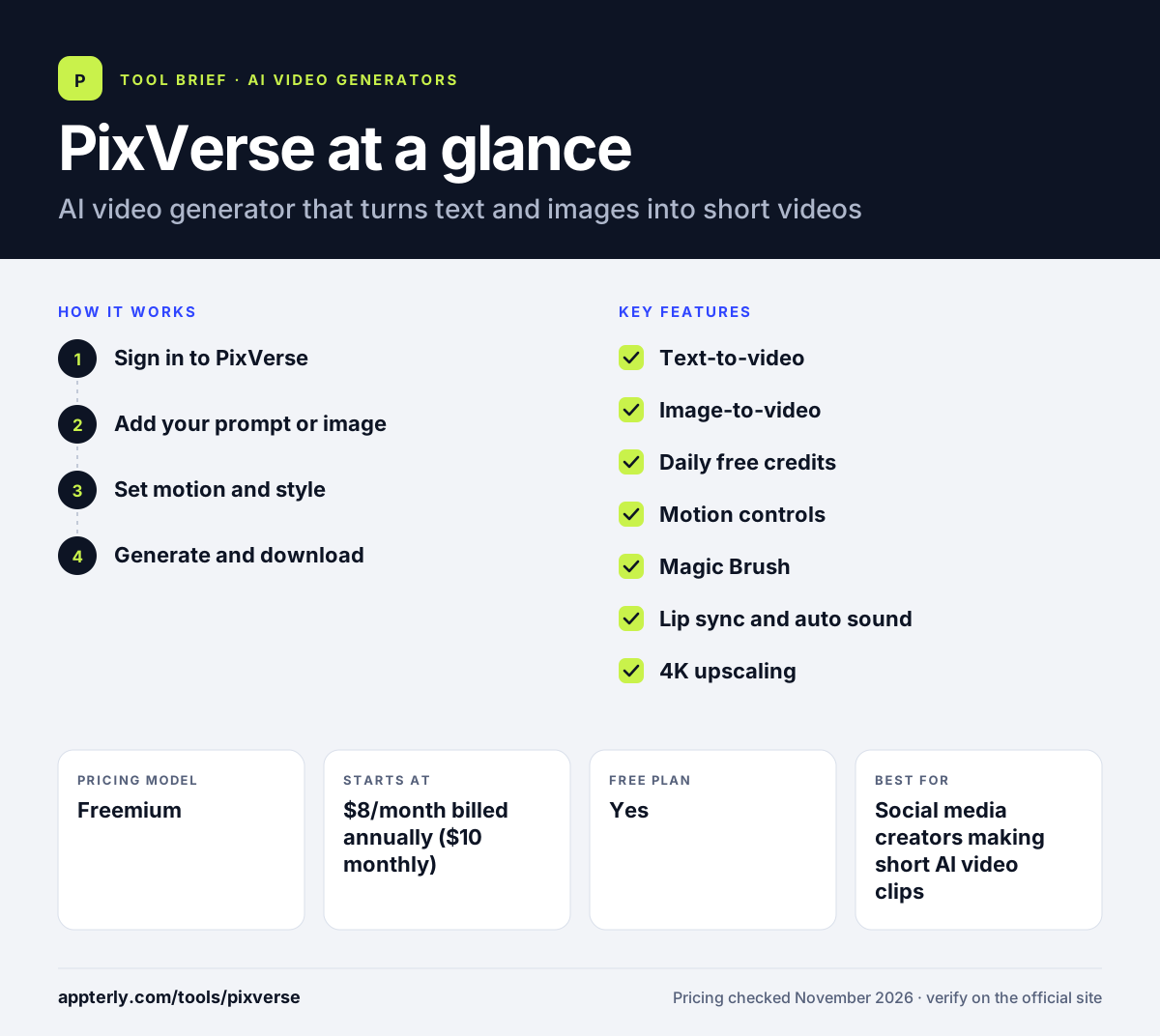
How does PixVerse work?
- Sign in to PixVerse
Open the web app and choose text-to-video or image-to-video.
- Add your prompt or image
Type a description of the scene, or upload a still image to animate.
- Set motion and style
Pick the style and motion settings that match the clip you want.
- Generate and download
Generate the clip, then download it or refine the prompt and try again.
PixVerse key features
Text-to-video
Creates short videos from a written prompt.
Image-to-video
Animates a still image into a moving clip.
Daily free credits
The free Basic plan refills 30 credits daily at 0:00 UTC.
Motion controls
Controls for camera and subject motion shape the output.
Magic Brush
Paint over part of a still image to animate only that area, with direction, path and speed controls, while the rest of the frame stays still.
Lip sync and auto sound
Native lip sync maps spoken audio onto a character's mouth movements, and auto sound adds background audio to a clip.
4K upscaling
The Pro plan can upscale generations to 4K, sharpening edges and cel-shaded lines beyond the standard 1080p output.
Why use PixVerse?
- Daily free credits make it easy to test ideas without paying.
- Text-to-video and image-to-video sit in one workspace.
- The paid plans are cheap to start, at $8 a month billed annually.
- Magic Brush gives precise control over which part of an image moves.
- The V6 engine handles anime and cel-shaded styles well, a look many generators struggle with.
Who is PixVerse best for?
A good fit for
- Social media creators making short AI video clips
- Marketers testing AI video ideas for free
- Creators who want daily free credits for image animation
Less suited to
- Commercial projects on the free plan, which watermarks exports at 540p
- Users who need long-form video or a full editing timeline
- Teams needing brand kits and collaboration features
PixVerse pricing
| Pricing model | Freemium |
|---|---|
| Free plan | Yes |
| Free trial | Not confirmed |
| Starting price | $8/month billed annually ($10 monthly) |
Basic is free with 60 initial credits plus 30 daily credits, 540p exports and a watermark. Standard ($10/month, $8 billed annually) gives 1,200 credits for 30 days plus 60 daily credits at 720p without a watermark. Pro costs $24 a month billed annually.
Prices checked November 2026. Vendors change plans often, so confirm on the official PixVerse pricing page before you buy.
PixVerse pros and cons
Pros
- Free plan gives daily credits, not just a one-time allowance
- Cheap paid start at $8 a month billed annually
- Text-to-video and image-to-video in one place
- Magic Brush gives precise control over which parts of an image move
Cons
- Free plan exports at 540p with a watermark
- Daily free credits expire the same day
- No long-form editing timeline
- Fast or complex motion can look uneven in some generations
PixVerse integrations and platforms
Available on
PixVerse alternatives
See the full shortlist in Best AI Video Generators.
PixVerse FAQ
Is PixVerse free?
Yes, PixVerse has a free Basic plan with 60 initial credits plus 30 daily credits refilled at 0:00 UTC, 540p exports and a watermark. Daily credits expire the same day, so they do not roll over.
What is PixVerse used for?
PixVerse is used to create short AI videos from text prompts and still images. Creators use it for social clips, product shots and cinematic scenes, with motion controls that shape how the camera and subject move.
How much does PixVerse cost?
PixVerse Standard costs $10 a month, or $8 billed annually, with 1,200 credits for 30 days plus 60 daily credits at 720p without a watermark. Pro costs $24 a month billed annually and adds more credits plus 4K upscaling.
What is Magic Brush in PixVerse?
Magic Brush is PixVerse's motion-painting tool. You paint over a region of a still image, such as hair, water or a sky, and set the direction, path and speed of the movement. Only the painted area moves, so the rest of the frame stays still.
Can I use PixVerse videos commercially?
Videos made on a paid plan export without a watermark and include commercial use. The free plan's exports are watermarked at 540p, so they suit personal testing rather than client or commercial work.
Sources
This overview is based on PixVerse's official website and documentation, checked November 2026.