What is Hailuo?
Hailuo is an AI video generation platform from MiniMax that creates short videos and images from text prompts or photos. It is aimed at social media creators, marketers and designers who want eye-catching clips without filming or animation skills. Hailuo runs as a web app at hailuoai.video, and MiniMax's models behind it are also available to developers through the MiniMax API platform.
Hailuo's newest model, MiniMax H3, is a multimodal generation model that handles creating and editing video. Through the API, H3 generates clips of 4 to 15 seconds from text or images, supports first and last frame input and reference-based generation, and can output up to 2K resolution. The Hailuo app adds Omni Reference inputs, a Hailuo Agent and ready-made effect templates for photo animation, transformations and style transfer.
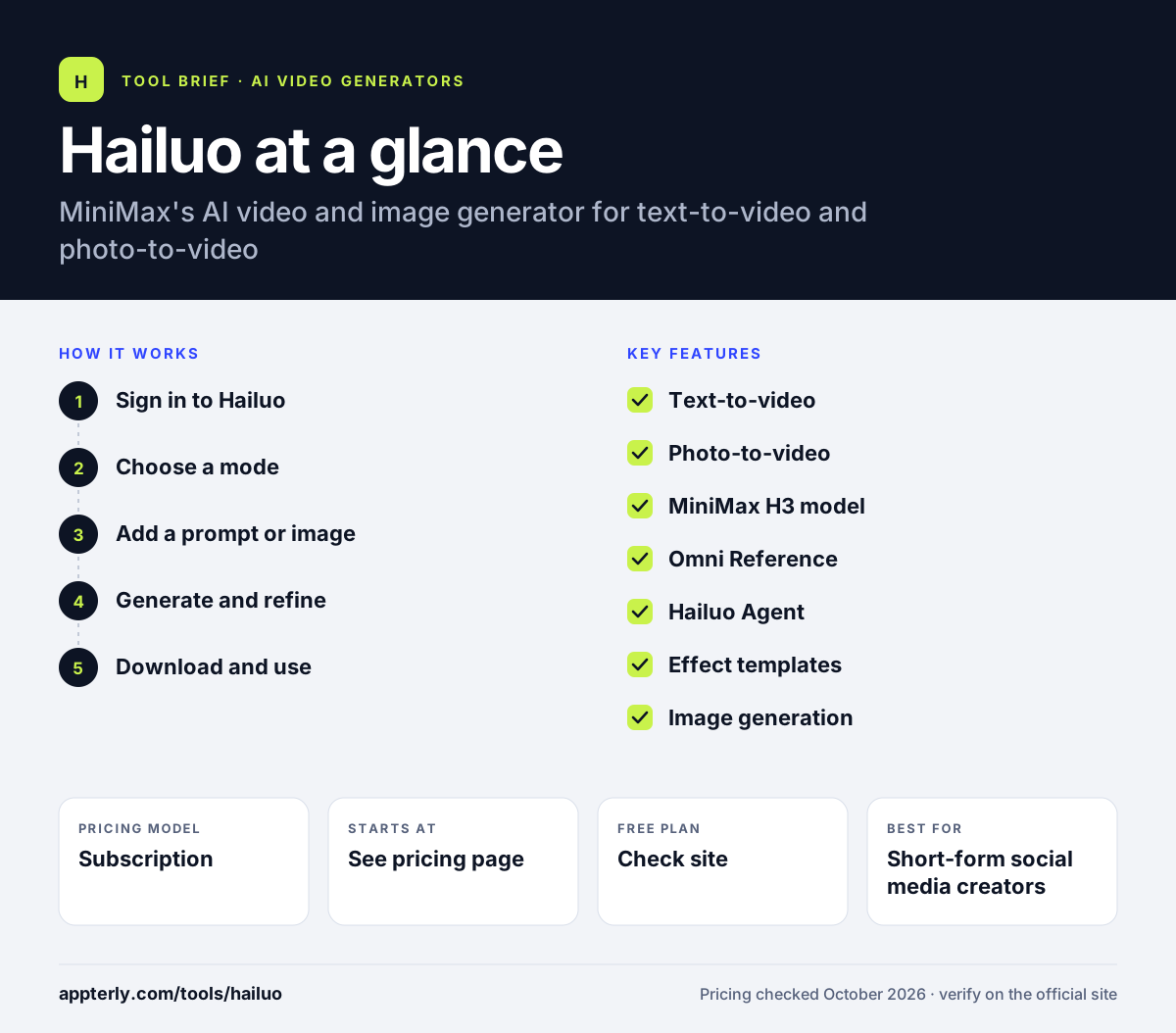
Hailuo at a glance
How does Hailuo work?
- Sign in to Hailuo
Open hailuoai.video in your browser and create an account.
- Choose a mode
Select video or image creation, or pick a template effect such as photo-to-motion.
- Add a prompt or image
Describe the shot in text, or upload a photo or reference to guide the result. Clear descriptions of motion and camera angle usually improve results.
- Generate and refine
Let the model render the clip, then adjust the prompt or settings and regenerate as needed. Each generation uses credits from your plan.
- Download and use
Save the video and add it to your social posts, ads or editing project. You can also generate matching still images for thumbnails or posts.
Hailuo key features
Text-to-video
Generates short video clips from written descriptions. Prompts can describe subject, action, camera movement and visual style.
Photo-to-video
Animates still images into motion clips. This works well for product shots, portraits and illustrated scenes.
MiniMax H3 model
MiniMax's latest multimodal model for generating and editing video. Through the API it supports clips of 4 to 15 seconds and up to 2K resolution.
Omni Reference
Uses reference inputs to guide subjects and style in generated clips.
Hailuo Agent
An agent mode that helps plan and produce content.
Effect templates
Ready-made effects for photo animation, transformations and style transfer. These are handy for trending social formats that need little prompting.
Image generation
Creates still images alongside videos in the same app.
Why use Hailuo?
- Clips can be generated from a single prompt or photo in minutes.
- Templates make trending effects easy for creators without editing skills.
- Reference inputs help keep subjects consistent across generations.
- Developers can use the same MiniMax models through an API.
- Image generation in the same app helps produce matching thumbnails and posts.
Who is Hailuo best for?
A good fit for
- Short-form social media creators
- Marketers testing visual ad concepts
- Designers exploring motion ideas from still images
- Developers building with MiniMax video models
Less suited to
- Long-form videos, since clips are short
- Users who need a full editing timeline
- Buyers who want clear pricing before signing up
- Teams that need guaranteed commercial terms should check the license details first
Hailuo pricing
| Pricing model | Subscription |
|---|---|
| Free plan | Not confirmed |
| Free trial | Not confirmed |
| Starting price | See the official pricing page |
Hailuo sells monthly subscription plans for generation credits, but the plan prices load inside the app and could not be confirmed; API use is billed pay-as-you-go through the MiniMax platform.
Prices checked October 2026. Vendors change plans often, so confirm on the official Hailuo pricing page before you buy.
Hailuo pros and cons
Pros
- Fast text and photo to video generation
- Template effects for quick social content
- Reference-based control
- API access through MiniMax
Cons
- Pricing is not clearly published on the public site
- Short clip lengths
- No built-in timeline editor
Hailuo integrations and platforms
Available on
Hailuo alternatives
See the full shortlist in Best AI Video Generators.
Hailuo FAQ
Is Hailuo AI free?
Hailuo lets you sign up and try video generation, but ongoing use is based on credit subscriptions. Its public pricing page did not display plan prices, so check the subscription page inside the Hailuo app for current plans and any free credits before committing. Developers can also pay as they go through the MiniMax API platform. Prices and credit allowances may vary by region and promotion.
What is Hailuo AI used for?
Hailuo AI is used to turn text prompts and photos into short AI videos and images. Creators use it for social media clips, animated photos, visual effects, ad concepts and music video ideas. Its template effects make it easy to apply trending transformations without editing skills. Developers can also call MiniMax video models directly through the MiniMax API platform.
Who makes Hailuo AI?
Hailuo AI is made by MiniMax, an AI company founded in early 2022 that builds multimodal foundation models for text, audio, image, video and music. MiniMax also offers speech and music models, design and coding agents and an API platform for developers. The company's products span consumer apps and developer tools.
Hailuo vs Kling: what's the difference?
Hailuo and Kling are both AI video generators that create short clips from text and images. Hailuo comes from MiniMax and now runs on the MiniMax H3 model, with effect templates and an agent mode. Kling comes from Kuaishou. Users usually compare motion quality, prompt accuracy, clip length and credit pricing. Testing both with the same prompt is the easiest way to compare results.
What resolution and length does Hailuo support?
According to MiniMax's API documentation, the MiniMax H3 model generates clips between 4 and 15 seconds long at 768p or 2K, while H3 Max offers 480p or 768p for faster generation. Both support text-to-video, image-to-video and first and last frame input. Options in the Hailuo app may vary by plan.
Sources
This overview is based on Hailuo's official website and documentation, checked October 2026.