What is Pallyy?
Pallyy is a social media scheduling platform that organizes work around social sets, where each client, brand or location gets its own calendar, inbox, analytics and connected accounts. You write a post once, adjust the caption for each network, and schedule it through official platform APIs. Clients can review and approve posts through a shared link without needing a login.
Pallyy supports Instagram, Facebook, X, LinkedIn, TikTok, YouTube, Pinterest, Threads, Bluesky and Google Business Profile. It is built mainly for social media agencies, freelancers and multi-location businesses such as restaurants, clinics and real estate teams. Paid plans add a social inbox, bio link pages, competitor tracking and an API, and Pallyy also offers an MCP connection for scheduling posts from AI assistants such as ChatGPT and Claude.
Pallyy at a glance
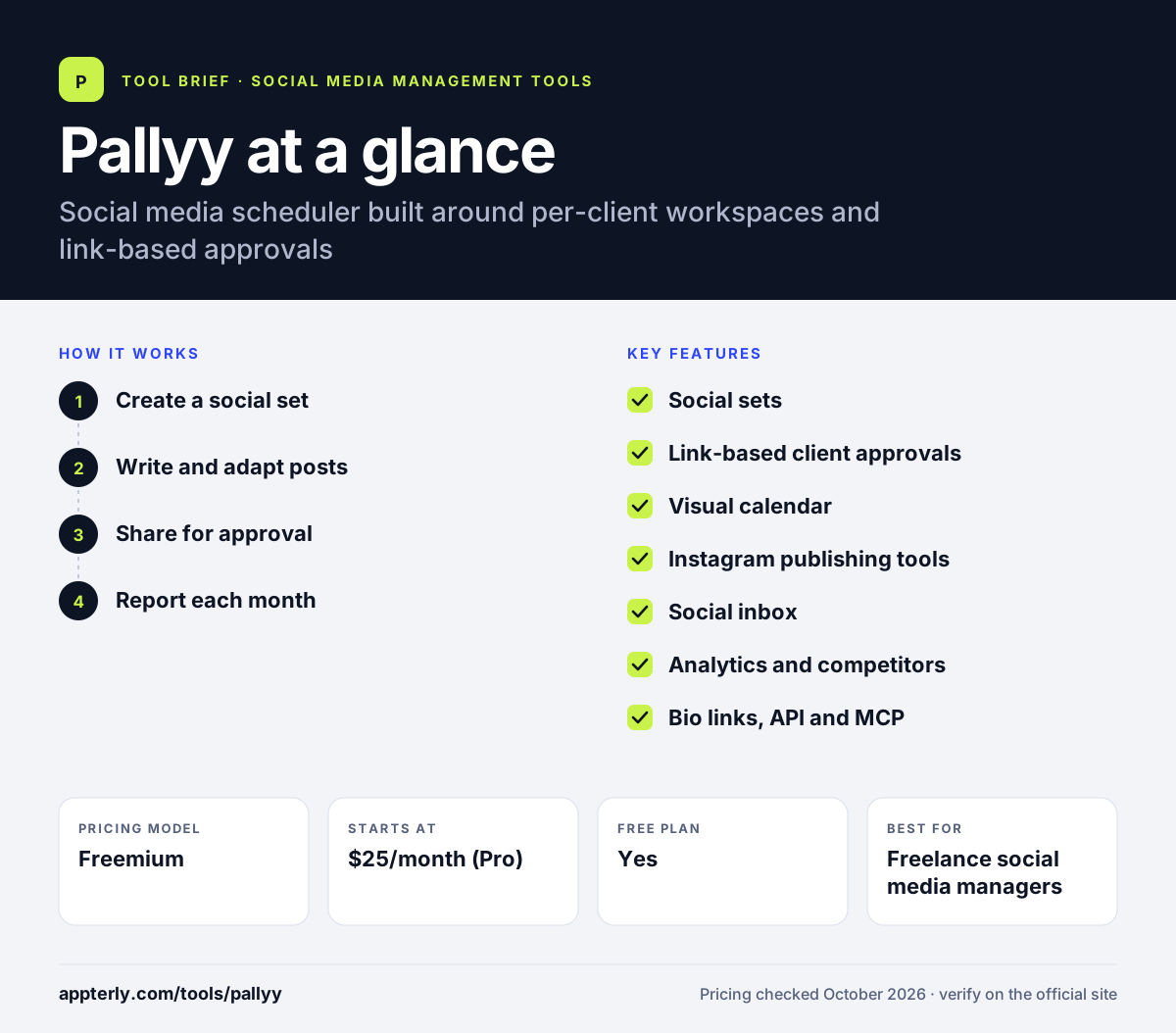
How does Pallyy work?
- Create a social set
Add a social set for each client or location and connect its accounts. Teammates or freelancers can be given access only to the clients they handle.
- Write and adapt posts
Create one post, tailor the caption per network and drop it on the visual calendar. Video, carousel and Reels publishing are available on paid plans.
- Share for approval
Send clients a link where they can comment on and approve posts, which then publish automatically. Comments and post history keep a record of client feedback.
- Report each month
Review analytics per client and export custom PDF reports on Agency and Scale plans. Pro and above keep up to 5 years of analytics data.
Pallyy key features
Social sets
Separate workspaces per client, each with its own calendar, inbox and analytics. Locations or sub-brands can each be a separate set.
Link-based client approvals
Clients approve or comment through a shared link without taking a paid seat.
Visual calendar
Drag-and-drop planning with post previews and an Instagram grid preview. Shared client calendars are available on paid plans.
Instagram publishing tools
Supports first comments, collaborators, product and location tags, trending audio and multi-story posts on paid plans.
Social inbox
Handle comments and messages from one place on paid plans. The free plan does not include the inbox.
Analytics and competitors
Instagram, Facebook and LinkedIn analytics with up to 10 tracked competitors on paid plans.
Bio links, API and MCP
Build link-in-bio pages and schedule through the API or AI assistants. API access starts on Pro.
Why use Pallyy?
- Clients can approve posts without paying for a seat. This lowers costs for agencies with many stakeholders.
- Each client stays separate, which reduces posting mistakes. Teammates only see the clients they are assigned to.
- The free plan lets you test the calendar before paying.
- Pricing scales with clients at $10 per extra social set.
- Charities and nonprofits get 50% off all plans.
Who is Pallyy best for?
A good fit for
- Freelance social media managers
- Small social media agencies
- Multi-location businesses such as restaurants and clinics
- Instagram-heavy brands that want grid planning
Less suited to
- Teams needing social listening or review management
- Solo users who need extra team seats on the Pro plan
- Enterprises needing SSO and advanced compliance
Pallyy pricing
| Pricing model | Freemium |
|---|---|
| Free plan | Yes |
| Free trial | 14 days on paid plans (card required) |
| Starting price | $25/month (Pro) |
Pro covers one social set and one user, with extra sets at $10/month. Agency ($99/month) adds 10 sets, 3 users and approvals, and Scale ($199/month) covers 30 sets and 10 users. Annual billing saves up to 25%.
Prices checked October 2026. Vendors change plans often, so confirm on the official Pallyy pricing page before you buy.
Pallyy pros and cons
Pros
- Clean per-client workspace structure
- Seat-free client approvals
- Low entry price with a free plan
- Strong Instagram planning tools
Cons
- Free plan is limited to 15 image posts a month
- No social listening
- Custom reports only on Agency and Scale
Pallyy integrations and platforms
Works with
Available on
Pallyy alternatives
See the full shortlist in Best Social Media Management Tools.
Pallyy FAQ
Is Pallyy free?
Yes. Pallyy has a free plan with one social set, one user and 15 scheduled image posts per month, with no card needed. Paid plans start at $25 per month for Pro, which removes the post limit and adds video, carousels, the inbox and bio link pages.
What is Pallyy used for?
Pallyy is used to plan, approve and schedule social media posts for several clients or locations. Agencies and freelancers use it to keep each client in a separate social set, collect approvals through shared links and send monthly analytics reports. Restaurants, clinics, realtors and trades also use it for multi-location posting.
How does Pallyy pricing work for agencies?
Each client counts as one social set. Pro includes one set and charges $10 per month for each extra set, so three clients on Pro cost $45 per month. Agency costs $99 per month for 10 sets and 3 users, and Scale costs $199 for 30 sets.
Pallyy vs Planable: what's the difference?
Both tools focus on client approvals. Pallyy prices per social set, has a free plan and lets clients approve through a link. Planable prices per workspace with unlimited users and offers multi-level approvals and add-ons for analytics, inbox and listening. Pallyy is usually cheaper for small agencies.
Does Pallyy have a free trial?
Yes. Pallyy's paid plans include a 14-day free trial. You enter card details to start, but you are not charged if you cancel before the trial ends. The free plan is also available with no card if you only need basic image scheduling.
Sources
This overview is based on Pallyy's official website and documentation, checked October 2026.