What is Buffer?
Buffer is a social media management tool that helps small businesses, creators and individuals plan, schedule and analyze posts across many networks from one dashboard. It supports Instagram, Facebook, TikTok, LinkedIn, X, YouTube Shorts, Threads, Pinterest, Google Business Profile, Bluesky and Mastodon. Buffer is known for a clean interface and simple per-channel pricing, which makes it a common first tool for growing brands.
The product covers idea collection, publishing, insights, comment replies and team collaboration. An AI Assistant helps write and repurpose posts, and Start Page provides a link-in-bio site. Buffer has offered its tool since 2010 and has worked as a fully remote company since 2013. A free plan covers three channels, while paid plans add unlimited scheduling, deeper analytics, reports and, on Team, unlimited users with approvals. Pricing is per channel rather than per user, and channels beyond the first 10 are billed at a lower rate.
Buffer at a glance
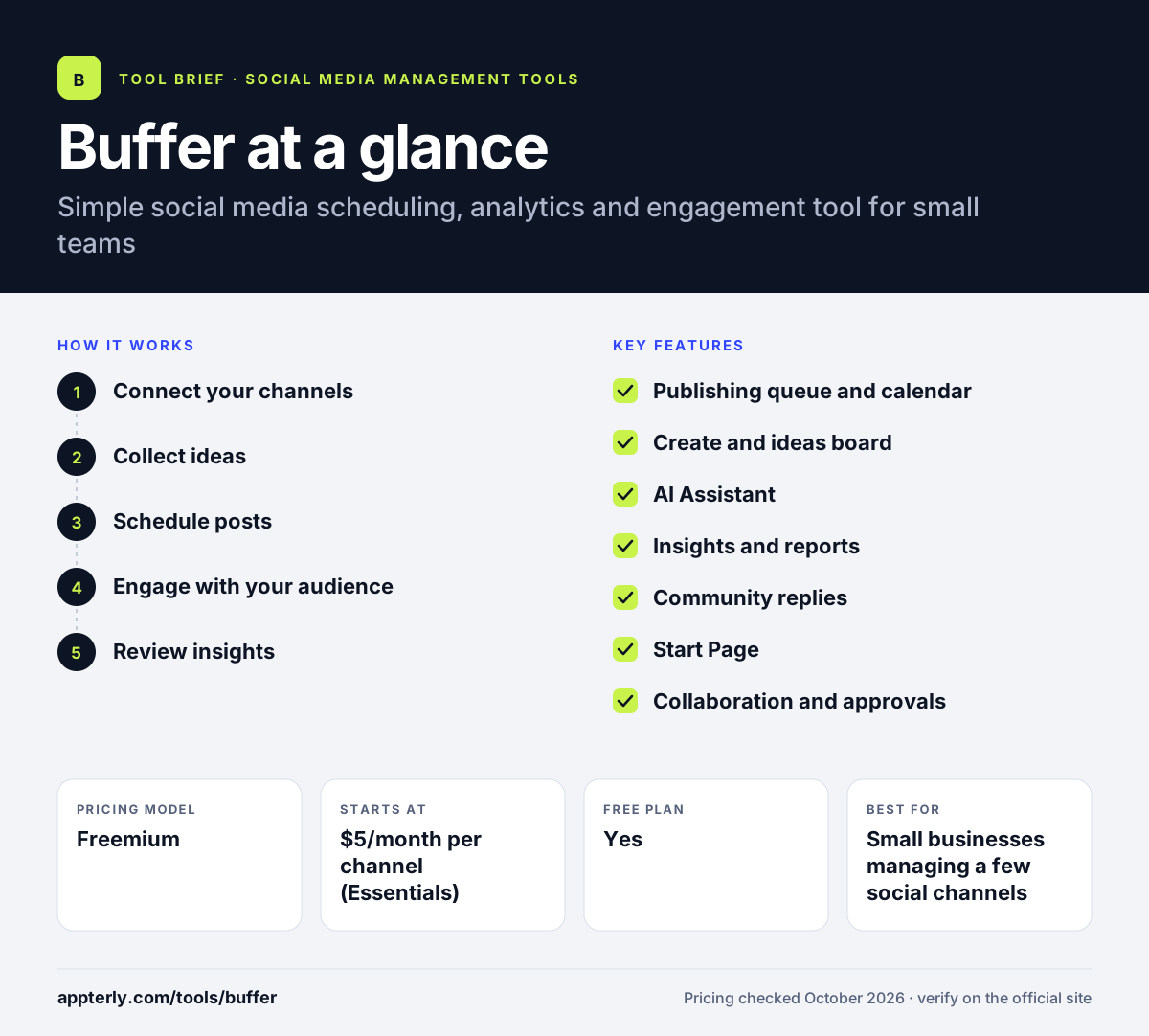
How does Buffer work?
- Connect your channels
Link the social accounts you want to manage; the free plan allows up to three channels.
- Collect ideas
Save content ideas, drafts and templates in one place, and use the AI Assistant to write or repurpose posts.
- Schedule posts
Add posts to a queue or calendar, tailor them per network and let Buffer publish at set times.
- Engage with your audience
Reply to comments across channels from one view, using saved replies and AI suggestions.
- Review insights
Check performance, find your best posts and build reports to guide what you publish next.
Buffer key features
Publishing queue and calendar
Schedule posts across supported networks with a queue, calendar view, drafts and templates.
Create and ideas board
Store and organize content ideas, then turn them into posts when ready.
AI Assistant
Generates, refines and repurposes post copy for different platforms.
Insights and reports
Performance analytics on all plans, with custom analytics, reports and branded reports on paid tiers.
Community replies
Reply to comments from one dashboard, with comment insights and saved replies.
Start Page
A customizable link-in-bio page included on every plan.
Collaboration and approvals
Team plan adds unlimited users, approval workflows and custom permissions.
API and MCP access
Every plan includes API keys with monthly request limits, and an MCP connection lets AI tools such as Claude and ChatGPT work with Buffer.
Why use Buffer?
- The interface is simple, so new users can schedule posts within minutes.
- Per-channel pricing keeps costs low for small brands.
- The free plan is enough to test scheduling on three channels.
- AI help and an ideas board speed up content creation.
- Integrations with Canva, Google Drive and Dropbox bring assets in easily.
Who is Buffer best for?
A good fit for
- Small businesses managing a few social channels
- Creators and solo marketers who want simple scheduling
- Small teams that need basic approvals
- Brands active on newer networks such as Bluesky and Threads
Less suited to
- Large teams needing advanced listening or customer care routing
- Agencies that need deep client reporting and inbox for direct messages
- Brands that need full automatic publishing for personal Instagram accounts
Buffer pricing
| Pricing model | Freemium |
|---|---|
| Free plan | Yes |
| Free trial | 14 days |
| Starting price | $5/month per channel (Essentials) |
Essentials costs $5 per channel per month and Team $10 per channel per month, with annual billing discounts and lower per-channel rates above 10 channels. Free covers 3 channels with 10 scheduled posts each.
Prices checked October 2026. Vendors change plans often, so confirm on the official Buffer pricing page before you buy.
Buffer pros and cons
Pros
- Easy to learn and use
- Affordable per-channel pricing with a free plan
- Supports many networks, including Bluesky and Mastodon
- Link-in-bio page and AI Assistant included
Cons
- Costs grow with every added channel
- Engagement tools focus on comments rather than a full message inbox
- Listening and advanced enterprise features are absent
Buffer integrations and platforms
Works with
Available on
Buffer alternatives
See the full shortlist in Best Social Media Management Tools.
Buffer FAQ
Is Buffer free?
Yes. Buffer has a free plan for up to three channels with 10 scheduled posts per channel, one user, an AI Assistant, Start Page and 30 days of insights history. Paid plans add unlimited scheduling and deeper analytics, and both paid plans come with a 14-day free trial.
How much does Buffer cost?
Buffer charges per connected channel. In October 2026, Essentials cost $5 per channel per month and Team cost $10 per channel per month, with discounts for annual billing and for channels above 10. Team adds unlimited users, approval workflows, custom permissions and branded reports.
Buffer vs Hootsuite: what's the difference?
Buffer focuses on simple scheduling, analytics and comment replies with low per-channel pricing and a free plan. Hootsuite is a larger suite with a full social inbox, listening, advocacy and enterprise features, priced per user at a higher starting point. Buffer suits small teams, while Hootsuite suits bigger organizations.
Which social networks does Buffer support?
Buffer supports Instagram, Facebook pages, TikTok business profiles, LinkedIn pages and profiles, X, YouTube Shorts, Threads, Pinterest, Google Business Profile, Bluesky and Mastodon. Some account types, such as Instagram personal accounts and Facebook groups, use reminder notifications rather than automatic publishing.
Is Buffer good for beginners?
Yes. Buffer is often recommended for beginners because its dashboard is simple, setup takes minutes and the free plan covers three channels. Features like the queue, calendar, ideas board and AI Assistant help new users publish consistently without learning a complex tool.
Sources
This overview is based on Buffer's official website and documentation, checked October 2026.