What is Mergado?
Mergado is a no-code tool for editing ecommerce product data that sends optimized feeds to advertising channels, marketplaces and price comparison sites. Its core app, Mergado Editor, lets you change XML and CSV feeds in bulk and with automated rules, without a developer. It converts one store feed into the formats needed by Google, Meta and hundreds of other platforms, with more than 650 integrations listed on its site. That makes it practical for teams that manage feeds for many channels at once.
Mergado is especially strong in Central and Eastern Europe. Alongside Shopify, WooCommerce, Amazon and Kaufland, it supports regional channels such as Heureka, Alza, Glami, Ceneo, Mall.cz and Seznam, and it connects closely with the Shoptet store platform. The ecosystem includes add-on apps for auditing feeds, translating products, editing images, bidding on comparison sites and selling on marketplaces, so stores can extend Mergado as their needs grow.
Mergado at a glance
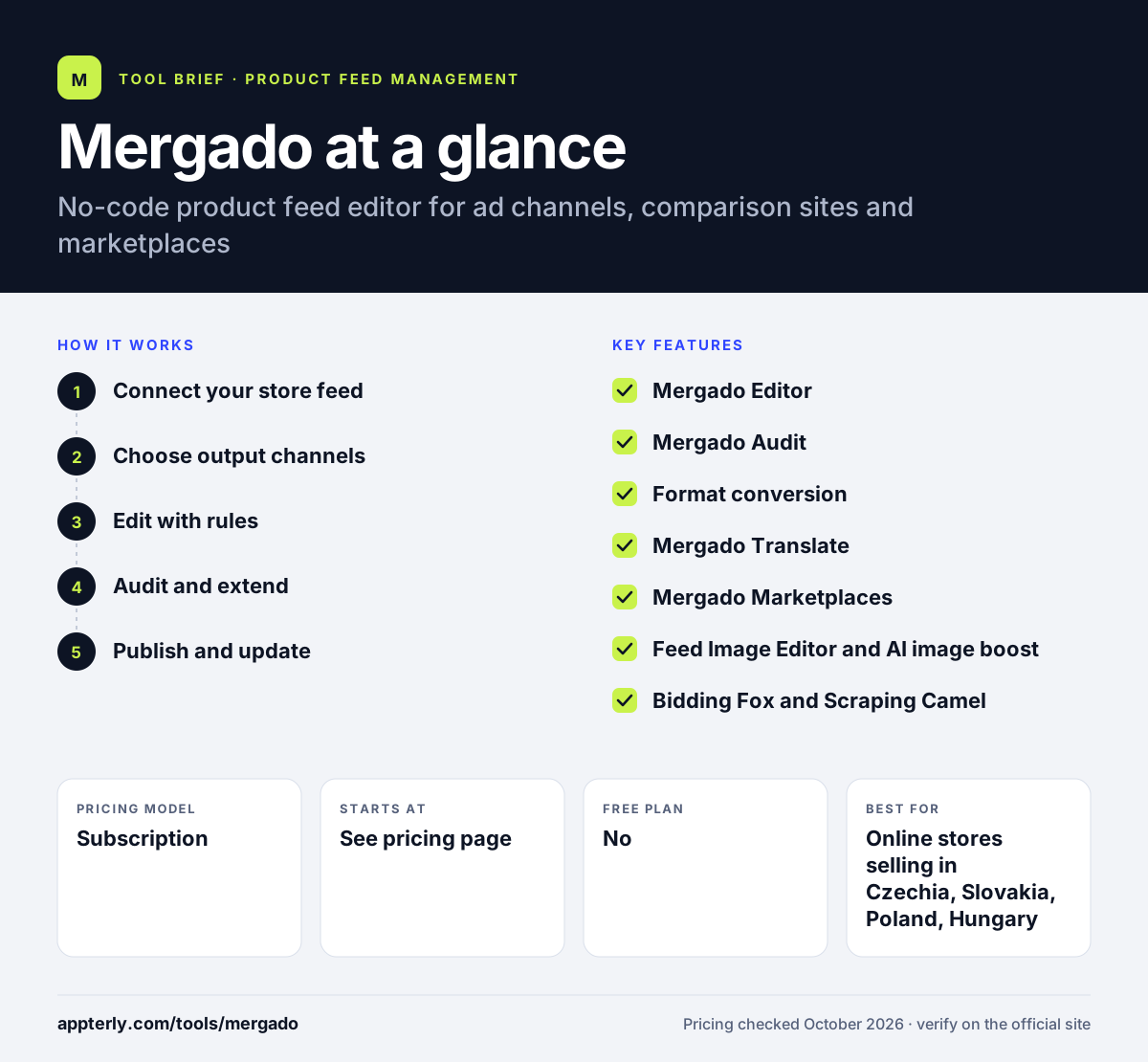
How does Mergado work?
- Connect your store feed
Import the XML or CSV feed from your store or connect a platform like Shopify, WooCommerce or Shoptet.
- Choose output channels
Select the ad channels, comparison sites or marketplaces you want, and Mergado converts the feed to each format.
- Edit with rules
Use Mergado Editor's no-code rules to fix titles, categories, prices and other fields in bulk.
- Audit and extend
Run Mergado Audit to find data problems and add apps for translation, image editing or bidding as needed.
- Publish and update
Each channel receives an optimized feed URL that updates automatically as your store data changes.
Mergado key features
Mergado Editor
The main no-code editor for bulk and automated changes to XML and CSV product feeds.
Mergado Audit
Checks product data quality and highlights errors; a free feed audit is offered.
Format conversion
Turns one source feed into the specific formats required by ad platforms, comparison sites and marketplaces.
Mergado Translate
Translates product data automatically so you can sell in other countries.
Mergado Marketplaces
Helps list products on marketplaces from the same data you already manage.
Feed Image Editor and AI image boost
Edits and improves product images for feeds without separate design tools.
Bidding Fox and Scraping Camel
Paid extensions for managing comparison site bids and gathering competitor data.
Mergado MCP
Lets AI assistants such as Claude, ChatGPT or Cursor edit feeds through a chat interface.
Why use Mergado?
- It lets marketers fix and transform feeds without coding or developer time.
- It covers regional European comparison sites and marketplaces that many US tools miss.
- A generous 30-day trial gives you time to build, test and compare real feeds before you pay.
- Modular apps mean you pay only for the extra features you need.
- It can also move product data into CRM or ERP systems, not just ad channels.
Who is Mergado best for?
A good fit for
- Online stores selling in Czechia, Slovakia, Poland, Hungary and nearby markets
- Shoptet merchants who want deeper feed control
- Agencies managing feeds for many ecommerce clients
- Retailers advertising on price comparison engines
Less suited to
- Stores that only sell in North America and need US-focused marketplace tools
- Buyers who want all pricing published clearly up front
Mergado pricing
| Pricing model | Subscription |
|---|---|
| Free plan | No |
| Free trial | 30 days |
| Starting price | See the official pricing page |
Base plan prices scale by number of products and integrations but were not shown on the pricing page when checked. Paid extensions start at about EUR 11/month (Mergado Marketplaces), and yearly billing is about 20% cheaper; prices exclude VAT.
Prices checked October 2026. Vendors change plans often, so confirm on the official Mergado pricing page before you buy.
Mergado pros and cons
Pros
- No-code editor that marketers can use on their own
- Excellent coverage of Central and Eastern European channels
- 30-day free trial without commitment
- Large app ecosystem for translation, images and bidding
Cons
- Base plan pricing is not easy to find on the website
- Many advanced features cost extra as separate extensions, so the total cost grows as you add tools
- Fewer US-specific marketplace integrations than American competitors
Mergado integrations and platforms
Works with
Available on
Mergado alternatives
See the full shortlist in Best Product Feed Management Tools.
Mergado FAQ
Is Mergado free?
Mergado is not free, but it offers a 30-day free trial with no commitment, plus a free feed audit and a free demo. After the trial you pay a monthly or yearly subscription based on product count and integrations. Optional extensions such as Mergado Translate or Feed Image Editor are billed separately.
What is Mergado used for?
Mergado is used to edit and optimize product feeds for advertising platforms, price comparison sites and marketplaces. Online stores use it to fix titles and categories in bulk, convert feeds into channel formats, translate product data, edit images and audit feed quality, all without needing a developer.
Does Mergado work with Shopify?
Yes. Mergado supports Shopify, as well as WooCommerce and the Shoptet store platform. You connect your store feed, and Mergado converts and optimizes it for channels such as Google, Facebook, Heureka, Kaufland or Amazon, updating automatically as your catalog changes.
Mergado vs DataFeedWatch: what's the difference?
Both tools optimize product feeds for many channels. Mergado has deeper support for Central and Eastern European comparison sites and marketplaces and uses a modular app model. DataFeedWatch focuses more on global ad channels, publishes tiered US-dollar plans, and adds AI tools and agency features.
Is Mergado good for beginners?
Mergado is designed as a no-code tool, so beginners can make bulk feed changes without programming. Learning its rule system takes some time, but the 30-day trial, free audit and demo help new users get started. Stores with simple single-channel needs may find it more than they require.
Sources
This overview is based on Mergado's official website and documentation, checked October 2026.