What is Google Merchant Center?
Google Merchant Center is a free Google tool that lets retailers upload and manage product data so their items can appear across Google surfaces, including Search, the Shopping tab, Images, Maps and YouTube. It is the hub where your product catalog, business details, shipping and return settings live before Google shows them to shoppers. Products can show in free listings at no cost, and the same data powers paid Shopping ads and Performance Max campaigns in Google Ads.
Merchant Center accepts product data in several ways: an automatic import from your online store, a Google Sheets template, a file upload, or a connection to a platform such as Shopify, Wix or WooCommerce. Once products are in, Google reviews them against its policies and flags issues that need fixing. The tool also offers performance insights and recommendations on pricing and promotions, and it can show local inventory to shoppers searching for products near them.
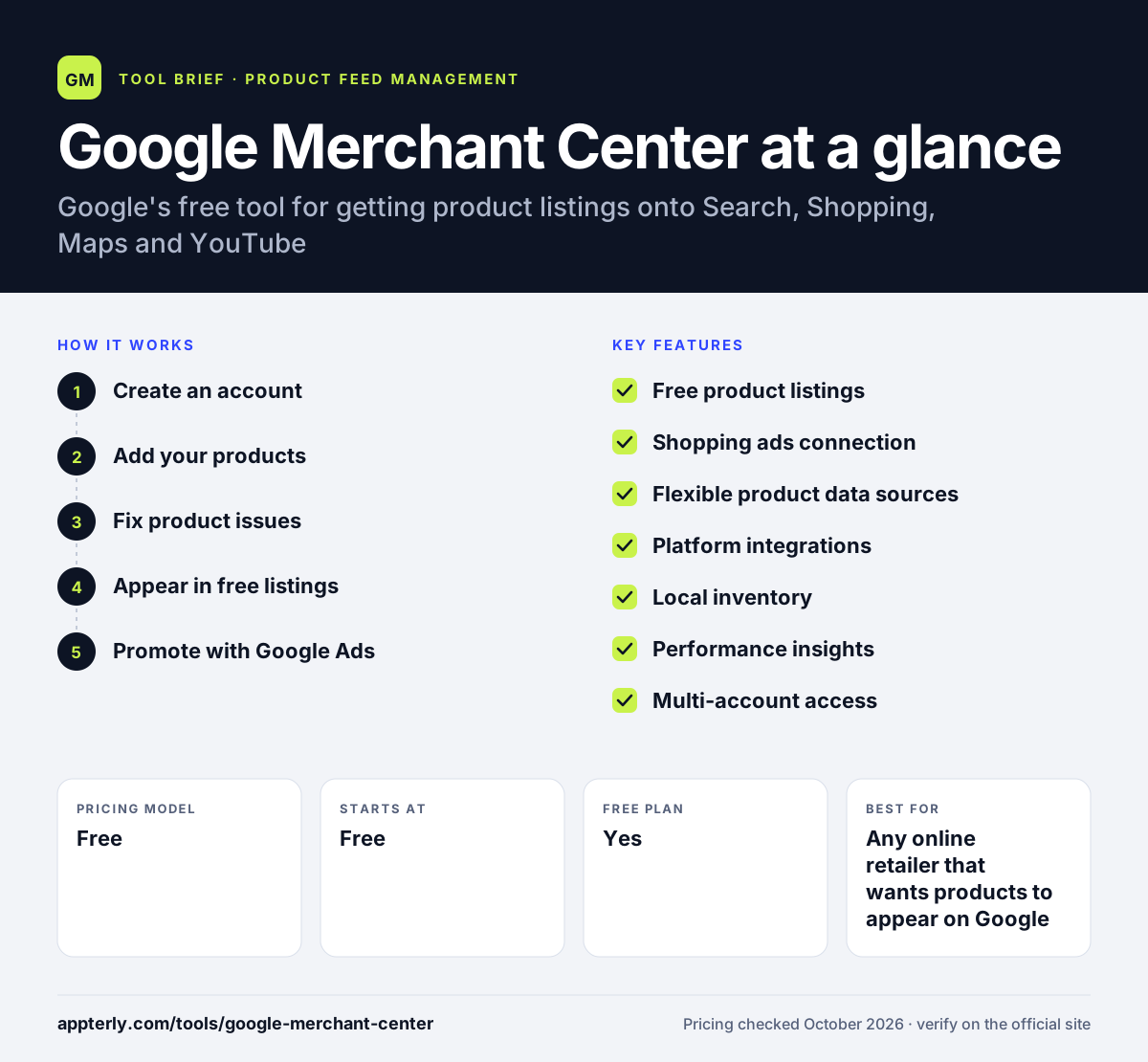
Google Merchant Center at a glance
How does Google Merchant Center work?
- Create an account
Sign up with a Google Account and add your business name, address, country, website and whether you sell online, in store or both.
- Add your products
Import products automatically from your store, link a platform like Shopify, use a Google Sheets template or upload a file.
- Fix product issues
Google checks products against its requirements and policies, and you resolve any flagged problems so items can be shown.
- Appear in free listings
Approved products can show for free across Google surfaces such as Search, Shopping, Maps and YouTube.
- Promote with Google Ads
Link Google Ads to run Shopping or Performance Max campaigns with goals like online sales or store visits.
Google Merchant Center key features
Free product listings
Show products on Google surfaces without paying for clicks, which helps new stores build visibility.
Shopping ads connection
Your Merchant Center product data feeds Shopping and Performance Max campaigns in Google Ads, with spend capped by your budget.
Flexible product data sources
Add products by automatic website import, Google Sheets, file upload or a linked ecommerce platform.
Platform integrations
Shopify, Wix and WooCommerce connections sync your inventory automatically so listings stay current.
Local inventory
Show real-time in-store stock to nearby shoppers who search for products near them.
Performance insights
Get reports and tailored recommendations on pricing and promotions to improve sales.
Multi-account access
A single user can be added to up to 100 Merchant Center accounts, useful for agencies.
Why use Google Merchant Center?
- It is free to set up and to list products in Google's free listings.
- It is required if you want to run Shopping ads or product-based Performance Max campaigns.
- It puts your products in front of shoppers across several Google properties at once.
- Native connections with Shopify, Wix and WooCommerce make setup quick for most stores.
- Local inventory features help physical stores attract nearby shoppers.
Who is Google Merchant Center best for?
A good fit for
- Any online retailer that wants products to appear on Google
- Advertisers running Google Shopping or Performance Max campaigns
- Brick-and-mortar retailers promoting in-store stock
- Small stores on Shopify, Wix or WooCommerce looking for free traffic
Less suited to
- Businesses that sell services rather than physical products
- Merchants who need one tool to manage feeds for many non-Google channels
- Sellers of products restricted by Google Shopping policies
Google Merchant Center pricing
| Pricing model | Free |
|---|---|
| Free plan | Yes |
| Free trial | Not confirmed |
| Starting price | Free |
Creating an account and showing products in free listings costs nothing. Paid reach comes through Google Ads, where you set a budget for Shopping or Performance Max campaigns.
Prices checked October 2026. Vendors change plans often, so confirm on the official website before you buy.
Google Merchant Center pros and cons
Pros
- Completely free to use
- Direct access to Google's shopping surfaces
- Easy store imports and platform integrations
- Built-in diagnostics show why products are not approved
Cons
- Only covers Google channels, so other platforms need separate feeds
- Policy reviews and account suspensions can be hard to resolve
- Advanced feed optimization often needs a third-party feed tool
Google Merchant Center integrations and platforms
Works with
Available on
Google Merchant Center alternatives
See the full shortlist in Best Product Feed Management Tools.
Google Merchant Center FAQ
Is Google Merchant Center free?
Yes. Google Merchant Center is free to sign up for and free to use for listing products in Google's free listings. You only pay if you choose to advertise with Google Ads through Shopping or Performance Max campaigns, and in that case you control spending with a budget you set.
What is Google Merchant Center used for?
Google Merchant Center is used to upload and manage product information so items can appear across Google Search, the Shopping tab, Images, Maps and YouTube. Retailers also use it as the product data source for Shopping ads, to show local store inventory, and to review insights and recommendations on pricing and promotions.
Does Google Merchant Center integrate with Shopify?
Yes. Google Merchant Center connects with Shopify, as well as Wix and WooCommerce. When you link your store, products sync automatically, so new items and changes in price or stock can show up on Google without manual uploads. You can still edit or add products inside Merchant Center.
Do I need Google Merchant Center for Google Shopping ads?
Yes. Shopping ads and product-based Performance Max campaigns pull product data from Google Merchant Center. You set up your products there first, link the account to Google Ads, and then create campaigns. Without Merchant Center, Google has no product catalog to build those ads from.
Google Merchant Center vs a feed management tool: what's the difference?
Google Merchant Center is where Google receives and reviews your product data. Feed management tools such as DataFeedWatch or GoDataFeed sit before it, cleaning and optimizing data and sending it to Merchant Center and many other channels. Small stores often use Merchant Center alone, while larger sellers add a feed tool.
Sources
This overview is based on Google Merchant Center's official website and documentation, checked October 2026.