What is Invoke?
Invoke is a free, open source image generation studio built for designers, with a Unified Canvas that supports layers, inpainting, outpainting and upscaling in one workspace. Behind the canvas it offers a model manager and node-based workflows, so technical users get the same depth as ComfyUI without giving up a familiar design surface.
It is released under Apache-2.0, the most permissive license of the tools in this list, which makes it friendly for commercial and team use. A launcher installer handles setup for non-technical users, and it runs Stable Diffusion, SDXL and FLUX models locally.
Invoke at a glance
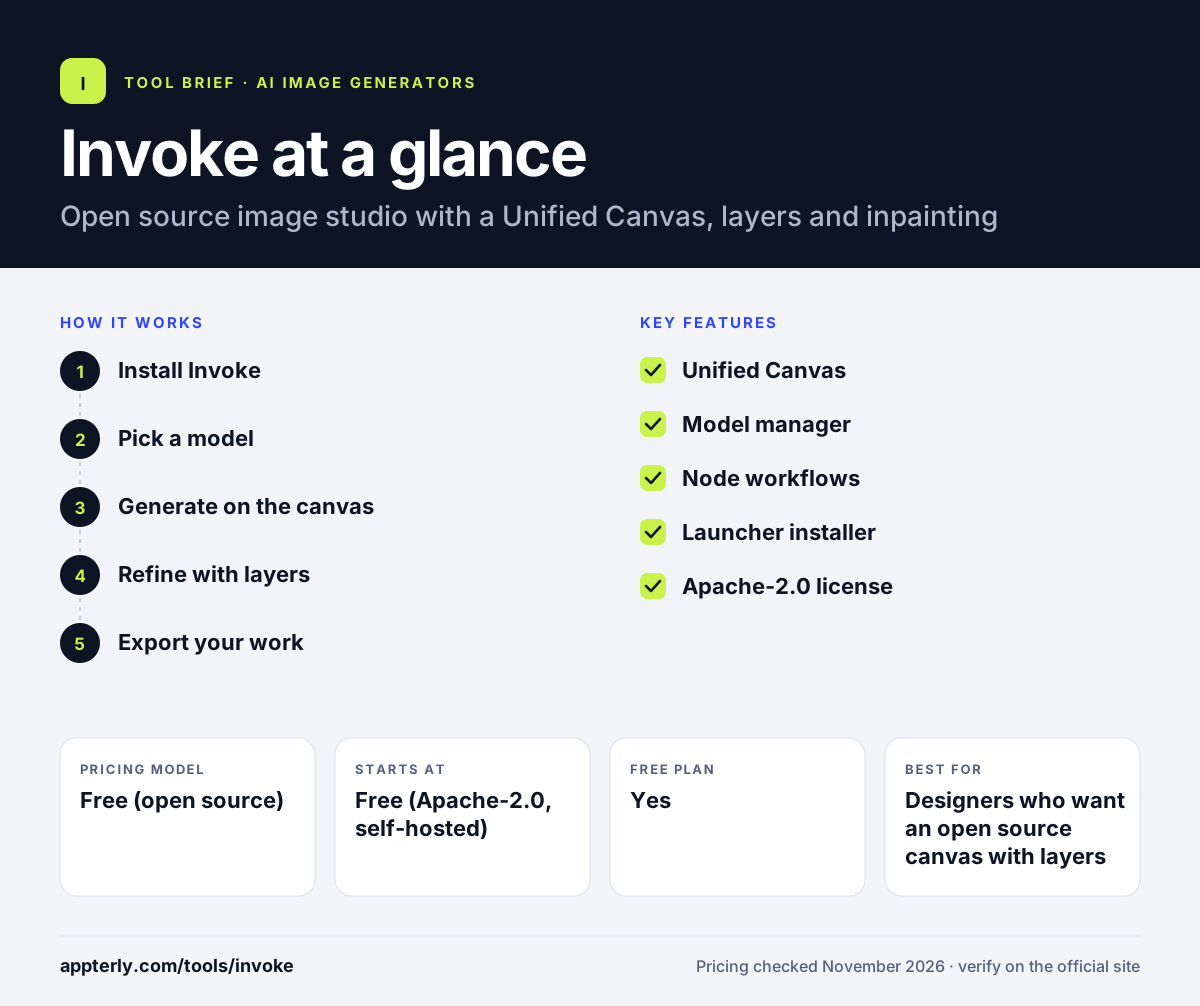
How does Invoke work?
- Install Invoke
Download the launcher installer, which handles dependencies and model downloads.
- Pick a model
Use the model manager to install Stable Diffusion, SDXL or FLUX checkpoints.
- Generate on the canvas
Prompt for an image, then paint, inpaint or outpaint on the Unified Canvas.
- Refine with layers
Use layers to combine generations, masks and edits in one workspace.
- Export your work
Export finished images or save a node workflow for reuse.
Invoke key features
Unified Canvas
Layers, inpainting, outpainting and upscaling in one design workspace.
Model manager
Install and switch between Stable Diffusion, SDXL and FLUX models.
Node workflows
Build reusable node pipelines behind the canvas for repeatable results.
Launcher installer
A packaged installer handles setup for non-technical users.
Apache-2.0 license
A permissive license that suits commercial and team use.
Why use Invoke?
- The most polished interface of any open source image tool.
- Free under Apache-2.0, the most permissive license here.
- Canvas editing with layers suits designers, not just engineers.
- Runs locally, so prompts and images stay private.
- Supports Stable Diffusion, SDXL and FLUX models.
Who is Invoke best for?
A good fit for
- Designers who want an open source canvas with layers
- Teams that need a permissive license for commercial work
- Creators who want inpainting and outpainting in one app
- Users who want local generation with a friendly installer
Less suited to
- Users without a capable GPU for local generation
- Beginners who want a hosted web app with no install
- Teams that need a managed cloud service with support
Invoke pricing
| Pricing model | Free (open source) |
|---|---|
| Free plan | Yes |
| Free trial | Not confirmed |
| Starting price | Free (Apache-2.0, self-hosted) |
Invoke is free under Apache-2.0. You run it on your own hardware, so the only cost is compute. There is no hosted version and no subscription. Invoke also sells a separate commercial product; the open source project is free.
Prices checked November 2026. Vendors change plans often, so confirm on the official Invoke pricing page before you buy.
Invoke pros and cons
Pros
- Free and open source under Apache-2.0
- Most polished interface of any open source image tool
- Unified Canvas with layers and inpainting
- Launcher installer for non-technical users
- Runs locally with full privacy
Cons
- Needs your own GPU and setup time
- Model set depends on what you download
- No hosted version
Invoke integrations and platforms
Available on
Invoke alternatives
See the full shortlist in Best AI Image Generators.
Invoke FAQ
Is Invoke free?
Yes, the open source Invoke project is free under Apache-2.0, and you can download it from GitHub. It runs on your own hardware, so the only cost is compute. Invoke also sells a separate commercial product, but the open source project has no subscription.
Is Invoke good for commercial use?
Yes, Apache-2.0 is the most permissive license of the open source image tools in this list, which makes Invoke friendly for commercial and team use. Always check the license of the exact model you use, since model licenses vary.
What is the Invoke Unified Canvas?
The Unified Canvas is Invoke's main workspace: it supports layers, inpainting, outpainting and upscaling in one place, so you can generate, paint and edit without switching apps. It feels closer to a design tool than to a prompt box.
Invoke vs ComfyUI: what's the difference?
Invoke offers a polished canvas with layers and a launcher installer, which suits designers. ComfyUI offers a node graph with the largest custom-node community and the fastest support for new models, which suits power users. Both are free and open source, and both run FLUX.
Do I need a GPU to run Invoke?
Yes, Invoke runs locally and needs a capable GPU. Smaller models work on consumer GPUs, while larger models need more video memory. You can also run it on a cloud GPU.
Sources
This overview is based on Invoke's official website and documentation, checked November 2026.