What is DiffusionBee?
DiffusionBee is a desktop app for macOS that runs Stable Diffusion locally with a one-click installer and no dependencies or technical knowledge needed. It supports text-to-image, image-to-image, generative fill, upscaling and custom model training on the device, with nothing sent to the cloud. It runs on Apple Silicon Macs, using the Mac's own graphics hardware for generation.
It is free under AGPL-3.0. DiffusionBee runs on macOS only, with no Windows or Linux version, and its repository has seen few updates since late 2024. Commercial use depends on the license of the model you run.
DiffusionBee at a glance
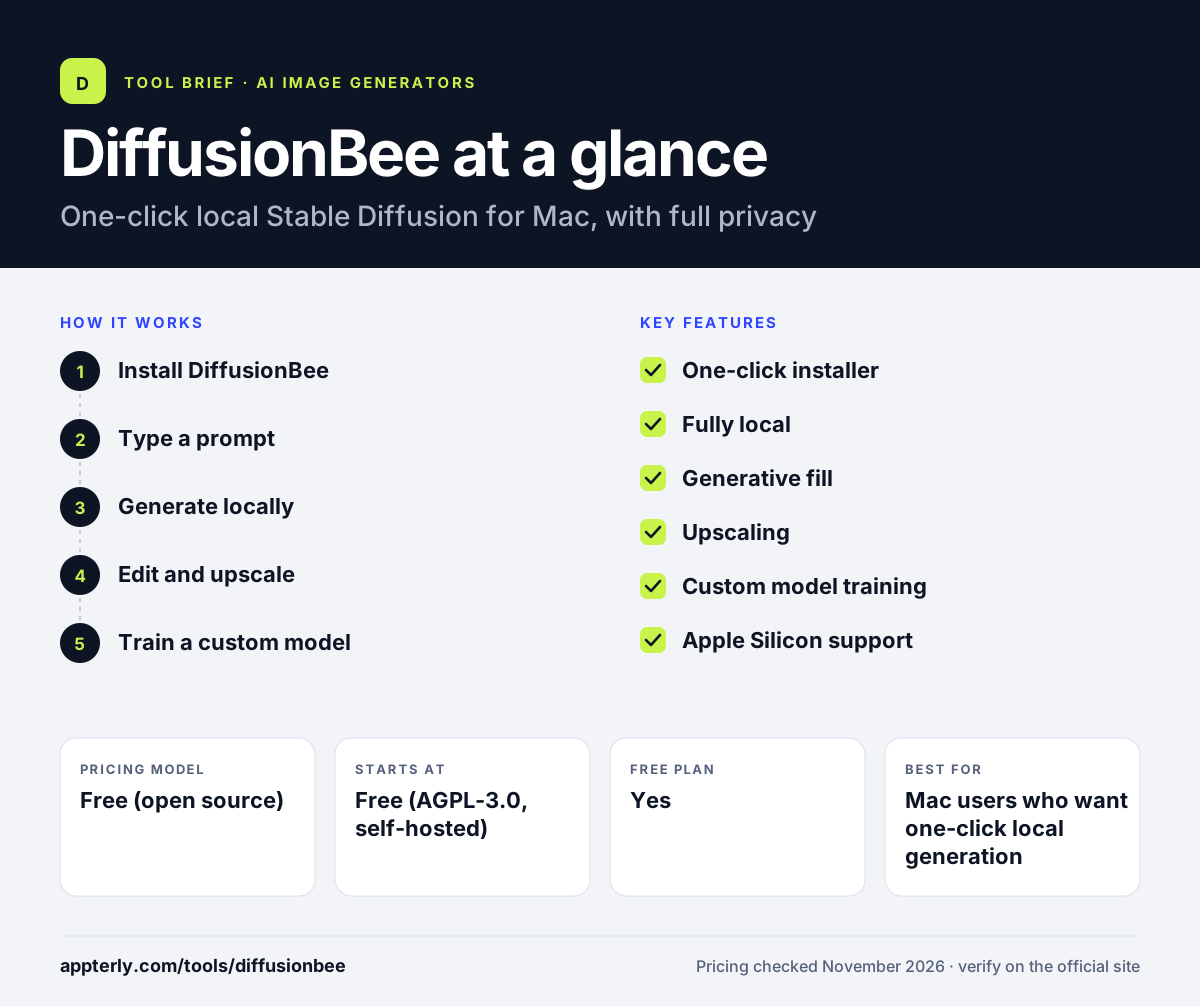
How does DiffusionBee work?
- Install DiffusionBee
Download the Mac app and run the one-click installer, which downloads the base model. There is no terminal work and no dependency to install by hand.
- Type a prompt
Write a description of the image you want, with optional negative prompts. Keep the prompt short and specific for the best first result.
- Generate locally
The image is generated on your Mac, with no data sent to a server. Generation time depends on the Mac model and the image size.
- Edit and upscale
Use image-to-image, generative fill or upscaling to refine the result. Each edit runs locally on the same Mac.
- Train a custom model
Train a model on your own images for a consistent style or subject. Training runs on the device and takes longer than a single generation.
DiffusionBee key features
One-click installer
Installs on a Mac with no dependencies or terminal commands.
Fully local
Nothing is sent to the cloud, so prompts and images stay private.
Generative fill
Paint over part of an image to replace or extend it.
Upscaling
Upscale finished images for larger displays and print.
Custom model training
Train a model on your own images on the device.
Apple Silicon support
Built for Apple Silicon Macs, so generation runs on the machine's own hardware.
Why use DiffusionBee?
- The easiest open source route for Mac users.
- Free under AGPL-3.0, with no subscription.
- Fully local, with full data privacy.
- One-click install, no technical setup.
- Supports text-to-image, editing and custom training.
Who is DiffusionBee best for?
A good fit for
- Mac users who want one-click local generation
- Beginners who want no technical setup
- Anyone who needs full privacy for image generation
- Creators who want to train a custom model on a Mac
- Mac users who want to try Stable Diffusion without a cloud account
Less suited to
- Windows or Linux users, since it is macOS only
- Users who want FLUX or newer models
- Teams that need active development and new features
DiffusionBee pricing
| Pricing model | Free (open source) |
|---|---|
| Free plan | Yes |
| Free trial | Not confirmed |
| Starting price | Free (AGPL-3.0, self-hosted) |
DiffusionBee is free under AGPL-3.0. You run it on your own Mac, so there is no subscription. Commercial use depends on the license of the model you run. It has seen few updates since late 2024. Models download once, then everything runs offline.
Prices checked November 2026. Vendors change plans often, so confirm on the official DiffusionBee pricing page before you buy.
DiffusionBee pros and cons
Pros
- Free and open source under AGPL-3.0
- One-click installer, no technical setup
- Fully local, nothing sent to the cloud
- Supports editing, upscaling and custom training
- No account or cloud service needed
Cons
- macOS only, no Windows or Linux
- Few updates since late 2024
- Commercial use depends on the model license
DiffusionBee integrations and platforms
Available on
DiffusionBee alternatives
See the full shortlist in Best AI Image Generators.
DiffusionBee FAQ
Is DiffusionBee free?
Yes, DiffusionBee is free under AGPL-3.0, and you can download it from diffusionbee.com or GitHub. It runs on your Mac, so there is no subscription and no cloud cost. There is no paid tier and no feature locked behind payment.
Does DiffusionBee work on Windows?
No, DiffusionBee runs on macOS only, with no Windows or Linux version. Windows and Linux users should use Fooocus, ComfyUI or Invoke instead.
Is DiffusionBee good for beginners?
Yes, it is the easiest open source route for Mac users. The one-click installer handles setup, and generation works from a simple prompt box, with no terminal commands or dependency installs. It also supports custom model training for users who want a consistent style.
Can I use DiffusionBee images commercially?
It depends on the license of the model you run. DiffusionBee itself is AGPL-3.0, but the model weights carry their own licenses. Check the license for the exact model you use before commercial work.
Is DiffusionBee still maintained?
DiffusionBee has seen few updates since late 2024. It still works well for local Stable Diffusion on a Mac, and ComfyUI is the better pick if you want the newest models.
Sources
This overview is based on DiffusionBee's official website and documentation, checked November 2026.