What is ComfyUI?
ComfyUI is a free, open source interface for image generation built around a node graph: you connect blocks for the model, prompt, sampler, latent image and output, and the graph runs as a pipeline. It supports Stable Diffusion, SDXL, Stable Diffusion 3 and FLUX models, and it has become the standard interface for power users who want full control over every step of generation.
It is released under GPL-3.0 with weekly updates, and its community has built more than 1,500 custom nodes covering ControlNet, upscaling, video, inpainting, LoRA training and more. A desktop app makes installation easier than the original command-line setup, and workflows can be saved, shared and reused.
ComfyUI at a glance
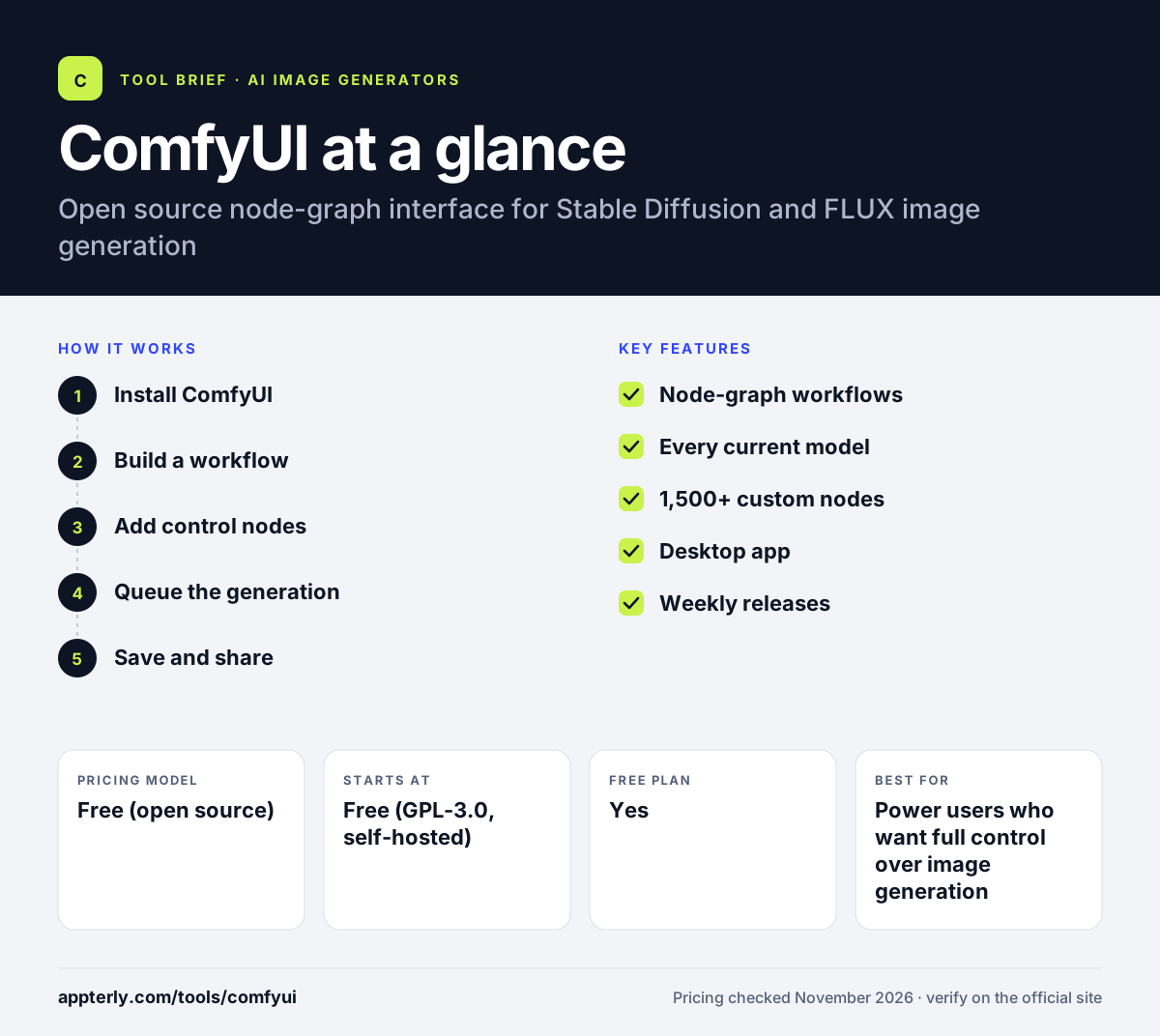
How does ComfyUI work?
- Install ComfyUI
Download the desktop app or clone the repository from GitHub, then install the models you want to use.
- Build a workflow
Connect nodes for the checkpoint, prompt, sampler and output, or load a ready-made workflow from the community.
- Add control nodes
Use ControlNet, LoRA, IPAdapter or upscaling nodes to guide composition and style.
- Queue the generation
Run the graph and adjust any node without rebuilding the whole pipeline.
- Save and share
Save the workflow as a JSON file so you or a teammate can reproduce the same image later.
ComfyUI key features
Node-graph workflows
Connect blocks into a visible pipeline you can save, share and reuse.
Every current model
Runs Stable Diffusion, SDXL, SD 3, FLUX and most community checkpoints.
1,500+ custom nodes
Community extensions cover ControlNet, video, upscaling, LoRA training and more.
Desktop app
A packaged desktop app removes the command-line setup that used to be required.
Weekly releases
ComfyUI ships updates every week, so new models and samplers arrive quickly.
Why use ComfyUI?
- Full control over every step of the generation pipeline.
- Free under GPL-3.0, with no subscription or hosted fees.
- Runs every current open model, including FLUX.
- Workflows are shareable files, so results are reproducible.
- The largest community of custom nodes of any open source interface.
Who is ComfyUI best for?
A good fit for
- Power users who want full control over image generation
- Developers building custom image pipelines
- Teams that need reproducible, shareable workflows
- Creators who want the newest open models as soon as they ship
Less suited to
- Beginners who want a simple prompt box with no setup
- Users without a capable GPU or cloud budget
- Teams that need a hosted web app with no installation
ComfyUI pricing
| Pricing model | Free (open source) |
|---|---|
| Free plan | Yes |
| Free trial | Not confirmed |
| Starting price | Free (GPL-3.0, self-hosted) |
ComfyUI is free under GPL-3.0. You run it on your own hardware or a cloud GPU, so the only cost is compute. There is no hosted version and no subscription.
Prices checked November 2026. Vendors change plans often, so confirm on the official ComfyUI pricing page before you buy.
ComfyUI pros and cons
Pros
- Free and open source under GPL-3.0
- Most control of any open source interface
- Supports every current open model, including FLUX
- Weekly releases and a huge custom-node community
- Workflows are saved and shared as files
Cons
- Steep learning curve for beginners
- Needs your own GPU or cloud machine
- No hosted version or free tier
ComfyUI integrations and platforms
Available on
ComfyUI alternatives
See the full shortlist in Best AI Image Generators.
ComfyUI FAQ
Is ComfyUI free?
Yes, ComfyUI is free under GPL-3.0, and you can download it from GitHub. It runs on your own hardware, so the only cost is your GPU or cloud machine. There is no hosted version and no subscription.
Is ComfyUI hard to learn?
It takes longer to learn than a simple prompt box, because you build workflows from connected nodes. A first weekend is enough to learn the basics, and the community shares ready-made workflows you can load and use without building your own.
Can ComfyUI run FLUX?
Yes, ComfyUI supports FLUX models alongside Stable Diffusion, SDXL and SD 3. It is one of the first interfaces to support each new open model, because it ships weekly releases.
ComfyUI vs AUTOMATIC1111: what's the difference?
ComfyUI uses a node-graph interface where you connect blocks into a reusable workflow, and it supports every current model including FLUX, with weekly releases. AUTOMATIC1111 uses a classic web form interface with the largest extension ecosystem, but it has not shipped a release since February 2025 and cannot run FLUX.
Do I need a powerful GPU for ComfyUI?
It depends on the model. Smaller models run on consumer GPUs, while FLUX and Stable Diffusion 3.5 Large need more video memory. ComfyUI can also run on cloud GPUs if your own machine is not strong enough.
Sources
This overview is based on ComfyUI's official website and documentation, checked November 2026.