What is AUTOMATIC1111?
AUTOMATIC1111, often called A1111, is the original web interface for Stable Diffusion, and it still has the largest extension ecosystem of any open source image tool. It offers txt2img, img2img, inpainting, outpainting, upscaling, LoRA and ControlNet support, plus hundreds of community extensions that add features from face restoration to batch processing. It runs in a browser window on your own computer, and it needs a GPU to generate images at a useful speed.
It is free under AGPL-3.0. Development has slowed: it has not shipped a release since v1.10.1 in February 2025, and it cannot run FLUX, the current quality leader. New users should start with ComfyUI or Forge instead, but A1111 remains relevant for its extension library.
AUTOMATIC1111 at a glance
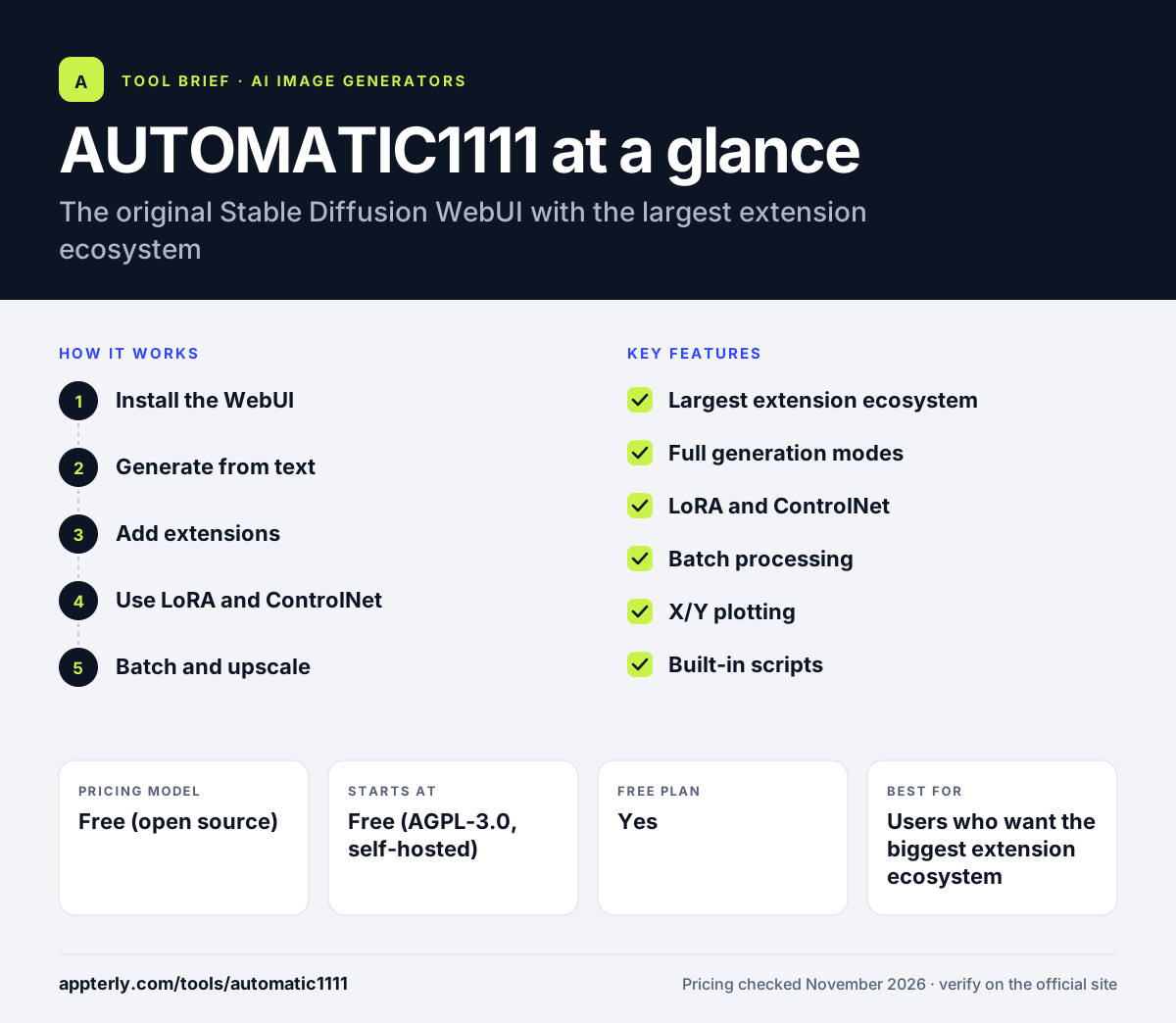
How does AUTOMATIC1111 work?
- Install the WebUI
Clone the repository from GitHub and run the installer, which downloads dependencies and a base model. The first run takes a while because it downloads several gigabytes.
- Generate from text
Write a prompt in txt2img, or edit an existing image in img2img. Adjust steps, sampler and size until the result looks right.
- Add extensions
Install community extensions for ControlNet, upscaling, face restoration and more. Extensions install from inside the interface, with no manual file copying.
- Use LoRA and ControlNet
Load LoRA models for styles and characters, and ControlNet for pose and composition control. Both load from the same interface as the main model.
- Batch and upscale
Generate in batches and upscale the best results for final use. Batch mode runs many prompts or seeds in one go.
AUTOMATIC1111 key features
Largest extension ecosystem
Hundreds of community extensions cover almost every workflow.
Full generation modes
txt2img, img2img, inpainting, outpainting and upscaling in one interface.
LoRA and ControlNet
Load style and character models, and control pose and composition.
Batch processing
Generate many variations and compare them in the browser.
X/Y plotting
Compare samplers, steps and models on a grid to find the best settings.
Built-in scripts
Ships with scripts for prompt matrices, X/Y/Z plots and batch runs from a file.
Why use AUTOMATIC1111?
- The largest extension ecosystem of any open source image tool.
- Free under AGPL-3.0, with no subscription.
- Familiar interface with years of tutorials and guides.
- Runs locally, so prompts and images stay private.
- Supports the full Stable Diffusion workflow set.
Who is AUTOMATIC1111 best for?
A good fit for
- Users who want the biggest extension ecosystem
- Creators with an existing AUTOMATIC1111 workflow
- Anyone learning Stable Diffusion from older tutorials
- Users who need a specific extension only A1111 offers
- Users who want to run older Stable Diffusion 1.5 and SDXL checkpoints
Less suited to
- Users who want FLUX or newer models
- Beginners who want a simple prompt box
- Teams that need active development and new features
AUTOMATIC1111 pricing
| Pricing model | Free (open source) |
|---|---|
| Free plan | Yes |
| Free trial | Not confirmed |
| Starting price | Free (AGPL-3.0, self-hosted) |
AUTOMATIC1111 is free under AGPL-3.0. You run it on your own hardware, so the only cost is compute. It has not shipped a release since v1.10.1 in February 2025. Extensions are free, and community models are shared on Civitai and Hugging Face.
Prices checked November 2026. Vendors change plans often, so confirm on the official AUTOMATIC1111 pricing page before you buy.
AUTOMATIC1111 pros and cons
Pros
- Free and open source under AGPL-3.0
- Largest extension ecosystem
- Full txt2img, img2img and ControlNet support
- Years of tutorials and community guides
- Works with SD 1.5, SDXL and most community checkpoints
Cons
- No release since February 2025
- Cannot run FLUX models
- Setup takes more steps than Fooocus
AUTOMATIC1111 integrations and platforms
Available on
AUTOMATIC1111 alternatives
See the full shortlist in Best AI Image Generators.
AUTOMATIC1111 FAQ
Is AUTOMATIC1111 free?
Yes, AUTOMATIC1111 is free under AGPL-3.0, and you can download it from GitHub. It runs on your own hardware, so the only cost is compute. There is no subscription and no hosted version.
Is AUTOMATIC1111 still maintained?
Development has slowed. It has not shipped a release since v1.10.1 in February 2025, and it cannot run FLUX. New users should start with ComfyUI or Stable Diffusion WebUI Forge, which support modern models.
Can AUTOMATIC1111 run FLUX?
No, AUTOMATIC1111 cannot run FLUX models. If you need FLUX with a similar interface, use Stable Diffusion WebUI Forge, a fork that keeps the AUTOMATIC1111 interface and adds FLUX support.
What is AUTOMATIC1111 used for?
AUTOMATIC1111 is used to generate images from text, edit images, upscale results and run LoRA and ControlNet workflows. Its extension ecosystem adds features such as face restoration, batch processing and custom samplers. It runs in a browser window, so no separate app is needed.
AUTOMATIC1111 vs ComfyUI: what's the difference?
AUTOMATIC1111 uses a classic web form interface with the largest extension ecosystem, but it has not shipped a release since February 2025 and cannot run FLUX. ComfyUI uses a node graph, supports every current model including FLUX, and ships weekly releases.
Sources
This overview is based on AUTOMATIC1111's official website and documentation, checked November 2026.