What is Google Search Console?
Google Search Console is a free tool from Google that shows which searches bring people to a website, which pages are indexed, and which technical problems Google found. It reports clicks, impressions, average position and the queries behind each one.
Site owners verify their site, then use the performance, indexing and experience reports to see what Google shows and where it struggles. There is no paid plan and no subscription: the tool is free for any verified site owner. The data comes straight from Google, so it shows what Google itself recorded rather than an estimate. Reports cover the last 16 months of search performance, which is enough to spot seasonal patterns.
Google Search Console at a glance
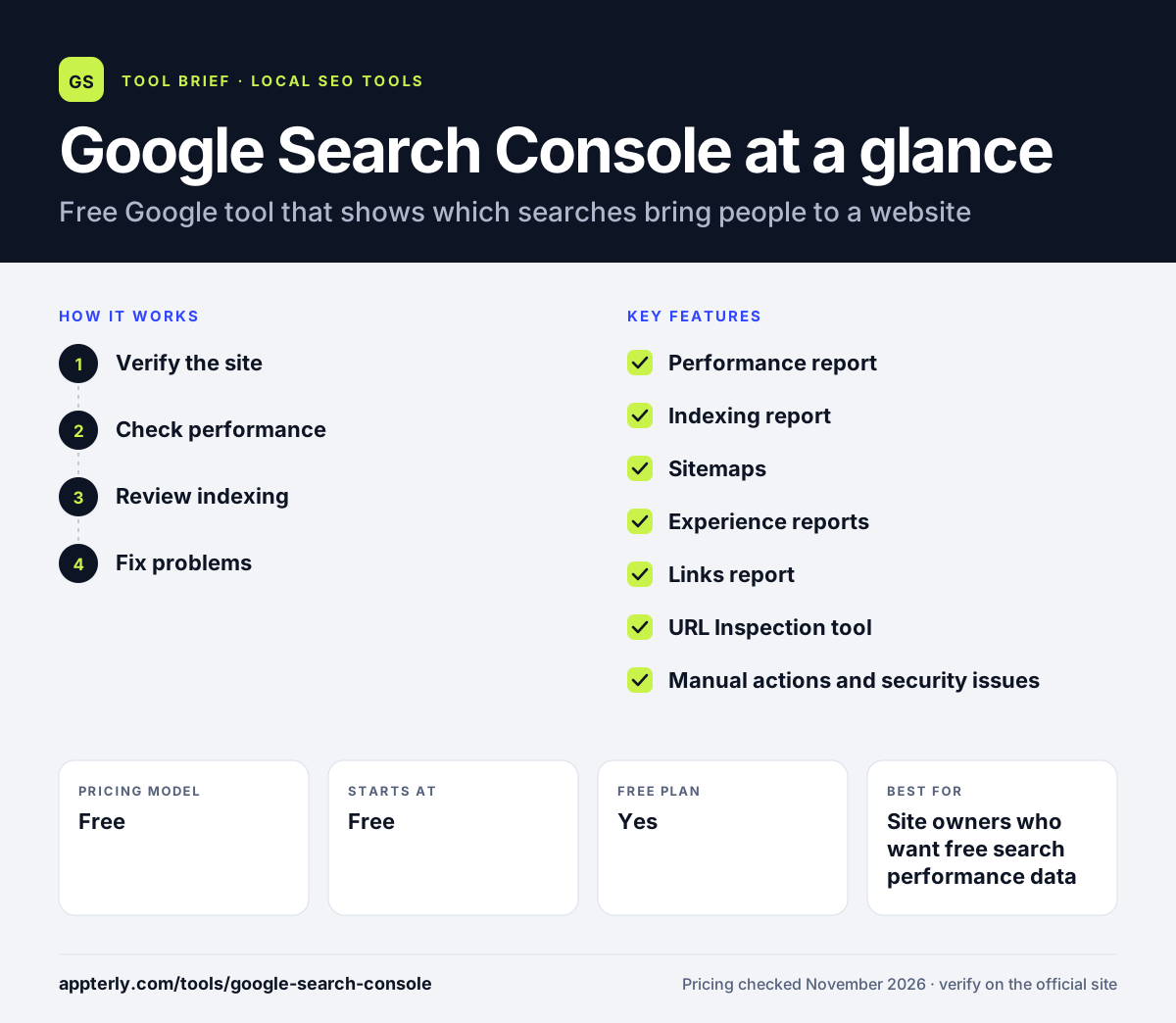
How does Google Search Console work?
- Verify the site
Add the site as a property and verify ownership with a DNS record, HTML file or tag. Verification proves the site belongs to you before Google shows its data.
- Check performance
Open the performance report to see queries, clicks, impressions and average position. Filter by page, country or device to find where traffic comes from.
- Review indexing
Check which pages are indexed and why others are excluded. The report separates pages Google indexed from pages it skipped, with a reason for each group.
- Fix problems
Use the experience and enhancement reports to find mobile, Core Web Vitals and structured data problems. Fix the issue on the site, then ask Google to check the page again.
Google Search Console key features
Performance report
Shows queries, clicks, impressions and average position for a site.
Indexing report
Shows which pages Google indexed and why others were left out.
Sitemaps
Lets owners submit sitemaps and check how Google processed them.
Experience reports
Flags mobile usability and Core Web Vitals problems.
Links report
Shows internal and external links Google found to the site.
URL Inspection tool
Shows how Google sees one specific page, including its index status and last crawl.
Manual actions and security issues
Reports penalties and hacked-content warnings that need attention.
Why use Google Search Console?
- It is free, with no paid plan.
- It shows the exact queries that bring clicks to a site.
- It flags indexing, mobile and technical problems Google found.
- It is the only source of Google's own query and indexing data for a site.
Who is Google Search Console best for?
A good fit for
- Site owners who want free search performance data
- SEOs checking which pages Google indexes
- Content teams finding the queries that already bring traffic
- Small businesses checking their site's Google visibility
- Teams that need to prove a fix worked by watching the data recover
Less suited to
- Marketers who need competitor data
- Local SEOs who need map-pack positions
- Teams that need real-time data, since reports run a few days behind
- Anyone who only needs social or ad traffic data
Google Search Console pricing
| Pricing model | Free |
|---|---|
| Free plan | Yes |
| Free trial | Not confirmed |
| Starting price | Free |
Google Search Console costs nothing to use. There is no paid plan. It covers every site a verified owner adds, with no per-site fee.
Prices checked November 2026. Vendors change plans often, so confirm on the official website before you buy.
Google Search Console pros and cons
Pros
- Completely free, with no paid plan
- Shows the exact queries that bring clicks to a site
- Flags indexing, mobile and technical problems
- URL Inspection shows exactly how Google sees any page
Cons
- Covers Google search only, with no competitor data
- No local map-pack positions
- Data runs a few days behind
- Performance data only goes back 16 months
Google Search Console integrations and platforms
Available on
Google Search Console alternatives
See the full shortlist in Best Local SEO Tools.
Google Search Console FAQ
Is Google Search Console free?
Yes. Google Search Console is free for any site owner, with no paid plan. You verify ownership of a site, then use its performance, indexing and experience reports at no cost.
What is Google Search Console used for?
Google Search Console is used to see which searches bring people to a website, which pages are indexed, and which technical problems Google found. It reports clicks, impressions, average position and the queries behind them.
Does Google Search Console show local rankings?
No. Google Search Console shows organic search performance, not local map-pack positions. For map rankings, use a geo-grid tracker such as Local Falcon or BrightLocal alongside Search Console.
How far back does Search Console data go?
Performance data goes back 16 months. Older data is not available, so teams that need longer trends should export reports regularly or store them elsewhere.
What is the URL Inspection tool?
The URL Inspection tool shows how Google sees one specific page: whether it is indexed, when it was last crawled, and any mobile or structured data problems on that page. It also lets you ask Google to recrawl a page after a fix.
Sources
This overview is based on Google Search Console's official website and documentation, checked November 2026.