What is Google Business Profile?
Google Business Profile is a free tool from Google that lets a business manage how it appears on Google Search and Google Maps. It holds the business name, address, phone number, hours, services, photos, posts and reviews, and it is the listing that customers see first when they search for a business nearby.
Owners claim or create a profile, verify the business, then keep the details up to date and respond to reviews. Google shows the profile in Search and Maps results, in the local pack and in knowledge panels. There is no paid plan and no subscription: the tool is free for any eligible business. A profile can also link to a website, a booking page or a menu, and it shows a map pin so customers can get directions. Google may also show the profile in the knowledge panel beside search results.
Google Business Profile at a glance
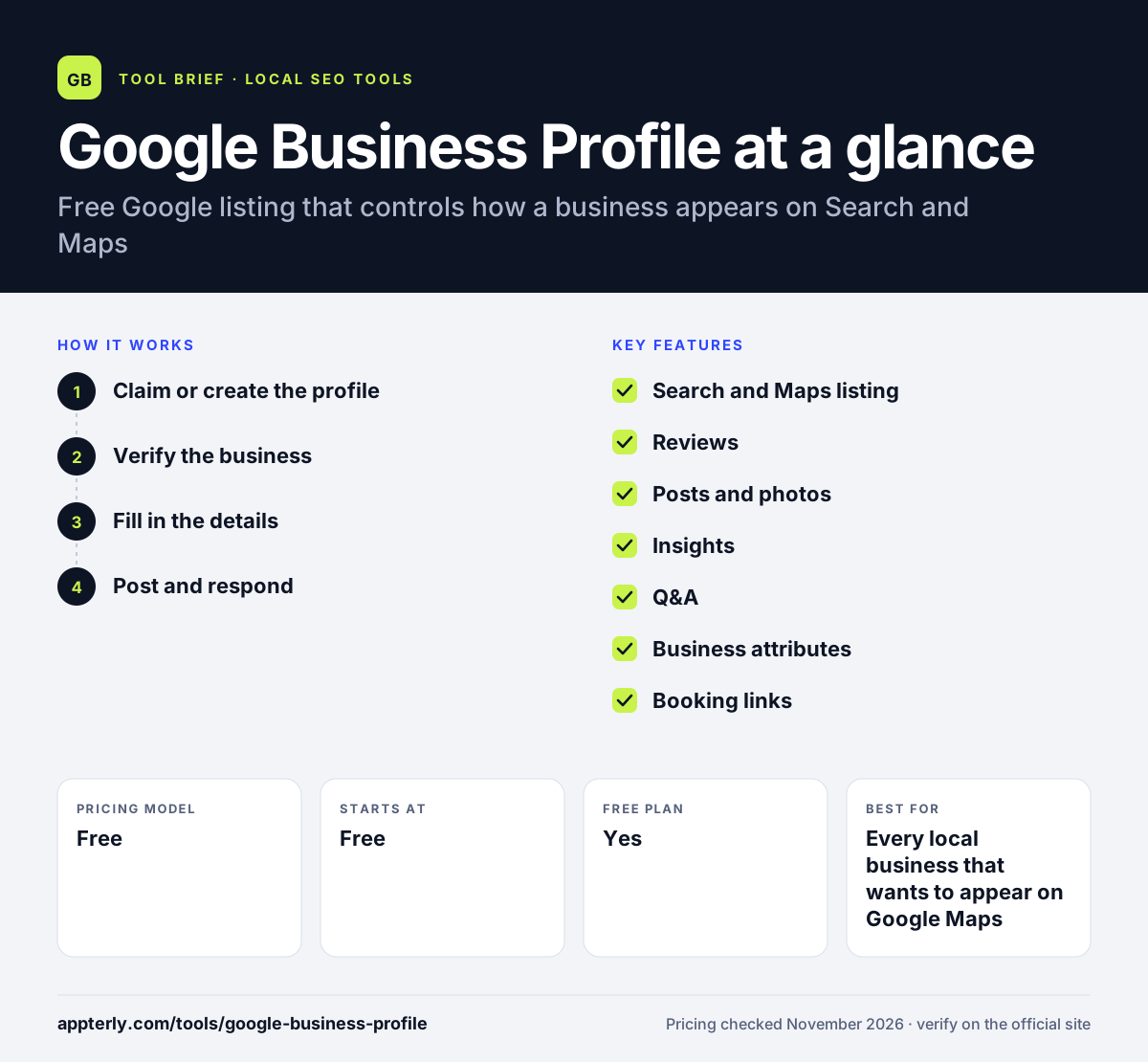
How does Google Business Profile work?
- Claim or create the profile
Search for the business on Google or go to business.google.com and add the business name, address, phone number and category. If the business already has a listing, claim it instead of creating a duplicate.
- Verify the business
Complete Google's verification, which can take days depending on the method offered. A profile must be verified before it can be fully managed.
- Fill in the details
Add hours, services, photos, attributes and a description so customers see accurate information. A complete profile gives customers fewer reasons to call with basic questions.
- Post and respond
Publish updates and offers, answer questions and reply to reviews regularly. Fresh photos and replies show customers the business is active.
Google Business Profile key features
Search and Maps listing
Controls how the business appears on Google Search and Google Maps.
Reviews
Collects and displays customer reviews, with owner replies.
Posts and photos
Publishes updates, offers and photos to the profile.
Insights
Shows how customers find the listing and what they do next.
Q&A
Lets customers ask questions that the owner or other users can answer.
Business attributes
Lists details such as wheelchair access, outdoor seating and accepted payments.
Booking links
Adds appointment, reservation or order links to the profile.
Why use Google Business Profile?
- It is free, with no paid plan.
- It is the listing Google shows first for local searches.
- Reviews, photos, posts and hours sit in one place.
- A complete profile is the starting point for showing up in the local pack.
Who is Google Business Profile best for?
A good fit for
- Every local business that wants to appear on Google Maps
- Single-location businesses managing their own listing
- Multi-location brands that need a profile per address
- Service-area businesses that serve customers at their location
- Businesses that want reviews and questions handled in one free place
Less suited to
- Businesses that need rank tracking or citation sync built in
- Teams that need bulk management across many profiles
- Businesses outside Google's eligibility rules
- Businesses that need a full website, since a profile is a listing, not a site
Google Business Profile pricing
| Pricing model | Free |
|---|---|
| Free plan | Yes |
| Free trial | Not confirmed |
| Starting price | Free |
Google Business Profile costs nothing to use. There is no paid plan. Businesses can add a website link and a booking link at no extra cost.
Prices checked November 2026. Vendors change plans often, so confirm on the official website before you buy.
Google Business Profile pros and cons
Pros
- Completely free, with no paid plan
- Controls how a business appears on Search and Maps
- Reviews, photos, posts and hours in one free listing
- Posts and offers reach customers without changing a website
Cons
- No rank tracking or citation sync built in
- Verification can take days for some businesses
- Each location is managed by hand, with no bulk tools
- Google can suspend a profile that breaks its guidelines
Google Business Profile integrations and platforms
Available on
Google Business Profile alternatives
See the full shortlist in Best Local SEO Tools.
Google Business Profile FAQ
Is Google Business Profile free?
Yes. Google Business Profile is completely free to create and manage. You can claim a listing, update hours and services, add photos, respond to reviews and read insights at no cost. You only pay if you run Google Ads.
What is Google Business Profile used for?
Google Business Profile is used to manage how a business appears on Google Search and Google Maps. It holds the business name, address, phone, hours, services, photos, posts and reviews, and it is the listing customers see first in local results.
How do I verify my Google Business Profile?
Google offers verification methods such as postcard, phone, email or instant verification, depending on the business. The method offered varies, and verification can take days. A profile must be verified before it can be fully managed.
Can I manage more than one location?
Yes. Each location gets its own profile, and a business can manage them all from one Google account. Larger brands use the Business Profile Manager to handle many locations together.
Does Google Business Profile help with rankings?
A complete and accurate profile is one of the inputs Google uses for local results, so it helps, but it does not guarantee a top spot. Reviews, photos and regular updates also matter.
Sources
This overview is based on Google Business Profile's official website and documentation, checked November 2026.