What is Fooocus?
Fooocus is a free, open source image generator built for simplicity: type a prompt, get a good image, with almost no settings to learn. It is based on Stable Diffusion XL and uses techniques such as negative prompts, style presets and automatic prompt refinement behind the scenes, so beginners get strong results without studying samplers and steps.
It is released under GPL-3.0 and runs fully offline on as little as 4 GB of video memory. Fooocus is now in long-term support with bug fixes only, and it works only with Stable Diffusion XL models, not FLUX or newer models. Its last release was v2.5.5 in August 2024.
Fooocus at a glance
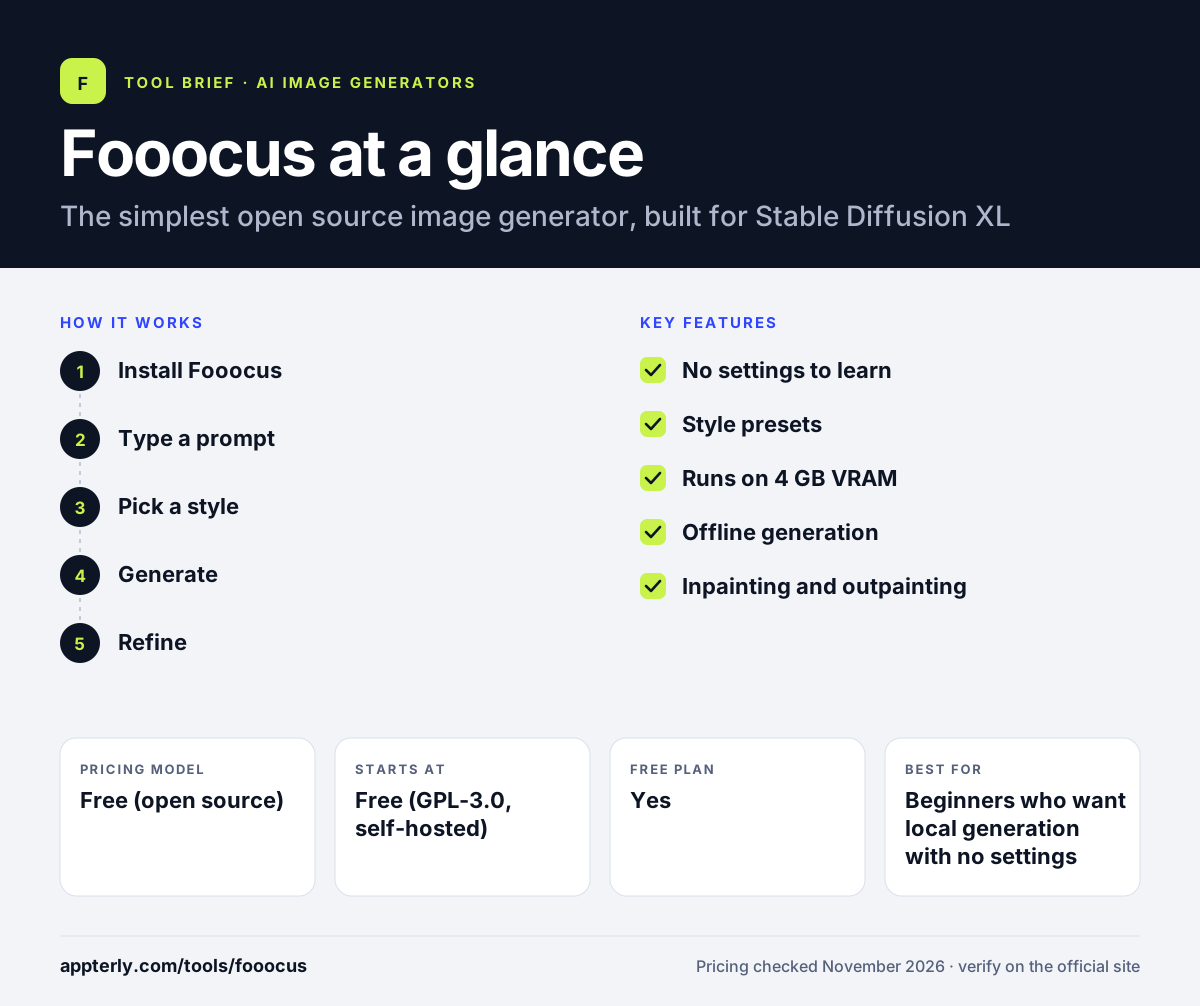
How does Fooocus work?
- Install Fooocus
Download the release from GitHub and run the launcher, which downloads the SDXL models on first use.
- Type a prompt
Write a short description of the image you want, with no settings to configure.
- Pick a style
Choose a style preset such as cinematic, photographic or anime to shape the result.
- Generate
Fooocus handles prompts, sampling and upscaling automatically.
- Refine
Use image-to-image, inpainting or outpainting for variations and fixes.
Fooocus key features
No settings to learn
Type a prompt and get a good image, with samplers and steps handled automatically.
Style presets
Built-in styles cover cinematic, photographic, anime and more.
Runs on 4 GB VRAM
Works on modest GPUs that cannot run larger models.
Offline generation
Runs fully on your machine once the models are downloaded.
Inpainting and outpainting
Edit parts of an image or extend it beyond its borders.
Why use Fooocus?
- The easiest open source image generator to start with.
- Free under GPL-3.0, with no subscription.
- Runs on as little as 4 GB of video memory.
- Works offline, so prompts and images stay private.
- Strong results without learning samplers or settings.
Who is Fooocus best for?
A good fit for
- Beginners who want local generation with no settings
- Users with a modest GPU
- Anyone who wants offline image generation
- Creators who like Midjourney-style simplicity without a subscription
Less suited to
- Users who want FLUX or newer models
- Power users who want node graphs and full control
- Teams that need active development and new features
Fooocus pricing
| Pricing model | Free (open source) |
|---|---|
| Free plan | Yes |
| Free trial | Not confirmed |
| Starting price | Free (GPL-3.0, self-hosted) |
Fooocus is free under GPL-3.0. You run it on your own hardware, so the only cost is compute. It is in long-term support with bug fixes only, and its last release was v2.5.5 in August 2024.
Prices checked November 2026. Vendors change plans often, so confirm on the official Fooocus pricing page before you buy.
Fooocus pros and cons
Pros
- Free and open source under GPL-3.0
- Simplest local setup, works like Midjourney
- Runs on 4 GB of video memory
- Works fully offline
Cons
- Bug fixes only, no new features
- Stable Diffusion XL only, no FLUX support
- Last release was v2.5.5 in August 2024
Fooocus integrations and platforms
Available on
Fooocus alternatives
See the full shortlist in Best AI Image Generators.
Fooocus FAQ
Is Fooocus free?
Yes, Fooocus is free under GPL-3.0, and you can download it from GitHub. It runs on your own hardware, so the only cost is compute. There is no subscription and no hosted version.
Is Fooocus still maintained?
Fooocus is in long-term support, which means it receives bug fixes but no new features. Its last release was v2.5.5 in August 2024, and it supports Stable Diffusion XL models only. New users who want FLUX should start with ComfyUI or Forge instead.
Can Fooocus run FLUX?
No, Fooocus works only with Stable Diffusion XL models. If you need FLUX, use ComfyUI, Invoke or Stable Diffusion WebUI Forge, which all support it.
How much GPU memory does Fooocus need?
Fooocus runs on as little as 4 GB of video memory, which makes it the easiest open source option for a modest GPU. Larger models in other tools often need 8 GB or more.
Fooocus vs ComfyUI: what's the difference?
Fooocus hides almost every setting and works like Midjourney, which suits beginners. ComfyUI uses a node graph with full control and support for every current model, which suits power users. Fooocus is the better first step, and ComfyUI is the better long-term home.
Sources
This overview is based on Fooocus's official website and documentation, checked November 2026.