What is Flux?
Flux is a family of generative AI models from Black Forest Labs that create and edit images, and in its newest generation also video. Rather than a design app, Flux is mainly offered to developers and businesses through an API, a browser playground and downloadable open-weight models. The company's founding team includes researchers behind Latent Diffusion and Stable Diffusion.
The current lineup is led by FLUX 3, which includes FLUX 3 Image, the smaller FLUX 3 Image Klein, FLUX 3 Video and FLUX 3 Max. FLUX 3 Image lets you lay out a scene by drawing boxes on a canvas and editing one box at a time. Earlier FLUX.2 models in pro, flex, max, klein and dev versions remain available, and Flux models also appear inside third-party tools such as Adobe Firefly and Magnific.
Flux at a glance
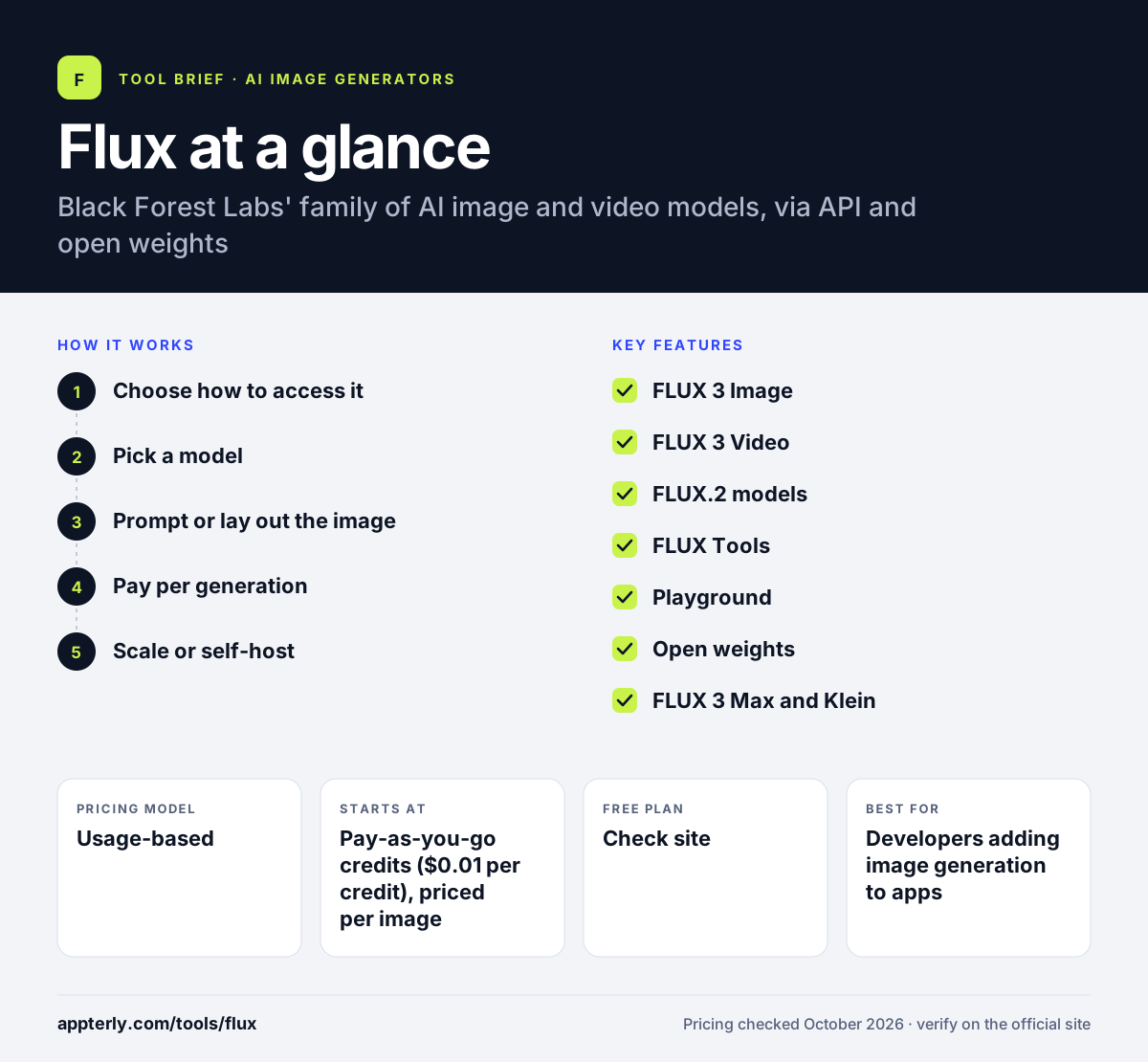
How does Flux work?
- Choose how to access it
Use the browser playground, call the API, or license open weights to run models on your own servers.
- Pick a model
Select a FLUX 3 or FLUX.2 model based on quality, speed and cost.
- Prompt or lay out the image
Write a prompt, add reference images, or place elements as boxes on a canvas with FLUX 3 Image.
- Pay per generation
Each API request uses credits based on the model and output resolution.
- Scale or self-host
Move from playground tests to production through the API, or buy an open-weights license to fine-tune and run Flux on your own infrastructure for high volumes.
Flux key features
FLUX 3 Image
Image generation and editing with layout control through bounding boxes.
FLUX 3 Video
Generates clips up to 20 seconds from text, images or keyframes, with optional audio.
FLUX.2 models
Earlier pro, flex, max, klein and dev models priced by output megapixels.
FLUX Tools
Specialized endpoints such as outpainting, eraser and virtual try-on.
Playground
A no-code browser interface for testing models before building with the API.
Open weights
Smaller models can be downloaded from Hugging Face and GitHub and licensed for self-hosting and fine-tuning.
FLUX 3 Max and Klein
Max is the top-tier model, while Klein is a smaller, cheaper option for fast generation and self-hosting.
Enterprise and synthetic data licenses
Custom agreements cover large volumes, all models and rights to use outputs as AI training data.
Why use Flux?
- High-quality image models from the team behind Stable Diffusion.
- Pay-as-you-go API pricing with no subscription required.
- Open weights allow self-hosting and fine-tuning with LoRA.
- Layout control helps place elements precisely.
- Widely supported inside other creative tools.
- Batch requests and per-request cost reporting make spending easy to track in production.
Who is Flux best for?
A good fit for
- Developers adding image generation to apps
- SaaS products and platforms needing an image API
- AI teams that want to fine-tune and self-host models
- Creative studios testing high-end image models
- Robotics and research teams exploring FLUX 3 Action
Less suited to
- Non-technical users who want a full design editor
- Marketers looking for templates and brand kits
- Teams wanting free unlimited use, since commercial weight licenses are paid
Flux pricing
| Pricing model | Usage-based |
|---|---|
| Free plan | Not confirmed |
| Free trial | Not confirmed |
| Starting price | Pay-as-you-go credits ($0.01 per credit), priced per image |
API cost depends on the model and output resolution or megapixels. Open-weight licenses come in Builder, Platform and Professional tiers with monthly image caps, while Enterprise is contact sales.
Prices checked October 2026. Vendors change plans often, so confirm on the official Flux pricing page before you buy.
Flux pros and cons
Pros
- Strong image quality and prompt following
- Flexible access: API, playground or open weights
- Usage-based pricing without a subscription
Cons
- Not a design tool for non-technical users
- Pricing needs a calculator to estimate
- Commercial self-hosting requires a paid license
Flux integrations and platforms
Works with
Available on
Flux alternatives
See the full shortlist in Best AI Image Generators.
Flux FAQ
Is Flux free?
Flux is not free to use through the Black Forest Labs API, which charges credits per image at $0.01 per credit. Some smaller models have open weights you can download, but commercial use requires a paid license tier. Third-party apps may also offer Flux within their own free plans.
What is Flux used for?
Flux is used to generate and edit images from text prompts and reference images, and with FLUX 3 to create short videos. Developers use Flux to power image features in apps, while studios use Flux for concept art, product imagery and marketing visuals.
Who makes Flux?
Flux is made by Black Forest Labs, a frontier AI lab with labs in Freiburg, Germany and San Francisco. Its founding team includes researchers who worked on Latent Diffusion and Stable Diffusion, two widely used approaches to AI image generation.
Flux vs Midjourney: what's the difference?
Midjourney is a consumer app with a subscription and its own interface. Flux is mainly a model family offered by API and open weights, so developers can build it into products or run it on their own hardware. Flux suits technical teams, while Midjourney suits individuals who want a ready-made app.
Can I run Flux locally?
Yes, for certain models. Black Forest Labs publishes open weights for smaller models such as FLUX.2 klein and dev on Hugging Face and GitHub. Running them commercially requires one of the company's license tiers, which set limits on images per month, domains and users.
Sources
This overview is based on Flux's official website and documentation, checked October 2026.