How we make this list: we compare vendor pricing pages, product documentation and plan limits, and print the month we checked each price. We don’t accept payment for rankings.
QUICK ANSWER
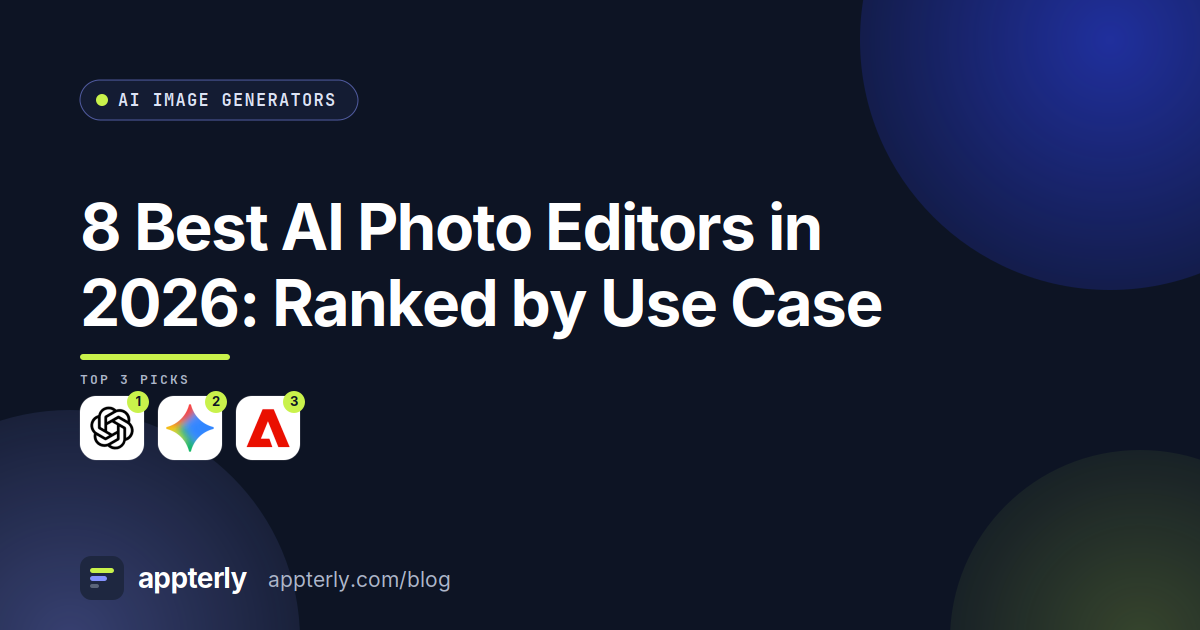
ChatGPT is the best AI photo editor in 2026 because editing works like a conversation: upload a photo, describe the change, and iterate without learning masks or layers. Gemini ranks second as the cheapest route, with free editing in the Gemini app. Adobe Firefly ranks third for serious photo work, with Generative Fill and Expand that open in Photoshop.
Key takeaways
8 of 8 tools in this list have a free plan, and the lowest paid start is $4.99 a month (Gemini) (Nov 2026).
ChatGPT leads because photo editing by chat needs no masking skill.
Gemini is the cheapest editor, and Firefly is the strongest for real photography.
Canva is the fastest pick for one-click fixes such as background removal.
Krea and Recraft give no commercial license on their free plans, so client photos need a paid plan.
It sits under our ai image guide, which compares the full category. If you want a different angle, our guide to best free ai image generators covers the closest related picks, and ChatGPT leads this list for the reasons below.
PlatformsWeb, iOS, Android, Windows, macOS, Chrome extension, API
ChatGPT is the best AI photo editor for most people because editing works like a conversation: upload a photo, ask for a new background, a different sky or a removed object, and iterate in plain words. The free plan includes limited image creation, and Plus at $20 a month adds image generation with Thinking for more careful edits. It needs no manual, no layers panel and no masking skill.
The catch is the small free allowance and the lack of precision tools. You cannot paint a mask, set a brush size or batch edit a folder, so a professional retoucher will want a dedicated editor. Edits can also change small details you did not ask for, so compare each result with the original.
What we like
Photo edits by plain-language chat (Nov 2026).
Free plan includes limited image creation.
Background swaps, object removal and restyles in one place.
Gemini is the cheapest AI photo editor here, because its free plan includes image generation and editing, and Google AI Plus costs $4.99 a month. You can upload a photo, ask for a new background or a cleaner scene, and get a result without installing anything. Pro at $19.99 a month adds the strongest models and more usage.
The catch is the unpublished limits and the lighter free model. Google does not state exact free-plan caps, and the free tier runs Flash-Lite, so fine details can soften. It is a good pick for quick social edits, and a weaker one for print work where every pixel matters.
What we like
Free plan includes image generation and editing (Nov 2026).
Adobe Firefly is the strongest AI photo editor for real photography work, because Generative Fill removes objects, Generative Expand extends a scene, and the results open in Photoshop for precise retouching. Its own models are trained on licensed stock and public domain content, and Standard at $9.99 a month gives 2,000 generative credits.
The catch is the credit pool and the free count. Adobe does not state how many free generations you get each day, and premium features draw on monthly credits that reset. It is still the best pick for anyone who edits real photos seriously, because the Photoshop handoff matters more than the chat interface.
What we like
Generative Fill and Expand for real photos (Nov 2026).
Canva is the most practical AI photo editor for a small business, because Magic Edit, Background Remover and Magic Eraser handle the daily jobs in one click: remove a background, erase an object, extend a photo or change a color. The free plan covers basic edits, and Pro at $18 a month adds the full AI allowance, Brand Kit and Magic Resize.
The catch is depth. Canva edits are fast and simple, but they cannot match Photoshop for masking, color grading or print retouching. Many AI features also need Pro. It suits a shop that needs clean product and social photos fast, not a studio that retouches by hand.
What we like
Magic Edit and Background Remover in one click (Nov 2026).
Leonardo.ai is a strong AI photo editor for creators who like a canvas, because its editor supports inpainting, outpainting, background removal and upscaling in one place. The free plan gives 150 tokens a day, and Essential at $12 a month adds private creation, 8,500 fast tokens and access to more than 80 models.
The catch is the public free plan and the token math. Free generations are public, so client photos need Essential, and token costs vary by model and size. It is a good middle ground between a chat editor and Photoshop, with more control than ChatGPT and less learning than a pro app.
What we like
Canvas editor with inpainting and outpainting (Nov 2026).
Freepik AI, now sold as Magnific, is the pick for marketers who need upscaling, because the Magnific upscaler sharpens photos for large displays and the same account covers AI generation, editing and a huge stock library. The free plan gives up to 20 AI images a day, and Premium at $20 a month adds 20,000 credits a month and a commercial license.
The catch is the free license and the credit system. Free use is personal only with attribution, so client photos need Premium, and different models cost different amounts of credits. It is the best upscaling pick here, but a weaker general editor than Firefly or Canva.
What we like
Magnific upscaler sharpens photos for large displays (Nov 2026).
Krea is the photo editor for creators who enhance as they work, because its real-time canvas shows changes as you type, and upscaling reaches 22K for print and large displays. The free plan gives 100 compute units a day, and Basic at $9 a month adds a commercial license and 5,000 units. LoRA training can also keep a photo style consistent across a set.
The catch is the license and the busy interface. The free plan has no commercial license, so client photos need Basic, and the large feature set can feel crowded. It is a good pick for enhancement and upscaling, and a weaker one for simple background removal, where Canva is faster.
Starting price$12/month (Basic, 1,000 credits), or $10/m…
Free planYes
Free trialNot confirmed
PlatformsWeb, iOS, Android, API
Recraft is the photo editor for designers who turn photos into mockups and brand art, because it edits images, builds mockups and makes true vector output from a prompt. Basic at $12 a month adds commercial rights, private generations and 1,000 credits, and the style presets keep a set of images looking consistent.
The catch is that Recraft is not a photo retoucher. Its output looks illustrated, and it cannot match Firefly for realistic object removal or expansion. The free plan also has no commercial rights. It ranks last here because photo editing is about realism, and Recraft is about illustration.
What we like
Mockups and vector output from edited images (Nov 2026).
Sources used: vendor pricing pages, vendor product pages and vendor help pages, checked Nov 2026.
Criterion
Weight
What we looked at
Editing by plain language
40%
We ranked by how easily each tool removes, replaces and expands parts of a photo without manual masking.
Realism of the result
30%
We favored tools whose edits look like real photos, not illustrations, since that is the point of photo editing.
Price and free allowance
30%
We noted the free plan's real limits and the paid starting price, so a user can see what regular editing costs.
What are the best AI photo editors in 2026?
The best AI photo editors in 2026 are ChatGPT, Gemini and Adobe Firefly. ChatGPT leads because editing works like a conversation, with no masks or layers to learn. Gemini is second as the cheapest route, with free editing in the Gemini app. Firefly is third for serious photo work, with Generative Fill and Expand that open in Photoshop.
Can AI edit a photo by describing the change?
Yes. ChatGPT and Gemini both edit photos from plain-language requests: upload a photo, ask for a new background or a removed object, and get a result. Adobe Firefly Generative Fill does the same with more precision, and Canva Magic Edit handles one-click fixes. Always compare the result with the original, since AI edits can change details you did not ask for.
Which AI photo editor removes backgrounds best?
Canva Background Remover is the fastest option for most users, and it works on real photos in one click. Adobe Firefly Generative Fill removes objects and backgrounds with more control, and Leonardo.ai background removal costs only a few tokens. ChatGPT and Gemini can also swap a background by chat, but with less precision than Canva or Firefly.
How much do AI photo editors cost?
Photo editing starts at $4.99 a month for Google AI Plus, $9 a month for Krea Basic and $9.99 a month for Adobe Firefly Standard. Leonardo.ai Essential and Recraft Basic both cost $12 a month, Canva Pro costs $18 a month, and Freepik AI Premium and ChatGPT Plus both cost $20 a month.
How should I run a best AI photo editors comparison?
Run a best AI photo editors comparison on your own photos, not on samples. Ask each tool to remove an object, replace a background and extend a scene, then zoom in and check edges, hands and text. Note how many tries each edit needs, and whether you can fix a mistake without starting over.
Frequently asked questions
What is the best AI photo editor?
ChatGPT is the best AI photo editor for most people because editing works like a conversation, with no masks or layers to learn. Gemini is second as the cheapest route, and Adobe Firefly is third for serious photo work with Generative Fill and Expand.
Is there a free AI photo editor?
Yes. Gemini and ChatGPT include photo editing on their free plans, Adobe Firefly gives free daily generations, Leonardo.ai gives 150 free tokens a day, and Krea gives 100 free compute units a day. Canva covers basic edits free, and Freepik AI gives up to 20 free AI images a day.
Can AI remove objects from photos?
Yes. Adobe Firefly Generative Fill, Canva Magic Eraser, ChatGPT and Gemini can all remove objects from a photo. Firefly gives the most control, Canva is the fastest, and ChatGPT is the easiest to describe. Check the filled area at full size, since complex backgrounds can leave visible traces.
Which AI photo editor is best for backgrounds?
Canva Background Remover is the fastest option for most users, and Adobe Firefly Generative Fill gives more control for difficult edges. Leonardo.ai background removal costs only a few tokens, and ChatGPT and Gemini can swap a background by chat.
Can AI upscale a photo?
Yes. Freepik AI includes the Magnific upscaler, which sharpens photos for large displays, and Krea upscales to 22K. Leonardo.ai also includes upscaling, and Adobe Firefly output can be upscaled in Photoshop. Upscaling adds detail, but it cannot recover information that was never in the photo.
What is the cheapest AI photo editor?
Google AI Plus at $4.99 a month is the cheapest paid entry in this list, and Gemini includes photo editing on its free plan. Krea Basic at $9 a month and Adobe Firefly Standard at $9.99 a month are the next cheapest.
Is ChatGPT a good photo editor?
Yes, for most people. ChatGPT edits photos by chat, so you describe the change and iterate in plain words, with no masking skill needed. It lacks precision tools such as brushes and batch editing, so a professional retoucher will still want Photoshop or Firefly for final work.
Final verdict
Pick ChatGPT if you want to edit photos by chat with no learning curve.
Pick Gemini if you want the cheapest photo edits inside Google apps.
Pick Adobe Firefly if you edit real photos seriously and use Photoshop.
Pick Canva if you need fast one-click fixes for a small business.
Pick Leonardo.ai if you want canvas editing with inpainting and upscaling.
Pick Freepik AI if you need upscaling plus stock in one account.
Pick Krea if you enhance photos in real time and upscale for print.
Pick Recraft if you turn photos into mockups and vector brand art.
Compare the 10 best AI image generators in 2026 by price, free plan and best fit. See where Midjourney and ChatGPT win, their limits, and which to pick.
Our 2026 shortlist of the 8 best free AI image generators, with real starting prices, free plan details, pros, cons and a clear pick for each use case.