What is Gemini?
Gemini is Google's AI assistant that helps you write, research, plan and create images through chat on the web and in mobile apps. It connects to Google services such as Workspace, Maps and YouTube, so it can work with information you already keep with Google. Marketers use it to draft copy, run Deep Research reports, build drafts in Canvas and set up Gems, which are custom assistants for repeat tasks.
Gemini also generates and edits images. People often search for Google Gemini Imagen when looking for this feature, which now runs on Google's Nano Banana image models. You can create a picture from a prompt, change backgrounds, combine photos or render text in many languages. Paid Google AI plans raise usage limits, add Gemini inside Gmail, Docs and Vids, and include extra cloud storage.
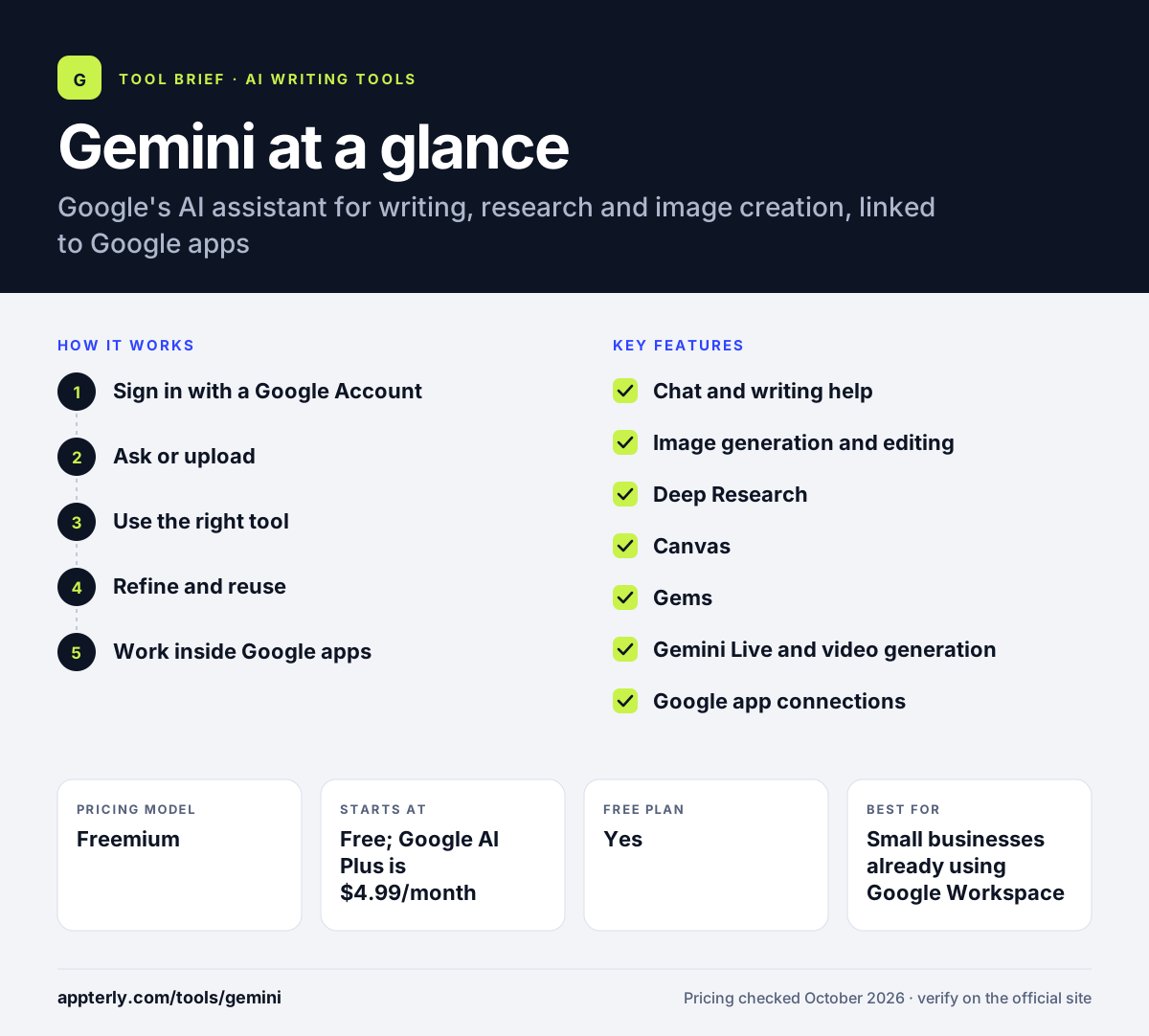
Gemini at a glance
How does Gemini work?
- Sign in with a Google Account
Open Gemini on the web or in the Android or iOS app; the free tier needs only a Google Account.
- Ask or upload
Type a request, speak with Gemini Live, or upload files and images for it to work with.
- Use the right tool
Pick Deep Research for reports, Canvas for drafting, or Create images for visuals. Deep Research is useful for competitor and market overviews.
- Refine and reuse
Edit results with follow-up prompts, then save repeat setups as Gems.
- Work inside Google apps
On paid plans, call Gemini directly in Gmail, Docs and Vids.
Gemini key features
Chat and writing help
Drafts, rewrites and summarizes text for emails, posts and articles.
Image generation and editing
Creates and edits images with Nano Banana models; paid plans get higher limits and a Redo with Pro option.
Deep Research
Builds detailed research reports from many web sources, available on every plan.
Canvas
A workspace for drafting and editing longer documents or code with Gemini.
Gems
Custom versions of Gemini set up as specialists for recurring tasks.
Gemini Live and video generation
Voice conversations on mobile, plus video and music generation features.
Google app connections
Works with Google Workspace, Maps and YouTube, and appears inside Gmail, Docs and Vids on paid plans.
Why use Gemini?
- A useful free tier that includes Deep Research and image generation.
- Tight links to Gmail, Docs and other Google tools many teams already use.
- Low-cost entry plan at $4.99 per month with more storage.
- Strong image editing that keeps the rest of a photo unchanged.
- Gems let you standardize prompts for repeat marketing tasks.
Who is Gemini best for?
A good fit for
- Small businesses already using Google Workspace
- Marketers who need quick visuals and copy in one tool
- Freelancers looking for a low-cost AI assistant with storage
- Researchers and strategists who rely on Deep Research
Less suited to
- Teams standardized on Microsoft 365 rather than Google apps
- Marketers needing SEO metrics like keyword volume or rankings
Gemini pricing
| Pricing model | Freemium |
|---|---|
| Free plan | Yes |
| Free trial | Not confirmed |
| Starting price | Free; Google AI Plus is $4.99/month |
Google AI Pro at $19.99/month and Ultra from $99.99/month add higher usage limits, Gemini in more Google apps and up to 20 TB or more of storage.
Prices checked October 2026. Vendors change plans often, so confirm on the official Gemini pricing page before you buy.
Gemini pros and cons
Pros
- Generous free tier with images and Deep Research
- Built into Google apps on paid plans
- Cheap entry plan with bundled storage
- Capable image editing
Cons
- Best value only if you already live in Google's ecosystem
- Exact usage limits are not published for each plan
- Some Workspace features are limited to select languages
Gemini integrations and platforms
Works with
Available on
Gemini alternatives
See the full shortlist in Best AI Writing Tools.
Gemini FAQ
Is Gemini free?
Yes. Gemini is free with a Google Account and includes chat, Deep Research, and image generation and editing with Nano Banana 2, plus 15 GB of storage. Paid Google AI plans start at $4.99 per month for AI Plus and raise usage limits while adding Gemini inside Gmail and other apps.
Can Gemini generate images?
Yes. Choose Create images in the Gemini app, then describe what you want or upload a photo to edit. It can change backgrounds, replace objects, combine photos and render text. Free users get Nano Banana 2, while paid plans get higher limits and access to stronger models.
What happened to Imagen in Gemini?
Many people still search for Google Gemini Imagen when they want Gemini's image tools. Google's current Gemini image pages describe the feature as powered by Nano Banana models, including Nano Banana 2 for free users and Nano Banana Pro for paid plans, rather than naming Imagen.
Gemini vs ChatGPT: what's the difference?
Both are general AI assistants with writing, research and image tools. Gemini stands out for its links to Gmail, Docs, Maps and YouTube and for bundling cloud storage with paid plans. ChatGPT offers custom GPTs and a broad app ecosystem. Teams on Google Workspace often find Gemini more convenient.
Does Gemini work in Gmail and Google Docs?
Yes, on paid plans. Google AI Plus adds Gemini in Gmail and Vids, while Google AI Pro adds Gemini in Gmail, Docs and Vids. Ultra offers the highest limits across Google apps. Some of these features are only available in select languages.
Sources
This overview is based on Gemini's official website and documentation, checked October 2026.