What is Woodpecker?
Woodpecker is a cold email and LinkedIn outreach tool for businesses that run outbound sales. It lets teams send personalized email sequences, add LinkedIn steps such as invites and messages, and follow up automatically until a prospect replies. Deliverability is a central focus, with free email verification, free warmup, inbox rotation, adaptive sending and monitoring that watches for problems before they hurt a campaign.
Beyond sending, Woodpecker includes a lead finder with access to a large B2B contact database and lets you buy domains and mailboxes with SPF, DKIM and DMARC already configured. Campaigns can branch on conditions, so prospects follow different paths depending on how they respond. The company is based in Wrocław, Poland, and also offers an API, webhooks, an MCP server and an agency panel for firms managing several clients.
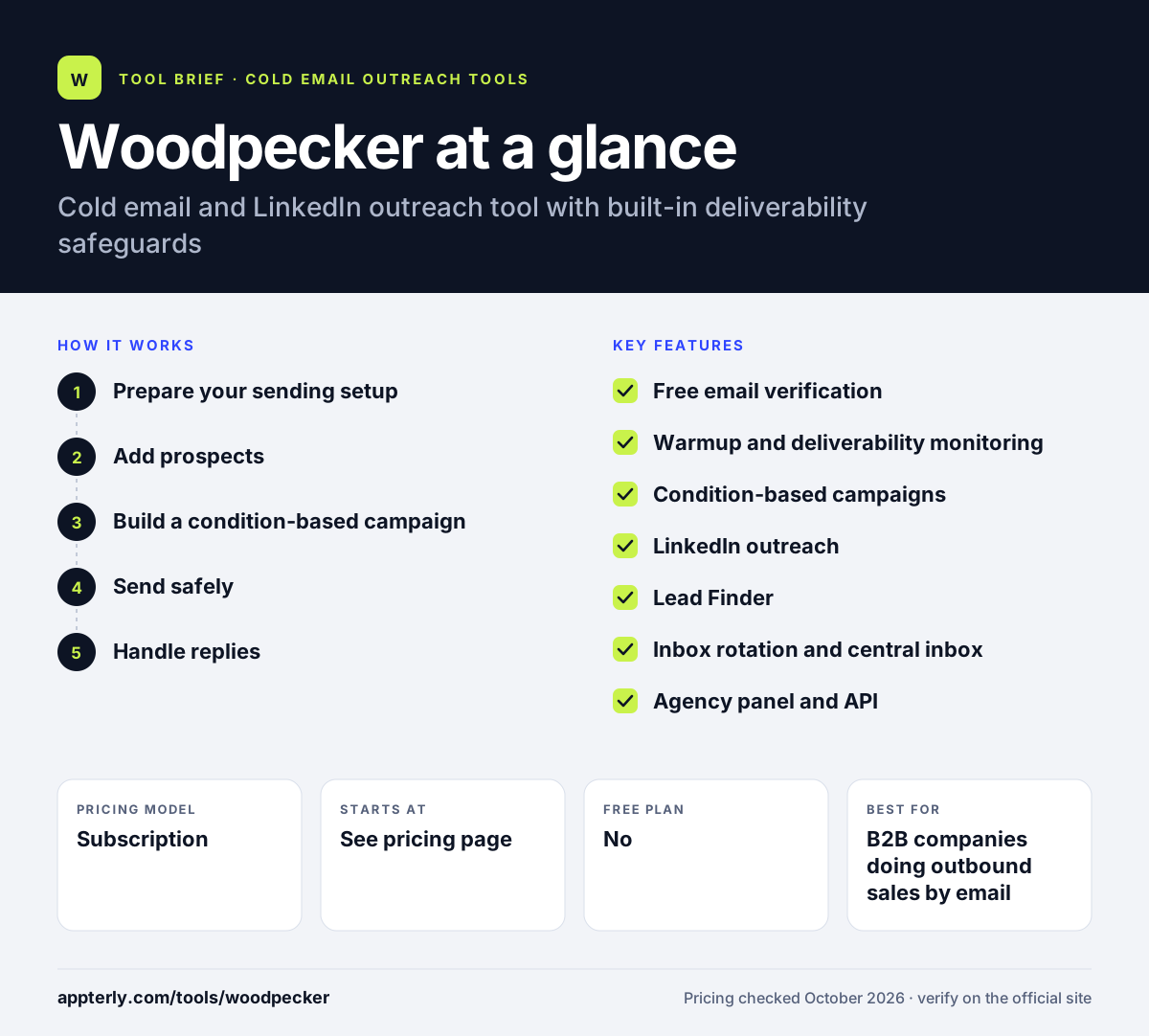
Woodpecker at a glance
How does Woodpecker work?
- Prepare your sending setup
Connect your email accounts or buy pre-configured domains and mailboxes, then run warmup and a domain audit.
- Add prospects
Import a list, pull contacts from tools like Clay or HubSpot, or search the Lead Finder database. Woodpecker verifies emails for free.
- Build a condition-based campaign
Create email steps and optional LinkedIn actions, then add conditions so follow-ups change based on opens, clicks or replies.
- Send safely
Woodpecker rotates inboxes and adjusts sending to protect deliverability, pausing when it spots risks.
- Handle replies
Manage responses in the central inbox and push interested leads to your CRM.
Woodpecker key features
Free email verification
Unlimited verification of prospect emails is included, which helps keep bounce rates low.
Warmup and deliverability monitoring
Built-in warmup plus monitoring and adaptive sending that react to deliverability issues.
Condition-based campaigns
Sequences that branch based on how each prospect interacts with your emails.
LinkedIn outreach
Invites, profile visits, messages and InMails can run alongside email in one campaign.
Lead Finder
Search a large B2B contact database and add prospects directly to campaigns.
Inbox rotation and central inbox
Spread sends across several accounts and read all replies in one place.
Agency panel and API
Tools for agencies managing many clients, plus API, webhooks, MCP and CLI access.
Why use Woodpecker?
- Free verification and warmup reduce the need for separate deliverability tools.
- Unlimited team members and email accounts make it easier to grow without extra seat costs.
- Condition-based campaigns let you tailor follow-ups to each prospect's behavior.
- Email and LinkedIn can run in a single campaign on the Multichannel plan.
- A generous trial lets you test all features before committing.
Who is Woodpecker best for?
A good fit for
- B2B companies doing outbound sales by email
- Small sales teams that care about deliverability
- Agencies running cold outreach for several clients
- Teams that want email and LinkedIn in one campaign
Less suited to
- Businesses sending marketing newsletters to subscribers
- Teams that want a full CRM inside their outreach tool
- Buyers who need to compare exact prices without contacting the vendor
Woodpecker pricing
| Pricing model | Subscription |
|---|---|
| Free plan | No |
| Free trial | 14 days or 500 cold emails, whichever comes first |
| Starting price | See the official pricing page |
Plans are split into Email, Multichannel and LinkedIn, with email plans tiered by monthly sending volume from 5,000 to 1,000,000 emails. Annual billing saves 33%, and Scale is custom priced. Exact prices were not shown on the pricing page when checked.
Prices checked October 2026. Vendors change plans often, so confirm on the official Woodpecker pricing page before you buy.
Woodpecker pros and cons
Pros
- Strong focus on deliverability with free verification and warmup
- Unlimited team members and email accounts
- Condition-based campaigns and LinkedIn steps
- Full-feature trial with no credit card
Cons
- No free plan after the trial
- Prices were not clearly displayed on the pricing page at the time of checking
- Lead Finder credits on base plans are limited
Woodpecker integrations and platforms
Works with
Available on
Woodpecker alternatives
See the full shortlist in Best Cold Email Software.
Woodpecker FAQ
Is Woodpecker free?
Woodpecker does not have a free plan. It offers a free trial that lasts 14 days or 500 cold emails, whichever comes first, with all features unlocked and no credit card required. Support can extend the trial on request. After that, you choose a paid Email, Multichannel or LinkedIn plan.
What is Woodpecker used for?
Woodpecker is used for cold email and LinkedIn outreach. Sales teams and agencies use it to find prospects, verify their emails, warm up inboxes and send automated follow-up sequences that react to prospect behavior. Its deliverability features help keep emails out of spam folders as volume grows.
Woodpecker vs Lemlist: what's the difference?
Woodpecker and Lemlist both combine cold email with LinkedIn steps. Woodpecker emphasizes deliverability, with free verification, adaptive sending and unlimited team members. Lemlist is known for personalized content such as custom images and includes its lemwarm warmup tool. The better fit depends on whether safety or creative personalization matters more.
Does Woodpecker integrate with HubSpot?
Yes. Woodpecker integrates with HubSpot and Pipedrive, so prospects and campaign activity can sync with your CRM. It also connects with Clay, Calendly, Zapier and Google Sheets, and offers an API, webhooks, an MCP server and a CLI for custom setups.
Is Woodpecker good for beginners?
Woodpecker is a good choice for beginners in cold email because it handles verification, warmup and safe sending automatically. That lowers the risk of damaging a domain while you learn. Condition-based campaigns take a little practice, but you can start with a simple linear sequence.
Sources
This overview is based on Woodpecker's official website and documentation, checked October 2026.