What is GMass?
GMass is an email campaign tool that runs inside Gmail, letting you send mail merges, cold email, newsletters and follow-ups from your own Google account. You install it as a Chrome extension, and a GMass button appears next to Gmail's send button. The team has been building the product since 2015. Because emails go out through your Gmail account, they look like normal one-to-one messages.
GMass reads recipient lists from Google Sheets, where each row becomes a recipient and each column a merge field. It adds personalization with conditional logic, scheduling, recurring sends and unlimited follow-up stages on higher plans. Deliverability tools include built-in email verification, an inbox placement tester, an email tester for SPF, DKIM and DMARC, and an AI-based Spam Solver.
GMass at a glance
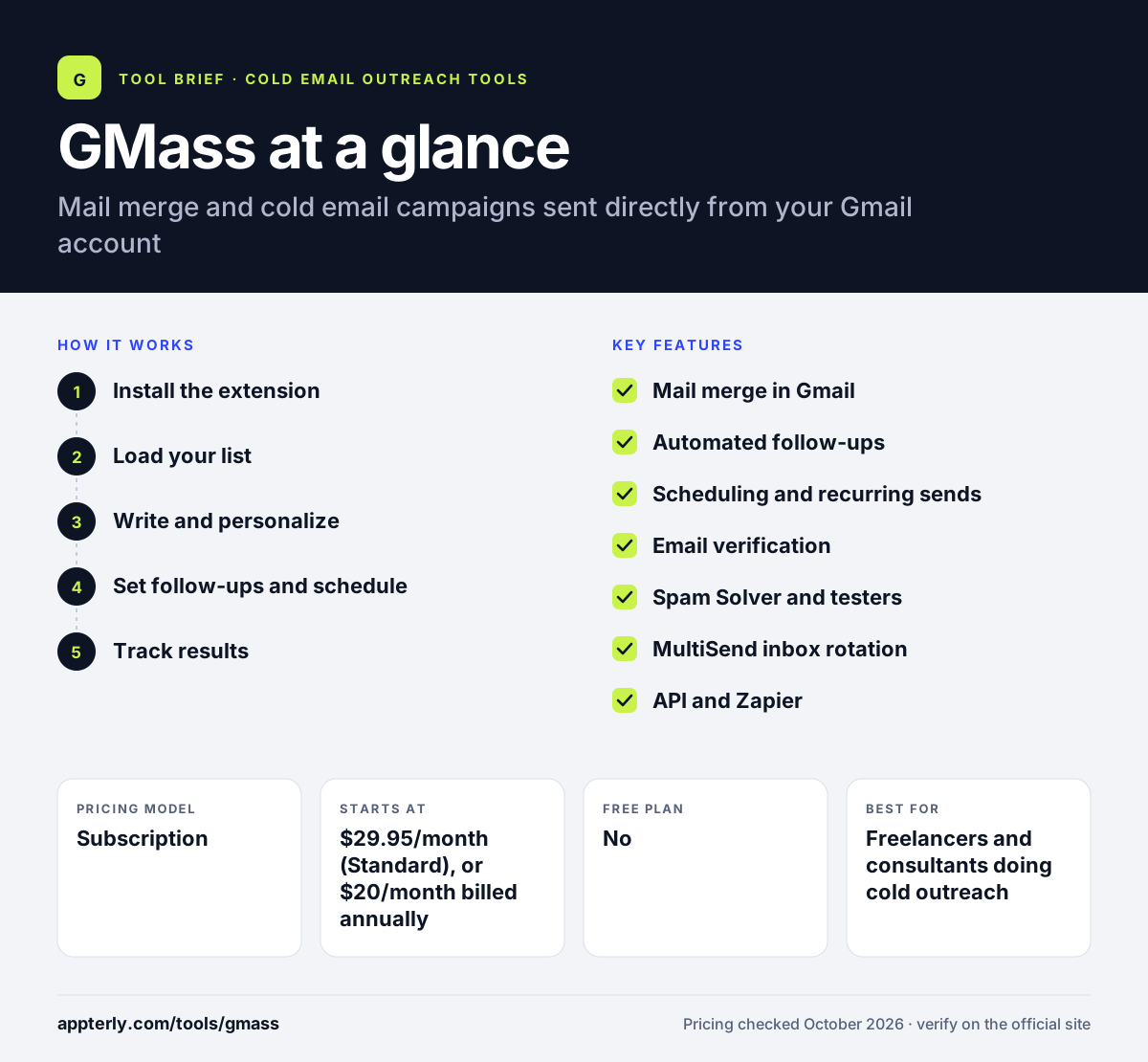
How does GMass work?
- Install the extension
Add GMass to Chrome and connect it to your Gmail or Google Workspace account.
- Load your list
Connect a Google Sheet so rows become recipients and columns become merge fields.
- Write and personalize
Compose in Gmail using merge tags and conditional content for each recipient.
- Set follow-ups and schedule
Add follow-up stages that send if there is no reply, then schedule or repeat the campaign.
- Track results
Review opens, clicks, replies and bounces in the campaign reports.
GMass key features
Mail merge in Gmail
Send personalized bulk emails from Gmail using data from Google Sheets.
Automated follow-ups
Multi-stage sequences that stop when someone replies, on Premium and higher.
Scheduling and recurring sends
Plan campaigns for later or have them repeat automatically.
Email verification
Check addresses before sending to reduce bounces, included on all plans.
Spam Solver and testers
AI suggestions plus inbox placement and authentication checks.
MultiSend inbox rotation
Spread a campaign across several Gmail accounts on the Professional plan.
API and Zapier
Connect GMass to other tools on Premium and higher.
Triggered emails
Send emails automatically based on events, available on Premium and higher.
Why use GMass?
- Teams keep working inside Gmail instead of learning a new app.
- Every plan includes unlimited contacts and campaigns.
- Google Sheets works as a simple, flexible contact list.
- Built-in verification and spam tools help protect sender reputation.
- Pricing is low compared with many standalone cold email platforms.
Who is GMass best for?
A good fit for
- Freelancers and consultants doing cold outreach
- Small businesses sending announcements from Gmail
- Recruiters and job seekers sending personalized emails
- Teams already working in Google Workspace
Less suited to
- Teams that use Outlook or Microsoft 365 as their main email
- Senders who need LinkedIn or phone steps in sequences
- Large teams that need a full CRM or lead database
GMass pricing
| Pricing model | Subscription |
|---|---|
| Free plan | No |
| Free trial | Free trial, no credit card required (length not stated) |
| Starting price | $29.95/month (Standard), or $20/month billed annually |
Premium adds follow-ups, A/B testing, triggered emails and API access, while Professional adds MultiSend inbox rotation and priority support. Team plans start at $175/month for five users.
Prices checked October 2026. Vendors change plans often, so confirm on the official GMass pricing page before you buy.
GMass pros and cons
Pros
- Works natively inside Gmail
- Unlimited contacts and campaigns on every plan
- Easy list management through Google Sheets
- Strong deliverability testing tools
Cons
- Follow-ups need Premium or higher
- Built for Gmail rather than Outlook
- No built-in lead database or multichannel steps
GMass integrations and platforms
Works with
Available on
GMass alternatives
See the full shortlist in Best Cold Email Software.
GMass FAQ
Is GMass free?
GMass offers a free trial that installs in about 30 seconds and needs no credit card, but it does not list a permanent free plan. Paid plans start at $29.95 a month, or $20 a month with annual billing. All plans include unlimited contacts and campaigns. PayPal is accepted for people who prefer not to enter a card.
What is GMass used for?
GMass is used to send personalized mass emails from Gmail. People use it for cold outreach, newsletters, event announcements, recruiting and other mail merges. It pulls recipients from Google Sheets, adds personal details to each message and can send automatic follow-ups to people who do not reply. Built-in verification checks each address before sending to reduce bounces.
Is GMass good for beginners?
Yes. GMass is one of the easier cold email tools to learn because it lives inside Gmail. You write emails the usual way, connect a Google Sheet and click the GMass button. More advanced options such as conditional content and inbox rotation are there when you need them. Reports on opens, clicks and replies help beginners see what is working.
GMass vs Mailshake: what's the difference?
GMass runs inside Gmail as a Chrome extension and uses Google Sheets for lists, which keeps it simple and affordable. Mailshake is a standalone sales engagement platform that works with Google, Outlook and SMTP accounts and adds a phone dialer, a data finder and CRM integrations on higher plans. GMass usually costs less for solo senders who already live in Gmail.
Does GMass work with Outlook?
GMass is built for Gmail and Google Workspace accounts and is installed as a Chrome extension that runs inside Gmail. Its official site focuses on Gmail and does not describe Outlook support. Teams that rely on Outlook usually choose a standalone cold email platform that connects to Microsoft accounts. Gmail users can still send to recipients on any email provider, including Outlook addresses.
Sources
This overview is based on GMass's official website and documentation, checked October 2026.