What is Synthesia?
Synthesia is an AI video platform that turns scripts, documents and slides into presenter-style videos with lifelike AI avatars, without cameras, studios or actors. Founded in 2017 and based in London, the company serves businesses that need training, onboarding, sales and internal communication videos at scale. Users type a script, choose an avatar and voice, and the platform renders a finished video.
Beyond standard videos, Synthesia offers translation and dubbing in more than 130 languages, interactive Sessions for roleplay practice and conversational surveys, and an API for automated video creation. Teams can pick from hundreds of stock avatars, design styled avatars with Avatar Builder, or create a personal avatar from a single photo. Videos can be embedded in learning systems or exported as SCORM packages.
Synthesia at a glance
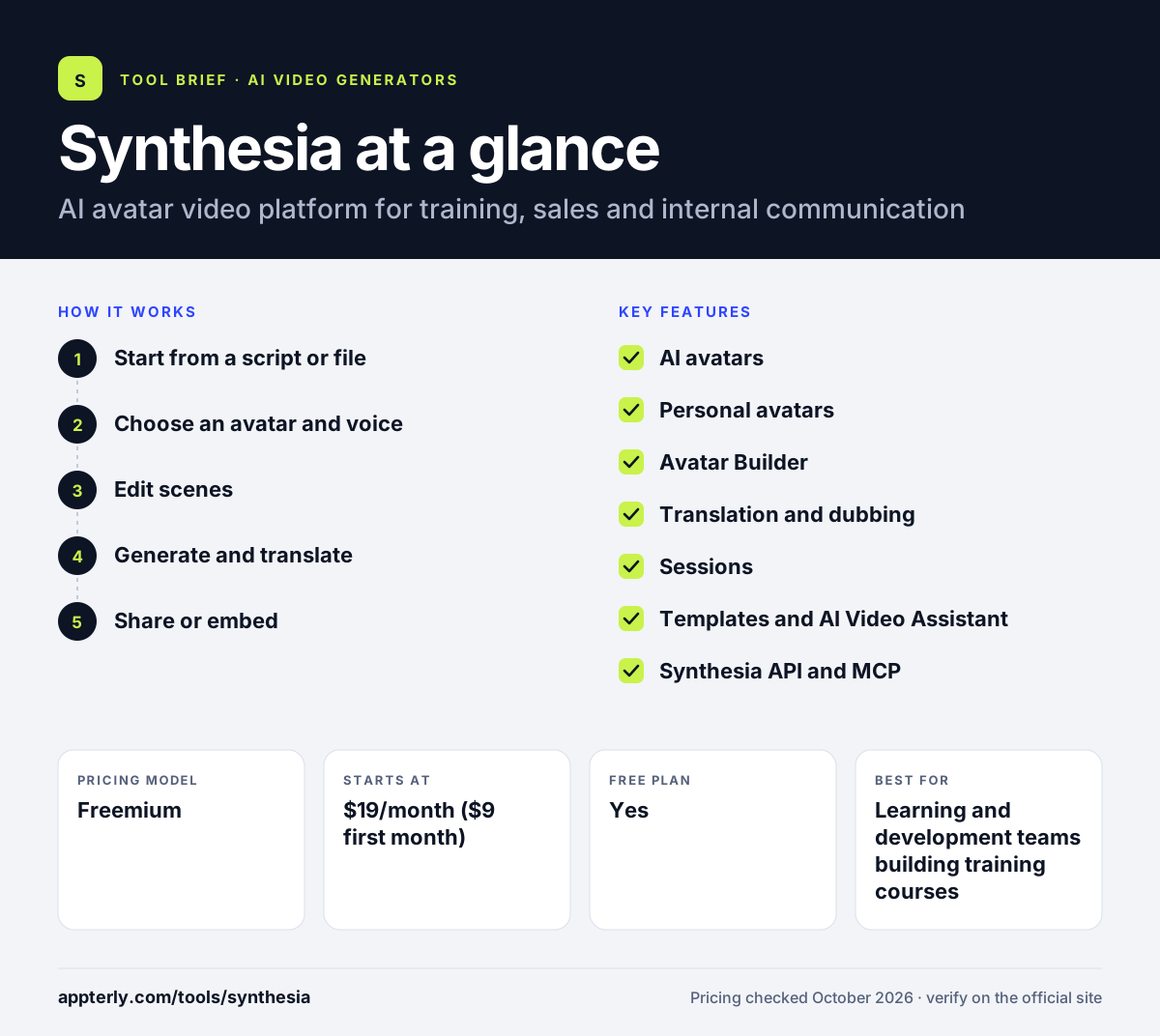
How does Synthesia work?
- Start from a script or file
Paste a script, or import a document, PowerPoint or web link as the base for your video.
- Choose an avatar and voice
Pick a stock avatar, a styled avatar or your own personal avatar, then select a language and voice.
- Edit scenes
Use templates, add media and brand elements, and let the AI Video Assistant help with structure.
- Generate and translate
Render the video, then dub or translate it into other languages for global audiences.
- Share or embed
Share by link, download, embed in an LMS, or export as SCORM on Enterprise.
Synthesia key features
AI avatars
Hundreds of stock presenters, plus custom outfits and backgrounds. Starter includes more than 125 avatars, Pro more than 180 and Enterprise more than 240.
Personal avatars
Create a digital version of yourself from a single photo to present videos. It suits managers and trainers who want to appear in many videos without filming.
Avatar Builder
Design avatars in realistic, 3D, comic, anime or claymation styles. This helps brands match an avatar to their visual identity.
Translation and dubbing
Convert videos into more than 130 languages with matching voices. Translated versions can be managed alongside the original video.
Sessions
Interactive avatar roleplays for practicing conversations and running surveys. Roleplay learner seats cost $29 per learner per month on any plan.
Templates and AI Video Assistant
Ready-made layouts and AI help turn documents into structured videos. This speeds up converting existing slide decks into video.
Synthesia API and MCP
Generate videos programmatically and create videos inside Claude or ChatGPT. The API also supports dubbing whole video libraries and embedding real-time avatars.
Why use Synthesia?
- It removes the cost of filming presenters for training and explainer videos.
- Videos can be updated by editing text instead of reshooting.
- Translation helps global teams share the same content in many languages.
- LMS embedding and SCORM export fit corporate learning workflows.
- A free plan lets you test the editor before committing.
Who is Synthesia best for?
A good fit for
- Learning and development teams building training courses
- HR teams creating onboarding videos
- Sales teams sending personalized outreach videos
- Global companies that need multilingual video
Less suited to
- Creators making cinematic or entertainment content
- Users who need downloadable videos for free
- Brands that want real on-camera personality and spontaneity
Synthesia pricing
| Pricing model | Freemium |
|---|---|
| Free plan | Yes |
| Free trial | Not confirmed |
| Starting price | $19/month ($9 first month) |
Starter adds downloads and watermark removal with about 22 video minutes per month, Pro ($89/month) adds about 70 minutes and personal avatars, and Enterprise is custom with unlimited minutes. Yearly billing saves up to four months.
Prices checked October 2026. Vendors change plans often, so confirm on the official Synthesia pricing page before you buy.
Synthesia pros and cons
Pros
- Large library of avatars and styles
- Strong multilingual translation and dubbing
- Built for corporate learning with LMS and SCORM support
- Edit text to update videos without reshoots
Cons
- Free plan adds a watermark and blocks downloads
- Monthly minute limits can be tight on Starter
- Avatar videos may feel less personal than real footage
Synthesia integrations and platforms
Works with
Available on
Synthesia alternatives
See the full shortlist in Best AI Video Generators.
Synthesia FAQ
Is Synthesia free?
Yes, Synthesia has a free Basic plan with 10 minutes of video per month, share links and pre-built templates. Free videos carry a watermark and cannot be downloaded. The Starter plan costs $19 per month, with a discounted first month, and adds downloads, logo removal and the AI Video Assistant.
What is Synthesia used for?
Synthesia is used to create presenter-style videos with AI avatars from a written script. Companies use Synthesia for employee training, onboarding, compliance courses, product explainers and sales outreach. Its translation tools let one video reach audiences in many languages, and Sessions supports roleplay practice for skills such as sales conversations.
Can I create an avatar of myself in Synthesia?
Yes. Synthesia lets you create a personal avatar from a single photo, which can then present your videos. The Pro plan includes up to five personal avatars, and Enterprise allows unlimited personal avatars. You can also design styled avatars with Avatar Builder in looks such as 3D, comic or anime.
Synthesia vs HeyGen: what's the difference?
Both create AI avatar videos from text. Synthesia leans toward enterprise training and communication, with SCORM export, LMS embedding, roleplay Sessions and strong security features. HeyGen is popular with marketers and creators for social and promotional content. Teams focused on learning and development often favor Synthesia's corporate tools.
How many languages does Synthesia support?
Synthesia says you can create videos in more than 140 languages, while its dubbing feature covers more than 130 languages. This lets a team write one script, generate a video, and then produce translated versions with matching voices, which is useful for global training and support content.
Sources
This overview is based on Synthesia's official website and documentation, checked October 2026.