What is Pika?
Pika is an AI creative platform that generates and edits video, images and audio through a set of focused creative apps built on top of many generative models. It started as an AI video generator and relaunched in September 2026 to bring video, image and sound creation into one place. Ad creatives, editors, marketers and filmmakers use it to make short clips and visuals quickly.
Each Pika app handles one job, such as Video Studio for multi-shot clips up to 30 seconds, Extend Video, Color Grade, Product Shot or Character Studio for reusable characters. Pika mixes its own models, including Pika 2.5 and Pika audio models, with third-party models from other labs. It also offers an API, an MCP server and a plugin that runs inside ChatGPT.
Pika at a glance
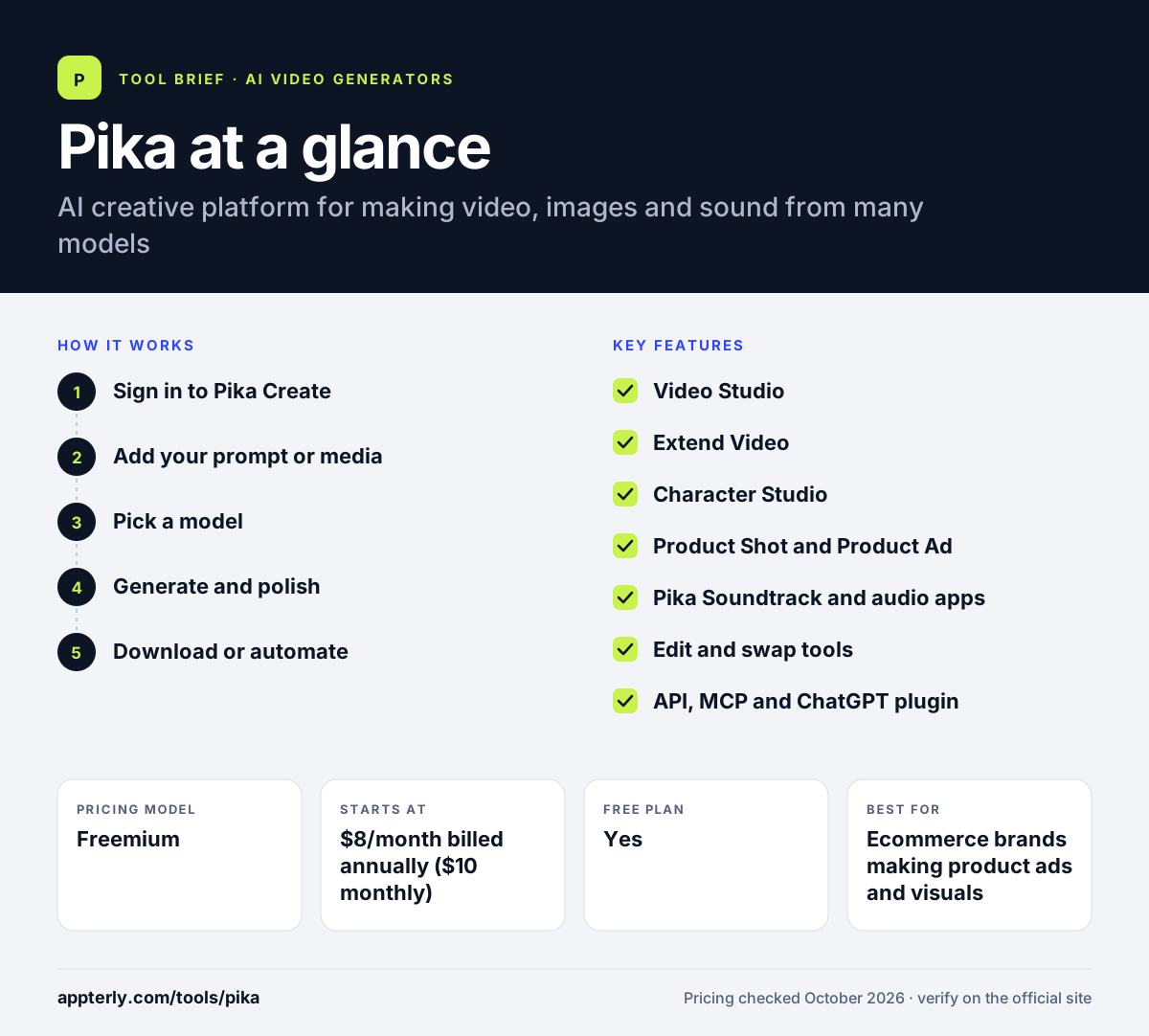
How does Pika work?
- Sign in to Pika Create
Open the web app and choose a creative app that matches your task, such as Video Studio or Product Shot. Each app is designed around one clear task.
- Add your prompt or media
Type a description, or upload images and clips you want to transform or extend.
- Pick a model
Choose Pika's own models or a third-party model, depending on the style you want.
- Generate and polish
Create the output, then use apps like Color Grade, Swap Anything or Pika Soundtrack to refine it.
- Download or automate
Export the finished asset, or run the same workflows through the API, MCP or ChatGPT plugin.
Pika key features
Video Studio
Creates anything from a short clip to a 30-second multi-shot video.
Extend Video
Lengthens an existing clip by generating new frames that continue the action.
Character Studio
Builds a reusable character so the same person or mascot appears across clips.
Product Shot and Product Ad
Produces styled product images and short ad creatives for ecommerce. Both are aimed at ecommerce sellers who need fresh creative often.
Pika Soundtrack and audio apps
Adds music, ambience, sound effects and speech matched to the video.
Edit and swap tools
Swap Anything, Edit Image and Motion Transfer change objects, styles or movement.
API, MCP and ChatGPT plugin
Lets developers and AI assistants access Pika apps and models directly.
Why use Pika?
- Video, image and audio tools sit in one account, so you juggle fewer subscriptions.
- Task-specific apps make it easier to get a usable result without complex prompting.
- Product Shot and Product Ad help ecommerce sellers create ad visuals quickly.
- The free plan has no watermark, which is useful for testing ideas.
- Paid plans include a commercial license for client and ad work.
Who is Pika best for?
A good fit for
- Ecommerce brands making product ads and visuals
- Social media marketers producing short clips
- Video editors who need quick generative effects
- Creators who want access to many AI models in one place
Less suited to
- Commercial projects on the free plan, which lacks a commercial license
- Teams needing long-form video editing on a timeline
- Users who want fixed, unlimited generation without credits
Pika pricing
| Pricing model | Freemium |
|---|---|
| Free plan | Yes |
| Free trial | Not confirmed |
| Starting price | $8/month billed annually ($10 monthly) |
Starter includes 900 monthly credits, Creator ($35/month) includes 3,150, and Fancy starts at $95/month with 8,550 or more credits and a priority queue. The free plan has no monthly credits but lets you buy top-up packs.
Prices checked October 2026. Vendors change plans often, so confirm on the official Pika pricing page before you buy.
Pika pros and cons
Pros
- Wide range of focused apps for video, image and audio
- Access to Pika models and many third-party models
- No watermark on the free plan
- Low entry price for paid plans
Cons
- Free plan includes no monthly credits and no commercial license
- Credit costs vary by model, which makes budgeting harder
- Recent relaunch means features and model lineups change often
Pika integrations and platforms
Works with
Available on
Pika alternatives
See the full shortlist in Best AI Video Generators.
Pika FAQ
Is Pika free?
Pika has a free plan with access to all models and no watermark, but it includes no monthly credits, so you need to buy top-up packs to generate. It also lacks a commercial license. Paid plans start at $10 per month, or $8 per month billed annually, and include 900 monthly credits plus commercial use rights.
What is Pika used for?
Pika is used to create short AI videos, images and audio. Marketers use Pika for social clips and product ads, editors use it to extend or restyle footage, and creators use Character Studio to keep a recurring character consistent. Its soundtrack and sound effect apps can add audio that matches the action on screen.
Pika vs Runway: what's the difference?
Both generate AI video. Pika organizes its tools as small task-focused apps and mixes its own models with many third-party ones, with plans from $8 per month billed annually. Runway centers on its Gen-4.5 model, a broader editing workspace and brand kits, with plans from $12 per month billed annually. Pika is cheaper to start, while Runway offers deeper editing.
Can I use Pika videos commercially?
Yes, on paid plans. Starter, Creator, Fancy and Enterprise plans all include a commercial license, so you can use outputs in ads and client work. The free plan does not include a commercial license, so content made there should be limited to personal testing and experiments.
Does Pika have an API?
Yes. Pika offers developer access through its API platform, including a membership called Pika API Club and an Enterprise API option. It also offers an MCP server and a ChatGPT plugin that exposes its creative apps inside a chat. Credit top-ups bought for the web app do not apply to the API.
Sources
This overview is based on Pika's official website and documentation, checked October 2026.