What is Nimbata?
Nimbata is a call tracking and conversation intelligence platform that attributes inbound calls and form fills to the campaigns, keywords and pages behind them. It is built mainly for marketing agencies, multi-location brands and in-house teams who need to show how their marketing turns into phone leads. Tracking numbers are available in more than 70 countries, which makes it a practical choice for teams working outside North America.
Nimbata leans on AI to judge lead quality. You write a prompt describing what a good call looks like, and the system tags calls as qualified leads, price shoppers or spam, writes call notes and drafts follow-up emails. Automations then push conversions to ad platforms or update CRM records. Pricing is a low base fee plus charges per answered call, with optional white labeling for agencies.
Nimbata at a glance
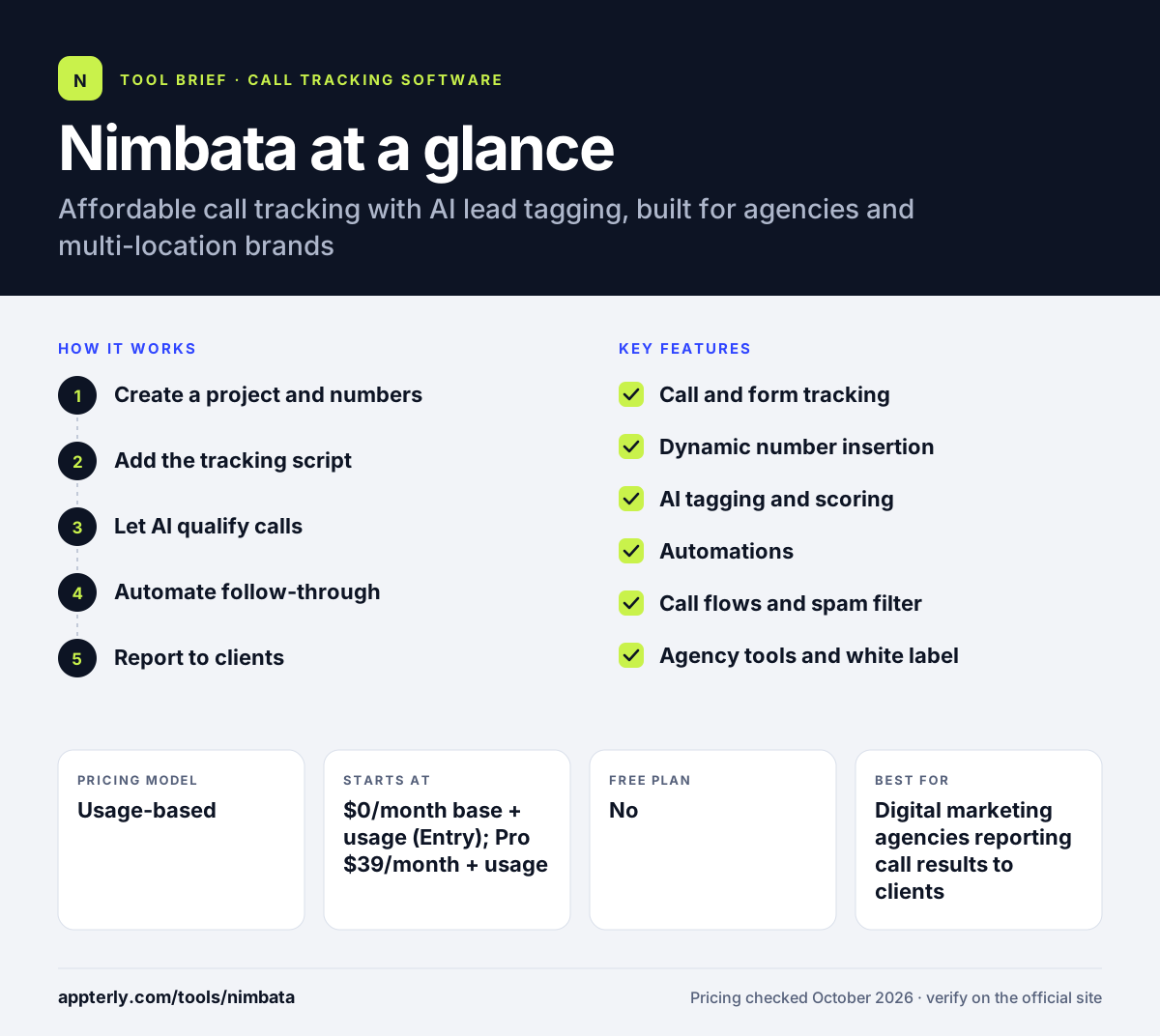
How does Nimbata work?
- Create a project and numbers
You set up a project for each business or client and get tracking numbers for online and offline channels.
- Add the tracking script
On Pro and above, dynamic number insertion shows a unique number per visitor so calls tie back to campaign, keyword and page.
- Let AI qualify calls
A prompt you define tells Nimbata how to tag, score and summarize each answered call.
- Automate follow-through
Workflows send conversions to Google Ads or Meta, update CRM records and alert your team.
- Report to clients
Dashboards and Looker Studio or Google Sheets exports show lead quality and revenue impact by channel.
Nimbata key features
Call and form tracking
Attributes calls and, on the Marketing plan and above, form submissions to their source.
Dynamic number insertion
Included from the Pro plan to track website visitors down to keyword and landing page.
AI tagging and scoring
Classifies calls with a custom prompt and generates call notes and follow-up email drafts.
Automations
Rules set tags, send offline conversions to ad platforms and create or update CRM records.
Call flows and spam filter
Build routing flows and block junk calls, with unlimited call flows on paid tiers.
Agency tools and white label
Unlimited seats on the Agency plan, a partner program and a white-label add-on for client-facing reports.
Why use Nimbata?
- Low entry cost with usage billed per answered call rather than per minute.
- AI tagging separates real leads from spam and price shoppers without manual review.
- Numbers in over 70 countries suit international agencies and brands.
- Offline conversion uploads help Google Ads and Meta optimize for qualified calls.
- A 14-day trial with full Agency features lets you test everything before paying.
Who is Nimbata best for?
A good fit for
- Digital marketing agencies reporting call results to clients
- Multi-location and franchise brands
- PPC managers running Google Ads and Microsoft Ads
- Teams needing tracking numbers outside the US
Less suited to
- Large contact centers needing agent routing and coaching suites
- Businesses that want a single flat monthly bill with no usage charges
Nimbata pricing
| Pricing model | Usage-based |
|---|---|
| Free plan | No |
| Free trial | 14 days |
| Starting price | $0/month base + usage (Entry); Pro $39/month + usage |
Paid tiers are Pro ($39), Marketing ($89) and Agency ($149) per month plus per-answered-call usage, with up to 20% off annually. Transcription, extra seats, projects and white label cost extra.
Prices checked October 2026. Vendors change plans often, so confirm on the official Nimbata pricing page before you buy.
Nimbata pros and cons
Pros
- Inexpensive starting point with per-call usage billing
- Prompt-based AI tagging is flexible
- Strong agency focus with white label and partner commissions
- International number coverage
Cons
- Per-call usage rate is not shown on the pricing page
- DNI, form tracking and CRM integrations require paid tiers
- Fair-use charges can apply if average calls run long
Nimbata integrations and platforms
Works with
Available on
Nimbata alternatives
See the full shortlist in Best Call Tracking Software.
Nimbata FAQ
Is Nimbata free?
Nimbata has an Entry plan with a $0 base fee, but usage charges apply for answered calls, so it is not fully free. Every plan comes with a 14-day free trial that unlocks Agency features, capped at two tracking numbers and 50 answered calls, with no credit card required.
What is Nimbata used for?
Nimbata is used to find out which ads, keywords and pages generate phone calls and form leads. Agencies and multi-location brands use it to qualify calls with AI, send offline conversions to Google Ads and Meta, and show clients how marketing turns into revenue.
Nimbata vs CallRail: which should agencies choose?
Both serve agencies. Nimbata has a lower base price, bills per answered call instead of per minute, covers numbers in more than 70 countries and uses prompt-based AI tagging. CallRail has a larger integration catalog and bundled form tracking, but it operates in only four countries.
Does Nimbata integrate with HubSpot and Salesforce?
Yes. Nimbata connects with HubSpot, Zoho CRM and Pipedrive on the Marketing plan, while the Salesforce integration, API and webhooks are part of the Agency plan. It also integrates with Google Ads, Microsoft Ads, Meta, Google Analytics, Slack, Looker Studio and Zapier.
Does Nimbata offer white label?
Yes. Nimbata offers white labeling as a $55 per month add-on on the Pro, Marketing and Agency plans. Agencies use it to present call tracking under their own brand, and the company also runs a partner program that pays commissions on referred clients.
Sources
This overview is based on Nimbata's official website and documentation, checked October 2026.