What is Kling?
Kling is an AI video and image generation studio that turns written prompts, still images and reference material into short video clips and pictures. It was built by Kuaishou, the Chinese short-video company, and first opened for public testing in June 2024. Today Kling runs as a web workspace where creators, marketers and small studios produce ad concepts, social clips and storyboards without filming anything.
The current flagship video model is Kling 4.0, which focuses on steadier motion and output that combines picture and sound. Kling Image 3.0 handles stills, including native 4K output and image series with a consistent style. Around the models sit tools such as Motion Control, a node-based Canvas for planning projects with an AI agent, and a developer API for teams that want to automate production.
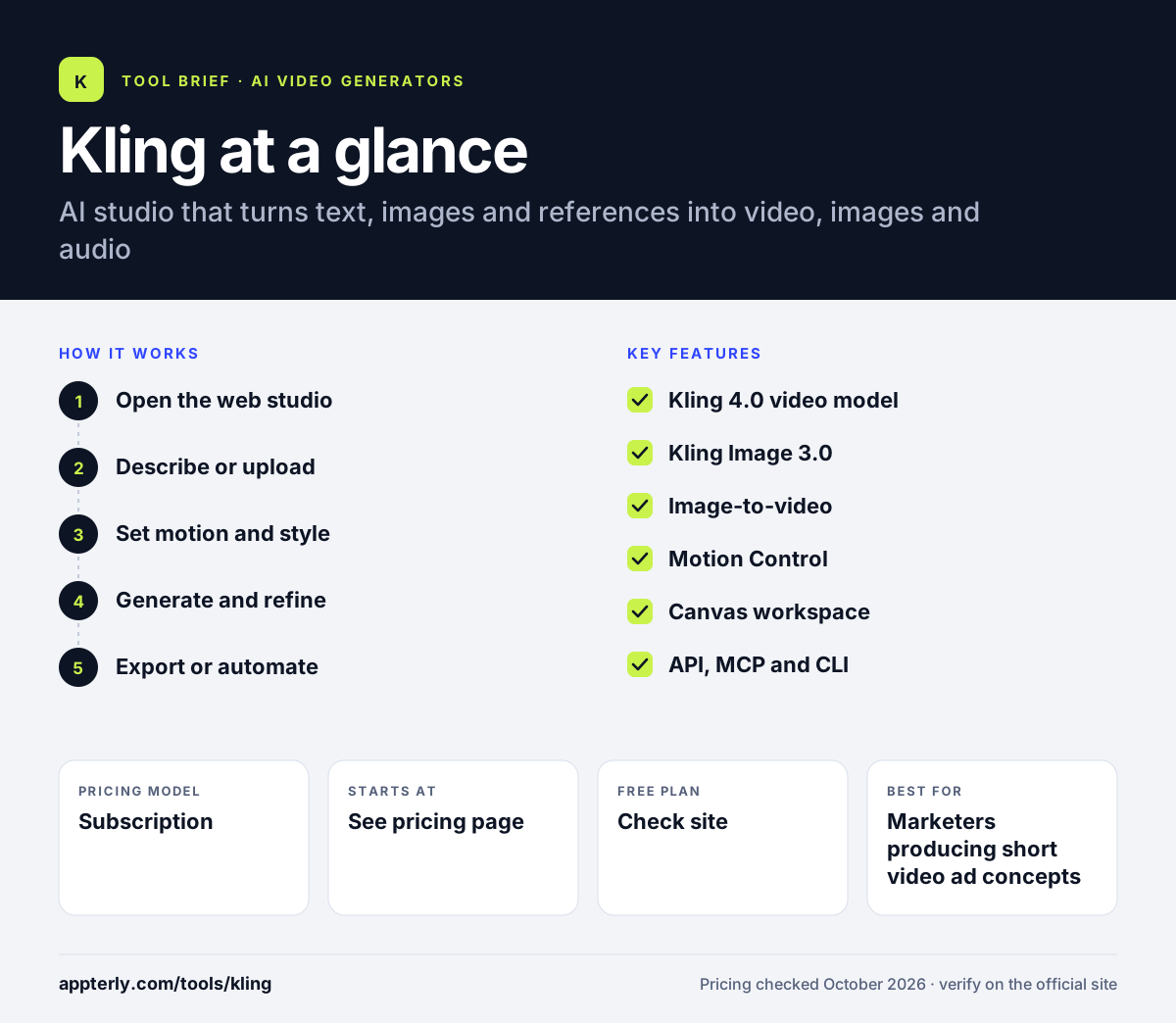
Kling at a glance
How does Kling work?
- Open the web studio
Sign in at kling.ai and choose whether you want to generate a video, an image, or work inside Canvas.
- Describe or upload
Write a text prompt, or upload an image or reference clip that the model should follow.
- Set motion and style
Use options such as Motion Control to guide camera and subject movement, then pick a model like Kling 4.0.
- Generate and refine
Review the result, regenerate variations, and adjust prompts until the clip fits your idea.
- Export or automate
Download finished assets, or call the Kling API, MCP or CLI to run batch jobs from scripts and agents.
Kling key features
Kling 4.0 video model
Generates video clips from text or images, with an emphasis on stable motion and synced audio.
Kling Image 3.0
Creates still images with native 4K output, cinematic framing and consistent multi-image series.
Image-to-video
Animates a product photo, illustration or still frame into a moving clip.
Motion Control
Gives more say over how subjects and the camera move inside a generated shot.
Canvas workspace
A node-based board where you brainstorm with an AI agent, write scripts, build storyboards and edit video.
API, MCP and CLI
Lets developers and AI agents trigger generations in bulk and plug Kling into their own pipelines.
Why use Kling?
- It lets you test video ad ideas and social concepts before paying for a shoot.
- One workspace covers video, images and audio, so you switch between fewer tools.
- Image-to-video turns existing product photos into motion content quickly.
- Canvas helps you plan a sequence of shots instead of generating isolated clips.
- The API makes it possible to scale production for agencies or apps.
Who is Kling best for?
A good fit for
- Marketers producing short video ad concepts
- Social media creators who need eye-catching clips
- Small studios storyboarding and prototyping scenes
- Developers building generative video into apps
Less suited to
- Teams that need long, fully edited videos with precise brand control
- Buyers who need clear published consumer pricing before signing up
- Organizations with strict rules about data handled by China-based vendors
Kling pricing
| Pricing model | Subscription |
|---|---|
| Free plan | Not confirmed |
| Free trial | Not confirmed |
| Starting price | See the official pricing page |
Kling sells credit-based access to its web studio and a separate pay-as-you-go developer API. Current consumer plan prices were not visible on the official site when checked, so confirm them inside the app before buying.
Prices checked October 2026. Vendors change plans often, so confirm on the official website before you buy.
Kling pros and cons
Pros
- Strong focus on realistic motion in generated video
- Covers video, image and audio creation in one studio
- Canvas and agent tools help plan multi-shot projects
- Developer API, MCP and CLI support automation
Cons
- Consumer pricing is not clearly shown on the public site
- Generated clips are short and still need editing for finished ads
- Results can vary, so expect to regenerate several times
Kling integrations and platforms
Available on
Kling alternatives
See the full shortlist in Best AI Video Generators.
Kling FAQ
What is Kling used for?
Kling is used to generate short AI videos and images from text prompts or reference images. Marketers use Kling for ad concepts and social clips, creators use it for eye-catching visuals, and studios use it to storyboard scenes. It also offers a Canvas workspace for planning shots and an API for teams that want to automate generation at scale.
Who makes Kling AI?
Kling AI was developed by Kuaishou, a Chinese technology company known for its short-video platform. The model first opened for public testing in June 2024 and has since moved through several versions, with Kling 4.0 now the flagship video model. The product runs as a web studio at kling.ai, alongside a separate developer platform.
Is Kling free?
Kling uses a credit system for generations, and paid memberships unlock more credits and features. At the time of writing, current consumer plan prices and any free allowance were not published on the public pages, so the safest approach is to sign up and review the plan options shown inside your account before committing.
Kling vs Runway: what's the difference?
Both generate video from text and images. Kling centers on its own Kling models, motion control and a Canvas for storyboarding. Runway offers its Gen-4.5 model plus a broader editing suite, brand kits, mobile apps and published pricing from $12 per month billed annually. Runway suits teams wanting a full creative workspace, while Kling suits those focused on motion-heavy clips.
Does Kling have an API?
Yes. Kling runs a developer platform with its own documentation and pricing, so you can generate videos and images from code. It also offers MCP and CLI access, which lets AI agents and scripts run batch generation. This makes Kling a practical option for agencies and app builders that need to produce many assets automatically.
Sources
This overview is based on Kling's official website and documentation, checked October 2026.