What is Google Trends?
Google Trends is a free tool from Google that shows how interest in search terms and topics changes over time and across locations. It uses an anonymized sample of real Google searches and scores interest on a 0 to 100 scale relative to all searches in that place and period. Marketers, journalists, researchers and creators use it to spot seasonality, compare ideas and see what people are searching right now.
The main views are Explore, which charts search interest for terms you choose, and Trending Now, which lists searches that are spiking in a location. Google also publishes Year in Search reports and curated data stories. Because scores are relative rather than absolute counts, Google Trends works best for comparing terms and timing, and many marketers pair it with keyword tools that estimate actual search volume. Data can be viewed from a global level down to cities, and short time ranges show hourly detail in your local time zone.
Google Trends at a glance
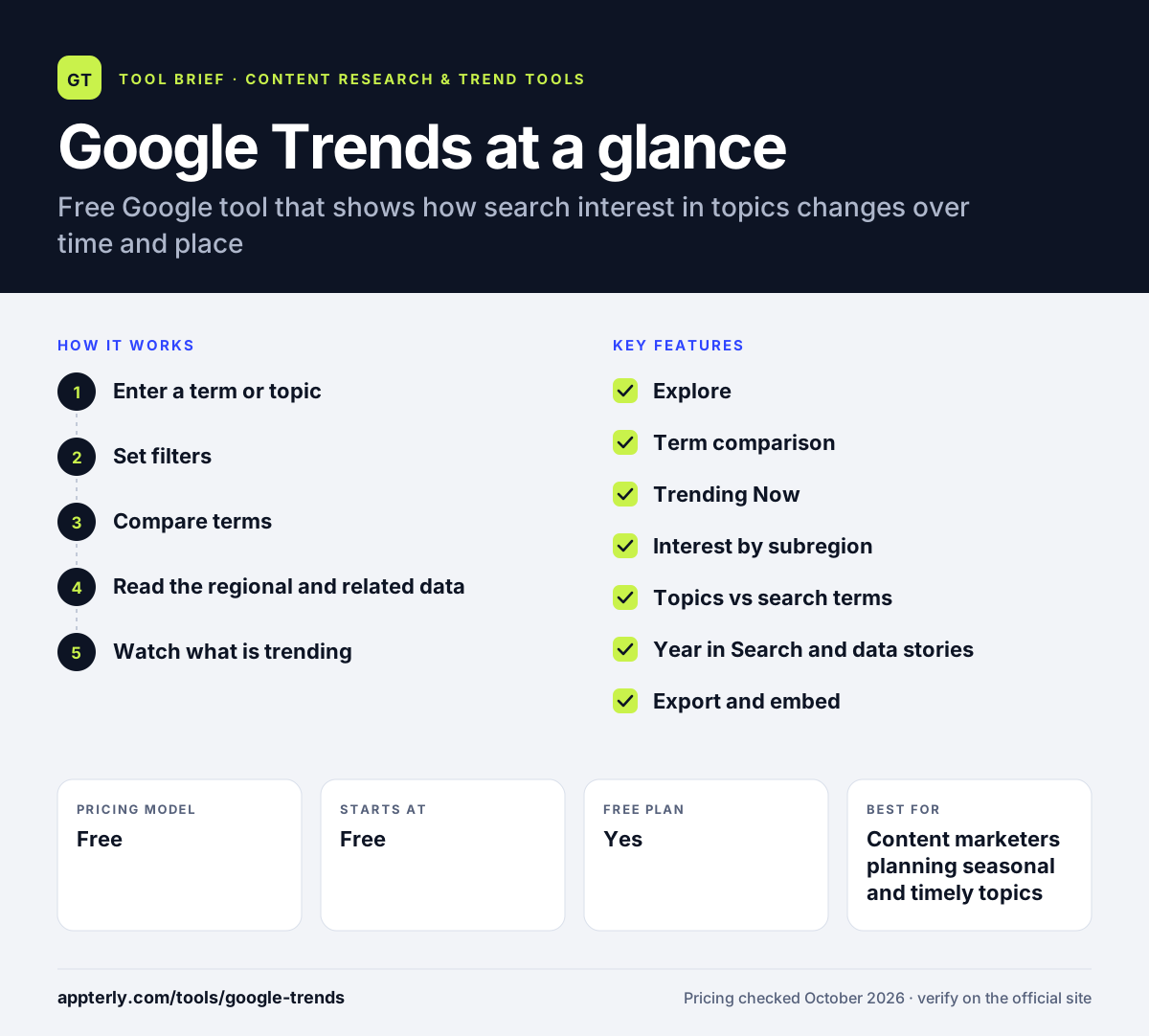
How does Google Trends work?
- Enter a term or topic
Type a keyword in Explore and choose either the plain search term or Google's broader topic, which groups related searches across languages.
- Set filters
Pick a country or region and a time range, from the past hour to many years, or a custom date range.
- Compare terms
Add more terms or groups to see which one draws more relative interest over the same period.
- Read the regional and related data
Check interest by subregion and related searches to find local demand and new angles.
- Watch what is trending
Use Trending Now to see searches spiking where you are, which helps with timely content.
Google Trends key features
Explore
Charts relative search interest for a term or topic over time, with filters for location and date range.
Term comparison
Compares up to eight groups of terms at once, with up to 50 terms per group in the current Explore view.
Trending Now
Lists searches that are spiking in real time, including searches trending in your area.
Interest by subregion
Shows where a term is most popular, down to city level in some places.
Topics vs search terms
Topics group equivalent searches across languages and spellings, while terms match exact words.
Year in Search and data stories
Annual reports and curated explorations from the Google Trends data team.
Export and embed
Download chart data or embed charts on a site, with guidance on citing Trends data.
Learning resources
Google provides free videos and guides on using Trends for SEO, marketing, journalism and research.
Why use Google Trends?
- It is completely free, with no paid tiers or usage fees.
- Seasonal patterns help you time content, campaigns and product launches.
- Comparing terms shows which wording or idea people search for more.
- Regional data reveals where demand is strongest for local targeting.
- Trending Now gives quick ideas for timely social and news content.
Who is Google Trends best for?
A good fit for
- Content marketers planning seasonal and timely topics
- Ecommerce sellers checking product demand over time
- Journalists and researchers studying public interest
- Small businesses comparing local interest by region
Less suited to
- Anyone who needs exact monthly search volumes
- Very low-volume or long-tail keywords, which often show as zero
- Teams wanting automated alerts and forecasts without extra tools
Google Trends pricing
| Pricing model | Free |
|---|---|
| Free plan | Yes |
| Free trial | Not confirmed |
| Starting price | Free |
Google Trends has no paid tiers. All features, including Explore, Trending Now and data export, are free to use.
Prices checked October 2026. Vendors change plans often, so confirm on the official website before you buy.
Google Trends pros and cons
Pros
- Free, fast and backed by Google search data
- Strong for seasonality, comparisons and regional insight
- Real-time view of trending searches
- Topics handle different languages and spellings
Cons
- Shows relative interest, not absolute search volume
- Low-volume terms often return no usable data
- Privacy noise can create misleading small spikes
Google Trends integrations and platforms
Available on
Google Trends alternatives
See the full shortlist in Best Content Research Tools.
Google Trends FAQ
Is Google Trends free?
Yes. Google Trends is completely free and has no paid plans. You can explore terms, compare them, view regional data, see trending searches and download chart data without paying. That makes it one of the easiest research tools for marketers and small businesses to start with.
What do the numbers in Google Trends mean?
Google Trends scores interest from 0 to 100. A score of 100 is the peak popularity for that term in the chosen place and time, and 50 means half as popular. The numbers are relative to all searches in that location, not counts of searches, so they show interest patterns rather than volume.
How accurate is Google Trends?
Google Trends uses a large, anonymized sample of Google searches, which Google considers representative. It removes repeated searches from the same person and adds small amounts of noise for privacy. That noise mostly affects low-interest terms, so treat small spikes with caution and confirm major decisions with other data.
Google Trends vs Exploding Topics: what's the difference?
Google Trends is free and shows relative search interest for terms you choose. Exploding Topics is a paid tool that surfaces growing trends you may not know about, adds curated descriptions, estimated volume and forecasts. Many marketers use Google Trends for quick checks and a paid tool for discovery.
Can Google Trends show search volume?
No. Google Trends does not show absolute search volume. It shows relative interest on a 0 to 100 scale. To estimate how many people search a term each month, pair it with a keyword research tool or a Google Trends extension such as Glimpse that adds volume estimates.
Sources
This overview is based on Google Trends's official website and documentation, checked October 2026.