What is Feedly?
Feedly is a news reader and AI-powered research platform that pulls articles from websites, blogs, industry publications, newsletters and Google News keyword feeds into one organized feed. Marketers and researchers use it to follow competitors, industry news and emerging topics without visiting dozens of sites. The free reader works on the web, iOS and Android, and browser extensions let you save pages as you browse.
Beyond the reader, Feedly offers paid plans with AI features. Pro+ adds AI feeds that scan large volumes of articles and posts for topics you define, plus an RSS Builder for sites without feeds. Enterprise products include Market Intelligence for competitor and trend tracking and Threat Intelligence for security teams, which uses AI agents, a threat graph and report tools. Content can be shared to Slack, Teams, Buffer and note apps. Teams that outgrow the reader can move up to the AI-driven intelligence products without switching vendors.
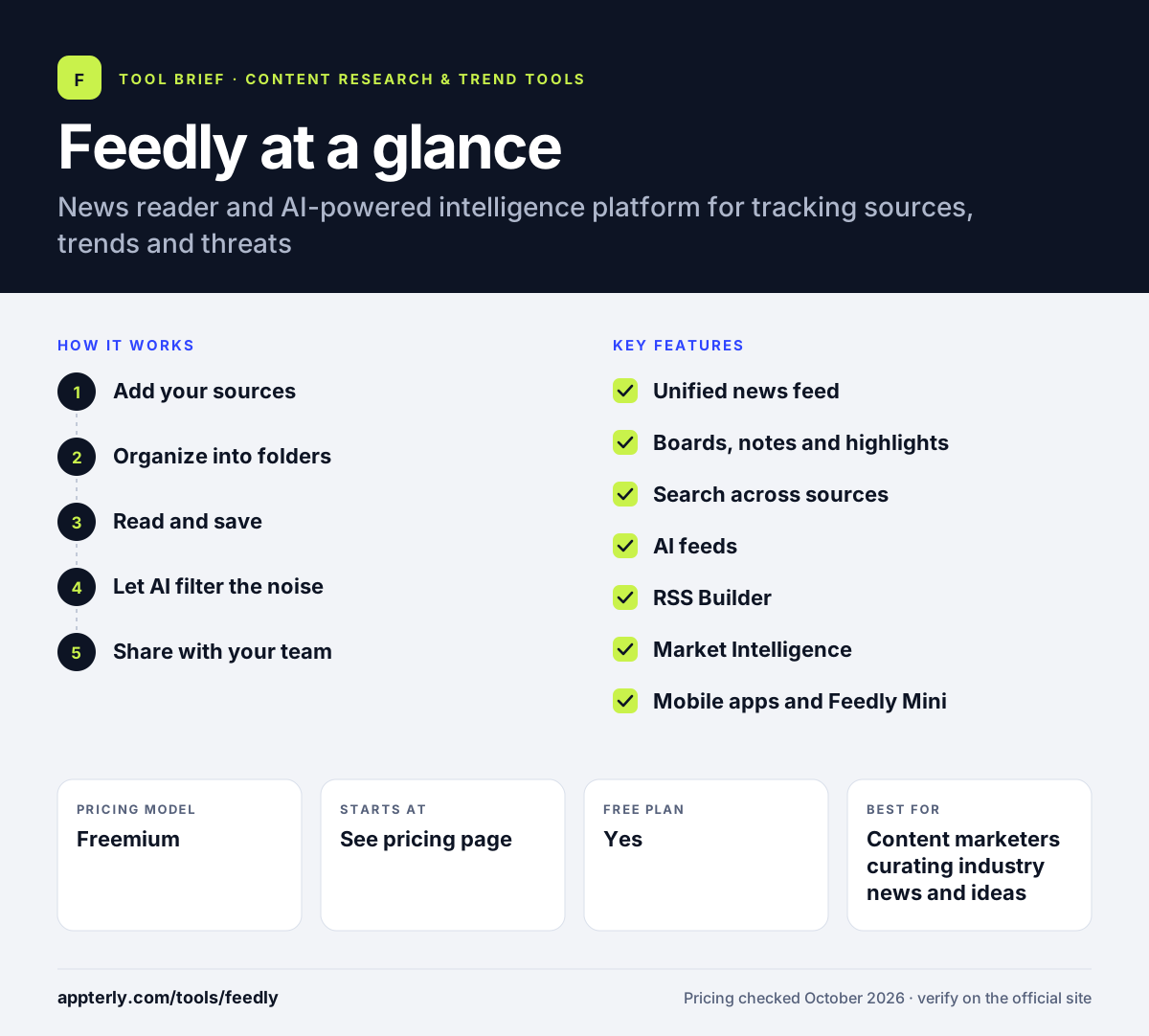
Feedly at a glance
How does Feedly work?
- Add your sources
Follow websites, blogs, publications and Google News keyword searches, or forward newsletters to your Feedly email address.
- Organize into folders
Group sources by topic, client or competitor so each feed stays focused.
- Read and save
Scan headlines, open articles and save useful ones to Boards with notes and highlights.
- Let AI filter the noise
On Pro+ and Enterprise plans, set up AI feeds that track specific topics, companies or trends across many sources.
- Share with your team
Send articles to Slack, Microsoft Teams, Buffer, Evernote or OneNote, or automate actions with Zapier and IFTTT.
Feedly key features
Unified news feed
Brings RSS feeds, blogs, publications, newsletters and Google News keywords into one place.
Boards, notes and highlights
Save articles to personal Boards, add notes and highlight key sentences for later research.
Search across sources
Look up a term across everything you follow to find past coverage quickly.
AI feeds
Included in Pro+, these feeds analyze large volumes of articles, reports and social posts for your chosen topics.
RSS Builder
Creates feeds for websites that do not publish an RSS feed, available on Pro+.
Market Intelligence
An enterprise product for tracking competitors, markets and trends with AI support.
Mobile apps and Feedly Mini
Free iOS and Android apps, plus Chrome and Firefox extensions for saving pages.
Newsletter forwarding
Each account gets a Feedly email address, so newsletters can be read alongside other sources instead of in your inbox.
Why use Feedly?
- You can monitor many industry sources from one screen instead of checking each site.
- Folders and Boards turn reading into a reusable research library.
- AI feeds cut down the manual work of filtering news on paid plans.
- Sharing to Slack, Teams and Buffer helps teams pass along content quickly.
- The free reader is enough for many individual marketers to start.
Who is Feedly best for?
A good fit for
- Content marketers curating industry news and ideas
- Social media managers sourcing articles to share
- Analysts and agencies tracking competitors and markets
- Security teams using Threat Intelligence
Less suited to
- Teams that need social media listening across networks
- Users who want transparent self-serve prices for every tier
- People who only follow a handful of sites
Feedly pricing
| Pricing model | Freemium |
|---|---|
| Free plan | Yes |
| Free trial | Not confirmed |
| Starting price | See the official pricing page |
Feedly offers Free, Pro, Pro+ and Enterprise plans. Pro adds advanced features and sharing, Pro+ adds AI feeds and RSS Builder, and Enterprise covers the intelligence products. Exact prices were not visible on the official pages when checked.
Prices checked October 2026. Vendors change plans often, so confirm on the official Feedly pricing page before you buy.
Feedly pros and cons
Pros
- Clean, fast reader with a useful free tier
- Works across web, mobile and browser extensions
- AI feeds and intelligence products for deeper research
- Good sharing options for teams
Cons
- AI features require higher paid plans
- Enterprise intelligence products need a sales conversation
- Value depends on how well you curate your sources
Feedly integrations and platforms
Works with
Available on
Feedly alternatives
See the full shortlist in Best Content Research Tools.
Feedly FAQ
Is Feedly free?
Yes. Feedly has a free plan that covers the basic reading features, and its sign-up does not require a credit card. Paid Pro and Pro+ plans add advanced features, sharing options, AI feeds and an RSS Builder. Enterprise plans cover Market Intelligence and Threat Intelligence. Check Feedly's pricing page for current prices.
What is Feedly used for?
Feedly is used to follow news, blogs, publications and newsletters in one feed. Marketers use it to track industry news, competitors and content ideas. Researchers save articles to Boards with notes. Enterprise customers use its AI-powered Market Intelligence and Threat Intelligence products to monitor markets and cyber threats.
Does Feedly still support RSS feeds?
Yes. Feedly is built around following website feeds, and it also accepts Google News keyword searches and forwarded newsletters. On the Pro+ plan, the RSS Builder can create a feed for websites that do not publish one, which is useful for tracking competitor pages or niche sources.
Feedly vs Inoreader: what's the difference?
Both are feed readers with free tiers and paid upgrades. Feedly emphasizes a clean reading experience, team sharing and AI feeds, and it also sells enterprise intelligence products. Inoreader is known for detailed rules, filters and automation inside the reader. The better choice depends on whether you value simplicity or granular control.
Does Feedly integrate with Slack?
Yes. Feedly can share articles to Slack and Microsoft Teams, and it also connects to Buffer, Evernote and OneNote. Automation tools such as Zapier and IFTTT let you trigger actions when new articles arrive. Enterprise plans include further integrations for security and intelligence workflows.
Sources
This overview is based on Feedly's official website and documentation, checked October 2026.