What is Claude?
Claude is an AI assistant from Anthropic that writes, researches, analyzes data and creates files such as documents, spreadsheets and slides. You work with it in a chat, but it can also take on longer tasks, like compiling research from several sources or turning raw data into a report. Marketers use it for drafting content, editing long documents and summarizing customer or campaign data.
Claude can search the web, remember context from past chats and organize work into Projects with shared files and instructions. Artifacts let you view and edit designs, documents and slides it produces. Connectors link Claude to tools like Google Drive, Gmail, Slack and Salesforce, and paid plans add Claude Code, Claude in Chrome and Microsoft 365 integration. Team and Enterprise plans add admin controls.
Claude at a glance
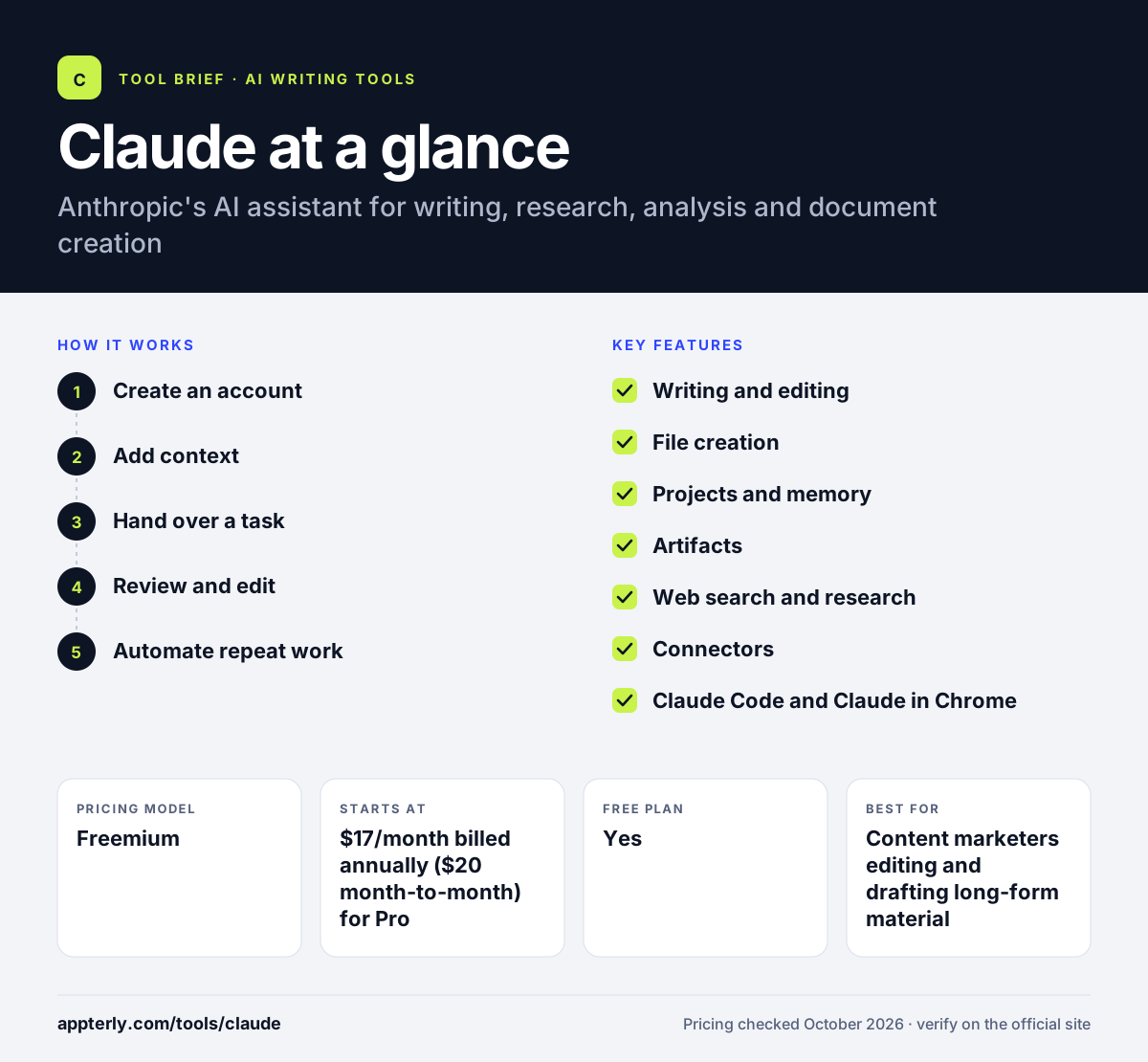
How does Claude work?
- Create an account
Sign up for free on the web, desktop or mobile app, and upgrade to Pro, Max or Team when you need more usage.
- Add context
Upload files, connect apps like Google Drive or Slack, or set up a Project with instructions and reference material.
- Hand over a task
Describe what you need, such as a content brief, a data summary or a slide deck, and Claude plans and produces it.
- Review and edit
Revise the output in chat or edit the Artifact directly, then export or share it.
- Automate repeat work
Save skills or schedule recurring tasks so Claude repeats the same process later.
Claude key features
Writing and editing
Drafts, rewrites and summarizes long-form content while following detailed style instructions.
File creation
Creates and edits Word documents, spreadsheets, slides and prototypes, and reads PDFs, CSVs and code.
Projects and memory
Keeps files, instructions and past context organized by project so you do not repeat yourself.
Artifacts
Shows designs, documents and slides in an editable view you can share or refine.
Web search and research
Pulls current information from the web and compiles it into structured findings.
Connectors
Links to Google Drive, Gmail, Google Calendar, Slack, Salesforce and other apps, plus custom MCP connectors.
Claude Code and Claude in Chrome
Paid plans include a coding agent and a browser extension that can act on web pages.
Why use Claude?
- It handles long documents and detailed instructions well, which suits editing and content briefs.
- It produces finished files, not just text you have to reformat.
- Connectors let it work with data already in your Google or Microsoft tools.
- The free plan includes web search, file creation and memory.
- Team plans add central billing, SSO and no training on your data by default.
Who is Claude best for?
A good fit for
- Content marketers editing and drafting long-form material
- Founders who need research summaries and reports
- Teams already working in Google Workspace or Microsoft 365
- Agencies producing client documents and slide decks
Less suited to
- Users who mainly want AI image generation
- Teams needing built-in SEO metrics such as search volume or rankings
Claude pricing
| Pricing model | Freemium |
|---|---|
| Free plan | Yes |
| Free trial | Not confirmed |
| Starting price | $17/month billed annually ($20 month-to-month) for Pro |
Max starts at $100/month for 5x or 20x Pro usage. Team seats cost $20 to $100 per seat per month billed annually, and Enterprise adds usage at API rates.
Prices checked October 2026. Vendors change plans often, so confirm on the official Claude pricing page before you buy.
Claude pros and cons
Pros
- Strong at long, detailed writing and editing tasks
- Creates real documents, spreadsheets and slides
- Useful connectors to common work apps
- Free plan covers search, files and memory
Cons
- Usage limits reset on a rolling window and can interrupt heavy sessions
- No native image generation for marketing visuals
- Advanced features like Claude Code require a paid plan
Claude integrations and platforms
Works with
Available on
Claude alternatives
See the full shortlist in Best AI Writing Tools.
Claude FAQ
Is Claude free?
Yes. Claude has a free plan on web, desktop and mobile that includes chat, web search, file creation, memory, Artifacts and app connections, with usage limits. Pro costs $17 per month billed annually or $20 monthly, and Max, Team and Enterprise plans offer more usage and admin features.
What is Claude used for?
People use Claude to write and edit content, research topics, analyze spreadsheets and documents, and create files such as reports and slide decks. Marketers often use it for content briefs, long-form drafts, customer feedback summaries and campaign reporting. Paid plans also include Claude Code for software tasks.
Claude vs ChatGPT: what's the difference?
Both are general AI assistants. Claude, made by Anthropic, focuses on long documents, file creation and connectors to work tools like Google Drive and Slack. ChatGPT, made by OpenAI, includes built-in image generation and custom GPTs. Many teams test the free plan of both before choosing.
Does Claude integrate with Google Workspace?
Yes. Claude connects to Google Drive, Gmail, Google Calendar and Google Sheets, and Anthropic also offers Claude for Google Workspace. It works with Microsoft 365 apps on paid plans too. These connectors let Claude read and use your existing files when it answers or creates content.
Is Claude good for beginners?
Yes. Claude works through ordinary conversation, so you can describe what you need in plain words and refine the result with follow-up messages. Projects and saved instructions help beginners keep context without repeating themselves. The free plan is a low-risk way to learn how it works.
Sources
This overview is based on Claude's official website and documentation, checked October 2026.