What is Final Cut Pro?
Final Cut Pro is Apple's professional video editing app for Mac and iPad, built around a Magnetic Timeline that keeps clips in sync as you move and trim them. It is used by YouTubers, filmmakers, wedding and event videographers, agencies and in-house teams who work on Apple hardware and want fast performance on Apple silicon. It handles everything from short social videos to long-form HDR projects.
Recent versions add features powered by Apple Intelligence, such as object tracking, one-click color enhancement, auto reframing, Beat Detection, Smooth Slo-Mo, Magnetic Mask and automatic captions. Transcript Search lets you find spoken phrases in your footage. Final Cut Pro can be bought once for Mac or used on Mac and iPad through Apple Creator Studio, which also includes the companion apps Motion and Compressor.
Final Cut Pro at a glance
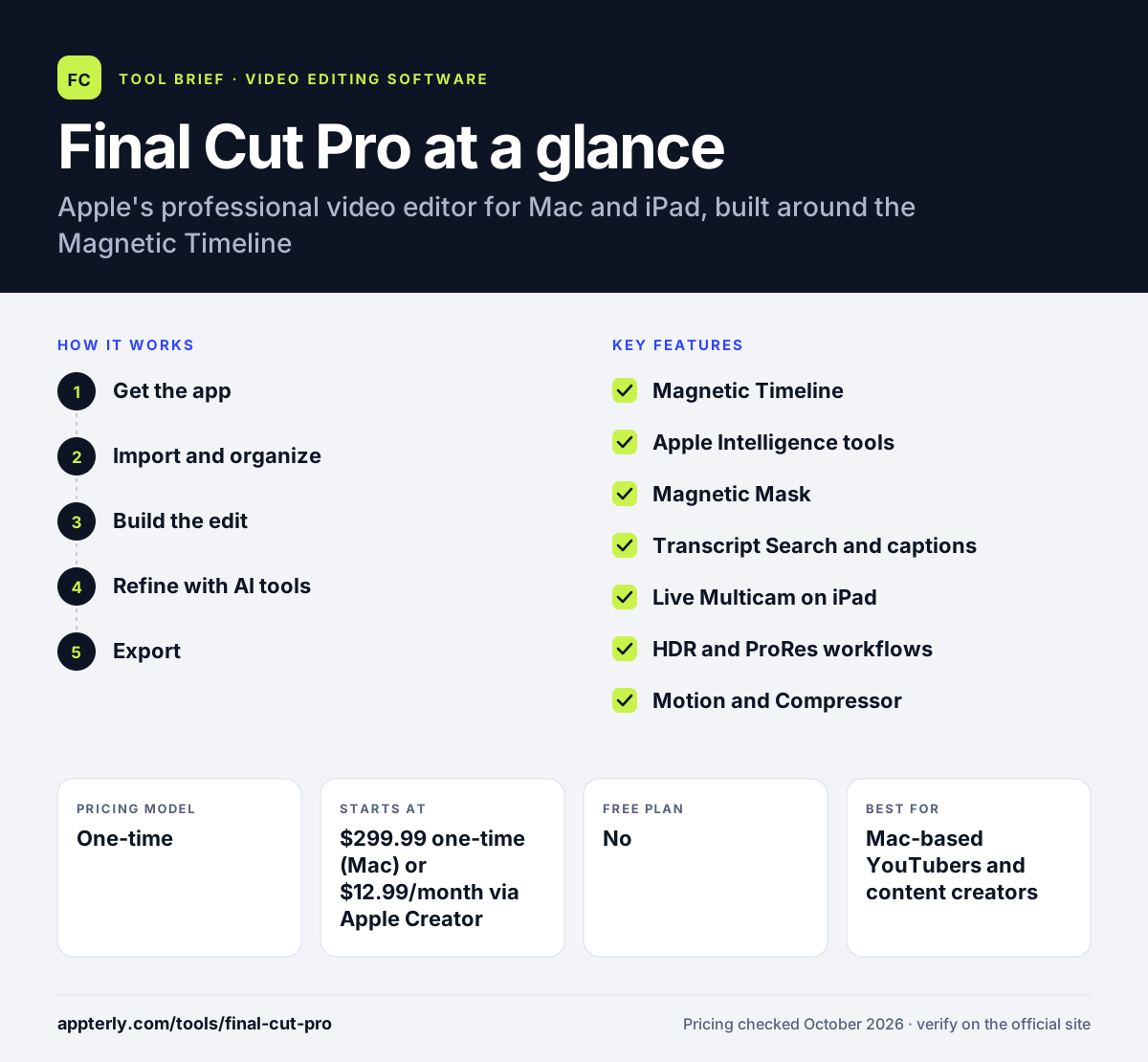
How does Final Cut Pro work?
- Get the app
Buy Final Cut Pro for Mac outright or subscribe to Apple Creator Studio to use it on Mac and iPad.
- Import and organize
Bring footage into a library, then use keywords, ratings and Transcript Search to find the clips you need. Libraries can hold several events and projects for easy reuse.
- Build the edit
Assemble clips on the Magnetic Timeline, where connected clips, audio and titles stay in sync as you edit.
- Refine with AI tools
Apply color enhancement, object tracking, masking, captions and auto reframing for different aspect ratios.
- Export
Share directly or use Compressor for custom delivery settings, including HDR output.
Final Cut Pro key features
Magnetic Timeline
A trackless timeline that moves and trims clips without creating gaps or sync problems. Roles and compound clips help keep larger projects organized.
Apple Intelligence tools
Object Tracker, color enhancement, Smooth Slo-Mo, auto reframing and Beat Detection speed up common tasks.
Magnetic Mask
Isolates people and objects in a shot without needing a green screen.
Transcript Search and captions
Find spoken phrases in your media and generate captions from dialogue automatically.
Live Multicam on iPad
Records from up to four iPhone or iPad cameras at once and edits them together.
HDR and ProRes workflows
Supports HDR editing and delivery, plus ProRes RAW capture with the Final Cut Camera app.
Motion and Compressor
Companion Mac apps for custom titles, transitions and effects, and for advanced export settings.
Why use Final Cut Pro?
- Final Cut Pro is heavily optimized for Apple silicon, which keeps playback and exports fast.
- The Magnetic Timeline makes rearranging edits quicker than many track-based editors.
- The one-time Mac purchase avoids an ongoing subscription for many users.
- Built-in AI tools handle masking, tracking and reframing without third-party plugins.
- Projects can move between iPad and Mac for editing on the go.
Who is Final Cut Pro best for?
A good fit for
- Mac-based YouTubers and content creators
- Independent filmmakers and videographers
- Agencies and in-house teams standardized on Apple hardware
- Creators who want to edit on iPad as well as Mac
Less suited to
- Windows users, since it only runs on Apple devices
- Teams that need cross-platform collaboration with Premiere Pro or Resolve users
- Some features, such as Transcript Search, are limited to Apple silicon and U.S. English
Final Cut Pro pricing
| Pricing model | One-time |
|---|---|
| Free plan | No |
| Free trial | 30 days (Apple Creator Studio) |
| Starting price | $299.99 one-time (Mac) or $12.99/month via Apple Creator Studio |
Apple Creator Studio costs $12.99 per month or $129 per year and covers Final Cut Pro on Mac and iPad plus Motion and Compressor; education pricing is lower.
Prices checked October 2026. Vendors change plans often, so confirm on the official Final Cut Pro pricing page before you buy.
Final Cut Pro pros and cons
Pros
- Very fast performance on Apple silicon
- One-time purchase option for Mac
- Magnetic Timeline speeds up editing
- Strong built-in AI tools for masking and tracking
Cons
- Only available on Mac and iPad
- iPad version requires a subscription
- Collaboration with non-Apple editing workflows takes extra steps
Final Cut Pro integrations and platforms
Works with
Available on
Final Cut Pro alternatives
See the full shortlist in Best Video Editing Software for Marketers.
Final Cut Pro FAQ
Is Final Cut Pro free?
No, Final Cut Pro is a paid app. You can buy it once for Mac for $299.99, or use it on Mac and iPad through an Apple Creator Studio subscription at $12.99 per month or $129 per year. Apple offers a 30-day free trial of Apple Creator Studio, and education pricing is available.
What is Final Cut Pro used for?
Final Cut Pro is used to edit professional videos on Mac and iPad, including YouTube content, short films, documentaries, commercials, weddings and social clips. Editors use it to cut footage, mix audio, add titles and effects, grade color, create captions and deliver HDR or standard video for web and broadcast.
Is Final Cut Pro good for beginners?
Final Cut Pro is approachable for beginners who use a Mac, especially those moving up from iMovie. The Magnetic Timeline prevents many common sync mistakes, and AI tools handle tasks like reframing and color fixes. It still has a learning curve because it is a professional editor with many advanced options. Free Apple tutorials and a large community also make it easier to learn.
Final Cut Pro vs Premiere Pro: what's the difference?
Final Cut Pro runs only on Mac and iPad, uses a trackless Magnetic Timeline and can be bought once for Mac. Adobe Premiere Pro runs on Mac and Windows, uses a track-based timeline and is sold by subscription with links to other Adobe apps. Final Cut Pro suits Apple-only users; Premiere Pro suits mixed-platform teams.
Can I use Final Cut Pro on Windows?
No, Final Cut Pro is not available for Windows. It runs on Macs with a recent version of macOS and on supported iPads with iPadOS. Windows users usually look at alternatives such as Adobe Premiere Pro, DaVinci Resolve or Filmora for similar editing work.
Sources
This overview is based on Final Cut Pro's official website and documentation, checked October 2026.