What is Camtasia?
Camtasia is a screen recording and video editing program from TechSmith that is built for tutorials, software demos, training courses and explainer videos. It records your screen, webcam, microphone and system audio as separate tracks, then lets you edit them in a drag-and-drop timeline with zooms, callouts, cursor effects and annotations.
Camtasia plans bundle related TechSmith tools: Snagit for screenshots, Audiate for text-based audio editing, and on Pro, Screencast for hosting and premium stock assets. Newer AI features include script writing, AI voiceovers, AI avatars, transcription, translation and filler-word removal. It runs on Windows and macOS, and the editor can be downloaded free with watermarked exports.
Camtasia at a glance
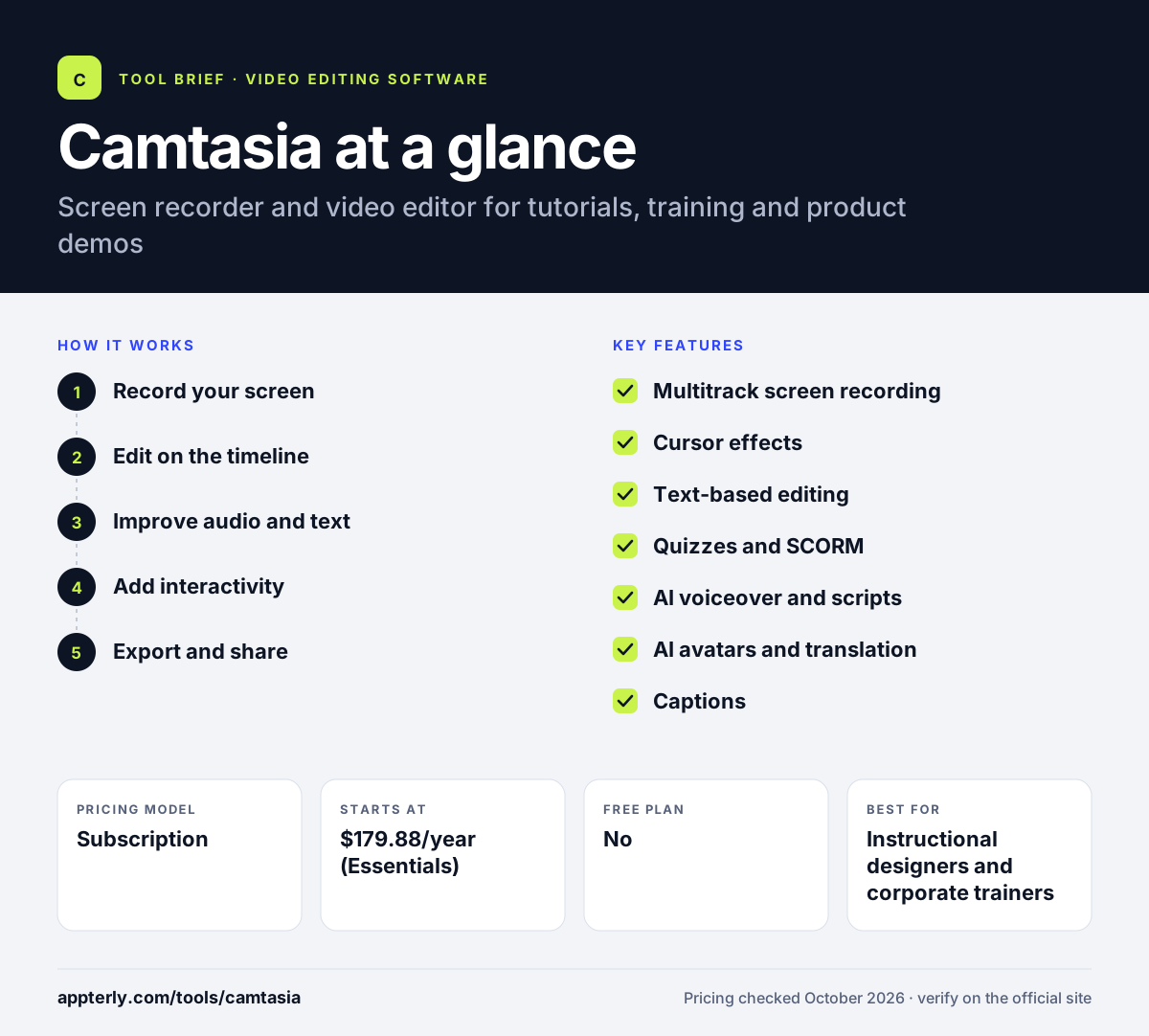
How does Camtasia work?
- Record your screen
Capture screen, webcam, microphone and system audio as separate layers, along with cursor data. Because cursor data is captured separately, you can change its look or path after recording.
- Edit on the timeline
Drag clips into the timeline and add zooms, callouts, transitions, animations and cursor effects. Themes and templates help keep a series of lessons or demos visually consistent.
- Improve audio and text
Use transcription, filler-word removal, noise removal and AI voiceovers to polish narration. Audiate, included from Essentials up, lets you edit narration by editing its transcript.
- Add interactivity
Insert quizzes and captions, and export to SCORM for learning management systems. Captions can be exported in common subtitle formats for other platforms.
- Export and share
Render the video, or share it through Screencast with a link. Pro plans include unlimited video sharing through Screencast.
Camtasia key features
Multitrack screen recording
Records screen, camera and audio separately so each layer can be edited later.
Cursor effects
Highlight, smooth or edit cursor paths after recording to make demos easier to follow.
Text-based editing
Transcribes speech so you can edit video by editing text, with automatic filler-word removal.
Quizzes and SCORM
Add quizzes and export SCORM packages for e-learning platforms.
AI voiceover and scripts
Generate scripts and turn them into narration with 200+ voice options on Create and Pro.
AI avatars and translation
Pro adds AI avatars, script translation and audio dubbing.
Captions
Generates captions and exports them in common subtitle formats.
Bundled tools
Plans include Snagit and, from Essentials up, Audiate, with Screencast on Pro.
Why use Camtasia?
- It combines recording and editing in one app built for screen-based video.
- Cursor effects, zooms and callouts make software demos clearer.
- Quizzes and SCORM export suit corporate training and online courses.
- AI narration helps teams without a voiceover budget.
- The free editor download lets you test every editing feature first.
Who is Camtasia best for?
A good fit for
- Instructional designers and corporate trainers
- SaaS teams making product demos and help videos
- Teachers and course creators
- YouTubers who publish tutorials
Less suited to
- Filmmakers who need advanced color grading and effects
- Mobile-first creators editing on phones
- Users who want a free, watermark-free editor
Camtasia pricing
| Pricing model | Subscription |
|---|---|
| Free plan | No |
| Free trial | Not confirmed |
| Starting price | $179.88/year (Essentials) |
A $39/year Starter plan includes Snagit and a watermarked Camtasia Editor. Create ($249/year) adds AI scripts and voiceovers, and Pro ($599/year) adds AI avatars, dubbing, stock and Screencast. A 14-day money-back guarantee applies.
Prices checked October 2026. Vendors change plans often, so confirm on the official Camtasia pricing page before you buy.
Camtasia pros and cons
Pros
- Purpose-built for screen recording and tutorials
- Strong cursor and annotation tools
- Quizzes and SCORM export for e-learning
- Free editor download to test features
Cons
- Annual subscription required for watermark-free export
- AI avatars and dubbing are reserved for the Pro tier
- Less suited to cinematic editing
Camtasia integrations and platforms
Works with
Available on
Camtasia alternatives
See the full shortlist in Best Video Editing Software for Marketers.
Camtasia FAQ
Is Camtasia free?
Camtasia offers a free download of the full editor, so you can use every editing feature, but exported videos carry a watermark. To export clean videos you need a paid plan, starting with Essentials at $179.88 per year. A 14-day money-back guarantee covers new purchases. Pricing on the official site is shown per year.
What is Camtasia used for?
Camtasia is used to record and edit screen-based videos such as software tutorials, product demos, training modules, online course lessons and how-to videos for YouTube. Trainers also use its quizzes and SCORM export to deliver interactive lessons through learning management systems. Many teams pair it with Snagit, which is included in every plan.
Is Camtasia good for beginners?
Yes. Camtasia is known for being approachable. Recording takes a few clicks, and the drag-and-drop timeline makes zooms, callouts and transitions easy to add. Templates and themes help beginners keep videos consistent, while AI tools handle captions and narration. Live chat support is included with all plans.
Camtasia vs Adobe Premiere Pro: what's the difference?
Premiere Pro is a general professional editor for films, ads and social content. Camtasia focuses on screen recording and instructional video, with cursor effects, quizzes, SCORM export and bundled Snagit. Choose Camtasia for tutorials and training, and Premiere Pro for cinematic or multi-camera work. Camtasia is also faster to learn for people who mainly record their screen.
Does Camtasia work on Mac?
Yes. Camtasia runs on both Windows and macOS with nearly identical features. It needs macOS 14 or later, or Windows 10 64-bit or later, plus 8GB of RAM. Each license covers two devices for the same user, so you can install it on a desktop and a laptop. Projects and features stay consistent across both systems.
Sources
This overview is based on Camtasia's official website and documentation, checked October 2026.