What is Adobe Premiere Pro?
Adobe Premiere Pro is a professional, timeline-based video editing application used to cut, color, mix and export everything from social clips to feature films. It installs through the Creative Cloud app on desktop, works with footage from almost any camera, and is a standard tool in agencies, newsrooms, post-production houses and YouTube studios.
Adobe Premiere Pro now leans heavily on AI. Generative Extend uses Adobe Firefly to add frames and ambient sound, Object Mask tracks a subject with one click, Media Intelligence lets you search footage in plain language, and Text-Based Editing builds rough cuts from transcripts. A free Premiere mobile app for iPhone and Android connects to desktop projects, and Frame.io review is included in paid plans.
Adobe Premiere Pro at a glance
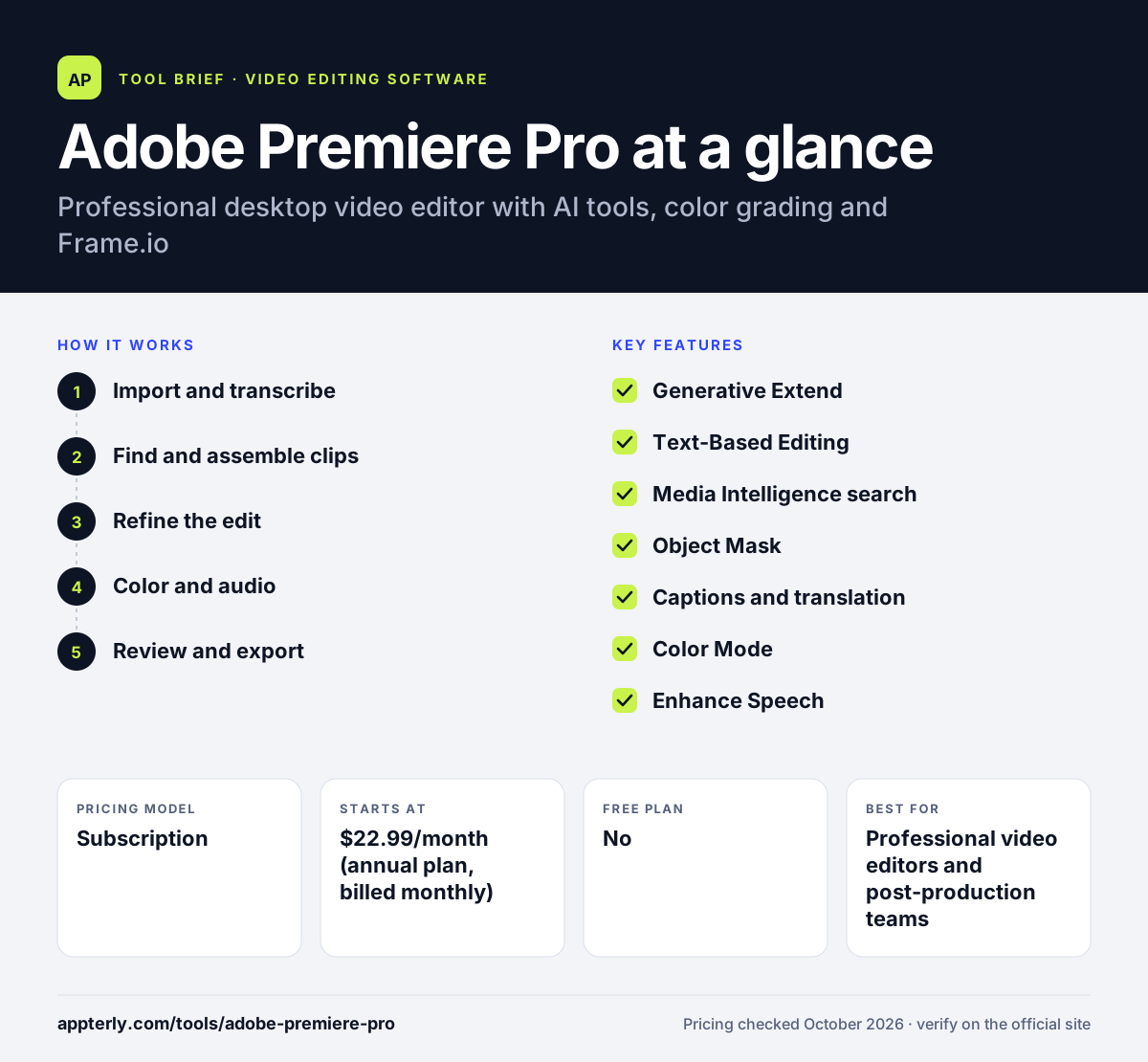
How does Adobe Premiere Pro work?
- Import and transcribe
Bring in footage from any camera. Premiere transcribes speech on import and can convert log or raw footage without LUTs. It works with footage from nearly any camera.
- Find and assemble clips
Search media with Media Intelligence, then build a rough cut on the timeline or by editing the transcript.
- Refine the edit
Trim, add effects and titles, use Object Mask, and fill gaps with Generative Extend.
- Color and audio
Grade in Color Mode with wheels, curves and scopes, and clean dialogue with Enhance Speech.
- Review and export
Share cuts for feedback through Frame.io, add translated captions, and export for each platform.
Adobe Premiere Pro key features
Generative Extend
Uses Adobe Firefly to extend clips, add frames and generate missing ambient sound.
Text-Based Editing
Automatically transcribes footage so you can cut video by editing text.
Media Intelligence search
Finds clips when you describe them in everyday language.
Object Mask
Masks and tracks a subject with a click, replacing much manual rotoscoping.
Captions and translation
Generates captions automatically and translates them into 18 languages.
Color Mode
An editor-friendly grading workspace with AI color balancing, wheels, curves and scopes.
Enhance Speech
Removes background noise and improves dialogue clarity.
Frame.io and mobile
Frame.io review is included, and the Premiere mobile app lets you start on a phone and finish on desktop.
Why use Adobe Premiere Pro?
- It is an industry standard, so files, freelancers and tutorials are easy to find.
- AI tools such as text-based editing and Generative Extend cut hours from routine edits.
- It connects with the wider Creative Cloud apps when you upgrade to Creative Cloud Pro.
- Built-in Frame.io makes client review and approval simpler.
- It handles everything from quick social edits to long, complex projects.
Who is Adobe Premiere Pro best for?
A good fit for
- Professional video editors and post-production teams
- Agencies producing client video at scale
- YouTubers and filmmakers who want room to grow
- Teams already using Adobe Creative Cloud
Less suited to
- Beginners who only need quick, template-based social videos
- Users who want a one-time purchase instead of a subscription
- Older or low-powered computers
Adobe Premiere Pro pricing
| Pricing model | Subscription |
|---|---|
| Free plan | No |
| Free trial | 7 days (14 days for teams) |
| Starting price | $22.99/month (annual plan, billed monthly) |
The Premiere plan includes 100GB storage and 25 monthly generative credits. Creative Cloud Pro adds 20+ apps and 4,000 credits, and team licenses cost $37.99/month per seat.
Prices checked October 2026. Vendors change plans often, so confirm on the official Adobe Premiere Pro pricing page before you buy.
Adobe Premiere Pro pros and cons
Pros
- Deep professional editing toolset
- Strong and growing AI features
- Frame.io review included
- Huge community and learning resources
Cons
- Subscription only, with no perpetual license
- Steeper learning curve than consumer editors
- Only 25 generative credits on the single-app plan
Adobe Premiere Pro integrations and platforms
Works with
Available on
Adobe Premiere Pro alternatives
See the full shortlist in Best Video Editing Software for Marketers.
Adobe Premiere Pro FAQ
Is Adobe Premiere Pro free?
No. Adobe Premiere Pro on desktop needs a paid subscription, starting at $22.99 per month on an annual plan billed monthly. Individuals and students can try it free for 7 days, and teams for 14 days. Adobe also offers a free standalone Premiere mobile app for iPhone and Android. Students can get Creative Cloud Pro for $19.99 per month in the first year.
What is Adobe Premiere Pro used for?
Adobe Premiere Pro is used to edit video for films, TV, YouTube, social media, corporate content and ads. Editors use it to cut footage, add titles and effects, grade color, clean audio, create captions and export finished videos, often alongside other Adobe apps and Frame.io for client review. Frame.io review links make it easy to collect client feedback.
Is Premiere Pro good for beginners?
Premiere Pro can be learned by beginners, and features like text-based editing and automatic captions make early projects easier. However, it is a professional tool with many panels and settings. Beginners who only need quick social clips may find simpler editors faster to start with. Adobe's tutorials inside the app also help new users get started.
Premiere Pro vs DaVinci Resolve: what's the difference?
Premiere Pro is a subscription editor that integrates with Adobe Creative Cloud, Firefly and Frame.io. DaVinci Resolve has a capable free version and a one-time Studio purchase, with especially strong color grading and built-in Fusion effects and Fairlight audio. Many editors choose based on budget and team workflow. Both are capable of professional, broadcast-ready work.
Does Premiere Pro use AI?
Yes. Premiere Pro includes Generative Extend powered by Adobe Firefly, Object Mask, Media Intelligence search, Text-Based Editing, automatic captions with translation into 18 languages, Enhance Speech and AI color balancing. Some generative features use credits included with your plan. Adobe keeps adding AI tools through regular updates and beta releases.
Sources
This overview is based on Adobe Premiere Pro's official website and documentation, checked October 2026.