What is Animoto?
Animoto is an online video maker that helps people without editing experience create marketing, social media and training videos from templates. You drag in photos, clips, text and music, and Animoto handles layout and animation. It runs in the browser and is aimed at small businesses, marketers, real estate agents, educators and internal communications teams.
Animoto includes hundreds of templates for social posts and ads, a licensed music library, and stock photos and video from Getty Images. It also offers screen and webcam recording, voiceover, saved brand kits and team collaboration with comments. Animoto Inc. is part of Redbrick, a group of software brands that also includes Leadpages.
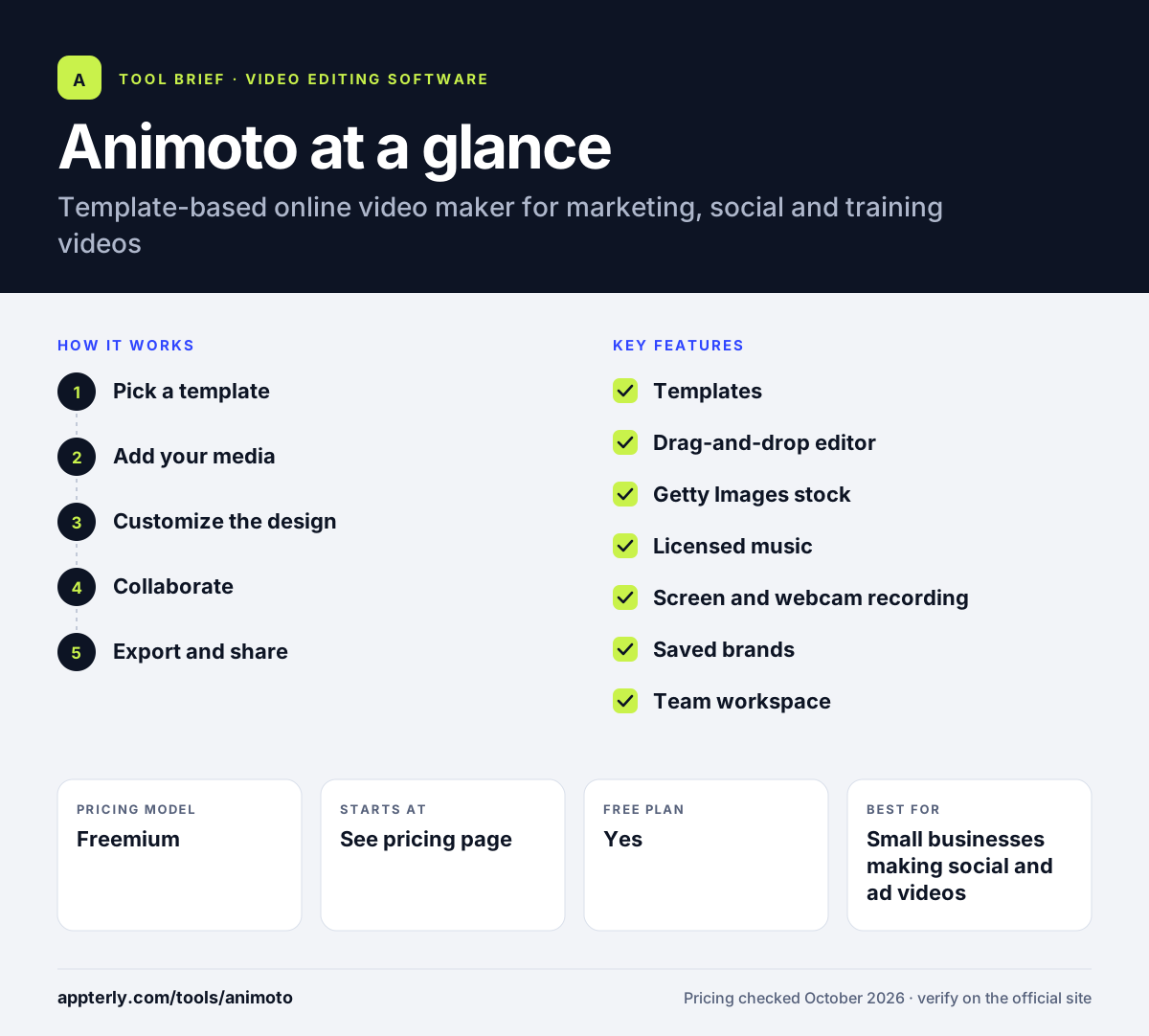
Animoto at a glance
How does Animoto work?
- Pick a template
Start from a template for a social post, ad, slideshow or training video, or start blank. Templates are sized for common social and ad formats.
- Add your media
Upload photos and clips, or pull from Getty Images stock, then record screen, webcam or voiceover if needed.
- Customize the design
Drag and drop to rearrange, edit text, apply brand colors, fonts and logo, and choose music.
- Collaborate
On team plans, share drafts and leave time-stamped comments before finalizing.
- Export and share
Download in up to 1080p or 4K depending on plan, or share through a video landing page.
Animoto key features
Templates
Hundreds of ready-made templates for social media, search ads, slideshows and internal communications.
Drag-and-drop editor
Crop, cut and merge clips and add text, graphics, animations and effects without a timeline.
Getty Images stock
Paid plans include licensed stock photos and video, with over 100 million premium assets on Professional Plus.
Licensed music
From 50 tracks on Free to 3,000 tracks on Professional, with the option to upload your own.
Screen and webcam recording
Record your screen and camera, together on higher plans, and add voiceover in the browser.
Saved brands
Store logos, colors, fonts and intro or outro clips for consistent videos.
Team workspace
Professional Plus adds shared workspaces, user roles, comments and a dedicated account manager.
Video landing pages
Paid plans can publish videos on customizable landing pages, and Professional adds video analytics.
Why use Animoto?
- Templates let non-editors produce polished videos quickly.
- Licensed music and Getty stock reduce copyright worries for marketing videos.
- Brand kits keep every video consistent across a team.
- A free plan lets you test the editor before paying.
- Built-in recording covers simple tutorials and video updates.
Who is Animoto best for?
A good fit for
- Small businesses making social and ad videos
- Real estate agents and photographers creating slideshows
- Marketing teams that need on-brand templates
- Educators and internal communications teams
Less suited to
- Professional editors who need multi-track timeline control
- Creators who need advanced color grading or effects
- Users who want watermark-free exports at no cost
Animoto pricing
| Pricing model | Freemium |
|---|---|
| Free plan | Yes |
| Free trial | Not confirmed |
| Starting price | See the official pricing page |
Paid tiers are Basic, Professional and Professional Plus. Higher plans add branding, 4K export, more music and Getty stock, and team features. Annual billing saves up to 50%.
Prices checked October 2026. Vendors change plans often, so confirm on the official Animoto pricing page before you buy.
Animoto pros and cons
Pros
- Very easy for beginners
- Licensed music and Getty stock included on paid plans
- Saved brands and templates for consistency
- Free plan available
Cons
- Free plan adds a watermark and limits video to 720p
- Limited control compared with timeline editors
- Many features sit on the higher tiers
Animoto integrations and platforms
Works with
Available on
Animoto alternatives
See the full shortlist in Best Video Editing Software for Marketers.
Animoto FAQ
Is Animoto free?
Yes. Animoto has a free plan for one user with unlimited video creation, screen and webcam recording and 50 licensed music tracks. Free videos include an Animoto watermark and export at 720p. Paid plans remove the watermark, raise quality to 1080p or 4K and add branding and stock. Discounted plans may be available for nonprofits, teachers and schools.
What is Animoto used for?
Animoto is used to make marketing videos, social media posts, video ads, photo slideshows, product promos, tutorials and internal communications. Its templates and drag-and-drop editor let people without editing skills produce professional-looking videos using their own media or licensed stock. Saved brands make it easy to keep every video consistent.
Is Animoto good for beginners?
Yes. Animoto is designed for people with little or no editing experience. Instead of a complex timeline, you pick a template, drop in photos and clips, edit text and choose music. That simplicity makes it fast to learn, though it offers less fine control than professional editors. Saved templates and brands also speed up repeat projects.
Animoto vs Canva: what's the difference?
Canva is a broad design platform that also edits video, covering graphics, documents and presentations. Animoto focuses only on video, with video templates, licensed music, Getty stock, screen recording and team review tools. Choose Animoto if video is your main output and Canva for mixed design work. Animoto also adds a team workspace and time-stamped comments on its top plan.
Does Animoto include stock footage?
Yes. Animoto's Professional plan includes over 1 million licensed stock photos and videos from Getty Images, and Professional Plus expands that to over 100 million premium assets. The Free and Basic plans focus on your own uploaded media plus the included music library. You can also upload your own music and footage.
Sources
This overview is based on Animoto's official website and documentation, checked October 2026.