What is Filmora?
Filmora is a desktop and mobile video editor from Wondershare that pairs a multi-track timeline with AI tools, templates and a large library of effects. It is aimed at YouTubers, social media creators, small businesses and hobbyists who want polished videos without the learning curve of professional editing suites. It runs on Windows and macOS, with mobile apps for iOS, iPadOS and Android.
Filmora covers the usual editing basics, such as trimming, transitions, titles, keyframes and color correction, and adds AI helpers like auto captions, silence removal, text-based editing, voice enhancement, object removal and video translation. Newer generative tools create clips from text, images or audio, extend existing shots and generate images. A free version is available, but it adds a watermark to every export.
Filmora at a glance
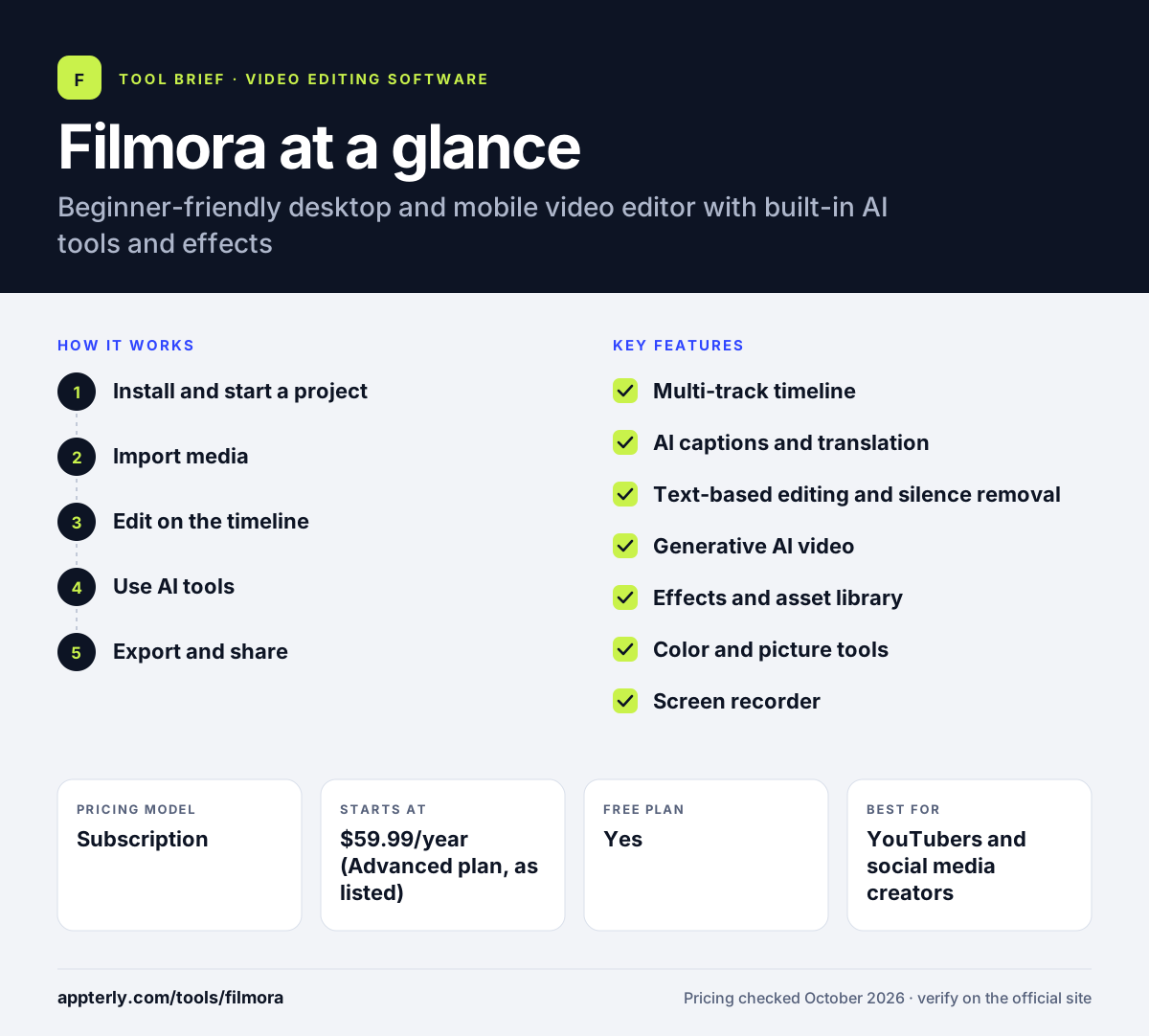
How does Filmora work?
- Install and start a project
Download Filmora for Windows or Mac, or install the mobile app, and choose an aspect ratio for your video.
- Import media
Bring in footage, screen recordings, images and audio, or pull from the built-in stock and template library.
- Edit on the timeline
Arrange clips on multiple tracks, then add transitions, titles, effects, music and color adjustments.
- Use AI tools
Generate captions, remove silences, clean up audio or generate extra footage with AI credits.
- Export and share
Render in up to 4K on paid plans and export versions for YouTube, TikTok or other platforms.
Filmora key features
Multi-track timeline
A familiar timeline with keyframes, motion tracking, a pen tool for motion paths and multi-version export.
AI captions and translation
Generates subtitles automatically and translates videos into other languages.
Text-based editing and silence removal
Edit by transcript and cut dead air quickly in talking-head or tutorial videos.
Generative AI video
Creates clips from text, images or audio and can lengthen an existing shot with AI Extend.
Effects and asset library
Templates, transitions, filters, LUTs, titles, stickers, music and stock media built into the editor.
Color and picture tools
Color wheels, curves and HSL controls, plus stabilization, enhancement and object removal.
Screen recorder
Records the screen with webcam, microphone and system audio for tutorials and demos.
Why use Filmora?
- The interface is simpler than professional editors, so new users can finish videos quickly.
- A large built-in effects and template library reduces the need to buy separate assets.
- AI captions and silence removal save time on social and tutorial content.
- One subscription covers both Windows and Mac on the Basic and Advanced plans.
- A perpetual license is available for people who prefer not to subscribe.
Who is Filmora best for?
A good fit for
- YouTubers and social media creators
- Small businesses making promo and product videos
- Beginners moving up from mobile editing apps
- Educators recording tutorials and screen demos
- Hobbyists editing family, travel and event videos
Less suited to
- Professional editors who need high-end finishing and collaboration workflows
- Users who want to export without a watermark on a free plan
- Teams that need browser-based editing with real-time collaboration
Filmora pricing
| Pricing model | Subscription |
|---|---|
| Free plan | Yes |
| Free trial | Not confirmed |
| Starting price | $59.99/year (Advanced plan, as listed) |
Basic, Advanced and Perpetual plans remove the watermark and unlock 4K export; Advanced adds 1,000 monthly AI credits and more cloud storage, while Perpetual is a one-time license tied to one operating system.
Prices checked October 2026. Vendors change plans often, so confirm on the official Filmora pricing page before you buy.
Filmora pros and cons
Pros
- Easy to learn for beginners
- Large library of effects, templates and stock assets
- Wide set of AI editing and generation tools
- Available on desktop and mobile
Cons
- Free version watermarks every export
- Many AI features consume paid credits
- Perpetual license only covers updates within one major version
Filmora integrations and platforms
Available on
Filmora alternatives
See the full shortlist in Best Video Editing Software for Marketers.
Filmora FAQ
Is Filmora free?
Filmora has a free version you can use without paying, but every video you export includes a Filmora watermark. To remove the watermark and unlock 4K export, you need a paid plan such as Basic, Advanced or the one-time Perpetual license. Many AI features also require AI credits, which come with the Advanced plan. A 7-day trial of Filmora Creative Assets is also offered at checkout, and paid products carry a 30-day money-back guarantee.
What is Filmora used for?
Filmora is used to edit videos for YouTube, social media, marketing, tutorials and personal projects. People use it to cut footage, add titles, music, transitions and effects, generate captions and record screen tutorials. Its AI tools also help with silence removal, audio cleanup, translation and generating extra footage.
Is Filmora good for beginners?
Yes, Filmora is generally seen as a beginner-friendly editor. Its interface is simpler than professional tools, and templates and drag-and-drop effects help new users get results fast. It still offers keyframes, motion tracking and color grading, so users can grow into more advanced editing over time. The built-in tutorials and templates also shorten the learning curve.
Filmora vs Premiere Pro: what's the difference?
Filmora is built for ease of use, with templates, a large effects library and guided AI tools. Adobe Premiere Pro is a professional editor with deeper control, team workflows and integration with other Adobe apps. Filmora suits beginners and creators who want speed, while Premiere Pro suits professional editors and larger productions.
Does Filmora work on Mac and mobile?
Yes. Filmora runs on Windows and macOS, and Wondershare also offers mobile apps for iOS, iPadOS and Android. The Basic and Advanced subscriptions cover both Windows and Mac under one license. The Perpetual license is device-specific, so Windows and Mac versions are licensed separately. Mobile apps are handy for quick edits, while the desktop version handles bigger projects.
Sources
This overview is based on Filmora's official website and documentation, checked October 2026.