What is Facebook Groups?
Facebook Groups is a free community feature inside Facebook that lets anyone create a shared space where members post, comment, join events and talk about a common topic. Groups can be public or private, and admins control who joins, what gets posted and how the community is run. Because members already use Facebook every day, groups are one of the easiest places to start a community.
Businesses, creators, coaches, local organizations and hobbyists use groups for customer support, fan communities, buy-and-sell boards and peer networks. Meta provides admin tools such as Admin Assist automation, membership questions, member suspension, insights and QR code invites. There is no fee to run a group, though you work within Facebook's rules, design and algorithm.
Facebook Groups at a glance
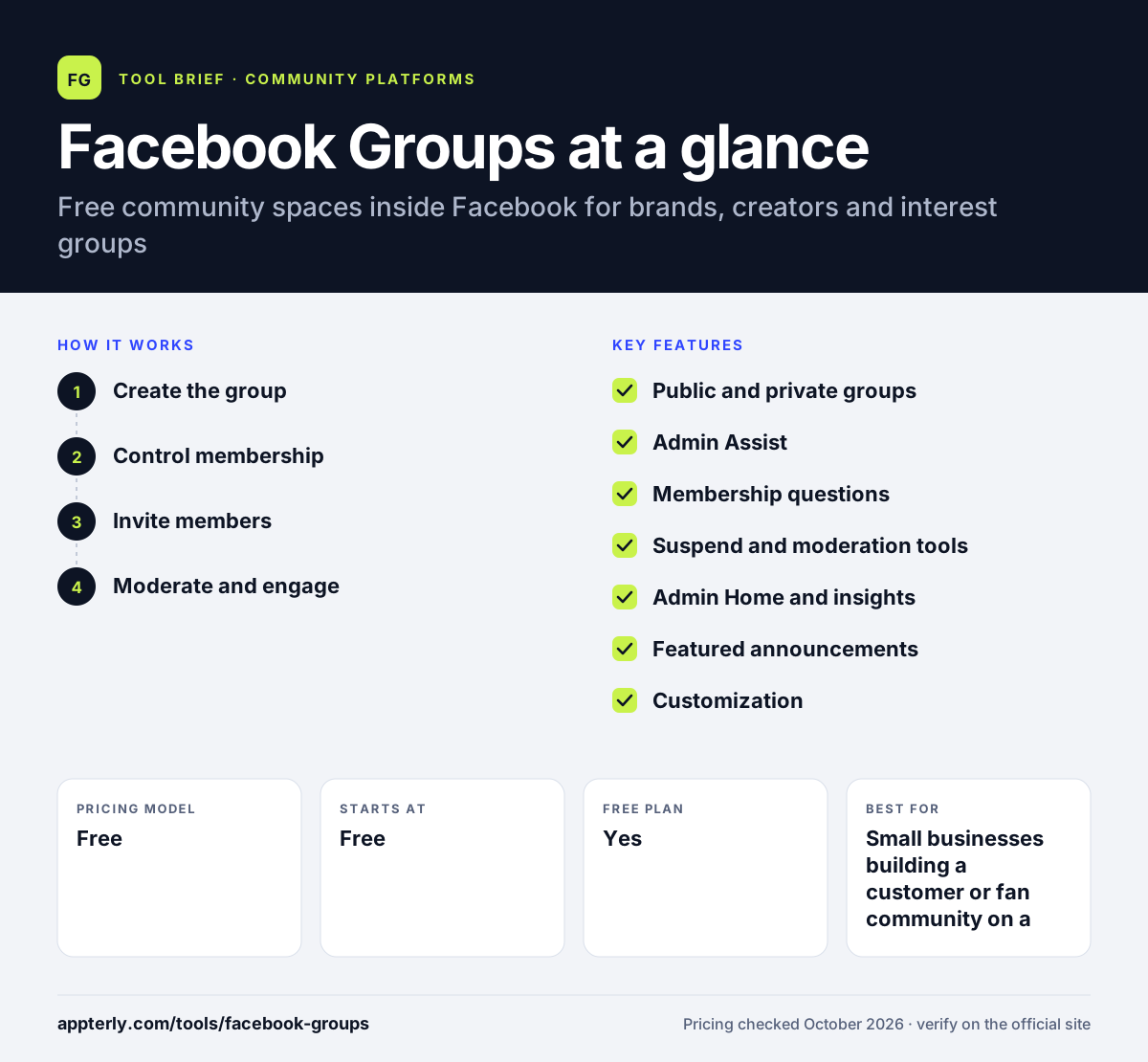
How does Facebook Groups work?
- Create the group
From a Facebook profile or Page, create a group, choose public or private visibility and add a description, rules and cover image.
- Control membership
Add membership questions and use Admin Assist to approve or decline join requests automatically based on criteria you set.
- Invite members
Share the group by link, email invites or a downloadable QR code that opens the group's About page.
- Moderate and engage
Pin announcements, set greeting messages, suspend rule breakers and use Admin Home insights to track growth and engagement.
Facebook Groups key features
Public and private groups
Choose whether anyone can see posts or only approved members, depending on the community's purpose.
Admin Assist
Set automatic rules to handle member requests and decline posts that break your criteria or that fact-checkers rated false.
Membership questions
Ask applicants questions before they join, which helps screen spam and gather useful information.
Suspend and moderation tools
Temporarily stop members from posting, commenting or reacting without removing them from the group.
Admin Home and insights
A central dashboard shows tasks needing attention and summarizes group growth and engagement.
Featured announcements
Pin and order important posts in a Featured section at the top of the group.
Customization
Adjust group colors, post backgrounds, fonts and greeting messages to give the group its own feel.
Why use Facebook Groups?
- It is completely free, with no software subscription or member fees.
- Members are already on Facebook, so joining and returning takes little effort.
- Groups linked to a business Page can support customers and build loyalty.
- Automation through Admin Assist reduces manual moderation work.
- QR codes and email invites make it easy to grow from offline events or email lists.
Who is Facebook Groups best for?
A good fit for
- Small businesses building a customer or fan community on a zero budget
- Local groups, clubs and buy-and-sell communities
- Coaches and creators starting a free community before going paid
- Brands whose audience is already active on Facebook
Less suited to
- Businesses that need to own member data and branding
- Paid membership or course businesses that need built-in checkout
- Audiences that do not use Facebook
Facebook Groups pricing
| Pricing model | Free |
|---|---|
| Free plan | Yes |
| Free trial | Not confirmed |
| Starting price | Free |
Creating and running a group costs nothing. Promoting a group or related Page through Meta ads is a separate, optional cost.
Prices checked October 2026. Vendors change plans often, so confirm on the official website before you buy.
Facebook Groups pros and cons
Pros
- Free and quick to set up
- Huge existing user base lowers the barrier to join
- Useful automation and moderation tools
- Works well with a Facebook Page and events
Cons
- You do not own the platform, data or algorithm
- Posts compete with everything else in members' feeds
- Real-time Community Chats were discontinued in 2025
Facebook Groups integrations and platforms
Available on
Facebook Groups alternatives
See the full shortlist in Best Online Community Platforms.
Facebook Groups FAQ
Is Facebook Groups free?
Yes. Creating and running a Facebook Group is free, and there is no limit on joining groups. You only need a Facebook account to create one. If you want to grow it faster, you can optionally pay for Meta ads to promote a related Page or content, but the group itself has no fees.
What are Facebook Groups used for?
Facebook Groups are used to build communities around a shared interest, brand, location or goal. Businesses use them for customer support and fan communities, creators and coaches use them for followers and clients, and local organizations use them for news, events and buying and selling among neighbors.
Facebook Groups vs Discord: what's the difference?
Facebook Groups center on feed-style posts and comments inside Facebook, which suits broad, older or local audiences. Discord centers on real-time text and voice channels in a separate app, which suits gaming, tech and younger audiences. Both are free; the right choice depends on where your audience already spends time.
What is Admin Assist in Facebook Groups?
Admin Assist is an automation tool for group admins. You set rules, and it carries them out, such as approving or declining membership requests based on whether applicants answered questions, or declining posts that break your criteria or were rated false by fact-checkers. It saves time on routine moderation.
Can a business create a Facebook Group?
Yes. Businesses can create a group and link it to their Facebook Page, which lets them run a customer or fan community next to their main brand presence. Meta has also tested features letting Page admins post in groups with an official brand voice and use group moderation tools.
Sources
This overview is based on Facebook Groups's official website and documentation, checked October 2026.