What is Discord?
Discord is a free communication platform that lets people build communities, called servers, with text channels, voice rooms and video calls. It started among gamers but is now widely used by creators, software companies, crypto projects, study groups and brands that want a place where fans and customers can talk in real time with each other and with the team.
Creating and joining servers costs nothing. Discord earns money mainly from Nitro, an optional personal subscription that adds perks such as larger uploads and server boosts. For community builders, enabling Community mode unlocks onboarding, announcement channels and Server Insights, and eligible US server owners can sell paid Server Subscriptions to members.
Discord at a glance
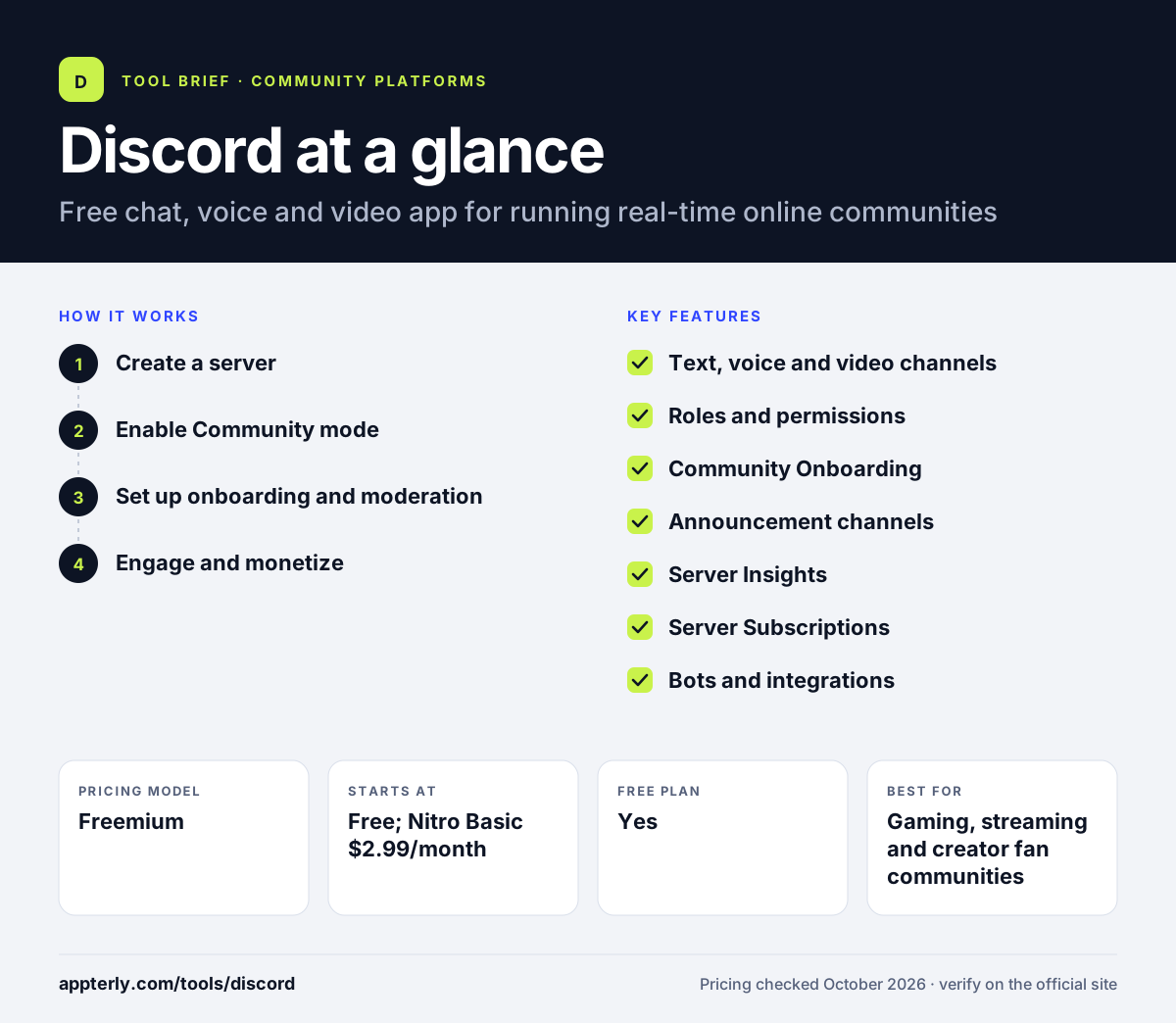
How does Discord work?
- Create a server
Make a free server from a template, then add text channels, voice channels and roles for different topics and member groups.
- Enable Community mode
Meet the safety checks, add a rules channel and a moderator updates channel, then switch on Community features.
- Set up onboarding and moderation
Use Community Onboarding so new members pick interests and get matching roles and channels, and add moderators and bots.
- Engage and monetize
Post in announcement channels, host voice events, review Server Insights and, if eligible, offer paid Server Subscriptions.
Discord key features
Text, voice and video channels
Mix always-on voice rooms, video calls, screen sharing and topic-based text channels in one server.
Roles and permissions
Fine-grained roles control who can see and post in each channel, which suits tiered or private communities.
Community Onboarding
New members answer a few questions and are given personalized roles and channels automatically.
Announcement channels
Followable channels let other servers subscribe to your updates.
Server Insights
Community servers get metrics on activity, health and member retention.
Server Subscriptions
Eligible US owners can sell paid membership tiers from $2.99 to $199.99 per month and keep 90% of revenue after deductions.
Bots and integrations
A large ecosystem of bots and apps adds moderation, welcome messages, polls and links to other tools.
Why use Discord?
- Building and running a server is free, with no member limits for normal use.
- Real-time voice and chat make communities feel lively and personal.
- Many younger audiences and gamers already have Discord installed.
- Roles and onboarding let one server serve many sub-groups cleanly.
- Server Subscriptions give eligible creators a built-in way to charge for access.
Who is Discord best for?
A good fit for
- Gaming, streaming and creator fan communities
- Software and developer communities that want live chat
- Web3 and tech projects with highly active members
- Study groups, clubs and hobby communities on no budget
Less suited to
- Brands wanting a fully branded community on their own domain
- Communities that rely on searchable, long-form knowledge over time
- Course sellers who need built-in lessons and checkout outside the US
Discord pricing
| Pricing model | Freemium |
|---|---|
| Free plan | Yes |
| Free trial | Not confirmed |
| Starting price | Free; Nitro Basic $2.99/month |
Servers are free to create and run. Nitro ($9.99/month) is an optional personal upgrade with 2 server boosts and 1 GB uploads; prices vary by country.
Prices checked October 2026. Vendors change plans often, so confirm on the official Discord pricing page before you buy.
Discord pros and cons
Pros
- Free for both owners and members
- Excellent real-time voice and chat
- Flexible roles, permissions and bots
- Native paid subscriptions for eligible US servers
Cons
- Busy chat channels make older information hard to find
- Limited branding; your community lives inside Discord
- Can feel overwhelming to new or less technical members
Discord integrations and platforms
Available on
Discord alternatives
See the full shortlist in Best Online Community Platforms.
Discord FAQ
Is Discord free?
Yes. Creating, joining and running Discord servers is free. Discord makes money from optional Nitro subscriptions, which start at $2.99 per month for Nitro Basic, and from server boosts. Server owners in eligible regions can also earn money by selling paid Server Subscriptions to their members.
What is Discord used for?
Discord is used to run online communities with text chat, voice rooms and video calls. Gamers, creators, developers, brands and study groups use servers to talk in real time, share updates in announcement channels, host live events and organize members by interest using roles and channels.
Can you make money with a Discord server?
Yes, in some cases. Discord's Server Subscriptions let eligible server owners, originally limited to those based in the United States, charge monthly fees for tiers that unlock roles, channels and perks. Prices range from $2.99 to $199.99 per month, and owners keep 90% of revenue after applicable deductions.
Discord vs Circle: what's the difference?
Discord is a free chat and voice app where your community lives inside Discord alongside many others. Circle is a paid, branded community platform with courses, events and payments on your own domain. Discord suits real-time, casual communities on no budget; Circle suits businesses selling memberships and content.
What is a Discord Community server?
A Community server is a regular server with Community mode turned on. To enable it you need safety settings such as email verification, a media filter, a rules channel and a moderator updates channel. In return you get onboarding, announcement channels, Server Insights and eligibility for Server Discovery.
Sources
This overview is based on Discord's official website and documentation, checked October 2026.