What is Dux-Soup?
Dux-Soup is a LinkedIn automation tool that runs drip campaigns, sends personalized messages and manages leads so you can prospect without doing every step by hand. Its current product is branded STACKED and comes in two versions: a local desktop app for Mac or Windows that runs on your own computer, and a cloud version that runs on Dux-Soup's servers around the clock.
The tool targets individuals, sales teams and agencies that rely on LinkedIn for lead generation. Campaigns can visit profiles, send connection requests and follow up with messages, while AI helps tailor the wording to each prospect. Safety controls such as daily limits, speed throttling and natural activity patterns aim to keep behavior closer to how a person uses LinkedIn.
Dux-Soup at a glance
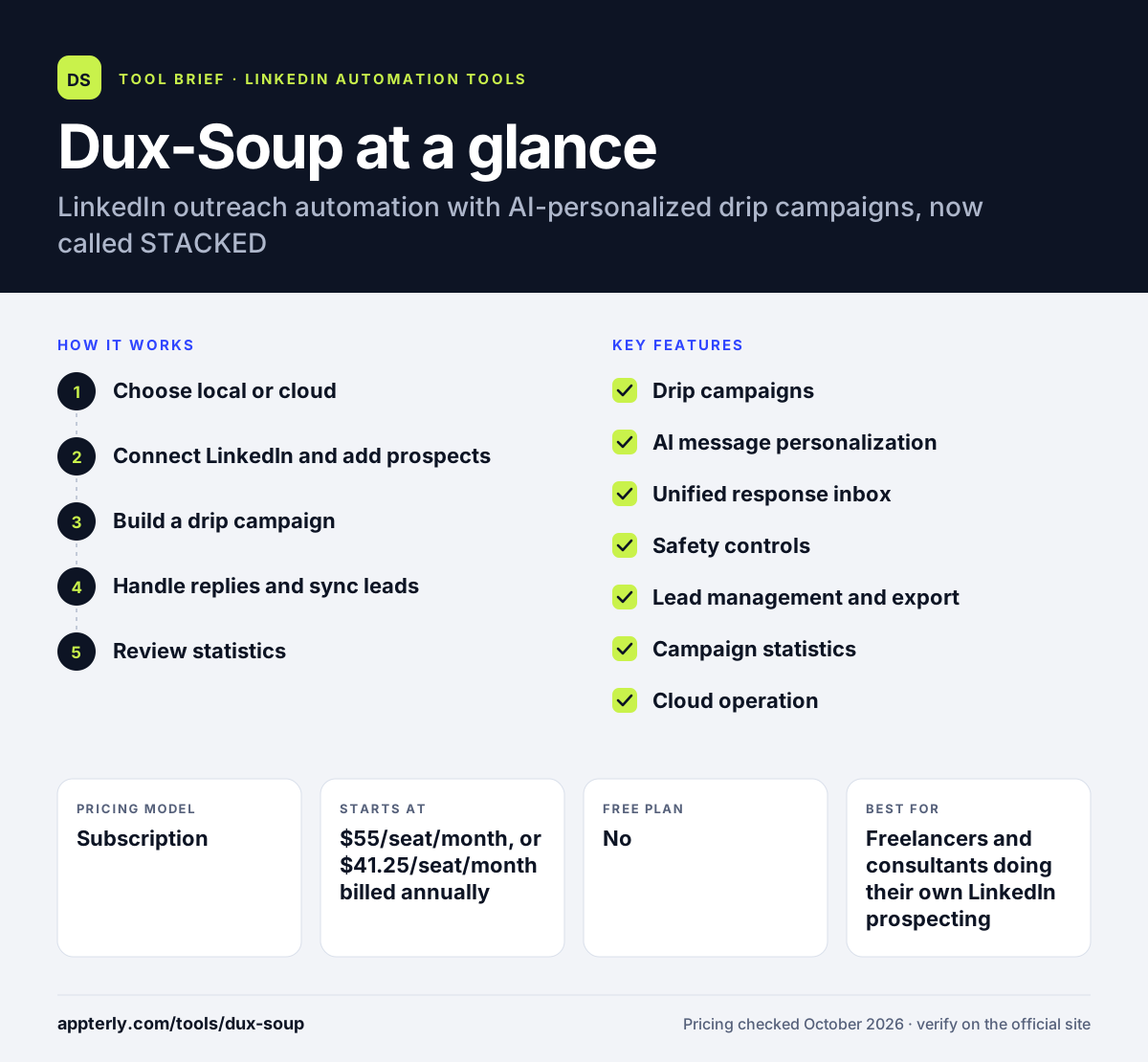
How does Dux-Soup work?
- Choose local or cloud
Install the STACKED desktop app on Mac or Windows, or use the cloud version so campaigns run without keeping a computer switched on.
- Connect LinkedIn and add prospects
Link your LinkedIn, Sales Navigator or Recruiter account and pull in the profiles you want to target.
- Build a drip campaign
Set up multi-step sequences of visits, connection requests and messages, with AI personalization for each lead.
- Handle replies and sync leads
Answer responses in a unified inbox and push contacts to your CRM or other tools through integrations.
- Review statistics
Campaign stats by message, step and audience show what is working so you can adjust.
Dux-Soup key features
Drip campaigns
Multi-step outreach sequences with unlimited concurrent campaigns on both local and cloud plans.
AI message personalization
AI tailors campaigns and messages to each prospect so outreach reads less like a template.
Unified response inbox
Replies from LinkedIn, Sales Navigator and Recruiter appear in one place.
Safety controls
Daily limits, speed throttling, auto-snooze and a daily planner help keep activity at a natural pace.
Lead management and export
A contact management tool plus contact export for moving leads into other systems.
Campaign statistics
Performance reports broken down by message, step and audience.
Cloud operation
The STACKED cloud plan runs campaigns continuously on managed infrastructure with added account security.
Why use Dux-Soup?
- The local plan is one of the lower-cost ways to run LinkedIn drip campaigns.
- You can choose between running on your own machine or in the cloud.
- A long list of native integrations covers popular CRMs and automation platforms.
- AI personalization saves time writing individual messages.
- Safety features help manage the risk of LinkedIn restrictions.
Who is Dux-Soup best for?
A good fit for
- Freelancers and consultants doing their own LinkedIn prospecting
- Sales teams that want CRM-connected LinkedIn outreach
- Agencies running campaigns for several clients
- Recruiters using LinkedIn Recruiter
Less suited to
- Users who want a browser extension, since the current product is a desktop or cloud app
- Teams that need a permanent free plan
- Companies wary of LinkedIn's restrictions on automation tools
Dux-Soup pricing
| Pricing model | Subscription |
|---|---|
| Free plan | No |
| Free trial | Free trial available (length not stated) |
| Starting price | $55/seat/month, or $41.25/seat/month billed annually |
STACKED local runs on your own Mac or Windows machine. STACKED cloud costs $99 per seat per month ($74.17 billed annually) and adds always-on operation and account management. Volume discounts are available.
Prices checked October 2026. Vendors change plans often, so confirm on the official Dux-Soup pricing page before you buy.
Dux-Soup pros and cons
Pros
- Affordable entry price for the local version
- Many native CRM and automation integrations
- Choice of local or cloud operation
- Unlimited concurrent campaigns on every plan
Cons
- The local plan needs your computer running for campaigns to work
- The cloud plan costs nearly twice as much as local
- Trial terms are not clearly stated on the pricing page
Dux-Soup integrations and platforms
Works with
Available on
Dux-Soup alternatives
See the full shortlist in Best LinkedIn Automation Tools.
Dux-Soup FAQ
Is Dux-Soup free?
Dux-Soup does not list a free plan. You can start a free trial from its website, though the trial length is not stated on the pricing page. Paid plans for STACKED local start at $55 per seat per month, or $41.25 per seat per month when billed annually. Volume discounts are available for larger teams.
What is the difference between STACKED local and STACKED cloud?
STACKED local is a desktop app for Mac or Windows that runs campaigns on your own computer, so the machine must be on. STACKED cloud runs on Dux-Soup's infrastructure, works continuously and adds security and account management. Local costs $55 per seat monthly, cloud $99. Both plans include unlimited concurrent campaigns and AI personalization.
Does Dux-Soup integrate with HubSpot and Salesforce?
Yes. Dux-Soup lists native integrations with HubSpot, Salesforce, Pipedrive, Freshsales, HighLevel and SharpSpring, along with Slack, Microsoft Teams, Zapier and Make. That lets you send LinkedIn lead data and activity straight into your CRM or automation workflows. Integrations are included in both the local and cloud versions of STACKED, so CRM-connected outreach does not require the more expensive plan.
Is Dux-Soup good for beginners?
Yes, for the most part. Dux-Soup handles the technical side of LinkedIn outreach and includes safety settings such as daily limits and throttling. Beginners should start with a small campaign and low volumes, write personal messages and learn how acceptance and reply rates respond before scaling up. The unified inbox also makes it easy to keep up with replies as volume grows.
Dux-Soup vs Waalaxy: what's the difference?
Dux-Soup sells desktop and cloud versions of its STACKED product with many native CRM integrations. Waalaxy is a cloud tool with a Chrome extension, a limited free Freemium version and plans that add email outreach at higher tiers. Waalaxy suits beginners, while Dux-Soup suits CRM-heavy teams.
Sources
This overview is based on Dux-Soup's official website and documentation, checked October 2026.