What is Dripify?
Dripify is a LinkedIn automation tool that lets sales teams build multi-step outreach sequences combining LinkedIn actions with email follow-ups. You set up a drip campaign once, add leads, and the tool sends connection requests, messages, InMails and profile views on a schedule. It also finds business email addresses, enriches lead data and gives you a single inbox for replies.
The product is aimed at people who prospect on LinkedIn every day, such as sales reps, founders, recruiters and lead generation agencies. A drag-and-drop builder handles conditions and delays, while step-level analytics show where a sequence is losing people. Team features let managers share templates, compare rep performance and stop two reps from contacting the same lead.
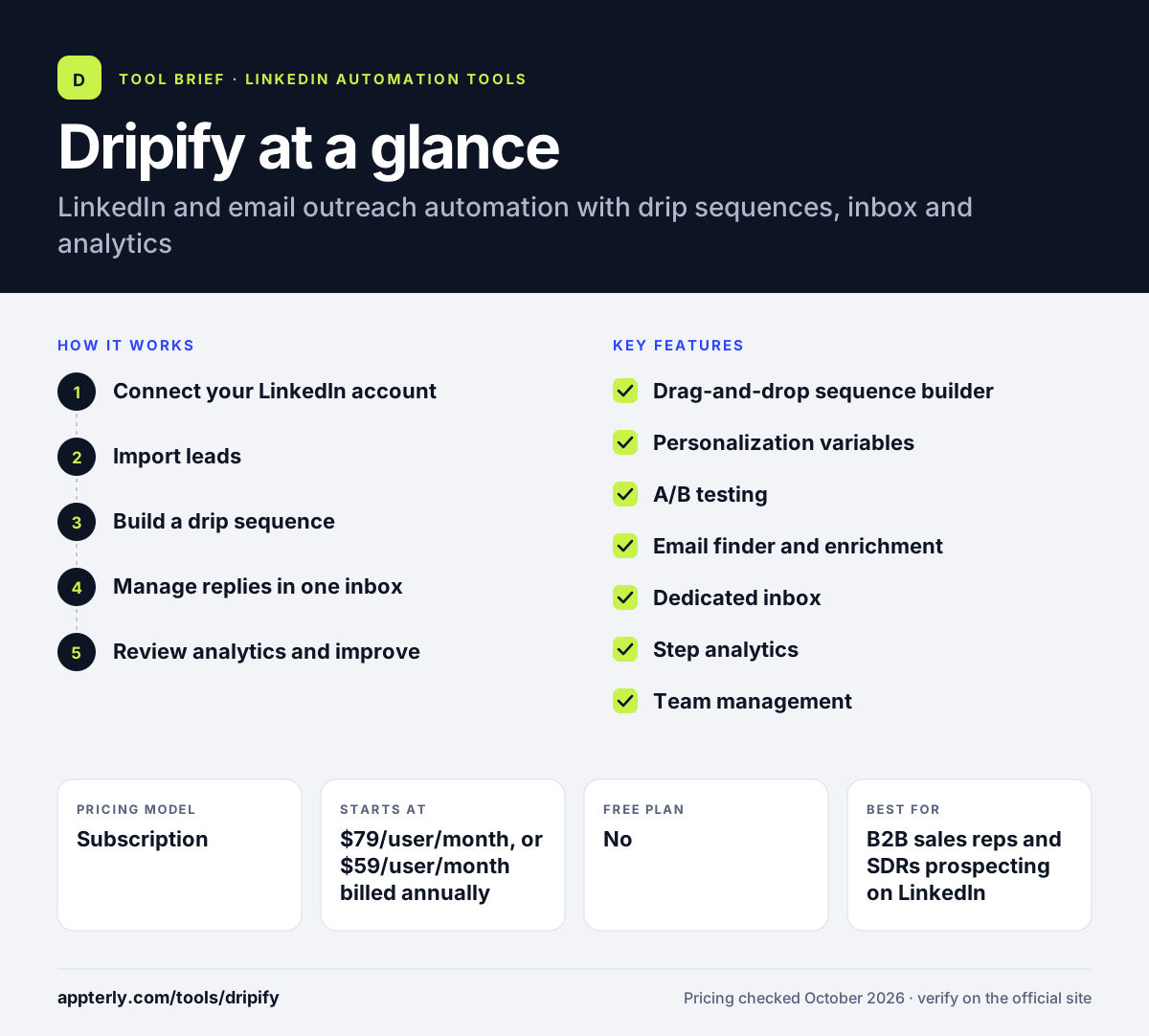
Dripify at a glance
How does Dripify work?
- Connect your LinkedIn account
You link your LinkedIn profile to Dripify, which then runs actions on your behalf within activity limits.
- Import leads
Pull prospects from LinkedIn searches, Sales Navigator, post engagement and other lead sources, or upload a list.
- Build a drip sequence
Use the drag-and-drop builder to chain LinkedIn and email steps with delays, conditions and personalized message variables.
- Manage replies in one inbox
Responses land in a dedicated inbox so you can answer leads without switching to LinkedIn.
- Review analytics and improve
Step analytics show acceptance and reply rates, and A/B tests let you keep the best-performing message.
Dripify key features
Drag-and-drop sequence builder
Combines more than 10 actions and conditions, including connection requests, messages, InMails, profile views and email steps.
Personalization variables
Over 20 variables, an AI icebreaker and fallback text help each message read like it was written for one person.
A/B testing
Test up to three message variants per step and keep the strongest one. Available on the Advanced plan.
Email finder and enrichment
Finds business emails, verifies them and enriches leads with company data. Each paid plan includes 100 finder credits a month.
Dedicated inbox
A central inbox for LinkedIn replies so conversations stay organized and nothing gets missed.
Step analytics
Shows delivery, acceptance and reply rates per action and flags weak steps along with the leads they affect.
Team management
Invite teammates, assign roles, share templates and prevent duplicate outreach to the same prospect.
Why use Dripify?
- It automates repetitive LinkedIn prospecting so reps spend more time in real conversations.
- Mixing LinkedIn and email in one sequence reaches prospects on more than one channel.
- Step analytics make it clear which message or action is hurting results.
- Built-in email finder credits reduce the need for a separate data tool.
- Open API, an MCP server and Zapier or Make support let you connect it to your existing stack.
Who is Dripify best for?
A good fit for
- B2B sales reps and SDRs prospecting on LinkedIn
- Founders running their own outbound
- Lead generation agencies managing outreach for clients
- Recruiters contacting candidates at volume
Less suited to
- Teams on a tight budget, since there is no free plan and pricing is per user
- Anyone uncomfortable with third-party automation on LinkedIn, which LinkedIn's terms restrict
- Companies that need native integrations with many CRMs beyond HubSpot
Dripify pricing
| Pricing model | Subscription |
|---|---|
| Free plan | No |
| Free trial | 7 days |
| Starting price | $79/user/month, or $59/user/month billed annually |
Pro covers unlimited campaigns, inbox, analytics and HubSpot sync. Advanced ($99/user/month, $79 annually) adds A/B testing, team management and lead tagging, while Enterprise is custom priced. Extra email finder credits are sold in packs.
Prices checked October 2026. Vendors change plans often, so confirm on the official Dripify pricing page before you buy.
Dripify pros and cons
Pros
- Visual builder that is easy to learn
- Combines LinkedIn and email outreach in one campaign
- Detailed per-step analytics and A/B testing
- Free trial without a credit card
Cons
- No free plan, and the trial lasts only seven days
- A/B testing and team features require the higher Advanced plan
- LinkedIn automation always carries some account restriction risk
Dripify integrations and platforms
Works with
Available on
Dripify alternatives
See the full shortlist in Best LinkedIn Automation Tools.
Dripify FAQ
Is Dripify free?
No. Dripify does not have a free plan. It offers a 7-day free trial with Advanced plan features and no credit card required. When the trial ends nothing is charged automatically; you pick a paid plan to continue or the account becomes inactive. Paid plans start at $79 per user per month.
What is Dripify used for?
Dripify is used to automate LinkedIn prospecting. Sales teams, recruiters and agencies use it to send connection requests, messages, InMails and email follow-ups in timed sequences, find business email addresses, manage replies in one inbox and track which steps of a campaign perform best.
Is Dripify safe to use with LinkedIn?
Dripify includes built-in LinkedIn protection and activity controls designed to keep actions within reasonable limits. Still, LinkedIn's user agreement restricts third-party automation, so any tool of this type carries some risk. Keep daily volumes modest and personalize your messages to reduce the chance of restrictions.
Dripify vs Expandi: what's the difference?
Both automate LinkedIn and email outreach with conditional sequences. Dripify uses per-user pricing with Pro and Advanced tiers and includes email finder credits. Expandi focuses on account safety with a dedicated country-based IP per account and offers an agency plan with white labeling. Choose based on team size and safety needs. Both offer free trials, so testing each is simple.
Does Dripify integrate with HubSpot?
Yes. HubSpot integration is included from the Pro plan. Dripify also connects with Zapier, Make and Google Sheets, and offers an open API, webhooks and an MCP server, so you can send lead data to other CRMs and tools that are not supported natively.
Sources
This overview is based on Dripify's official website and documentation, checked October 2026.