What is Crisp?
Crisp is a customer messaging platform that brings website live chat, email, WhatsApp, Messenger, Instagram and other channels into one shared inbox. Built in France by Crisp IM SAS, it is aimed at startups, SaaS companies and online stores that want an affordable all-in-one support tool. Pricing is per workspace rather than per agent, so small teams can add colleagues without paying for every seat.
Beyond chat, Crisp includes a built-in CRM, a knowledge base, workflow automation and analytics. Its no-code AI agent builder lets you train customer-facing agents on your website, PDFs and help articles, and AI writing tools help human agents reply faster. Native apps for iOS and Android, chat SDKs and an API let teams embed Crisp in mobile apps and connect it to other systems.
Crisp at a glance
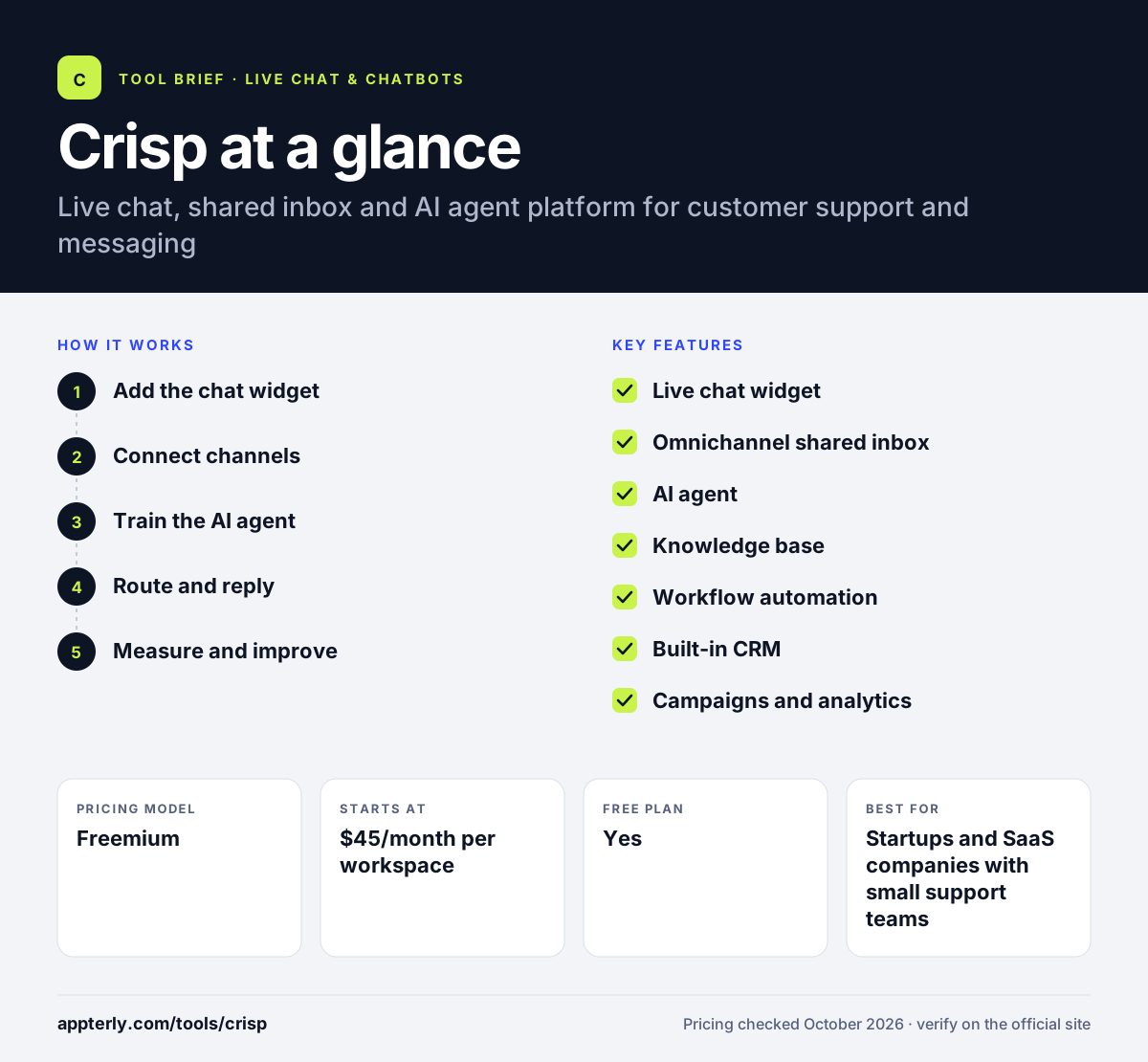
How does Crisp work?
- Add the chat widget
Install the Crisp widget on your site with a snippet or a plugin for WordPress, Shopify, WooCommerce or other platforms.
- Connect channels
Bring email, WhatsApp, Messenger, Instagram, Telegram and other channels into the shared inbox.
- Train the AI agent
Feed the AI agent your website, PDFs and knowledge base articles so it can answer common questions.
- Route and reply
Routing rules, shortcuts and AI reply suggestions help the team answer what the AI cannot.
- Measure and improve
Use analytics to track response times and volume, and update help articles based on common questions.
Crisp key features
Live chat widget
A customizable chat widget for websites and web apps, with SDKs for iOS, Android and React apps.
Omnichannel shared inbox
Messages from chat, email, WhatsApp, Messenger, Instagram and more land in one team inbox.
AI agent
A no-code builder for AI agents trained on your own content, using AI credits included in paid plans.
Knowledge base
Create a help center so customers can find answers without contacting support.
Workflow automation
No-code chatbot flows and task automations that route conversations and reduce manual work.
Built-in CRM
Customer profiles and contact data alongside each conversation.
Campaigns and analytics
Send marketing emails and in-app messages, and track team performance with reports.
Mobile apps for agents
Native iOS and Android apps let team members answer conversations and get push notifications away from their desks.
Why use Crisp?
- Per-workspace pricing is usually cheaper than per-agent tools for small teams, since seats come bundled with each plan.
- A free plan with two seats lets very small teams start at no cost.
- Many channels and a knowledge base sit in one tool.
- AI agents trained on your content can resolve routine questions automatically.
- Over 100 integrations on higher plans, including Shopify, WordPress, HubSpot and Slack.
Who is Crisp best for?
A good fit for
- Startups and SaaS companies with small support teams
- Shopify and WooCommerce stores
- European businesses that prefer a European vendor
- Teams that want chat, inbox and help center in one tool
Less suited to
- Large contact centers with complex enterprise ticketing needs
- Teams that need voice support built in
- Companies that want AI agents on the free plan
Crisp pricing
| Pricing model | Freemium |
|---|---|
| Free plan | Yes |
| Free trial | 14 days |
| Starting price | $45/month per workspace |
Plans are priced per workspace, not per agent. Mini includes 4 seats, Essentials 10 seats with the AI chatbot and knowledge base, and Plus 20 seats with ticketing and white labelling, with AI credits rising each tier.
Prices checked October 2026. Vendors change plans often, so confirm on the official Crisp pricing page before you buy.
Crisp pros and cons
Pros
- Affordable per-workspace pricing
- Useful free plan for tiny teams
- Wide channel coverage in one inbox
- No-code AI agent trained on your content
Cons
- Key features like the knowledge base, AI chatbot and routing rules start at the Essentials plan
- AI usage is limited by credits
- Fewer enterprise features than larger help desks
Crisp integrations and platforms
Works with
Available on
Crisp alternatives
See the full shortlist in Best Live Chat Software.
Crisp FAQ
Is Crisp free?
Yes. Crisp has a free-forever plan with two seats, a website chat widget, a shared inbox, mobile apps and basic ecommerce integrations. It does not include AI credits. Paid plans start at $45 per month per workspace, and every plan can be tried free for 14 days.
What is Crisp used for?
Crisp is used for customer support and messaging. Businesses add live chat to their website, handle email and social messages in a shared inbox, publish a knowledge base and deploy AI agents that answer routine questions. Some teams also use it to send marketing emails and in-app messages.
Crisp vs Intercom: what's the difference?
Both offer live chat, a shared inbox, a help center and AI agents. Crisp charges per workspace with a set number of seats, which usually makes it cheaper for small teams. Intercom charges per seat plus per AI outcome and offers more advanced enterprise features. Crisp fits startups, while Intercom fits larger support operations.
Does Crisp integrate with Shopify?
Yes. Crisp has a Shopify integration that adds live chat to your store and lets you support shoppers from the Crisp inbox, with an AI agent that can answer common questions. Crisp also supports WooCommerce, Magento and PrestaShop, so most ecommerce platforms can be connected without custom code.
Is Crisp good for beginners?
Yes. Crisp is quick to set up, with plugins for common site builders and a clean inbox that new support agents can learn quickly. The no-code AI agent builder and automation tools let non-technical teams add automation later, without writing code.
Sources
This overview is based on Crisp's official website and documentation, checked October 2026.