What is Warmbox?
Warmbox is an email warm-up tool that raises the sending reputation of an inbox so cold emails are more likely to land in the primary folder. It does this by sending realistic messages from your account to a private network of inboxes, which then open them, reply, mark them as important and pull them out of spam. Over time, mailbox providers see normal, positive activity and trust the sender more.
Warmbox is aimed at startups, sales teams and growth agencies that send outbound email at scale. It supports Gmail and Google Workspace, Outlook and Microsoft 365, Yahoo, Zoho and other providers, plus any inbox that connects over SMTP. Users can pick a warm-up pattern, track reputation on a dashboard, and run spam score and blacklist checks from the same account.
Warmbox at a glance
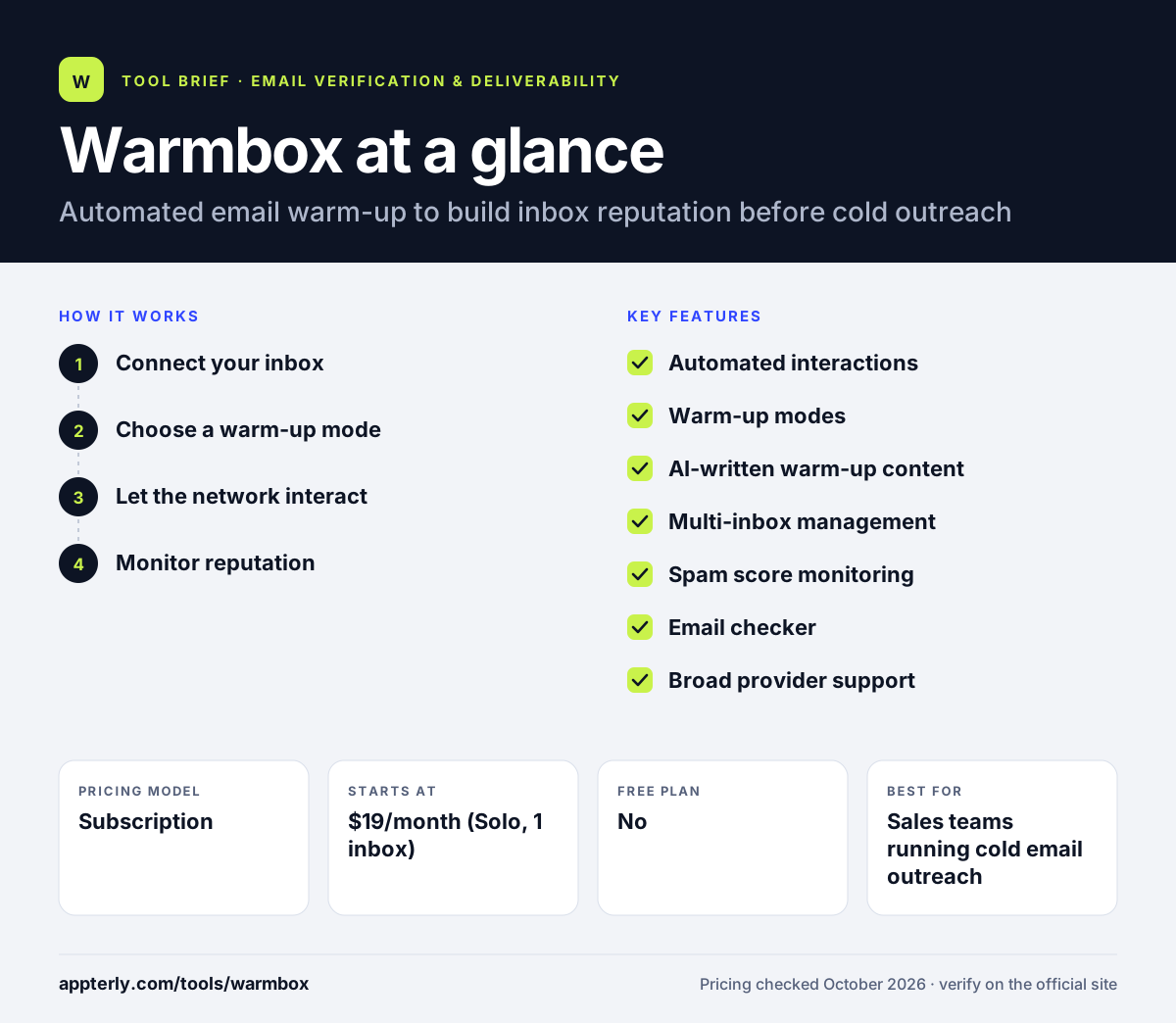
How does Warmbox work?
- Connect your inbox
Link a Gmail account through OAuth or add Outlook, Yahoo, Zoho or a custom SMTP inbox.
- Choose a warm-up mode
Select a growth, flat, random or custom schedule to control how daily volume changes.
- Let the network interact
Warmbox sends emails to its inbox network, which opens, replies to and rescues them from spam.
- Monitor reputation
Use reports, spam score checks and blacklist monitoring to see when the inbox is ready for campaigns.
Warmbox key features
Automated interactions
Network inboxes open, reply to, favorite and unflag your warm-up emails.
Warm-up modes
Growth, flat, random and fully custom schedules control sending patterns.
AI-written warm-up content
Messages are generated to look like normal conversations rather than templates.
Multi-inbox management
Agencies and teams can warm several inboxes and add team members.
Spam score monitoring
Tracks how your inbox is treated by providers over time.
Email checker
Checks DNS records and blacklist status for your sending domain.
Broad provider support
Works with major mailbox providers and sending services such as SendGrid, Mailgun and Amazon SES.
Why use Warmbox?
- Prepare new domains and inboxes before starting cold email campaigns.
- Recover a damaged sender reputation with steady, positive activity.
- Keep warm-up running in the background while campaigns are live.
- Spot DNS or blacklist problems before they hurt deliverability.
- Manage warm-up for several inboxes from one dashboard.
Who is Warmbox best for?
A good fit for
- Sales teams running cold email outreach
- Lead generation and growth agencies managing many inboxes
- Startups launching new sending domains
- Freelancers who send outbound pitches
Less suited to
- Businesses that only send to opted-in newsletter subscribers
- Teams wanting list verification or campaign sending in the same tool
Warmbox pricing
| Pricing model | Subscription |
|---|---|
| Free plan | No |
| Free trial | Not confirmed |
| Starting price | $19/month (Solo, 1 inbox) |
Plans scale by number of inboxes and daily warm-up emails, from Solo (1 inbox) to Start-up (3) and Growth (6), with a lower rate shown for longer billing. A custom Team plan is quoted through sales chat.
Prices checked October 2026. Vendors change plans often, so confirm on the official Warmbox pricing page before you buy.
Warmbox pros and cons
Pros
- Simple setup with no technical skills needed
- Flexible warm-up schedules
- Supports most major mailbox providers and SMTP
- Built-in DNS and blacklist checks
Cons
- Only handles warm-up, not verification or campaign sending
- Higher plans get expensive for agencies with many inboxes
- Company details are not published on the main site
Warmbox integrations and platforms
Works with
Available on
Warmbox alternatives
See the full shortlist in Best Email Verification Tools.
Warmbox FAQ
Is Warmbox free?
Warmbox does not show a free plan on its pricing page. Paid plans start with the Solo plan at $19 per month for one inbox, and larger plans cover three or six inboxes with higher daily warm-up volumes. A custom Team plan is available for agencies and larger senders who need more inboxes.
What is Warmbox used for?
Warmbox is used to warm up email inboxes before and during cold outreach. It sends realistic emails to a network of inboxes that open, reply to and rescue them from spam, which signals to providers that the sender is trustworthy. This helps new domains and inboxes reach the primary folder instead of spam.
How long does email warm-up take with Warmbox?
Warm-up time depends on the age of the domain, its past sending history and the schedule you choose. New inboxes generally need a few weeks of gradual, steady activity before running full campaigns. Warmbox shows reputation and spam score reports so you can decide when an inbox is ready rather than guessing.
Warmbox vs lemwarm: what's the difference?
Warmbox is a standalone warm-up tool that works with many providers and sending services. Lemwarm is the warm-up feature from lemlist, the cold email platform, and is often used together with lemlist campaigns. Choose Warmbox if you want warm-up separate from your sending tool, and lemwarm if you already run outreach in lemlist.
Does Warmbox work with Gmail and Outlook?
Yes. Warmbox connects to Gmail and Google Workspace through OAuth and also supports Outlook and Microsoft 365. It works with Yahoo, Zoho, iCloud and other providers too, and any inbox that supports SMTP can be added. Sending services such as SendGrid, Mailgun and Amazon SES are also listed as supported.
Sources
This overview is based on Warmbox's official website and documentation, checked October 2026.