What is Emailable?
Emailable is an email verification service that checks whether addresses are real and safe to send to before a campaign goes out. It runs syntax, domain, MX record and SMTP checks, then flags risky types such as disposable, role-based, accept-all and full-mailbox addresses. Each address also gets a quality score from 0 to 100, which helps marketers decide what to keep and what to remove.
Emailable works in three main ways: bulk list uploads in the web app, a real-time API for developers, and an embeddable widget that validates emails on HTML forms. It also offers deliverability monitoring, including inbox placement and blacklist checks, plus data enrichment like name and misspelled-domain corrections. The company is SOC 2 Type II certified and GDPR compliant and connects with more than 50 apps.
Emailable at a glance
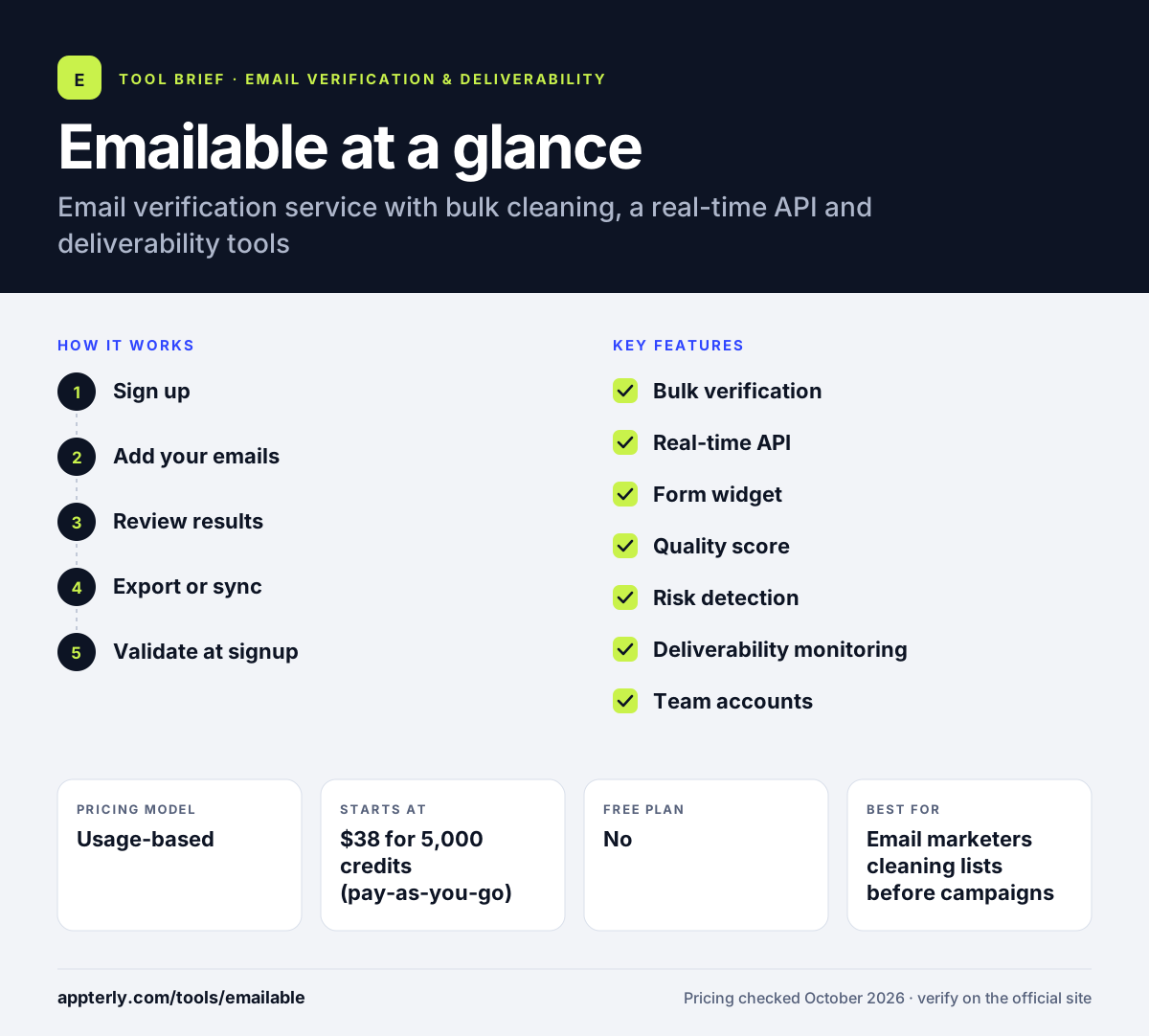
How does Emailable work?
- Sign up
Create an account and use the free starter credits to test the service.
- Add your emails
Upload a list, import from a connected platform such as Mailchimp or HubSpot, or send addresses through the API.
- Review results
Each address is labeled and scored, with flags for disposable, role-based and accept-all emails.
- Export or sync
Download a custom export or push clean results back to your email platform.
- Validate at signup
Add the widget or API to your forms so new addresses are checked in real time.
Emailable key features
Bulk verification
Clean whole lists with deduplication and customizable exports and reports.
Real-time API
An HTTP API with client libraries for Node.js, Ruby and Python.
Form widget
Embeddable validation for any HTML form to stop bad addresses at entry.
Quality score
A 0 to 100 score per address to help judge risky results.
Risk detection
Flags disposable, accept-all, role-based, free, no-reply and full-mailbox addresses.
Deliverability monitoring
Inbox placement tests, blacklist monitoring and SPF, DKIM and DMARC error detection.
Team accounts
Multiple users, permissions and unlimited API keys for larger teams.
Why use Emailable?
- Removing bad addresses reduces bounces and protects sender reputation.
- The quality score makes it easier to handle risky and accept-all results.
- Credits never expire and there are no long-term contracts.
- SOC 2 Type II and GDPR compliance help with security reviews.
- Direct integrations with platforms like Mailchimp and HubSpot save manual imports.
Who is Emailable best for?
A good fit for
- Email marketers cleaning lists before campaigns
- Developers adding real-time validation to signup forms
- Businesses with security or compliance requirements
- Agencies cleaning lists for several clients
Less suited to
- Teams that want an email finder or prospecting database
- Users looking for a tool that sends campaigns
- Very small senders who rarely verify addresses
Emailable pricing
| Pricing model | Usage-based |
|---|---|
| Free plan | No |
| Free trial | 250 free credits |
| Starting price | $38 for 5,000 credits (pay-as-you-go) |
Credits are sold in packs from 5,000 to 1 million, and the per-credit price falls at higher volumes. A monthly subscription option saves 15%, and credits never expire.
Prices checked October 2026. Vendors change plans often, so confirm on the official Emailable pricing page before you buy.
Emailable pros and cons
Pros
- Per-address quality score and detailed risk flags
- Real-time API, client libraries and form widget
- SOC 2 Type II certified and GDPR compliant
- Credits never expire
Cons
- No ongoing free plan beyond starter credits
- No email finder for prospecting
- Smallest paid pack is larger than some competitors offer
Emailable integrations and platforms
Works with
Available on
Emailable alternatives
See the full shortlist in Best Email Verification Tools.
Emailable FAQ
Is Emailable free?
Emailable gives every new account 250 free credits, which lets you verify a small list or test the API at no cost. Beyond that, it is paid. Pay-as-you-go packs start at $38 for 5,000 credits, and a subscription option saves 15%. Credits never expire, and there are no long-term contracts.
What is Emailable used for?
Emailable is used to verify email addresses before sending campaigns or accepting signups. Marketers clean lists to cut bounces, developers validate emails in real time through the API or form widget, and teams use its monitoring to track inbox placement and blacklists. It helps protect sender reputation.
Emailable vs ZeroBounce: what's the difference?
Emailable and ZeroBounce both verify emails in bulk and by API. Emailable highlights a simple interface, a 0 to 100 quality score, SOC 2 Type II certification and credits that never expire. ZeroBounce bundles more extras such as activity data and its own sending tools. Compare per-credit pricing at your list size.
Does Emailable integrate with Mailchimp?
Yes. Emailable integrates with Mailchimp, along with HubSpot, ActiveCampaign, Brevo, Salesforce and more than 50 other apps. You can import a list from a connected platform, verify it and send the clean results back without downloading and uploading files manually.
Does Emailable have an API?
Yes. Emailable offers an HTTP API for real-time and batch verification, with client libraries for Node.js, Ruby and Python. You can create unlimited API keys and use an embeddable widget to validate emails on any HTML form. API use draws from the same credit balance as bulk verification.
Sources
This overview is based on Emailable's official website and documentation, checked October 2026.