What is VistaCreate?
VistaCreate is an online graphic design tool that helps small businesses create social media posts, ads, print materials and short animations from ready-made templates. It launched in 2016 as Crello, built by the Depositphotos team, and took its current name after Vistaprint bought the company. It is now part of Vista, the small business brand that also includes Vistaprint.
The free Starter plan includes about 100,000 templates, a brand kit and AI tools such as a design generator, image generator, background remover and AI Writer. The Pro plan opens up more than 200,000 templates, a library of over 170 million photos, videos and vectors, unlimited brand kits and storage, and social media scheduling for up to 10 seats.
VistaCreate at a glance
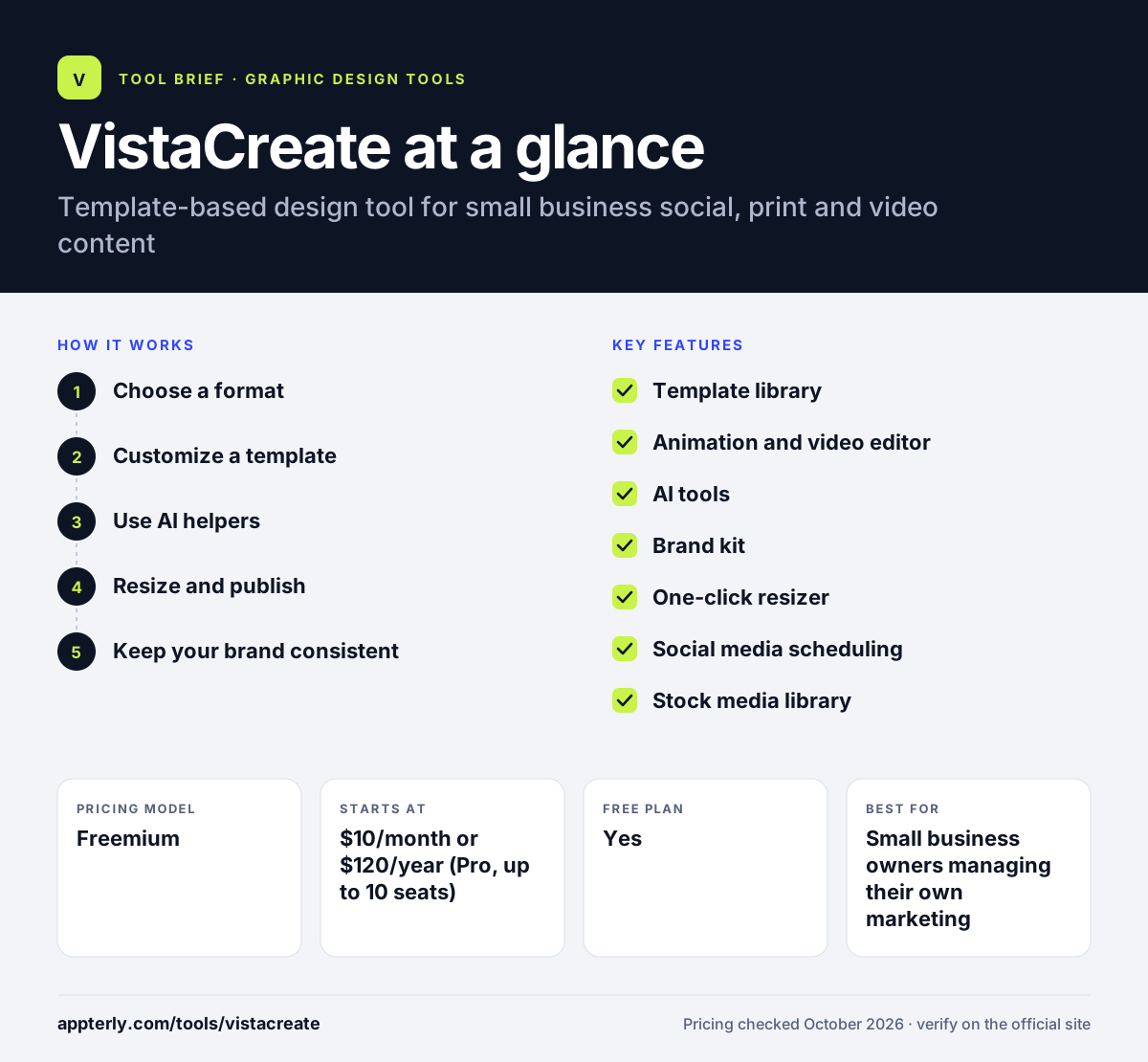
How does VistaCreate work?
- Choose a format
Pick a social post, ad, flyer, business card, video or other format, or start from a photo or idea.
- Customize a template
Swap in text, images and brand colors, and add animations, stickers or video.
- Use AI helpers
Generate images or designs, write copy with AI Writer and remove backgrounds or objects.
- Resize and publish
Resize the design for other channels in one click, download it or schedule it to social media on Pro.
- Keep your brand consistent
Save colors, fonts and logos in a brand kit so every new design starts on brand, and reuse past designs through version history.
VistaCreate key features
Template library
Hundreds of thousands of templates for social, print, ads and online formats.
Animation and video editor
Add animated effects, edit short videos and resize video for different platforms.
AI tools
Design Generator, AI image generator, AI Writer, background remover and object remover.
Brand kit
Save brand colors, fonts and logos; Pro allows unlimited brand kits.
One-click resizer
Turn one design into versions for other channels and sizes.
Social media scheduling
Plan and publish posts to social channels on the Pro plan.
Stock media library
Access millions of photos, videos and vectors, with the largest set on Pro.
Design Assistant and photo tools
Get design help inside the editor and use stickers, photo grids, image converters and a QR code generator.
Why use VistaCreate?
- Generous free plan with AI tools and a brand kit.
- Pro covers up to 10 seats for one price.
- Animated templates help social content stand out.
- Backed by Vista, with ties to print services.
- Mobile apps let you design on the go.
- Templates are sized for marketplaces and channels such as Instagram, Facebook, Etsy, Amazon and Pinterest.
Who is VistaCreate best for?
A good fit for
- Small business owners managing their own marketing
- Social media managers creating animated posts
- Small teams that want shared design access on one plan
- Online sellers making listing and ad images
- Nonprofits and education groups through access programs
Less suited to
- Professional designers who need advanced editing tools
- Large enterprises needing SSO and admin controls
- Teams needing many third-party integrations
VistaCreate pricing
| Pricing model | Freemium |
|---|---|
| Free plan | Yes |
| Free trial | 14 days (Pro) |
| Starting price | $10/month or $120/year (Pro, up to 10 seats) |
Starter is free for one seat. Pro adds more templates and stock media, unlimited brand kits and storage, social scheduling and up to 10 seats.
Prices checked October 2026. Vendors change plans often, so confirm on the official VistaCreate pricing page before you buy.
VistaCreate pros and cons
Pros
- Strong free plan
- Pro price covers up to 10 seats
- Good animated and video templates
- Mobile apps for iOS and Android
Cons
- Fewer integrations than larger design platforms
- Advanced design control is limited
- Pricing page shows no clear saving on annual billing
VistaCreate integrations and platforms
Available on
VistaCreate alternatives
See the full shortlist in Best Graphic Design Tools for Marketers.
VistaCreate FAQ
Is VistaCreate free?
Yes. VistaCreate has a free Starter plan for one seat with about 100,000 templates, a million stock assets, a brand kit, 10GB of storage and AI tools. Pro costs $10 a month or $120 a year, covers up to 10 seats and comes with a 14-day free trial.
Is VistaCreate the same as Crello?
Yes. VistaCreate was originally called Crello and was developed by the Depositphotos team. After Vistaprint acquired Depositphotos and Crello in 2021, the product was renamed VistaCreate and became part of the Vista brand for small businesses.
What is VistaCreate used for?
VistaCreate is used to design social media posts, ads, flyers, business cards, invitations, presentations and short animated videos. Small businesses use VistaCreate to produce marketing content from templates, keep it on brand and schedule posts to social media.
VistaCreate vs Canva: what's the difference?
Both are template-based design tools. Canva has a larger ecosystem, more apps and more integrations. VistaCreate offers a strong free plan, animated templates and a Pro plan that covers up to 10 seats for one flat price, which can make it cheaper for small teams.
Does VistaCreate have a mobile app?
Yes. VistaCreate offers apps for iOS and Android in addition to the browser editor, so you can create and edit designs on a phone or tablet. There is also an API suite for developers who want to add VistaCreate features to their own products.
Sources
This overview is based on VistaCreate's official website and documentation, checked October 2026.