What is Desygner?
Desygner is a browser-based design suite that lets non-designers create social posts, flyers, business cards, presentations and other graphics from ready-made templates. It also covers PDF editing and signing, simple photo edits and print ordering in one account. The company is now part of Automo, and the website shows the product under the name automo designer.
The platform is aimed at small businesses, teams and educators who need on-brand visuals without hiring a designer. Paid plans add unlimited projects, more AI credits, pooled storage, automation and API access. Teams can store logos, colors and fonts in a brand kit, and designs can be imported from tools such as Canva, Adobe, Figma, Microsoft and Google.
Desygner at a glance
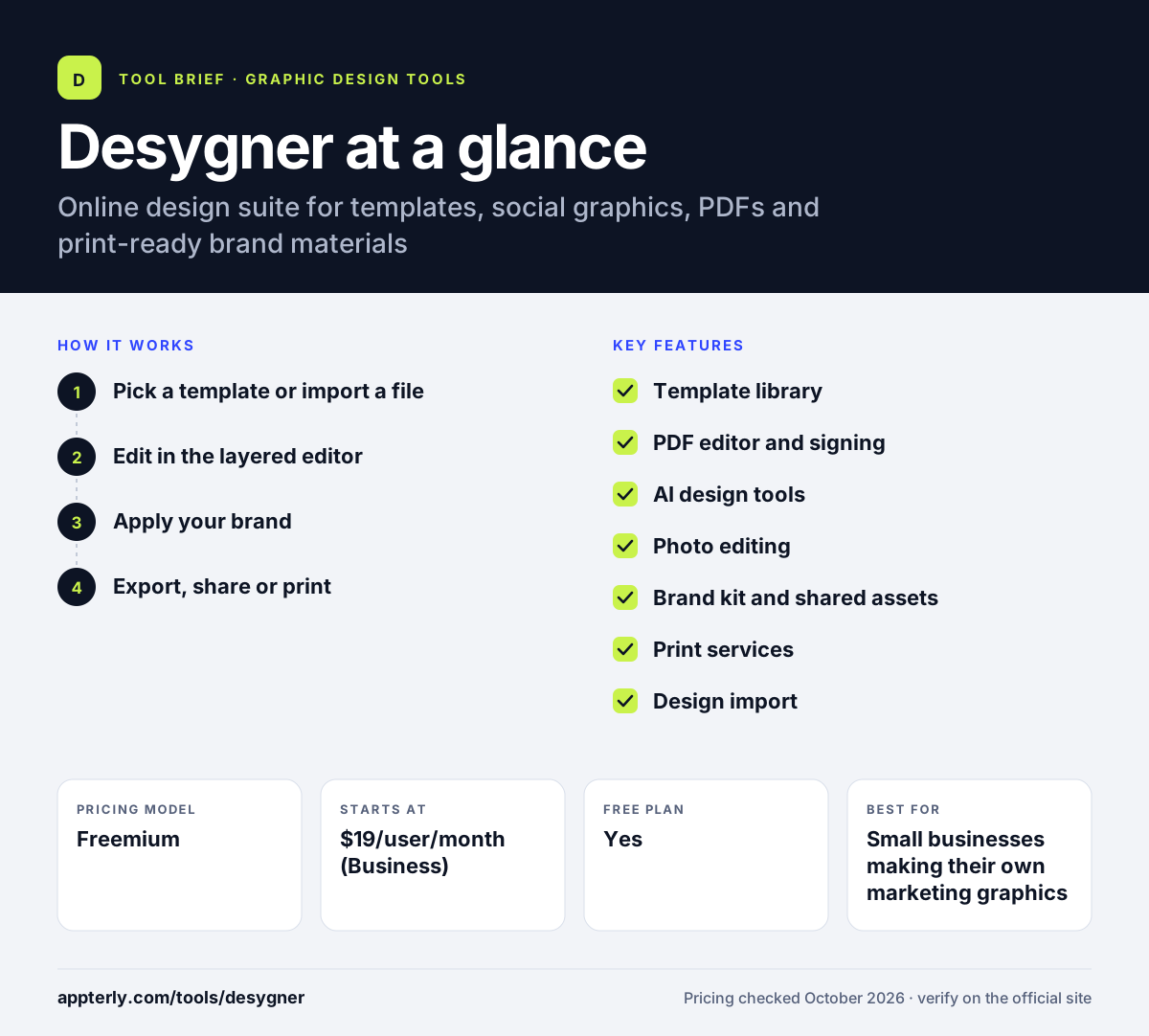
How does Desygner work?
- Pick a template or import a file
Start from a template for a post, flyer or card, or bring in an existing PDF or design from another tool.
- Edit in the layered editor
Change text, shapes, photos and pages, remove backgrounds and resize images.
- Apply your brand
Pull logos, fonts and colors from a shared brand kit so team members stay consistent.
- Export, share or print
Download as PNG, JPG or PDF, sign and share PDFs, or order printed products from inside the app.
Desygner key features
Template library
A large set of templates for social media, business cards, flyers, logos, invitations and documents.
PDF editor and signing
Edit existing PDFs, add signatures and handle common PDF tasks without a separate tool.
AI design tools
AI features for images, text and logo ideas that run on monthly AI credits.
Photo editing
Background removal, image resizing and access to royalty-free images.
Brand kit and shared assets
Store brand colors, fonts and logos in a library the whole team can use.
Print services
Order business cards, posters, flyers, menus and other printed items directly from a design.
Design import
Import files from Canva, Adobe, Figma, Microsoft and Google to keep working on them in Desygner.
Why use Desygner?
- Covers graphics, PDFs and print orders in a single tool.
- A free plan with no credit card lets small teams start without cost.
- The Team 100 plan uses flat pricing instead of per-seat billing.
- Brand kits help keep non-designers on brand.
- Free premium access is offered to verified educators and nonprofits.
Who is Desygner best for?
A good fit for
- Small businesses making their own marketing graphics
- Teams that need shared brand assets and templates
- Schools and educators
- Nonprofits on a tight budget
Less suited to
- Professional designers who need advanced vector or UI tools
- Users who want clear company and product naming, since the brand is mid-transition
Desygner pricing
| Pricing model | Freemium |
|---|---|
| Free plan | Yes |
| Free trial | Not confirmed |
| Starting price | $19/user/month (Business) |
Free includes 3 users, 100 projects and 20 AI credits a month. Business adds all apps, unlimited projects and 100 AI credits per user, Team 100 costs $333/month flat for up to 100 users, and annual billing saves 20%.
Prices checked October 2026. Vendors change plans often, so confirm on the official Desygner pricing page before you buy.
Desygner pros and cons
Pros
- Broad scope: design, PDFs and print in one place
- Usable free plan for small teams
- Flat-rate option for larger teams
- Free access for verified educators and nonprofits
Cons
- Naming is confusing during the move to the Automo brand
- AI features are limited by monthly credits
- Less depth than dedicated professional design software
Desygner integrations and platforms
Available on
Desygner alternatives
See the full shortlist in Best Graphic Design Tools for Marketers.
Desygner FAQ
Is Desygner free?
Yes. Desygner has a free plan that needs no credit card. It includes three core apps, a large template library, up to three users, up to 100 projects, 20 AI credits a month and 5GB of pooled storage. Paid plans start at $19 per user per month for Business, with a 20% discount on annual billing.
What is Desygner used for?
Desygner is used to create marketing graphics such as social posts, flyers, business cards, invitations and presentations from templates. People also use it to edit and sign PDFs, remove image backgrounds, keep brand assets in one place and order printed products directly from their designs.
Is Desygner the same as automo designer?
Yes, it appears to be the same product. The desygner.com website now brands the tool as automo designer, and the Desygner mobile app notes that Desygner is now part of Automo. Existing users reach the same templates, editor and plans through desygner.com.
Desygner vs Canva: what's the difference?
Both are template-based design tools for non-designers. Canva is the larger, more widely used platform with a bigger ecosystem. Desygner stands out with built-in PDF editing and signing, a flat-rate plan for up to 100 users and the ability to import designs from Canva, Adobe and other tools.
Is Desygner good for beginners?
Yes. Desygner is built for people without design training. You start from a template, swap in your text and images and export. Features such as one-click background removal and brand kits keep the learning curve short, though advanced designers may find the editor limited.
Sources
This overview is based on Desygner's official website and documentation, checked October 2026.